
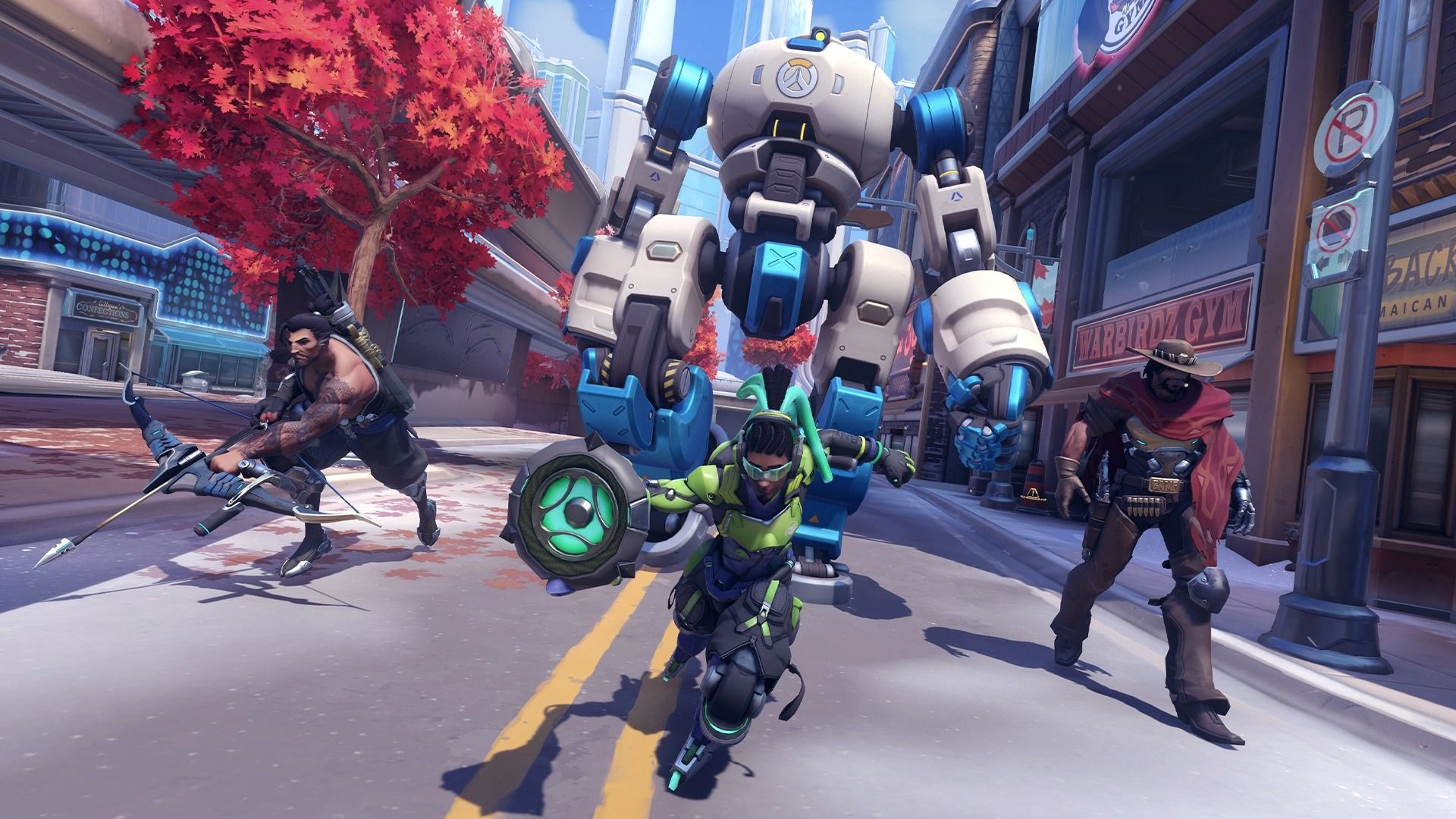

Overwatch 2 Push is a brand new PvP mode, in which players compete to control a giant robot that pushes two walls around the map. Let’s learn how to play Overwatch 2 Push mode and discuss some strategies. But there’s a lot more to it than that, and hopefully this tutorial will get you ready for its release.
How to play Overwatch 2 Push?
For the time being, only two maps are included into Overwatch 2 Push mode: New Queen Street and Colosseo. On both maps, each team will begin with an equivalent distance from the T.W.O. (that robot we are talking about), on either side of the map.
Drive to the next T.W.O checkpoint and continue through the gates, which immediately unlock after 30 seconds just like regular Control points do, giving players enough time to reach his position on the map before things start to get out of hand. The real adventure begins as teams begin to clash.
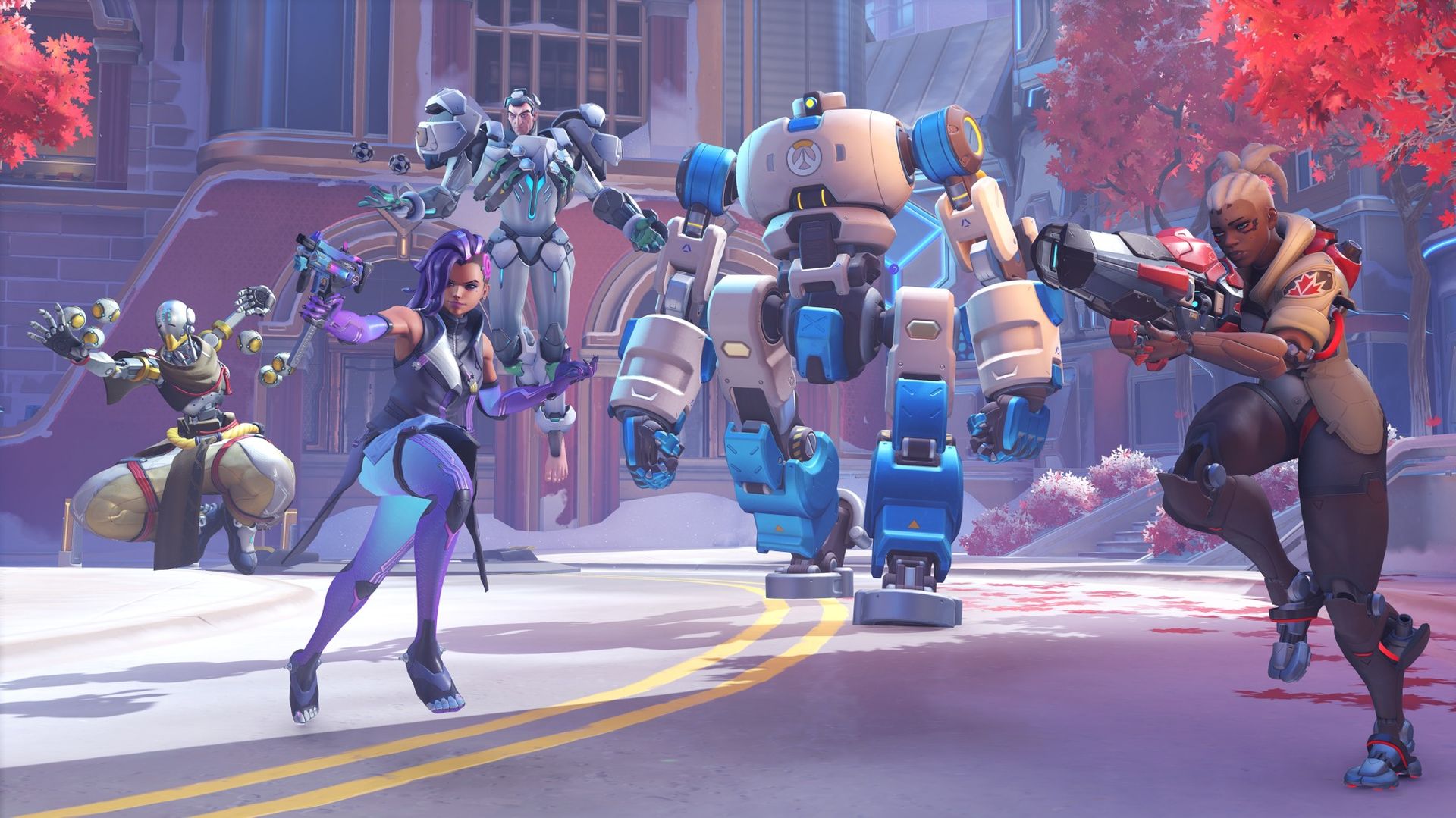
When the Push bot has been unlocked, one team must eliminate all of their opponents before the robot advances toward the opposing team’s spawn. T.W.O.’s ultimate objective—and game victory condition—is to leave the other team farther from the middle starting position.
The objective of a player is to get the robot to the first check point, but most players’ primary aim should be to reach it. The start point and enemy spawn are about midway between each team’s checkpoint. When T.W.O. clears this checkpoint, the pushing team receives a forward spawn that makes attacking easier than ever before. When T.W .O crosses back over the initial middle area, not when the bot re-crosses the border.
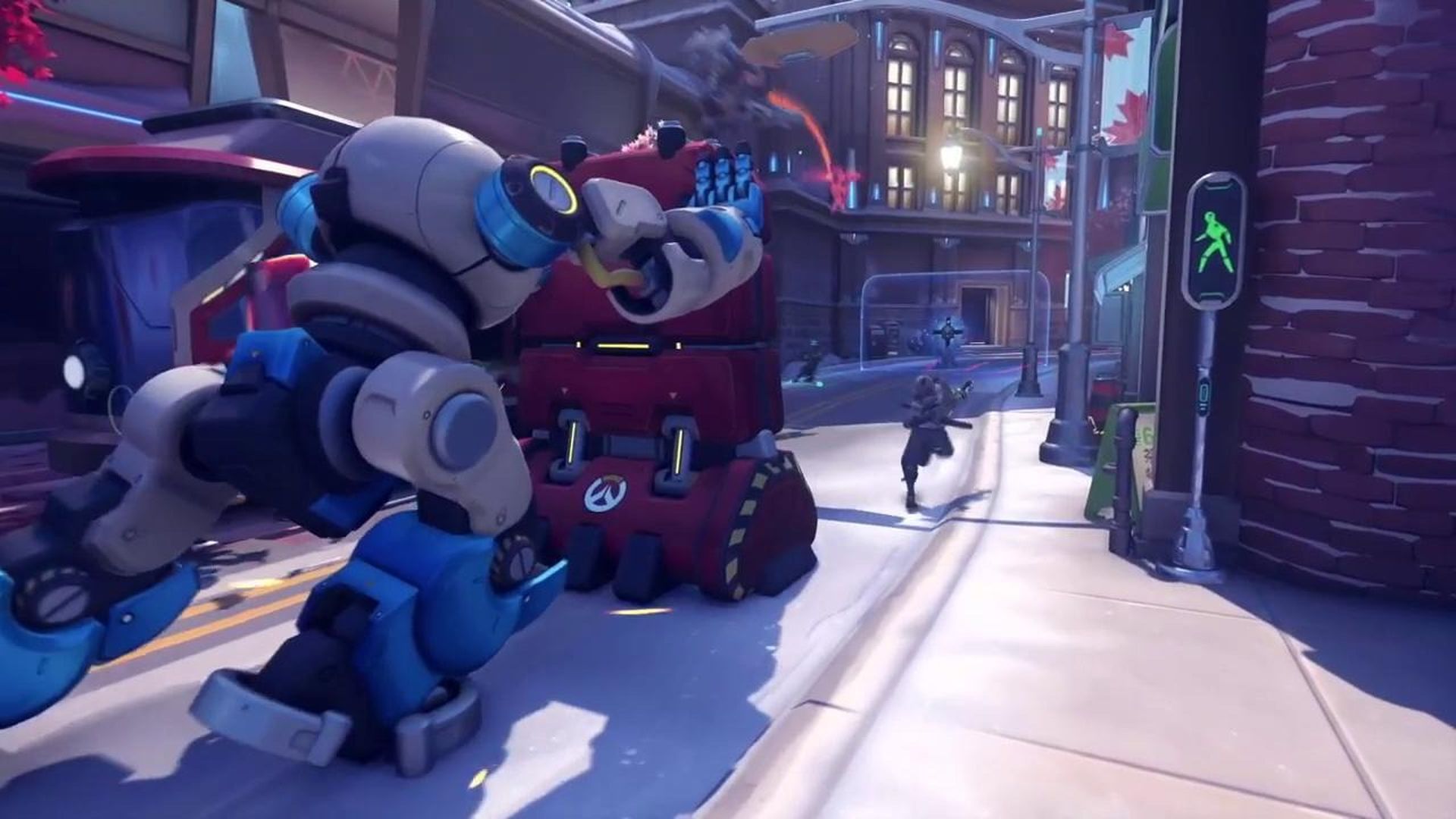
When the Push robot is taken over by the enemy team, it will start to move in the other direction. When moving toward the last place where the team stopped pushing, T.W.O. is quick, but when making “new” progress for either team, he returns to his normal sluggish pace. Take pleasure in T.W.O.’s fantastic voice lines as they urge both teams to keep the game active.
A round lasts until one team scores T.W.O. all the way to the opponent’s spawn, which ends the game immediately. It will also be finished when time runs out. When that happens, the team that has pushed T.W.O. the furthest (measured in meters, like other modes) is declared the winner. Overtime operates in a similar way.
Overwatch 2 Push: Strategy
Push is a variant of Escort that’s more rapid-paced and complex, focusing on creative or high-level plays. The best approach in Push isn’t to have every player stack the payload, as opposed to the base game’s optimal strategy.
Both New Queen Street and Colosseo are designed to encourage flanking and surprise assaults from all directions. Players no longer fight on a map like King’s Row, which only has a few locations where ambushes or defenses may be set up. Shops, ruins, and multiple vertical levels add to both maps’ complexity while enticing gamers to spread out and take area.
The Push bot’s pushing power might be sufficient to carry all the players, but if everyone jumps on board, the team will be missing out on key chances to flank or rain down firepower from above. To urge movement, one to two individuals may stay behind T.W.O., but the remainder of the team should be taking space and engaging in fights further ahead. Take advantage of certain heroes’ heightened mobility, such as Sojourn or D.Va, to bounce back and forth between the payload and the thrill of combat.
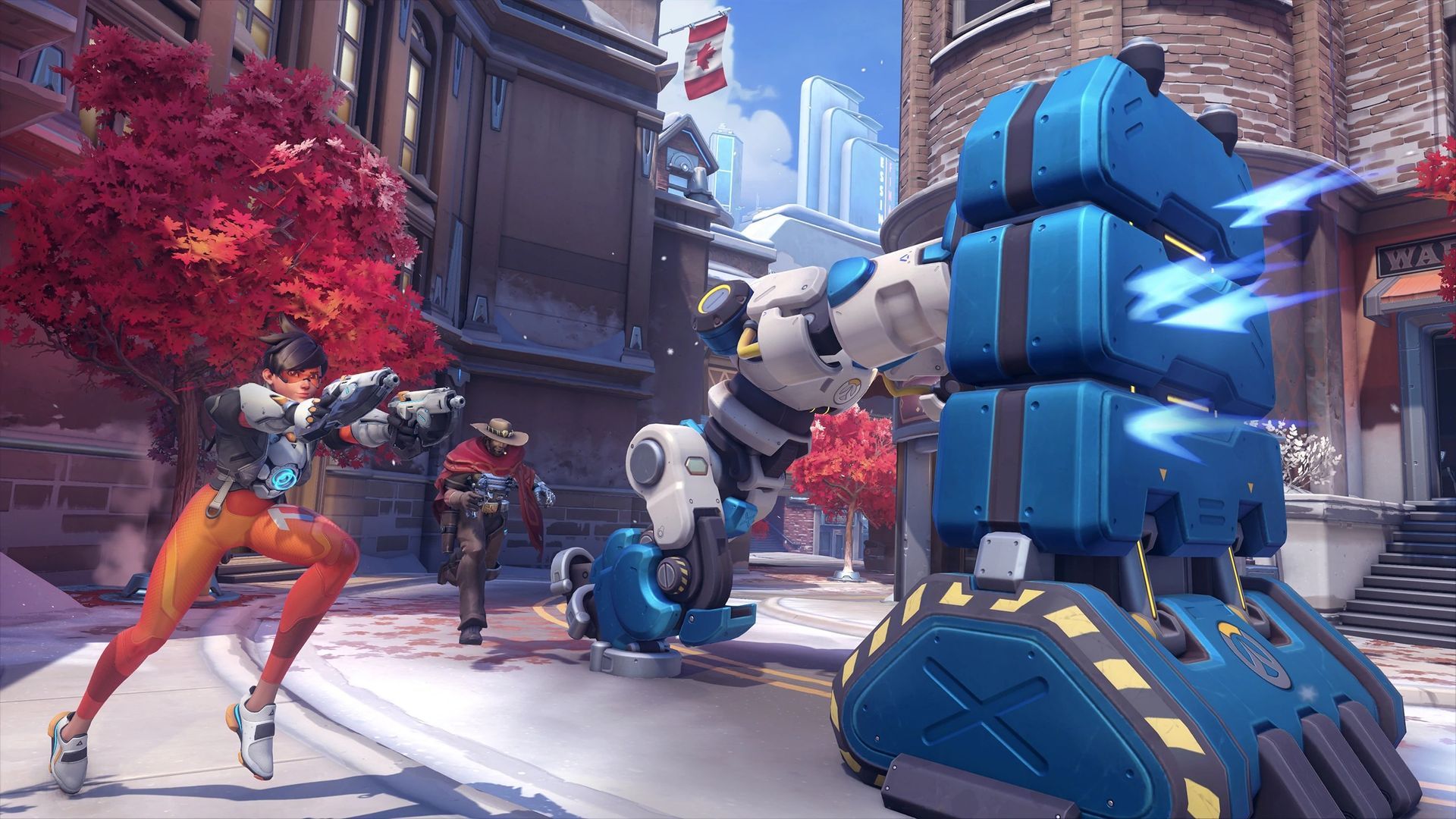
It may appear to be in your best interests to push as far as possible at any cost, so keep in mind how important a forward spawn is for this mode. Taking that initial checkpoint—and holding the spawn—is absolutely essential to victory. Above all else, enjoy the fast-paced action of Push and be thankful that 30-minute Assault maps are no longer required.
If you want to learn more about Overwatch 2: PvE modes visit our guide. If you don’t know how to sign up for Overwatch 2 Beta testing we’ve got you covered.
Push appears to be a mode that emphasizes mobility and the ability of a team to move as one. On the one hand, a team must have enough power to stay on their objective in order to make solid progress. Because the goal is changing and there will most likely be recurring battle zones throughout the map, a mobile, possibly even dive composition will assist teams in adjusting and gaining an advantage wherever they are on the map.
Regardless, Overwatch 2 Push mode appears to be a fun and exciting way to play the game. Did you know that Overwatch 2 Orisa rework is now official? Plus the game’s announced that the new Overwatch 2 hero Sojourn is revealed.


