
TechBriefly
  • Tech
  • Business
  • Crypto
  • Science
  • Geek
  • How to
  • About
    • About TechBriefly
    • Terms and Conditions
    • Privacy Policy
    • Contact Us
    • Languages
      • 中文 (Chinese)
      • Dansk
      • Deutsch
      • Español
      • English
      • Français
      • Nederlands
      • Italiano
      • 日本语 (Japanese)
      • 한국인 (Korean)
      • Norsk
      • Polski
      • Português
      • Pусский (Russian)
      • Suomalainen
      • Svenska
No Result
View All Result
TechBriefly
Home How to
What is a Finsta and how to create a Finsta account?

What is a Finsta and how to create a Finsta account?

Today we are going to explain what a Finsta is and show you how to create a Finsta profile in our step by step guide.

Kerem GülenbyKerem Gülen
10 December 2021
in How to
Reading Time: 2 mins read
Share on FacebookShare on Twitter

Finsta stands for Fake Instagram. It’s an Instagram account that documents photos of teens and young adults they’ve shared only with close friends. For many, an Instagram account is often used for professional purposes and people don’t want to post funny things on their profiles with hundreds or thousands of followers. But a Finsta profile is only followed by close friends, this way one can share funny moments, inside jokes, or pictures without any cool edits with their loved ones.

How to create a Finsta?

Creating a Finsta profile is a really straightforward process. The most important thing is to come up with a username that doesn’t have your name or surname in it. And you shouldn’t use your own real photo as a profile picture too. You should make sure your Finsta is not easily found unless you share its username with someone.
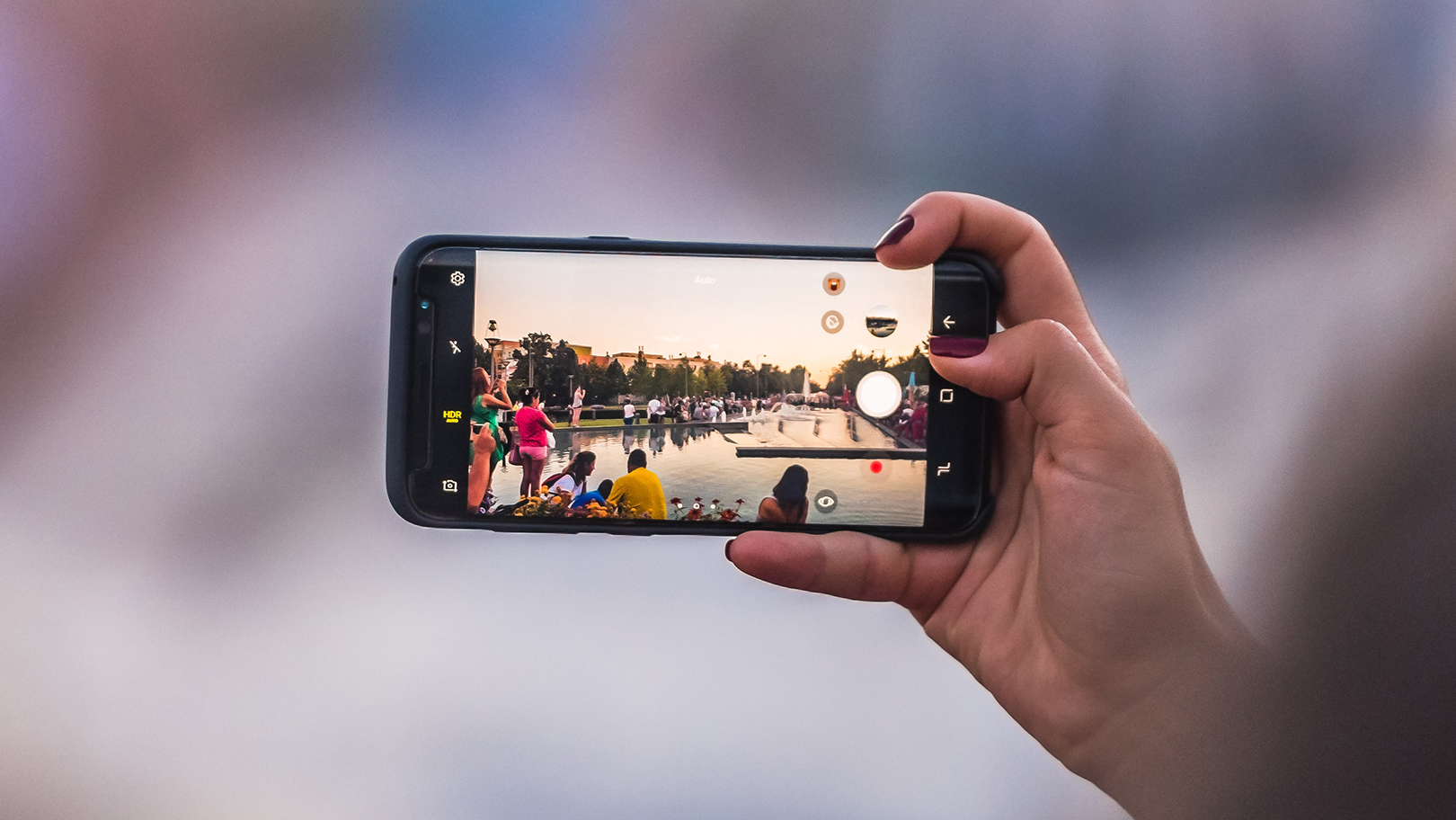
What's a Finsta and how to create a Finsta account?
What’s a Finsta and how to create a Finsta account?

Follow these steps to easily create a Finsta:

  • Open your Instagram.
  • Click on the three-line icon, located in the top right.
  • Find “Add Account” at the bottom of the Settings windows.
  • Next, choose “Sign Up” to be able to create a new Instagram account.
  • Then, enter your phone number.
  • Now click on “Create new account.”
  • Add a username (As we’ve mentioned above, don’t use your name and surname. Imagine something funny!)
  • Do not link a Facebook account (You shouldn’t link any other outside accounts too).
  • Now, add a profile picture.
  • Click on “Next”.
  • Post something.

That’s it! You’ve succesfully created your Finsta, you can start posting funny images and videos. Don’t forget to invite your close friends to follow you!

Best Finsta examples

Even some celebrities have Finstas, for example, Bella Hadid has been using a fake Instagram account for her blonde alter ego called Rebekka Harakuju.

Another funny example would be Pammburglar which is the Finsta profile of Pam Bump. She loves fast food, so her Finsta name is a quirky combination of Pam and Hamburglar. She uses her Finsta as a way to post photos and videos of events, food, and travel.

What to post on Finsta?

In fact, Finsta’s don’t have to follow any rules. People can express themselves with a variety of different posts on these accounts. But best examples would be food and throwback profiles.

What's a Finsta and how to create a Finsta account?
What’s a Finsta and how to create a Finsta account?

Throwback posts

Everybody knows what a throwback post is. Sometimes people share their favorite nostalgic moments on their Instagram accounts. But sometimes this content is only for some close friends and some throwbacks of yours might be really personal. That’s when Finsta comes in!

See also:
5 highlights about Instagram’s teen protection: Finsta

Food posts

You might use your personal Instagram account to share the important events in your life with professional concerns. But at lunchtime, it might be a good idea to share a post from your favorite pizza restaurant using your Finsta.


Tags: fakeguidehow tostep by steptutorial
ShareTweet
Kerem Gülen

Kerem Gülen

Kerem from Turkey has an insatiable curiosity for the latest advancements in tech gadgets and a knack for innovative thinking.With 3 years of experience in editorship and a childhood dream of becoming a journalist, Kerem has always been curious about the latest tech gadgets and is constantly seeking new ways to create.As a Master's student in Strategic Communications, Kerem is eager to learn more about the ever-evolving world of technology. His primary focuses are artificial intelligence and digital inclusion, and he delves into the most current and accurate information on these topics.

Related Posts

Simple ways to install and remove programs on Ubuntu

Simple ways to install and remove programs on Ubuntu

12 January 2026
A guide to preventing accidental typing on Windows and Mac

A guide to preventing accidental typing on Windows and Mac

12 January 2026
Accessing your Google Chrome bookmarks

Accessing your Google Chrome bookmarks

12 January 2026
A guide to installing restricted extensions in Google Chrome

A guide to installing restricted extensions in Google Chrome

12 January 2026
Please login to join discussion

LATEST

Xiaomi to launch fully self-developed smartphone in 2026

New WhatsApp parental controls will block strangers

Galaxy Unpacked 2026: S26 Ultra arrives just before MWC

Meta purges 550,000 Australian accounts to comply with under-16 ban

Simple ways to install and remove programs on Ubuntu

A guide to preventing accidental typing on Windows and Mac

Accessing your Google Chrome bookmarks

A guide to installing restricted extensions in Google Chrome

Anthropic launches health features for Claude

Google removes AI Overviews from medical queries

TechBriefly

© 2021 TechBriefly is a Linkmedya brand.

  • Tech
  • Business
  • Science
  • Geek
  • How to
  • About
  • Privacy
  • Terms
  • Contact
  • | Network Sites |
  • Digital Report
  • LeaderGamer

Follow Us

No Result
View All Result
  • Tech
  • Business
  • Crypto
  • Science
  • Geek
  • How to
  • About
    • About TechBriefly
    • Terms and Conditions
    • Privacy Policy
    • Contact Us
    • Languages
      • 中文 (Chinese)
      • Dansk
      • Deutsch
      • Español
      • English
      • Français
      • Nederlands
      • Italiano
      • 日本语 (Japanese)
      • 한국인 (Korean)
      • Norsk
      • Polski
      • Português
      • Pусский (Russian)
      • Suomalainen
      • Svenska