


If you don’t know how to change the Netflix region and what is it for, we will tell you in this post. You can switch regions on Netflix and watch all new releases from day one. There is no doubt that Netflix is the leading streaming video platform with an extensive programming catalog, but each country has a content package enabled with some differences. This is because depending on the part of the world where we are, Netflix will offer different content.
If it has happened to you that you want to watch a Netflix series or movie and it is not available in your country, or you want to watch a premiere and you don’t have access from your region, don’t worry, there is a solution.
If you change the Netflix region you will be able to access the content you want, no matter let’s see how you can do it.
What is the point of changing the Netflix region?
Let’s start by telling you that Netflix is available in at least 190 countries, but not all have the same catalog of content. Some say that has programming that has around 3000 titles divided into series, movies, and others, but the United States and other countries double that amount. In addition to this, in many cases, the premieres of a movie or series are available first for some specific countries.
Changing the Netflix region will allow you to enjoy a wider range of content and many premieres to which, perhaps, you would not have access if you were a country. However, this cannot be achieved by changing the region in your account, for this, you will need a VPN application that changes the country of origin of your Internet connection.
Which VPN should you choose?
To choose the best VPN to watch Netflix you should know some necessary characteristics to avoid selecting the one that does not do the job correctly.
- The VPN must have servers in the country where you wish to watch Netflix programming.
- You should consult the VPN’s limitations about the daily, weekly, and monthly MB limits allowed.
- Check whether it allows the reproduction of streaming content.
- If you want Netflix to be viewed with excellent video quality, speed plays a very important role.
- Be sure to check if it is compatible with your mobile, TV, or tablet.
- The number of simultaneous connections, although this is only if you are going to share the VPN with other people in your home.
How to change the Netflix region?
Knowing the above information, we are going to give you some VPNs that you can use to watch Netflix from another country and that you can download on your mobile from the Play Store.
Turbo VPN
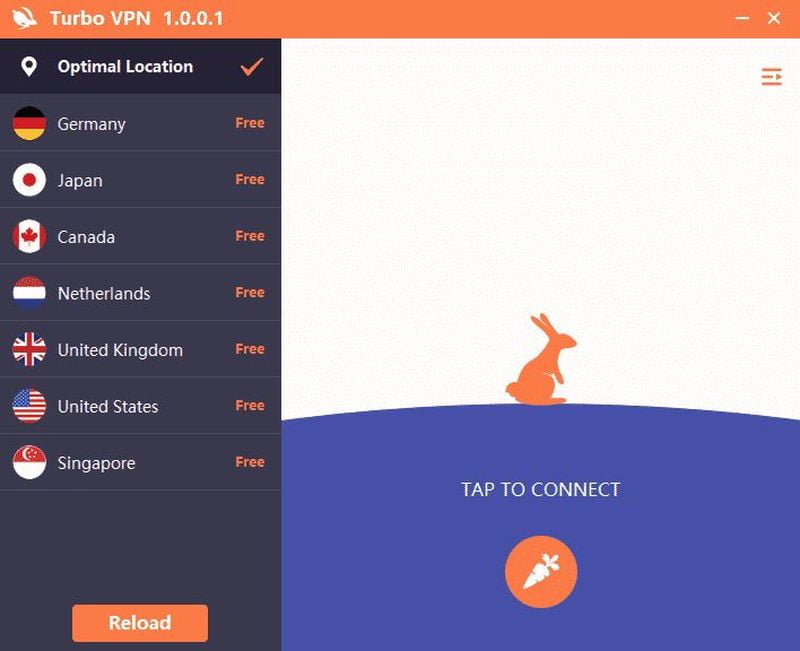
This VPN is well known for its great speed, which is ideal for Netflix or for playing online video games. It offers 128-bit AES encryption that provides great security to protect your data. In total, it has more than 10,000 servers distributed in more than 150 countries, so you will surely find the country you want to connect to. Also, you can download this app from the following link.
Express VPN
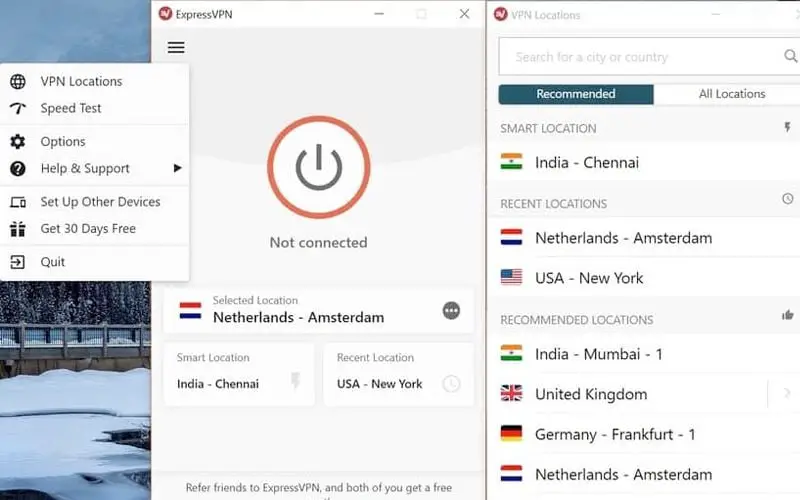
You can try the VPN for 7 days free and then pay a monthly subscription that offers 24/7 technical service. It is available in 94 countries with more than 3,000 servers. An important fact is that you can download it for tablet, mobile, and Android TV. Also, you can download this app from the following link.
Free VPN
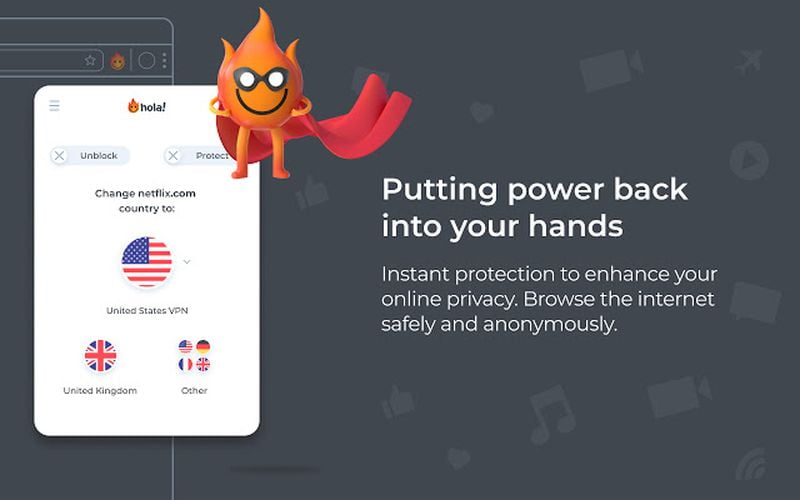
Another excellent option for watching Netflix is Free VPN, which although its name indicates that it is free, only offers a 7-day trial by inserting your credit or debit card, after which you will have to pay a monthly subscription. It allows 5 simultaneous devices and has no bandwidth or connection time limit. Also, you can download this app from the following link.
Each of these VPNs works similarly, in which you will be asked to register and some permissions to function correctly, and in some cases, you will also be asked for the country from which you wish to connect. Once you register and activate it, no matter which one you have chosen, you can test it by entering this link to see if your IP address is really in the country you want, or you can also enter the Netflix app directly and see the country it refers to in the section of the 10 most popular titles of today.
It is important to know that the price of Netflix varies depending on the area where you are, so if you connect from another country, it may affect the amount of your bill.


