

TechBriefly
  • Tech
  • Business
  • Crypto
  • Science
  • Geek
  • How to
  • About
    • About TechBriefly
    • Terms and Conditions
    • Privacy Policy
    • Contact Us
    • Languages
      • 中文 (Chinese)
      • Dansk
      • Deutsch
      • Español
      • English
      • Français
      • Nederlands
      • Italiano
      • 日本语 (Japanese)
      • 한국인 (Korean)
      • Norsk
      • Polski
      • Português
      • Pусский (Russian)
      • Suomalainen
      • Svenska
No Result
View All Result
TechBriefly
Home How to
How to choose the right Wi-Fi extender for any home office?

How to choose the right Wi-Fi extender for any home office?

Kerem GülenbyKerem Gülen
4 May 2021
in How to
Reading Time: 2 mins read
Share on FacebookShare on Twitter

Today we are going to show you How to choose the right Wi-Fi extender for any home, we know it is a necessary tool during the COVID-19 pandemic. A fundamental tool to be able to be productive is to have a good Wi-Fi connection in every corner of the house.

There are different technologies that help us to improve our Wi-Fi connection, powerline adapters, range extenders, or Wi-Fi Mesh. This time we are going to talk about Wi-Fi extenders, which are plugged in near our router.

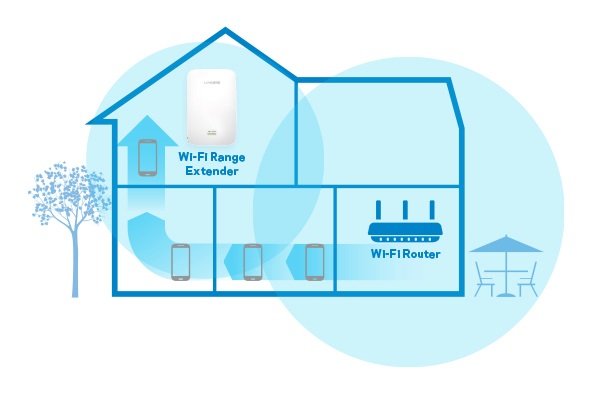
They connect to the signal emitted by the router and extend it with even greater power to the area where the signal was previously weak or non-existent. Range extenders are particularly suitable for single-story homes with several rooms or wide corridors.

How to choose the right Wi-Fi extender for any home office?

Here are some essential key points to install your extender and enjoy greater coverage in a super simple way.

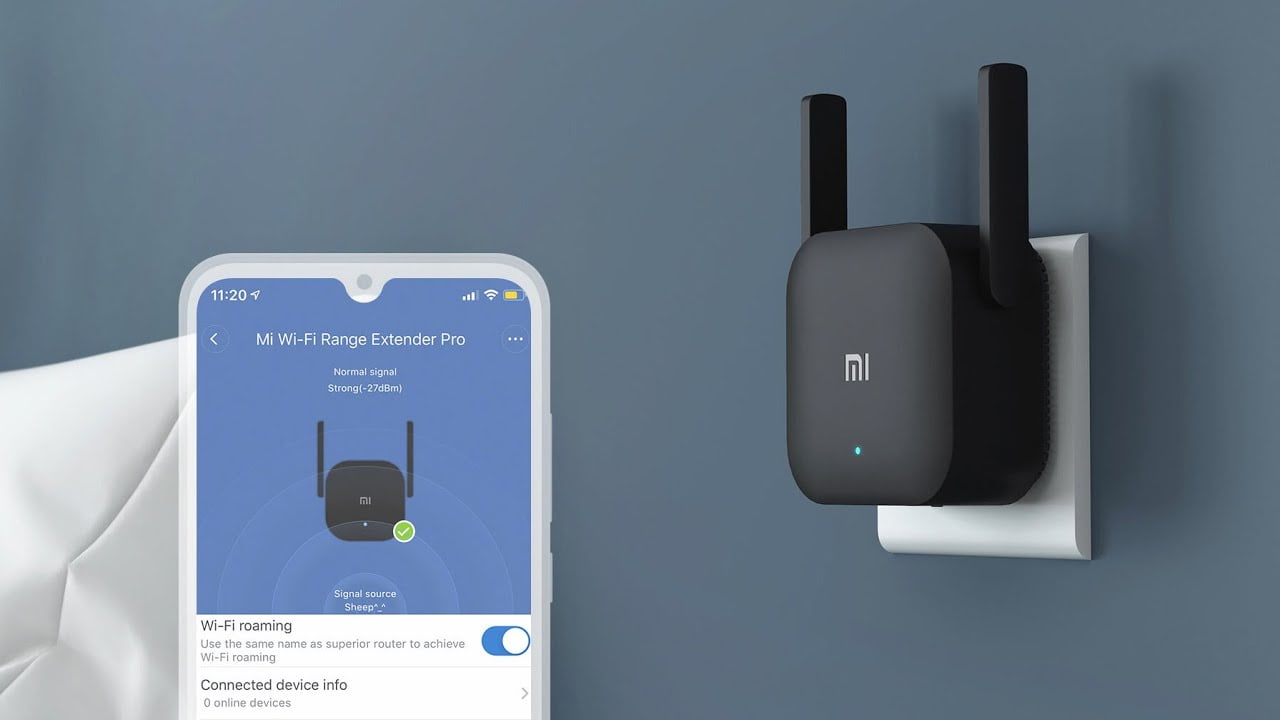
  • Speed and compatibility with the Wi-Fi standard. Nowadays, most of our routers and electronic devices support 2 data bands, 2.4GHz and 5GHz, therefore, if we want to make the most of its features, the ideal will be to opt for a dual-band Wi-Fi extender as well, and thus offer higher connection speed to all devices. Always take into account the compatibility with the transmission standard of your router, i.e. Wi-Fi N (802.11 n), Wi-Fi AC (802.11 ac) or Wi-Fi 6, and make sure that the extender supports the same standard to obtain the highest Wi-Fi speed. We also recommend that your extender has at least two external antennas. These antennas are more effective than internal antennas in increasing coverage and improving wireless stability.
How to choose the right Wi-Fi extender for any home office?
  • Configuration. A Wi-Fi repeater is very easy to install, just plug it into the power supply and have the network name and password ready. However, there is a WPS option, known as protected setup, which makes it even easier to set up. Simply press the WPS button on your router for two seconds and then do the same on the WPS button on your range extender.
  • Security. How to have a more secure connection in our home office? It is very important nowadays to have devices that protect our information, especially for home office scenarios. For this, it is best to opt for an extender that integrates WPA2+AES, the latest encryption standard, the most secure so far, which will provide maximum security to your network.
  • LEDs. It seems a minor detail but it is important. The fact that the device has an intelligent signal LED light will help you find the best location to place your extender between the router and the area where you need to extend coverage.
Tags: home officehow tointernetnetworkrouterwi-fiwifiwireless
ShareTweet
Kerem Gülen

Kerem Gülen

Kerem from Turkey has an insatiable curiosity for the latest advancements in tech gadgets and a knack for innovative thinking.With 3 years of experience in editorship and a childhood dream of becoming a journalist, Kerem has always been curious about the latest tech gadgets and is constantly seeking new ways to create.As a Master's student in Strategic Communications, Kerem is eager to learn more about the ever-evolving world of technology. His primary focuses are artificial intelligence and digital inclusion, and he delves into the most current and accurate information on these topics.

Related Posts

How to install mods and custom content in The Sims 2

How to install mods and custom content in The Sims 2

26 December 2025
Running Python files and fixing path errors on Windows

Running Python files and fixing path errors on Windows

26 December 2025
How to boot your PC into Command Prompt for troubleshooting

How to boot your PC into Command Prompt for troubleshooting

26 December 2025
How to delete a virus using Command Prompt

How to delete a virus using Command Prompt

26 December 2025
Please login to join discussion

LATEST

New WhatsApp update brings 2026 stickers and video call effects

Leaker reveals Xiaomi plans for high end eSIM device in 2026

HP prepares OMEN OLED monitor reveal for CES 2026

High RAM costs from AI boom could delay next Xbox and PlayStation

LG to unveil its Gallery TV at CES 2026

Bitcoin drops 3% to $87,300 as altcoins decline

How to install mods and custom content in The Sims 2

Running Python files and fixing path errors on Windows

How to boot your PC into Command Prompt for troubleshooting

How to delete a virus using Command Prompt

TechBriefly

© 2021 TechBriefly is a Linkmedya brand.

  • Tech
  • Business
  • Science
  • Geek
  • How to
  • About
  • Privacy
  • Terms
  • Contact
  • | Network Sites |
  • Digital Report
  • LeaderGamer

Follow Us

No Result
View All Result
  • Tech
  • Business
  • Crypto
  • Science
  • Geek
  • How to
  • About
    • About TechBriefly
    • Terms and Conditions
    • Privacy Policy
    • Contact Us
    • Languages
      • 中文 (Chinese)
      • Dansk
      • Deutsch
      • Español
      • English
      • Français
      • Nederlands
      • Italiano
      • 日本语 (Japanese)
      • 한국인 (Korean)
      • Norsk
      • Polski
      • Português
      • Pусский (Russian)
      • Suomalainen
      • Svenska