TechBriefly
  • Tech
  • Business
  • Crypto
  • Science
  • Geek
  • How to
  • About
    • About TechBriefly
    • Terms and Conditions
    • Privacy Policy
    • Contact Us
    • Languages
      • 中文 (Chinese)
      • Dansk
      • Deutsch
      • Español
      • English
      • Français
      • Nederlands
      • Italiano
      • 日本语 (Japanese)
      • 한국인 (Korean)
      • Norsk
      • Polski
      • Português
      • Pусский (Russian)
      • Suomalainen
      • Svenska
No Result
View All Result
TechBriefly
Home Tech Smartphones
iPhone 16 unlocks wireless firmware recovery

iPhone 16 unlocks wireless firmware recovery

Bünyamin Furkan DemirkayabyBünyamin Furkan Demirkaya
18 September 2024
in Smartphones
Reading Time: 2 mins read
Share on FacebookShare on Twitter

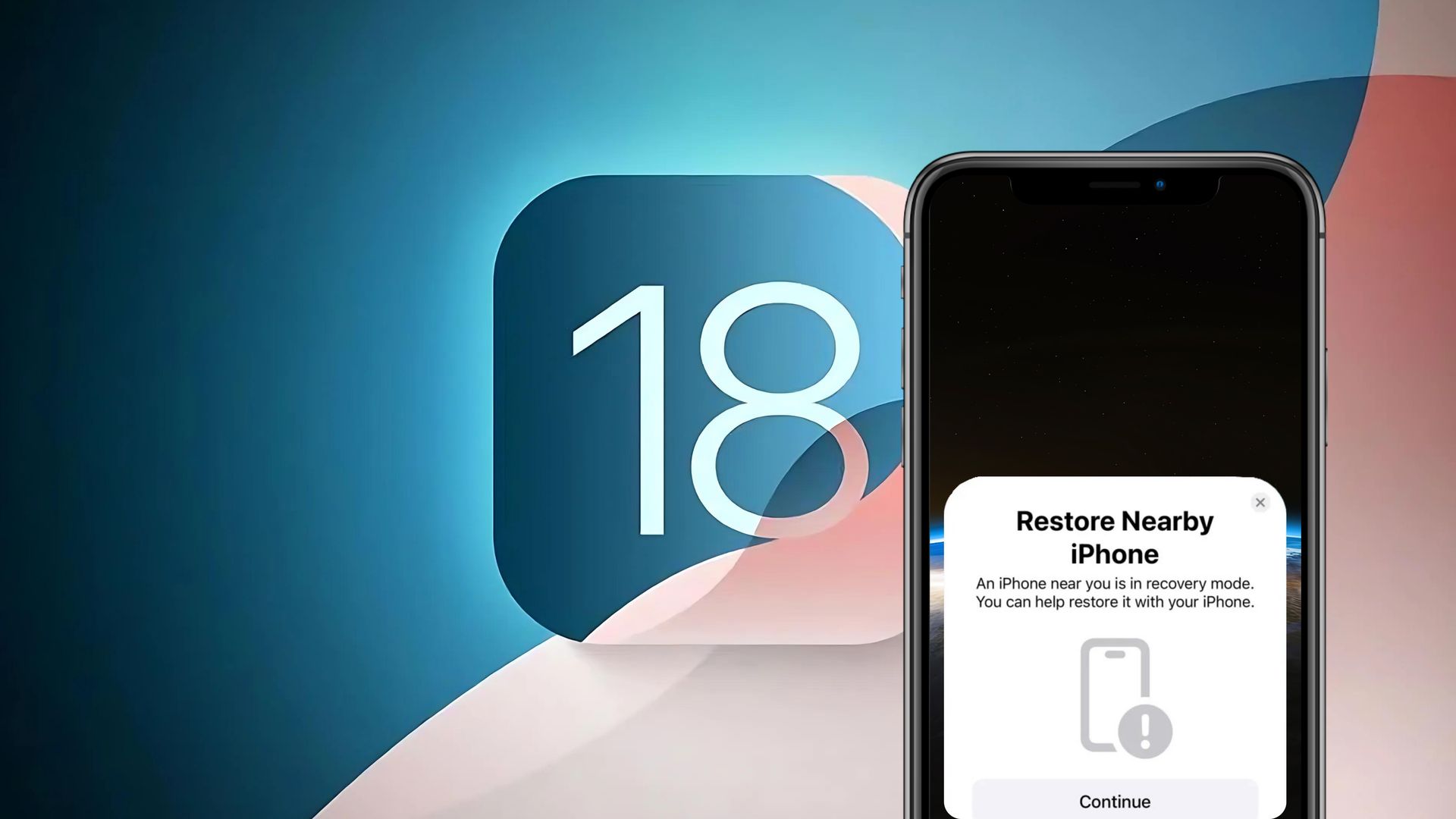
Apple has been working on over-the-air firmware restoration for some time and is gradually bringing it to its devices. The system was first introduced for Apple Watch with iOS 15.4 and watchOS 8.5 and then expanded to Apple TV with iOS 17 and tvOS 17. And now iPhone users are part of it too, with the iPhone 16 series getting the ability to restore firmware wirelessly with iOS 18.

Apple’s wireless firmware restoration on iPhone

iPhone 16 can now be restored wirelessly without the need for a Mac or PC, which was previously not possible on iPhones. Once the device enters Recovery Mode, users can bring it closer to another iPhone or iPad running iOS 18 to start the process. The second device downloads the necessary iOS firmware and transfers it to the iPhone that needs to be restored. This is based on Apple’s RecoveryOS, which powers similar recovery functions for Apple Watch and Apple TV.
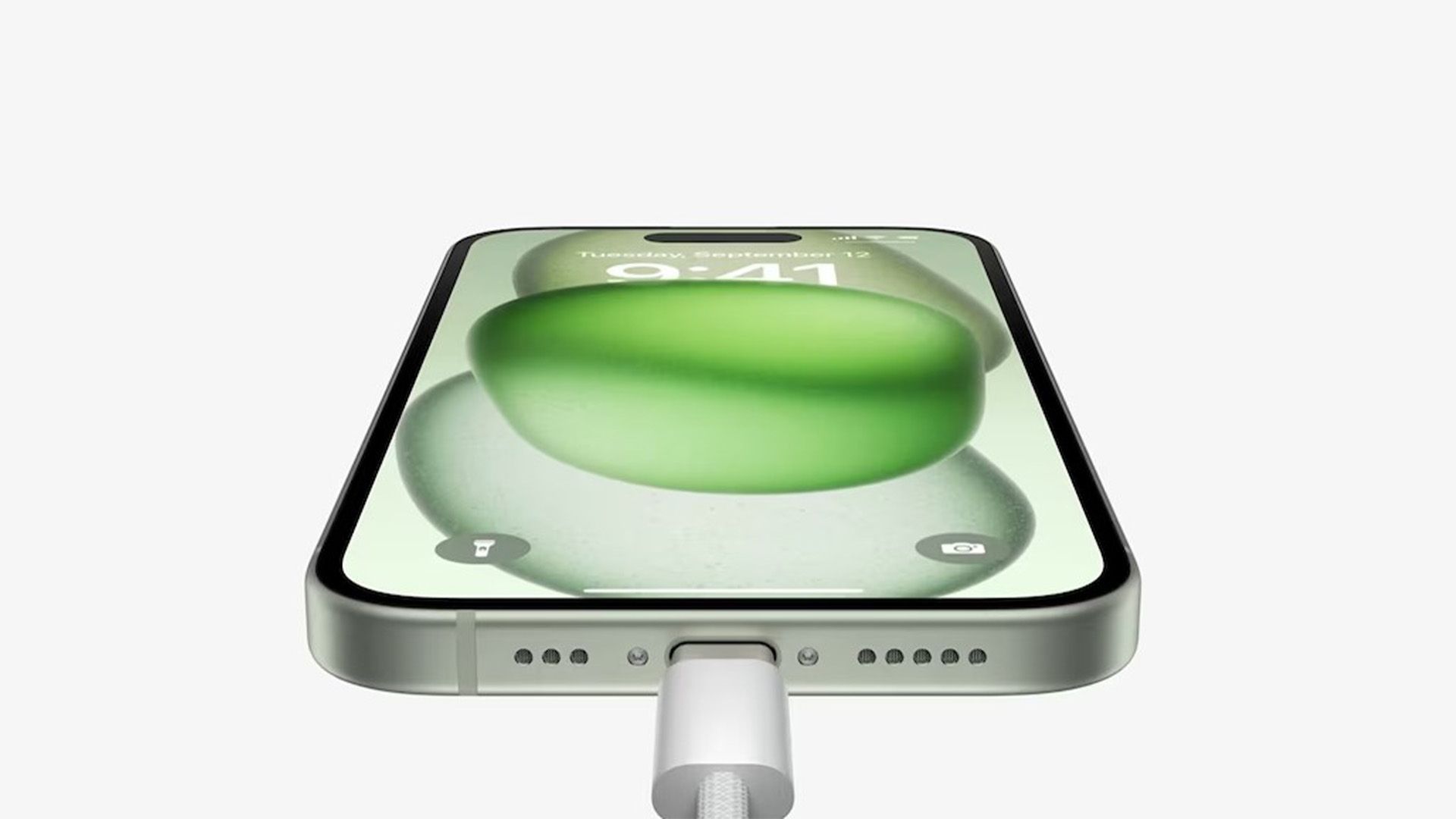
iPhone 16 unlocks wireless firmware recovery
While the feature is exclusive to the iPhone 16 series, for now, Apple has not confirmed whether older iPhones will have the same wireless recovery feature

Interestingly, although any device running iOS 18 can help with the recovery process, only iPhone 16 models come equipped with the ability to wirelessly restore their firmware. This is likely due to a special recovery partition in these new models, which ensures the process runs smoothly, even if the main iOS partition fails to boot.

While the feature is exclusive to the iPhone 16 series for now, Apple has not confirmed whether older iPhones will have the same wireless recovery feature. Hardware limitations may prevent this from happening. Regardless, the introduction of this feature on iPhone 16 is a major advance in Apple’s effort to simplify device maintenance and minimize reliance on external systems for troubleshooting.

This shift in how iPhones can be restored shows Apple’s commitment to making its devices more user-friendly, especially when things go wrong. While no plans for older models have been confirmed, iPhone 16 users can now enjoy a streamlined, wireless way to recover their devices without having to visit a repair center.


Image credits: Apple

Tags: AppleiPhonewireless
ShareTweet
Bünyamin Furkan Demirkaya

Bünyamin Furkan Demirkaya

Related Posts

New Punkt MC03 features split OS for better privacy control

New Punkt MC03 features split OS for better privacy control

2 January 2026
Samsung SDI rumored to test massive 20000mAh battery

Samsung SDI rumored to test massive 20000mAh battery

2 January 2026
Honor sells over 71 million smartphones in 2025

Honor sells over 71 million smartphones in 2025

2 January 2026
Leaker reveals Xiaomi plans for high end eSIM device in 2026

Leaker reveals Xiaomi plans for high end eSIM device in 2026

30 December 2025

LATEST

Announcements made by Samsung Display at CES 2026

Bluetti unveils dual-input Charger 2 at CES 2026

Whisper Aero unveils T1 leaf blower at CES 2026

OpenAI announces ChatGPT Health feature

Google Classroom turns lessons into podcasts with Gemini

Roblox users must scan faces to unlock chat features

Caterpillar partners with Nvidia to bring AI to the construction site

WhatsApp adds member tags and text stickers to group chats

Spotify brings live listening activity to Messages

How to use the exit command in Windows Command Prompt

TechBriefly

© 2021 TechBriefly is a Linkmedya brand.

  • Tech
  • Business
  • Science
  • Geek
  • How to
  • About
  • Privacy
  • Terms
  • Contact
  • | Network Sites |
  • Digital Report
  • LeaderGamer

Follow Us

No Result
View All Result
  • Tech
  • Business
  • Crypto
  • Science
  • Geek
  • How to
  • About
    • About TechBriefly
    • Terms and Conditions
    • Privacy Policy
    • Contact Us
    • Languages
      • 中文 (Chinese)
      • Dansk
      • Deutsch
      • Español
      • English
      • Français
      • Nederlands
      • Italiano
      • 日本语 (Japanese)
      • 한국인 (Korean)
      • Norsk
      • Polski
      • Português
      • Pусский (Russian)
      • Suomalainen
      • Svenska