


The Apple Intelligence EU workaround is widely searched on the internet. We’ll look at why Apple Intelligence isn’t available in the EU and if there are indeed ways to connect from the EU.
Apple Intelligence EU workaround was the problem for Reddit users. Users who wanted to review this new technology could not access it because they were EU citizens. But can such an obstacle be overcome in 2024?
What is the Apple Intelligence EU workaround?
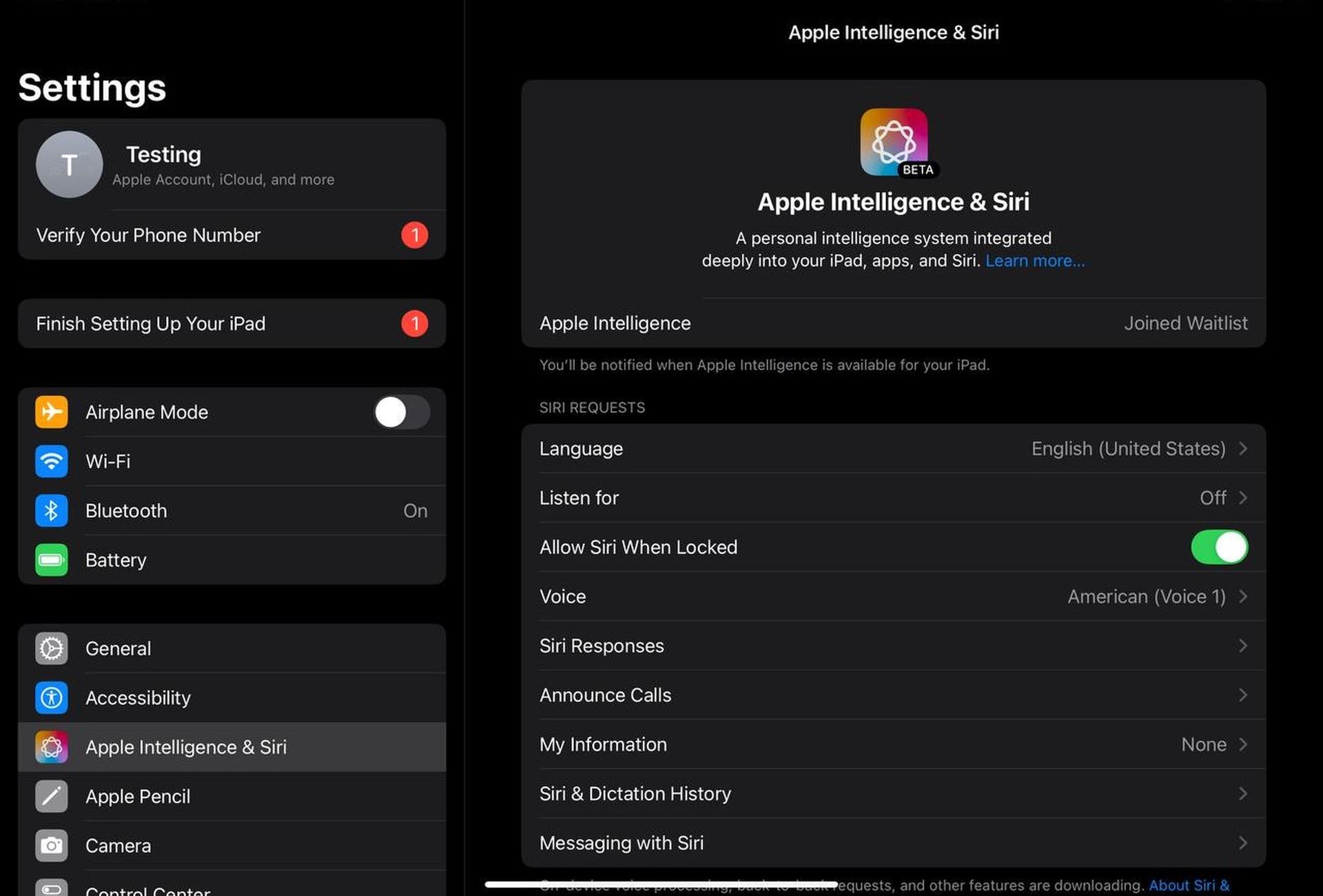
As Apple Intelligence remains unavailable in the European Union, tech enthusiasts and Apple users have been exploring various methods to access this feature. While it’s important to note that circumventing regional restrictions may violate terms of service, we’ll discuss the approaches some users have reported success with. Let’s move on to the Apple Intelligence EU workaround.
MacOS Workaround
Several users have reported success in accessing Apple Intelligence on MacOS devices by making the following changes:
- Set the system region to the United States.
- Change the system language to English (US).
- Set Siri language to English (US).
One user confirmed this method worked on a MacBook Pro M1 (14-inch, 2021 model) running the beta version 15.1. They were able to join the waitlist for Apple Intelligence immediately after making these changes.
how 2 get apple intelligence in EU working 100% no scam
– set every region setting to AMERICA RAHHH🦅(accept language switch from UK to US if any)
– set siri to be American
– reboot
no need for an apple id region switch for this it seems 🙂 mine is still set to Poland pic.twitter.com/R9w7yzf2x7— PatRyk (@Patrosi73) July 29, 2024
It’s worth noting that changing the iCloud account region or App Store account doesn’t appear to be necessary for this workaround on MacOS. But if you still can’t join, you can change it and try again.
iOS and iPadOS Challenges
The situation for iOS and iPadOS devices seems more complex. As of now, users haven’t found a consistent workaround for iPhones and iPads. Some have attempted the following steps with mixed results:
- Disable location tracking.
- Reset network and location settings.
- Connect to a US-based VPN.
You can succeed on iPadOS using the previous method and this one, but on iOS some users succeeded and some didn’t. In a post shared by user @NilsAhrDE on X, he says that recording can only be done on Mac devices. And he shared screenshots showing it working in Croatia. You can follow the Apple Intelligence EU workaround thread on Reddit here.
If you read clearly: Apple Intelligence *is* available to EU users, but only on Mac-devices. pic.twitter.com/bZWETpcK68
— Nils Ahrensmeier (@NilsAhrDE) July 29, 2024
Regional Variations
Interestingly, the effectiveness of the Apple Intelligence EU workaround seems to vary according to the origin of the device and the location of the user:
- EU-purchased Macs: Some users report success by changing system language, region, and Siri language to US settings.
- Chinese M1 Macs: Users have reported difficulties even after switching to a UK-based Apple ID (outside the EU).
Official availability
It’s important to note that Macs sold in the EU should be able to access AI features without the need for workarounds. The primary issue appears to be with devices in regions where Apple Intelligence is not officially supported, such as China.
While some users have found ways to access Apple Intelligence from EU locations, it’s important to approach these workarounds with caution. They may not work for everyone, and using them could potentially violate Apple’s terms of service.
Apple Intelligence is not available in the European Union due to the General Data Protection Regulation (GDPR) and strict data protection laws. The GDPR imposes strict requirements for data processing and storage, such as transparency, user consent, and robust data security measures, leaving tech companies like Apple facing a complex legal environment.
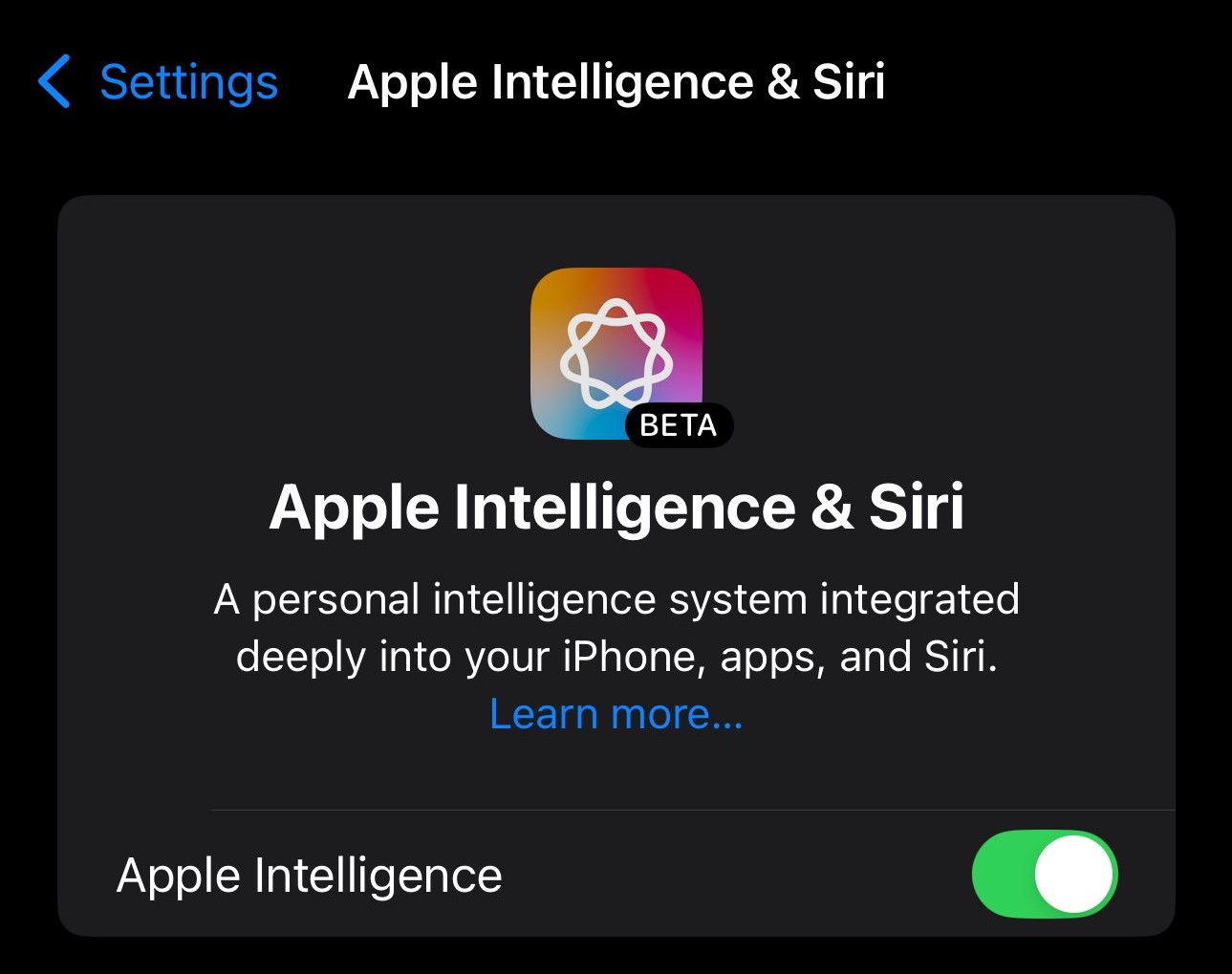
These regulations pose an important challenge for firms that process personal data through services such as Apple Intelligence. Before introducing new technology in the EU, Apple has to prove that it complies with these laws. This can delay launches or require regional adaptations. This compliance issue is therefore likely the reason why Apple Intelligence has not been officially introduced in EU markets. The Apple Intelligence EU workaround is why users have followed such a path.
It’s always best to check Apple’s official channels or contact support directly for the most up-to-date and accurate information. As the world of technology evolves, the availability and accessibility of features like Apple Intelligence may also change.
Featured image credit: Sumudu Mohottige / Unsplash




