
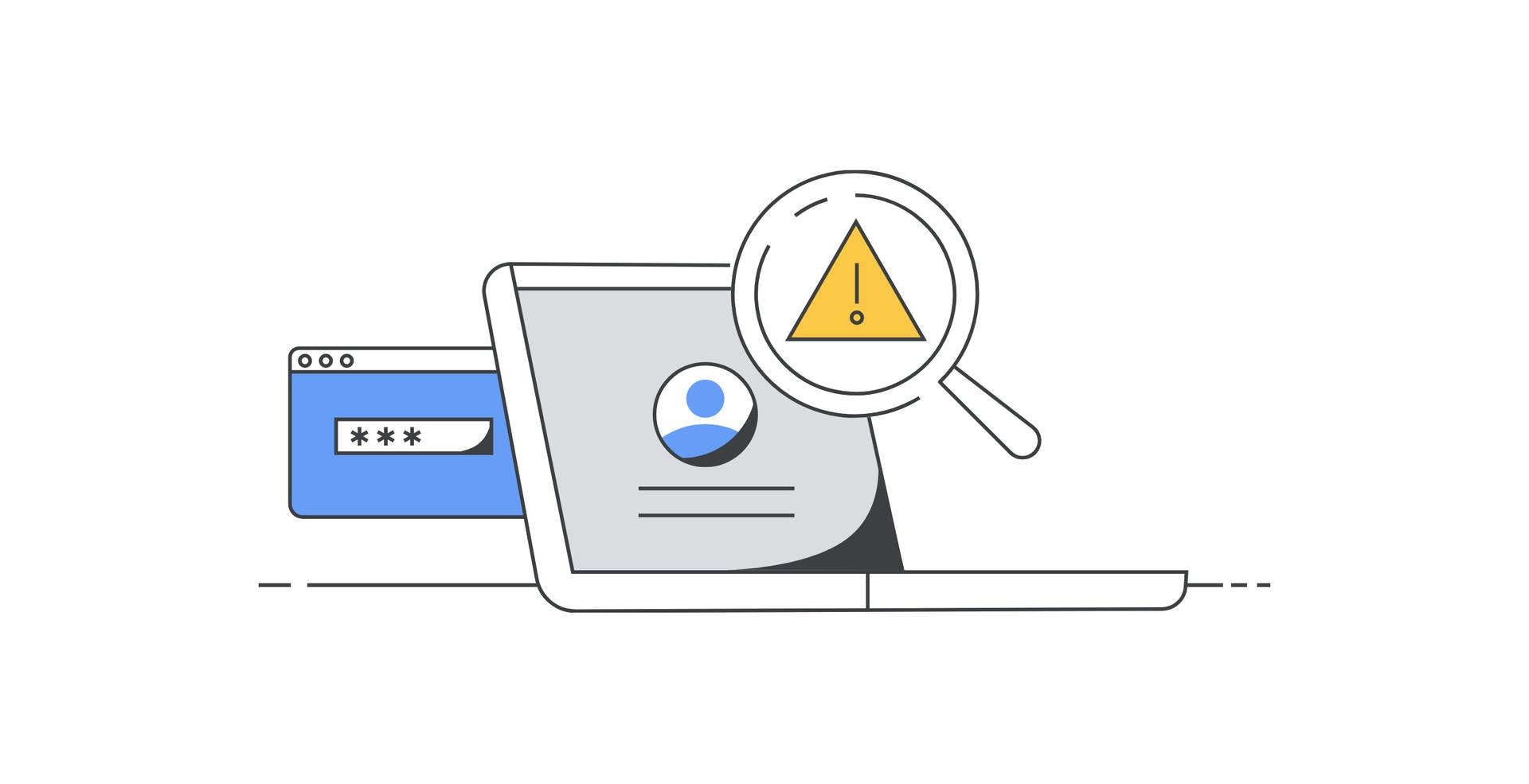

Google One Dark web report will soon be available to all Google users. The upcoming update will allow every Google Account holder to access a tool previously exclusive to Google One subscribers. This change marks a notable enhancement in personal online security measures, providing a crucial service in an age where cyber threats are ever-present.
The growing threat of cyber attacks
The internet has transformed how we live, work, and interact, but it has also opened the door to numerous cyber threats. Cybersecurity has become a critical concern as personal data breaches and identity theft incidents rise. Hackers often trade stolen information on the dark web, an anonymous part of the internet inaccessible through standard browsers. This environment has become a hub for illicit activities, including selling personal information like names, dates of birth, phone numbers, email addresses, and even credit card numbers.
Understanding these threats, Google has developed a feature to help users monitor their data’s presence on the dark web. The Google One Dark web report is a tool designed to scan the dark web for signs of your personal information being traded or sold. It provides users with detailed reports to take necessary actions to protect their identity and personal data. Initially, this feature was available only to Google One subscribers, but Google is now making it accessible to all users.

Google One Dark web report is now free
Google’s decision to make the Google One Dark web report available to all account holders is a strategic move aimed at enhancing online security for a broader audience. This change is expected to roll out later this month, integrating the feature into the “Results about you” section of the Google app. This integration simplifies access, allowing users to check their Dark web report without needing a Google One subscription.
According to a report by 9to5Google, the transition will involve relocating the feature from the Google One app. Users will notice a banner in the app indicating that the Dark web report will be removed from the Google One app by late July. However, this is merely a relocation effort to make the feature available to more users, not an elimination of the feature.
By integrating the Dark web report into the Google app, Google aims to provide seamless access to this crucial security tool. Users can monitor their personal information more efficiently and stay ahead of potential threats without additional subscription fees.
How does the Google One Dark web report work?
The Google One Dark web report operates by scanning the dark web for your personal information. When you enable this feature, you can provide specific details such as your name, date of birth, phone number, and email address. The system then continuously searches the dark web for these details. If it finds a match, you will receive a detailed report outlining what information was found and where it was discovered.
This report is designed to help you understand the extent of the breach and take necessary actions. For example, if your email address and password are found, you can change your passwords immediately. If your credit card information is detected, you can contact your bank to secure your accounts.
The ability to monitor your personal information on the dark web is a powerful tool in the fight against cybercrime. It allows users to be proactive in protecting their data, reducing the risk of identity theft and financial loss.

How to scan the dark web for your personal information
Google One’s Dark web report allows you to monitor your personal information and check if it has been compromised on the dark web. Here is how you can scan the dark web for your email address using this feature:
- Sign in to your Google Account: Ensure you are signed in
- Navigate to Google One: Go to one.google.com
- Access the dark web report: Under “Dark web report,” click “Try now”
- Run the scan: Click “Run scan” to search for your email address on the dark web
Review the detailed report to see if your email or other personal information has been found and follow the provided guidance to take necessary actions.
The decision to make the Google One Dark web report available to all users underscores Google’s commitment to user security. Cyber threats continue to evolve, and individuals must have the tools to protect themselves. By providing this feature for free, Google is empowering users to take control of their online security.
In addition to the Dark web report, Google offers various security features to help users safeguard their accounts. These include two-factor authentication, suspicious activity alerts, and regular security checkups. The integration of the Dark web report into the Google app enhances this suite of tools, providing a comprehensive approach to online security.
As cyber attacks reach unprecedented levels, the availability of the Google One Dark web report to all users is a welcome addition to the arsenal of tools designed to protect personal information.
Featured image credit: Google One


