
TechBriefly
  • Tech
  • Business
  • Crypto
  • Science
  • Geek
  • How to
  • About
    • About TechBriefly
    • Terms and Conditions
    • Privacy Policy
    • Contact Us
    • Languages
      • 中文 (Chinese)
      • Dansk
      • Deutsch
      • Español
      • English
      • Français
      • Nederlands
      • Italiano
      • 日本语 (Japanese)
      • 한국인 (Korean)
      • Norsk
      • Polski
      • Português
      • Pусский (Russian)
      • Suomalainen
      • Svenska
No Result
View All Result
TechBriefly
Home How to
Start menu ads in Windows 11: How to turn it off?

Start menu ads in Windows 11: How to turn it off?

Barış SelmanbyBarış Selman
25 April 2024
in How to
Reading Time: 2 mins read
Share on FacebookShare on Twitter

Microsoft recently started showing ads in the Start menu of Windows 11. While some users frowned upon this, others argued that it was a way to monetize the operating system.

So what are these ads in Windows 11, and how do users react to them?

The ads appear as recommendations for apps from the Microsoft Store in the “Recommended” section of the Start menu. These ads are designed to be tailored to users’ interests.

However, some users argue that these ads are unwanted and attention-grabbing. They say they detract from the Start menu’s simple and useful interface and negatively impact the user experience.

Microsoft emphasizes that these ads are optional and that users can easily disable them.

How to disable ads in Windows 11?

To do this, you can follow the steps below:

  • Go to Settings.
  • Select Personalization.
  • Click Start.
  • Turn off “Show suggestions for tips, shortcuts, new apps and more”.
  • Turn off this option, and you won’t see any ads in the Start menu.
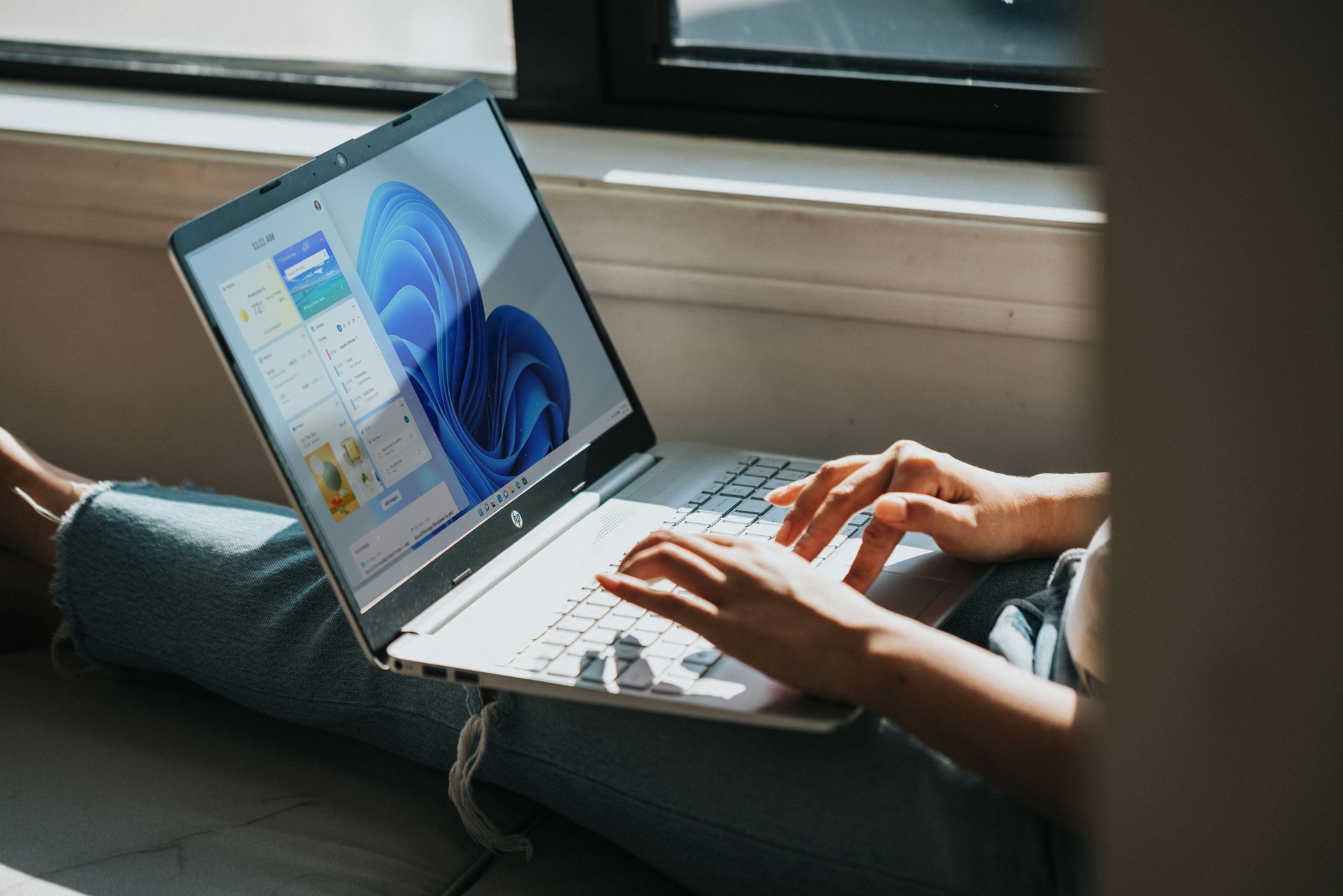
Start menu ads in Windows 11: How to turn it off?
Microsoft introduced ads in the Windows 11 Start menu (Image credit)

When is the Start menu ad update coming?

KB5036980 is currently available as an optional update in Windows Update. Microsoft has announced that this update, which is listed as an April release, will begin rolling out to everyone over the next few weeks.

Some users reported that the update was automatically installed on Wednesday, April 24. This does not necessarily mean the update is automatically rolling out to all users.

Installation check:

You can check if you have installed update KB5036980 by opening Windows Update and checking the “Update history”. If KB5036980 appears in the update list, you have installed the update.

If you want to install it yourself, you can check if the update is available by going to Windows Update > Advanced options > Optional updates.

Microsoft’s addition of ads to the Start menu in Windows 11 has caused mixed reactions among users. Some argue that the ads are unwanted and attention-grabbing, and others argue that they are a way to monetize the operating system and that users can disable them.

Featured image credit: Алекс Арцибашев / Unsplash

ShareTweet
Barış Selman

Barış Selman

A technology and gaming enthusiast by day, Barış is a passionate composer and black/death metal guitarist by night. He keeps his finger on the pulse of the intersection of art and technology whenever he can from his tours worldwide.

Related Posts

How to install mods and custom content in The Sims 2

How to install mods and custom content in The Sims 2

26 December 2025
Running Python files and fixing path errors on Windows

Running Python files and fixing path errors on Windows

26 December 2025
How to boot your PC into Command Prompt for troubleshooting

How to boot your PC into Command Prompt for troubleshooting

26 December 2025
How to delete a virus using Command Prompt

How to delete a virus using Command Prompt

26 December 2025

LATEST

New Punkt MC03 features split OS for better privacy control

Samsung reveals brighter Freestyle+ projector ahead of CES 2026

OpenAI explores prioritized ads for ChatGPT responses

Apple teases something big for Fitness+ in 2026

Samsung SDI rumored to test massive 20000mAh battery

Honor sells over 71 million smartphones in 2025

New WhatsApp update brings 2026 stickers and video call effects

Leaker reveals Xiaomi plans for high end eSIM device in 2026

HP prepares OMEN OLED monitor reveal for CES 2026

High RAM costs from AI boom could delay next Xbox and PlayStation

TechBriefly

© 2021 TechBriefly is a Linkmedya brand.

  • Tech
  • Business
  • Science
  • Geek
  • How to
  • About
  • Privacy
  • Terms
  • Contact
  • | Network Sites |
  • Digital Report
  • LeaderGamer

Follow Us

No Result
View All Result
  • Tech
  • Business
  • Crypto
  • Science
  • Geek
  • How to
  • About
    • About TechBriefly
    • Terms and Conditions
    • Privacy Policy
    • Contact Us
    • Languages
      • 中文 (Chinese)
      • Dansk
      • Deutsch
      • Español
      • English
      • Français
      • Nederlands
      • Italiano
      • 日本语 (Japanese)
      • 한국인 (Korean)
      • Norsk
      • Polski
      • Português
      • Pусский (Russian)
      • Suomalainen
      • Svenska