

Artificial intelligence company OpenAI introduced a new feature called ChatGPT memory. The new feature, which allows ChatGPT to remember and use the responses for personalization, has caused great excitement.
We can say that this move by OpenAI is seen as an important step in the evolution of artificial intelligence technology. ChatGPT will give you more relevant and personalized responses if you start using this feature. Here’s everything you need to know…
What is ChatGPT memory?
ChatGPT memory refers to the AI chatbot’s ability to store and remember information shared with it during conversations. This new feature allows ChatGPT to learn and adapt to users’ preferences, interests, and habits, offering a more personalized experience. On the other hand, ChatGPT memory is not limited to specific conversations; it remembers information from previous interactions, allowing it to provide more accurate and relevant responses.
How does ChatGPT memory work?
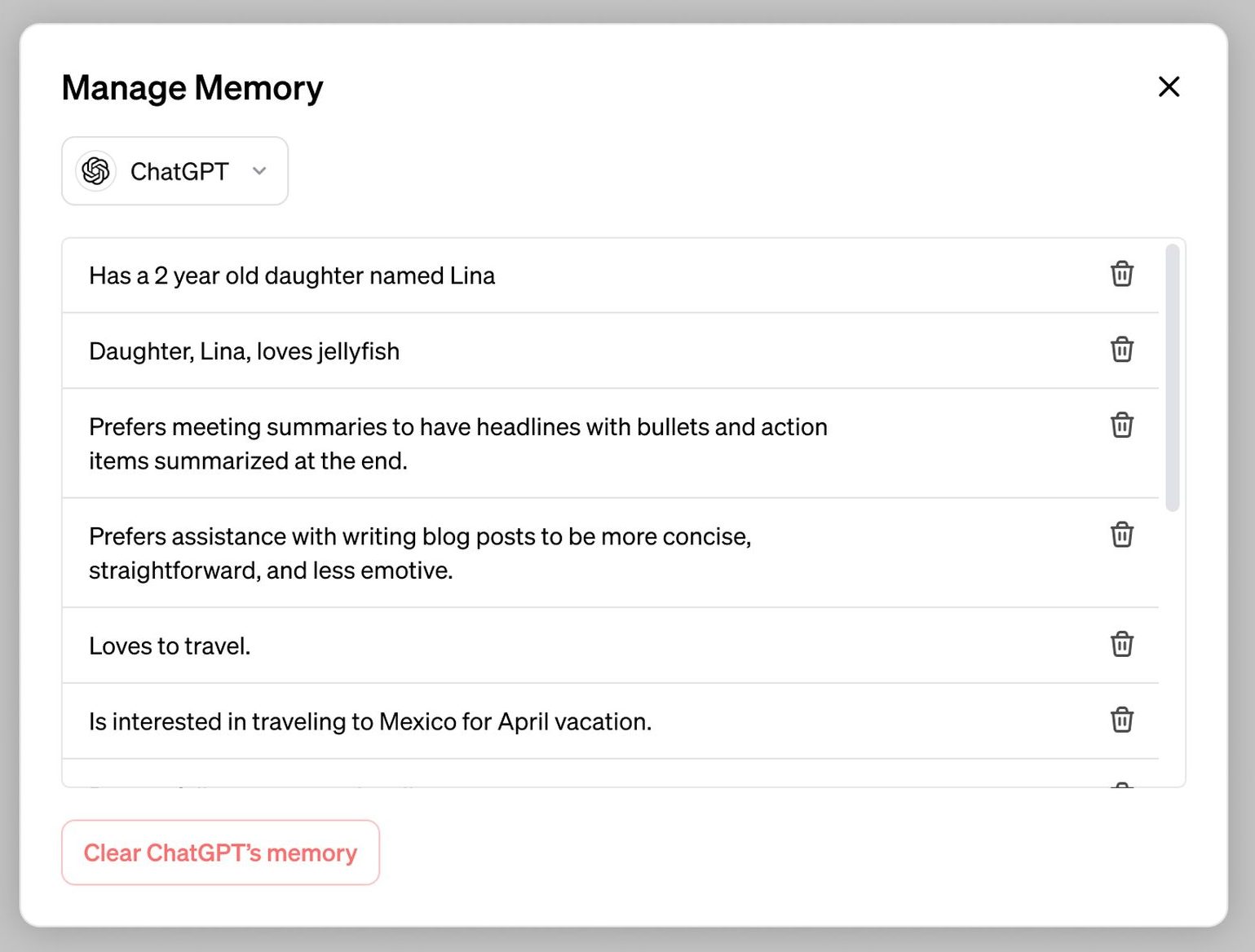
The new feature works by storing information shared during conversations. When a user interacts with ChatGPT, the AI chatbot can access and use the stored information to provide more tailored responses. For example, if a user mentions which brand of electric guitar they prefer, ChatGPT can remember this information and recommend a store that sells their preferred electric guitar brand.
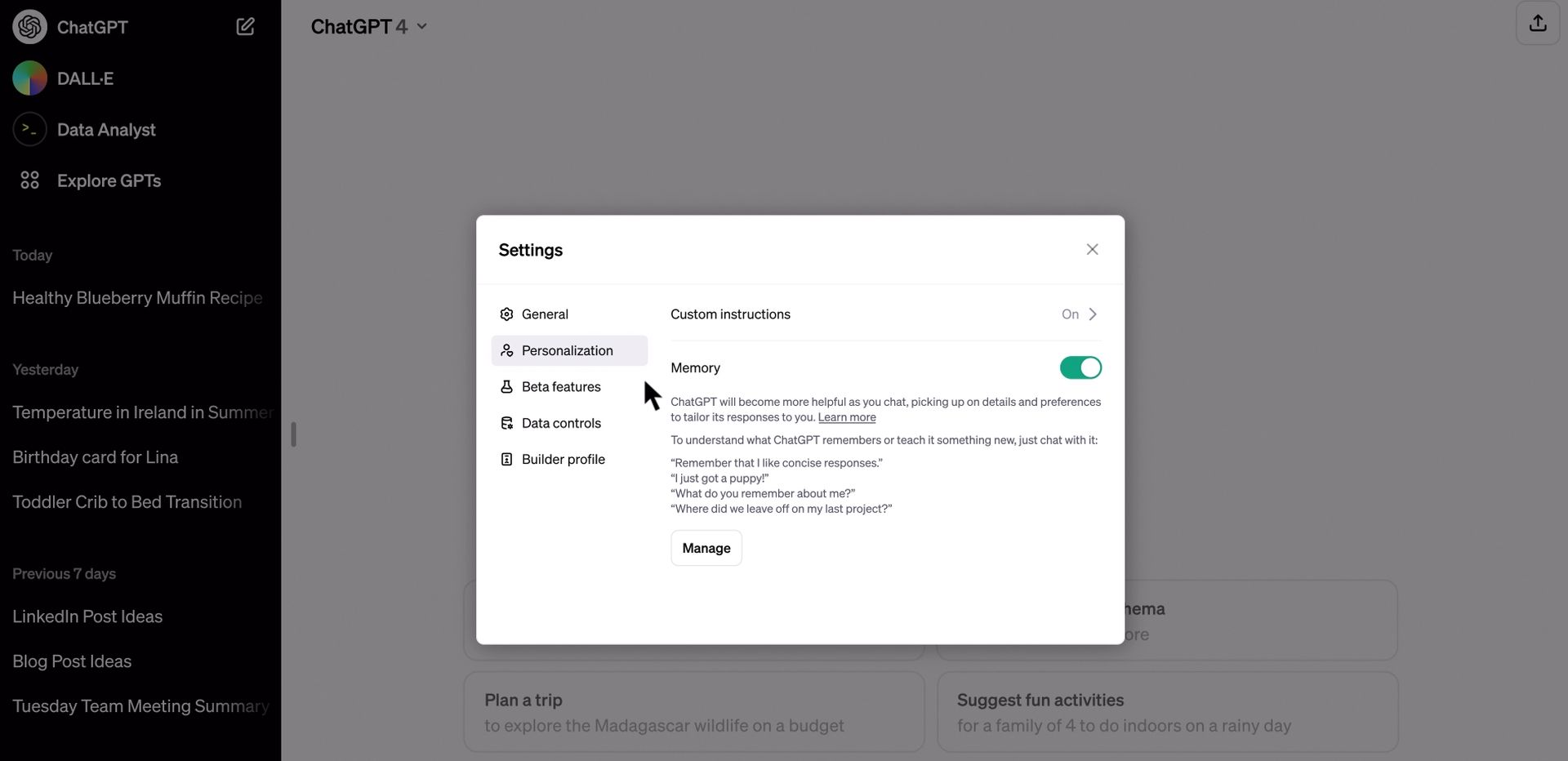
ChatGPT memory is not a one-way process; users can also instruct ChatGPT to forget certain information. Users can access memory settings and delete specific memories or clear all memories. This feature allows users to maintain control over their personal information and protect their privacy.

ChatGPT memory advantages
The introduction of ChatGPT memory offers users numerous benefits, including:
- Personalized responses: ChatGPT memory enables the AI chatbot to provide more personalized responses, making interactions more productive and efficient.
- Improved accuracy: By remembering information from previous conversations, ChatGPT can provide more accurate responses, reducing the chance of errors.
- Improved user experience: ChatGPT memory allows users to have a more natural and human-like conversation, as the AI chatbot can adapt to users’ preferences and interests.
- Increased efficiency: With ChatGPT memory, users can streamline their interactions and save time by avoiding providing the same information repeatedly.
GPTs and memory
GPTs, specialized chatbots powered by OpenAI’s models, will also have their own memory. So this will allow GPTs to remember information and adapt to users’ preferences, providing a more personalized experience. However, it is important to note that GPTs’ memories are not shared with ChatGPT or the founders, ensuring users’ privacy.
Privacy and security considerations
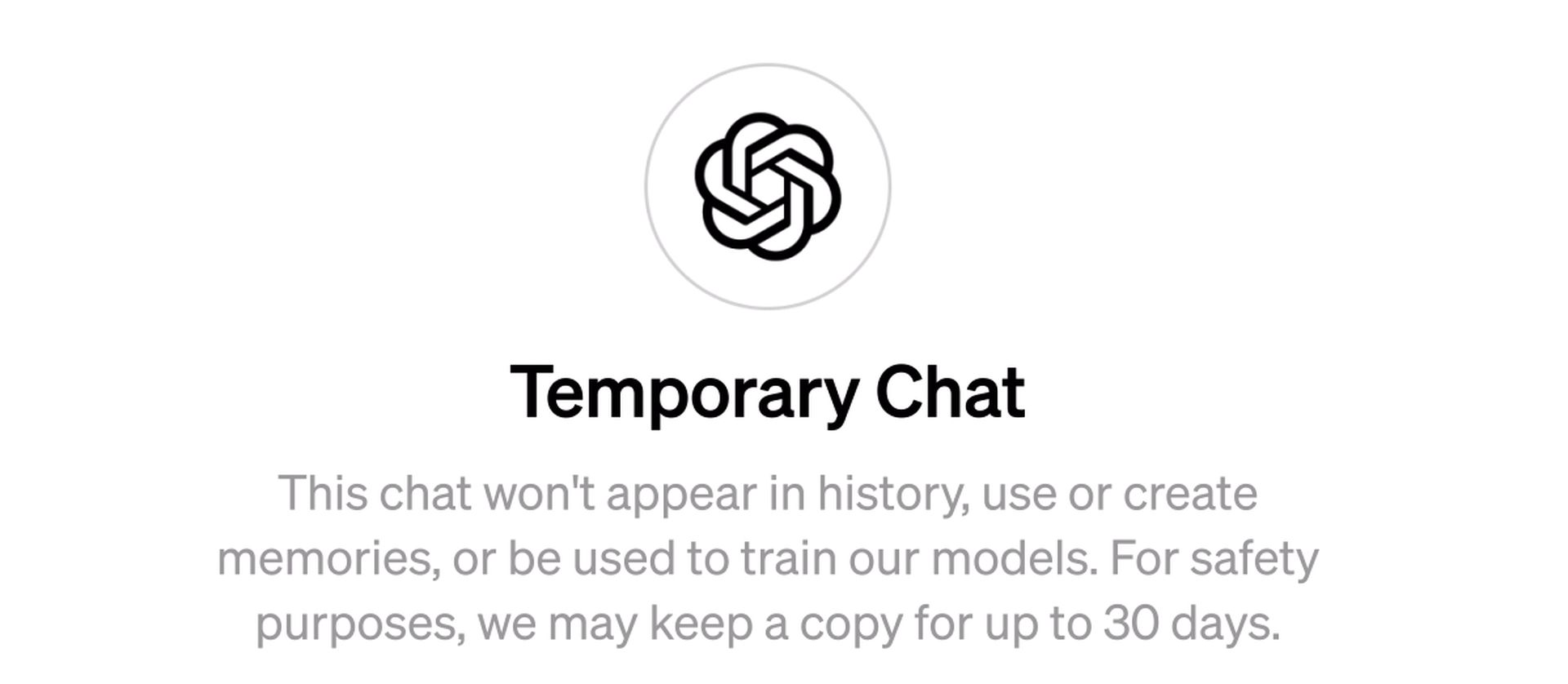
OpenAI takes privacy and security issues seriously when it comes to ChatGPT. The company has taken measures to assess and mitigate biases and has ensured that ChatGPT does not proactively remember sensitive information unless explicitly requested. In addition, users have control over their memory, allowing them to delete specific information or clear the entire memory.
As a result, ChatGPT’s new feature is a game-changer in the world of AI technology by providing users with a more personalized and efficient experience. Thanks to its ability to store and recall information, ChatGPT memory allows the AI chatbot to adapt to users’ preferences, interests, and habits, enabling a more human conversation. As OpenAI continues to innovate and improve ChatGPT, we can expect to see even more impressive features and capabilities in the future.
Featured image credit: Choong Deng Xiang / Unsplash




