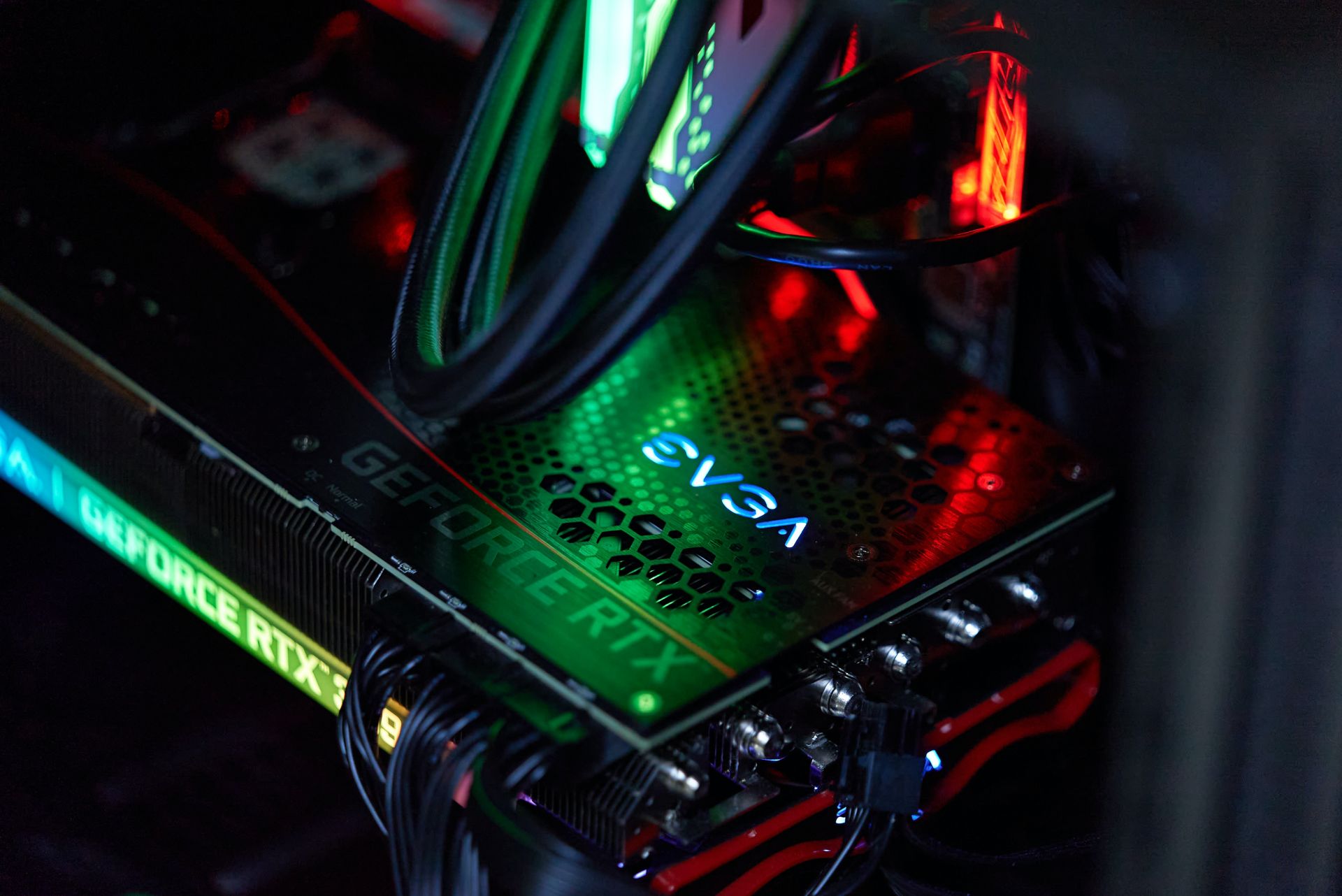

Let’s take a closer look at the RTX 3090 wattage and power consumption values, deciphering the intricacies of its energy cravings during intense gaming and its more subdued state when at rest. From unraveling variations in idle power consumption to demystifying Total Graphics Power (TGP), we navigate through the RTX 3090’s power dynamics, providing essential insights for every gamer.
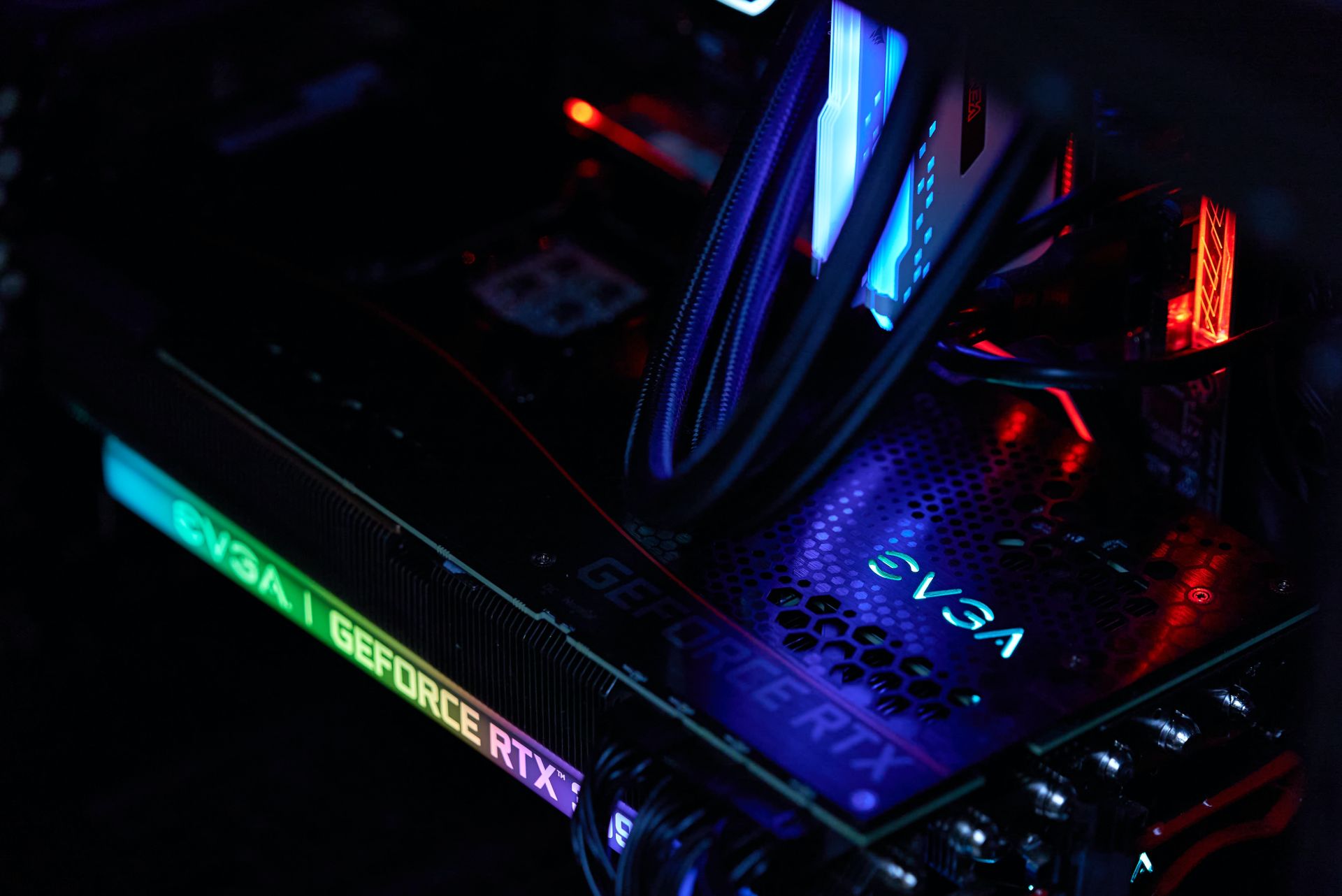
RTX 3090 wattage and power consumption requirements are a little too much
When you’re gaming, the RTX 3090 wattage can go up to 355 to 365 watts, but during downtime, it chills at a modest 18 watts. The power it craves depends on your gaming setup and the type of games you play. If you have more than one monitor, expect it to use more power when it’s not working hard.
For instance, having an extra monitor almost doubles the idle RTX 3090 power consumption. In a dual monitor setup, the RTX 3090 might use around 26 watts when it’s not busy gaming.
Now, let’s talk about Total Graphics Power (TGP). This number shows the maximum power the GPU could draw during intense gaming. But here’s the catch – the TGP number isn’t the absolute maximum. The RTX 3090 can go up to 460-465 watts, but only in special situations, like a sudden burst of high performance. It’s a safety feature, making sure the card doesn’t get harmed during those power-hungry moments.
Is 750 watts enough for 3090?
Nvidia suggests a minimum of 750 watts for the RTX 3090 – just a bit more than what it might chug at its busiest. But here’s the thing: running your PC near its power limit isn’t ideal. If your PC needs 740 watts, a 750W PSU might make it struggle. So, we recommend aiming for an 850W PSU, especially if you have a fancy gaming setup. This ensures smooth performance, no worries about power, and your PC will thank you.
Getting a good power supply isn’t just about quality; it’s about having the right amount of power. Even if you have a top-notch PSU that doesn’t deliver enough juice for your system, you might run into problems.
To unleash the full potential of the RTX 3090, you need to pay attention to the power it craves. During intense gaming, it can slurp up around 355 to 365 watts. But, when it’s just hanging out, it sips a tiny 18 watts. The catch? The more screens you add, the hungrier it gets during downtime. With two monitors, idle power shoots up to around 26 watts.
When judging a graphics card’s power needs, Total Graphics Power (TGP) is your go-to. For the RTX 3090, TGP can reach 460-465 watts in the heat of the gaming moment. But don’t worry, that’s a safety measure to prevent any harm during performance spikes.
RTX 3090 specs
Now, let’s dive into the technical bits of the RTX 3090. It uses the Ampere architecture, hitting the market in September 2020. Built with 8 nm technology, it cruises at 1.395 GHz, boosted up to 1.695 GHz when things get intense. Packed with 10496 CUDA cores, 328 texture units, and 112 ROPs, it’s a powerhouse.
The RTX 3090 boasts 24 GB of GDDR6X memory on a 384-bit bus, clocked at 1.219 GHz, delivering an impressive 936.19 GB/s memory bandwidth. Sporting a PCI Express 4.0 interface and taking up 3 slots on your motherboard, the RTX 3090 demands attention with a max power draw of 350 watts. It’s a gaming marvel, as long as you have the power to fuel its ambitions.
In the world of gaming, knowing your hardware is key. With the RTX 3090, understanding its power cravings ensures a smooth and powerful gaming experience. So, make sure your PC has the juice it needs, and let the gaming adventures unfold!
Featured image credit: Jose G. Ortega Castro/Unsplash