


If you’re an avid Fortnite player and finding yourself scratching your head with the Fortnite Solo Victory Cup not working issue, don’t worry – you’re not alone.
In this guide, we’ll walk you through some practical solutions to get that Solo Victory Cup back on your radar and ensure you don’t miss out on the sweet rewards.

How can you fix the Fortnite Solo Victory Cup not working issue?
Here are some straightforward steps to troubleshoot and fix the Fortnite Solo Victory Cup not working issue:
Check for updates
Make sure your Fortnite game is up-to-date. Sometimes, the cup might be playing hide and seek in a recent update. Keeping your game current could be the key to unveiling that elusive Solo Victory Cup. Here’s how:
- Launch your Fortnite game.
- Navigate to the game settings or options menu.
- Look for an option like “Check for Updates” or “Update Game.”
- If there’s an available update, download and install it.
- Restart the game after the update is complete.
Stable internet connection
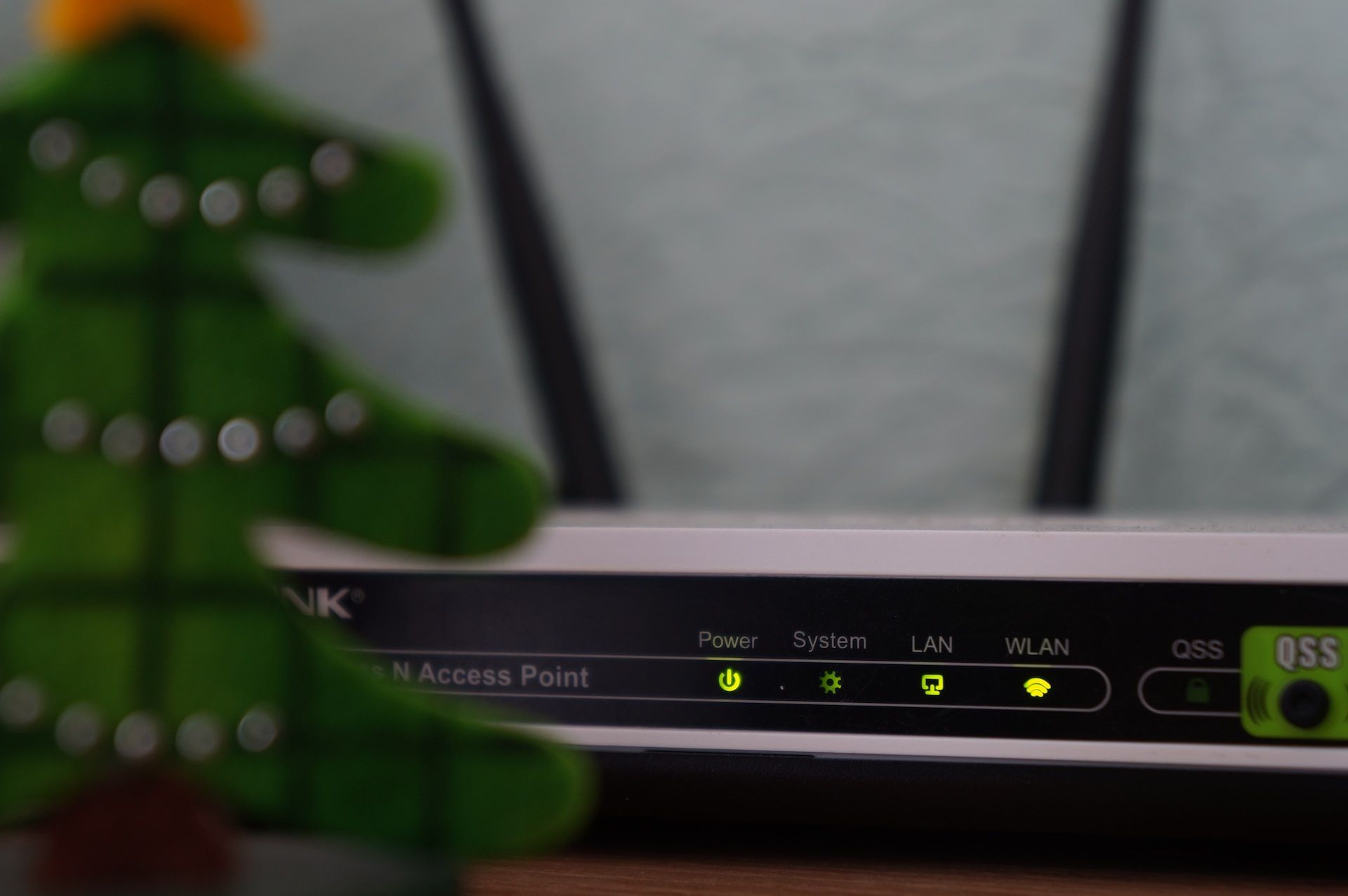
A wonky internet connection could be the culprit. Ensure your connection is stable, and if you’re feeling adventurous, give that router a restart. Connectivity issues can sometimes mess with your cup visibility. Here’s how:
- Check your internet connection stability.
- If using Wi-Fi, consider restarting your router.
- Connect to a wired network if possible for a more stable connection.
- Launch Fortnite again and see if the Solo Victory Cup appears.
Verify eligibility
Double-check if you meet the eligibility criteria. Some cups have specific requirements like account level or certain achievements. Ensure you’ve ticked all the boxes before trying to claim your cup. Here’s how:
- Open your Fortnite profile or account information.
- Check for any specific requirements mentioned for the Solo Victory Cup.
- Ensure you meet the criteria, such as reaching a certain account level or accomplishing specific in-game achievements.
- If needed, work on meeting the eligibility requirements before trying to access the cup again.
Time restrictions matter
Be mindful of the time frame during which the Solo Victory Cup is up for grabs. Attempting to access it outside the designated period might leave you cup-less. Timing is everything! Here’s how:
- Find out the specific time frame during which the Solo Victory Cup is available.
- Make a note of the start and end times for the event.
- Attempt to access the cup only within this designated period to ensure it appears.
Restart the game
When in doubt, the good ol’ restart can work wonders. Close and restart Fortnite to clear out any minor glitches that might be causing the cup to play hide and seek. Here’s how:
- Close Fortnite completely.
- Restart the game from your gaming platform (e.g., Epic Games Launcher, console menu).
- Check if the Solo Victory Cup is now visible after the restart.
Contact support
If all else fails, don’t hesitate to reach out to Fortnite’s support. They’re there to help, and who knows, they might have a magical fix up their sleeves. Here’s how:
- Visit the official Fortnite support website or contact support through the game platform.
- Provide details about the issue, including when it started and any troubleshooting steps you’ve already taken.
- Follow any instructions provided by the support team to address the problem.
Stay in the loop
Keep an eye on official Fortnite channels, forums, or social media. Epic Games often drops announcements about events and known issues and might do so about the Fortnite Solo Victory Cup not working issue as well. Staying informed might just save you from a cup-less dilemma. Here’s how:
- Keep an eye on official Fortnite communication channels, such as the game’s website, forums, or social media.
- Check for announcements regarding the Solo Victory Cup or any ongoing issues.
- Stay informed about updates and potential fixes mentioned by Epic Games.
What exactly is the Solo Victory Cup?
For those not familiar, the Solo Victory Cup is Fortnite’s way of celebrating your solo victories with some cool rewards. It’s a time-limited event that encourages solo play during a specific period. You’ll need to meet certain criteria to join the cup, like reaching a minimum account level or accomplishing specific in-game achievements.
So, there you have it – a handy guide to tackle the Fortnite Solo Victory Cup not working issue. Follow these steps, and you’ll hopefully be back on track, claiming your hard-earned victories and enjoying those exclusive rewards. Happy gaming!
Meanwhile, if you’re an avid Fortnite player and haven’t checked out the news yet, make sure to take a look at our article on how the new Driftboard and here is where you can find it.
Featured image credit: Fortnite


