


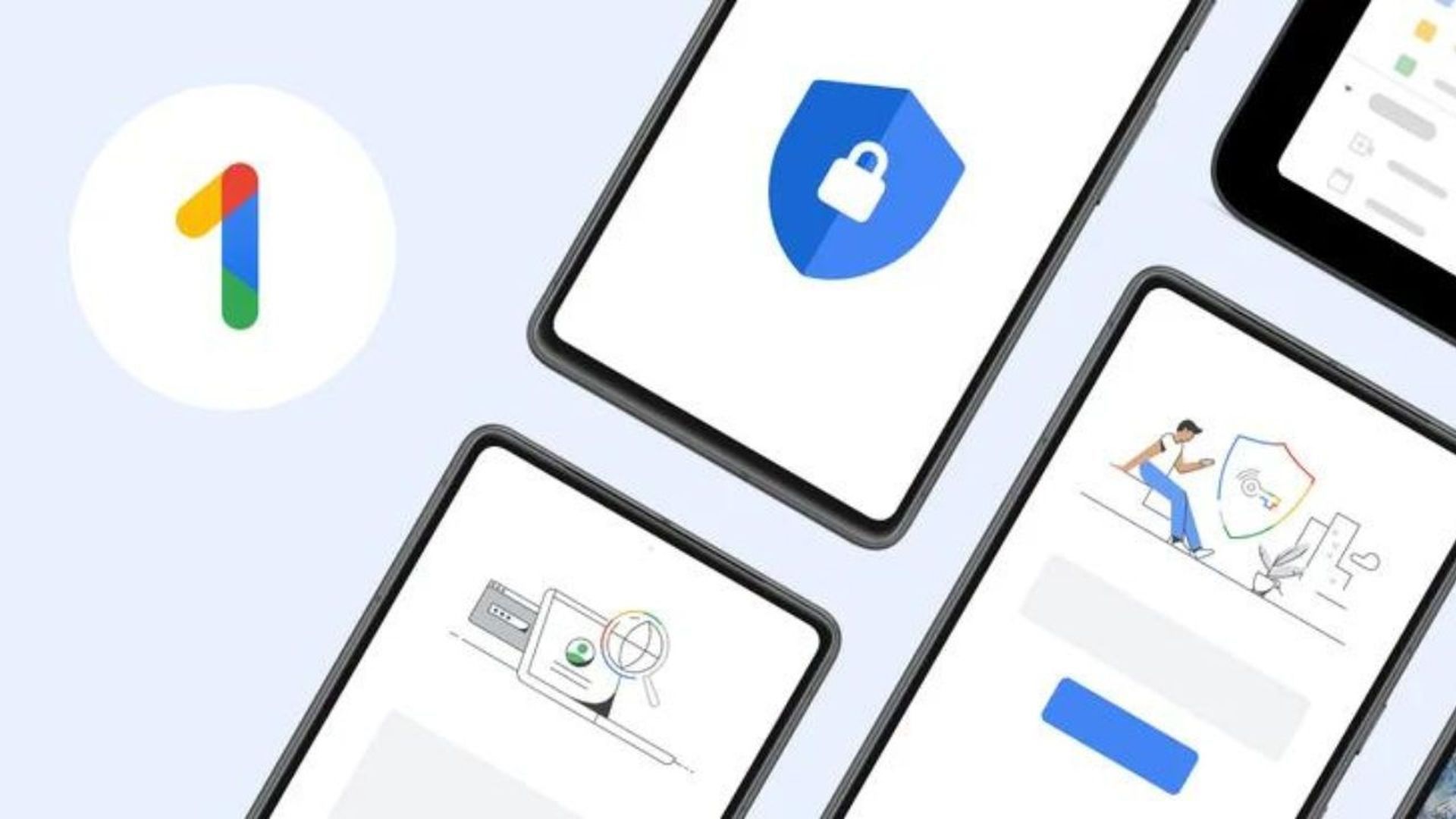
The American tech giant has recently introduced the Dark web report feature, also referred as Google One data breach checker, to its Google One subscribers in 41 countries, after initially launching it for users in the United States.
This feature enables users to keep a close watch on their personal information within the dark web, a hidden corner of the internet frequently used by hackers and wrongdoers for illegal activities, including the trading of sensitive personal data.
With Google’s Dark Web Report, users gain an added layer of protection. It promptly notifies them if their personal information is detected on the dark web. This proactive approach empowers individuals to take necessary precautions and exercise vigilance against potential fraudulent activities like identity theft and financial scams.
How does the Google One data breach checker, Dark web report work?
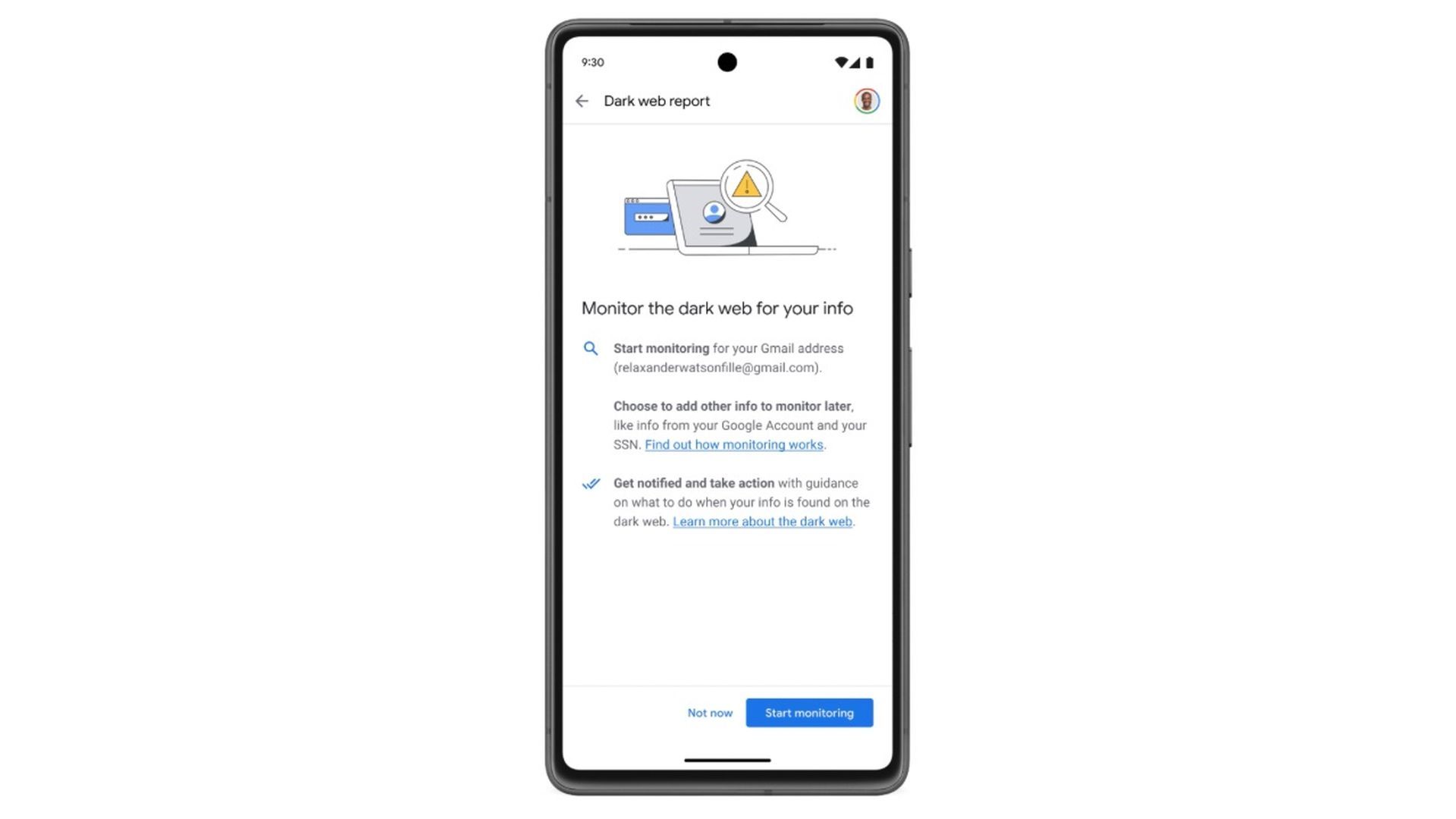
With a Google One membership, you can establish a profile to monitor the dark web and receive alerts if your information is discovered in breaches.
You have the capability to check for data on the dark web that may be linked to your email address or other details you include in your monitoring profile. Breach results may encompass:
- Your name
- Address
- Phone number
- Social Security Number (SSN)
- Username
- Password
Note that only accounts with a US billing method can add a Social Security Number to their monitoring profile.
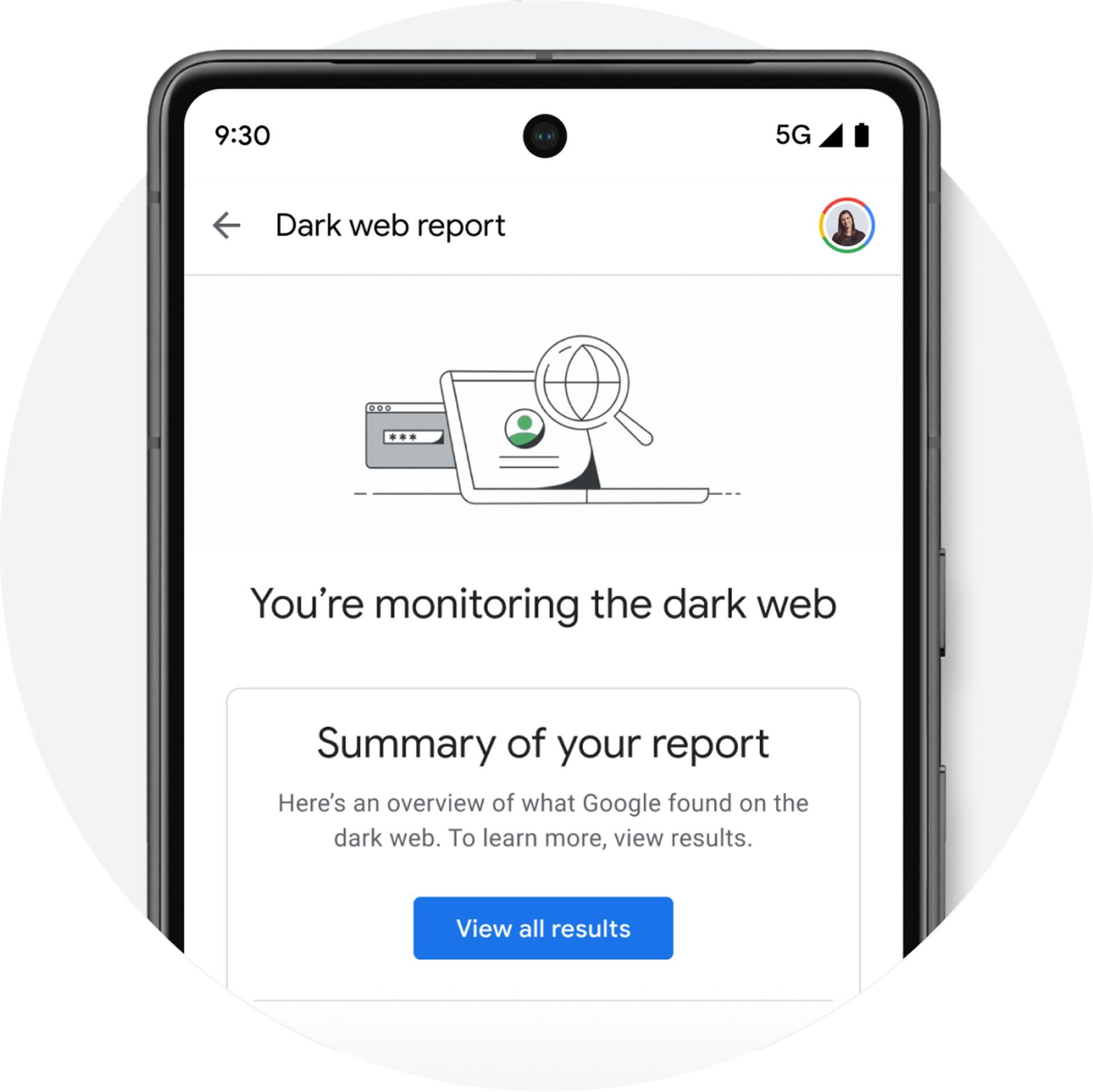
Any information uncovered in the breach results will be presented in a redacted format to uphold data privacy.
With the results, you can scrutinize your information and make informed decisions regarding how to safeguard yourself.
Eligibity
The dark web report is accessible only in specific countries or regions, which include:
- Albania
- Algeria
- Argentina
- Austria
- Australia
- Bangladesh
- Belgium
- Bolivia
- Brazil
- Canada
- Chile
- Colombia
- Denmark
- Ecuador
- Finland
- France
- Germany
- Greece
- Iceland
- India
- Indonesia
- Ireland
- Israel
- Italy
- Japan
- Mexico
- Morocco
- Netherlands
- Nicaragua
- Norway
- Pakistan
- Philippines
- Senegal
- Slovenia
- South Korea
- Spain
- Sri Lanka
- Sweden
- Switzerland
- Taiwan
- Türkiye
- Ukraine
- United Kingdom
- United States
- Venezuela
- Vietnam
To be eligible for the dark web report, you must possess a consumer Google Account. Google Workspace accounts and supervised accounts do not have the capability to use the dark web report.
Certain features of the dark web report are exclusively available with a paid Google One membership, such as:
- Continuous monitoring of the dark web for your personal information
- Providing results for information beyond your email address
- Notifications for new results
Here are several additional notes on using the dark web report:
- Upon setting up a profile, you can select which personal information you’d like to check on the dark web.
- You can run a dark web report for the email address linked to your Google Account. You will receive an email containing the top 2-3 recommendations from the report.
- Different dark web results offer specific recommendations for safeguarding your personal information. Guidance may differ by country or region.
- Ensuring your online safety entails protecting your information and respecting your privacy. That’s why in every product we develop, we prioritize keeping your information secure, handling it responsibly, and putting you in control.
As mentioned, despite some features being exclusive to Google One members, you do not require a paid Google One membership to conduct a dark web report for the email address associated with your Google Account. Here’s how to do so.
How to conduct a dark web report without Google One membership?
As you know by now, even without a Google One membership, you have the option to conduct a dark web scan for the email address associated with your Google Account.
Eligibility criteria
To qualify for the dark web report, you must possess a standard consumer Google Account. Google Workspace accounts and supervised accounts do not have access to the dark web report.
Certain features, such as continuous monitoring of the dark web for your personal information, providing results for information beyond your email address, and receiving notifications for new results, require a paid Google One membership.
| Feature | Google One Member | Non-Member |
|---|---|---|
| One-off dark web scan | No | Yes |
| User-provided personal data for dark web scanning or matching | SSN (US only), name, date of birth, address, up to 10 emails, up to 10 phone numbers | 1 email address (Google Account email) |
| Review results | Yes | Yes |
| Receive actions & guidance | Yes | Yes |
| Notifications of new results | Yes | No |
| Create & manage monitoring profile | Yes | No |
How to scan the dark web for your email address
- Ensure you are signed in to your Google Account.
- Visit one.google.com.
- Navigate to “Dark web report” and click on “Try now.”
- Click on “Run scan.”
In conclusion, the Dark Web Report feature provided by Google One offers a powerful tool to enhance online security and protect personal information. With or without a Google One membership, users can take advantage of this service to scan the dark web for their associated email address.
Google One’s commitment to privacy underscores its dedication to keeping users’ information secure and respecting their privacy. By providing these resources and emphasizing user control, Google One empowers individuals to take proactive steps in safeguarding their online presence.
Meanwhile, if you are a dedicated user of Google’s services, make sure to check out our artilce on everything you need to know about Google Results About You.
Featured image credit: Google




