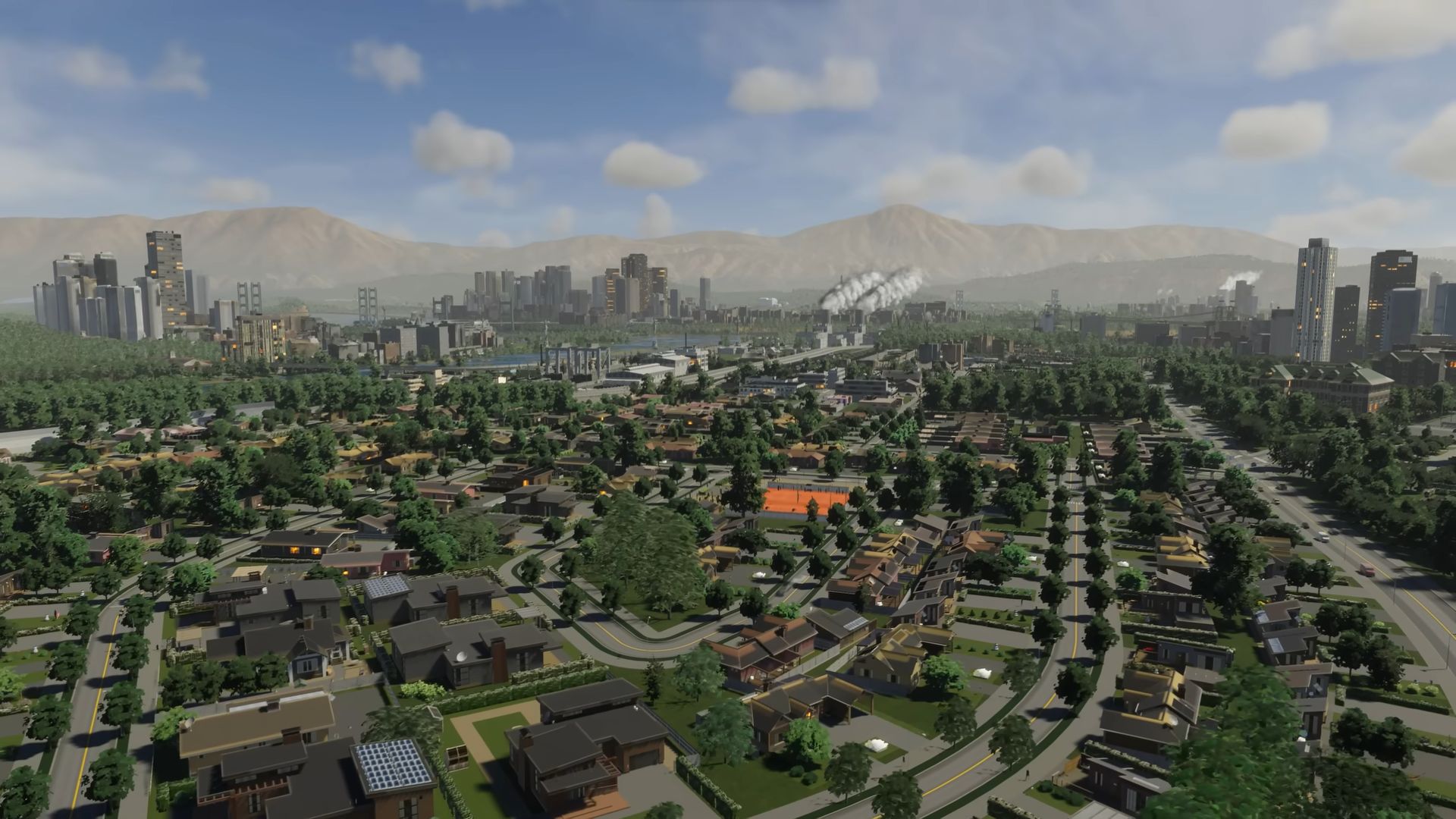

It seems that Paradox Interactive’s sequel game introduced a new mechanic, which is making players wonder how the Cities Skylines 2 export and import mechanics work.
These connections are a lifeline for cities lacking independent reservoirs and power plants. In this guide, we’ll walk you through the process of efficiently importing and exporting power, water, and sewage to keep your city thriving.
How can you make the most of Cities Skylines 2 export and import mechanics?
For each of the power, water, and sewage trio, there are several notions that you need to pay attention to when you are making use of the Cities Skylines 2 export and import mechanics.
Below, we are going to explain each of these notions so you make no mistake while sustaining your beautiful city.
Connecting power
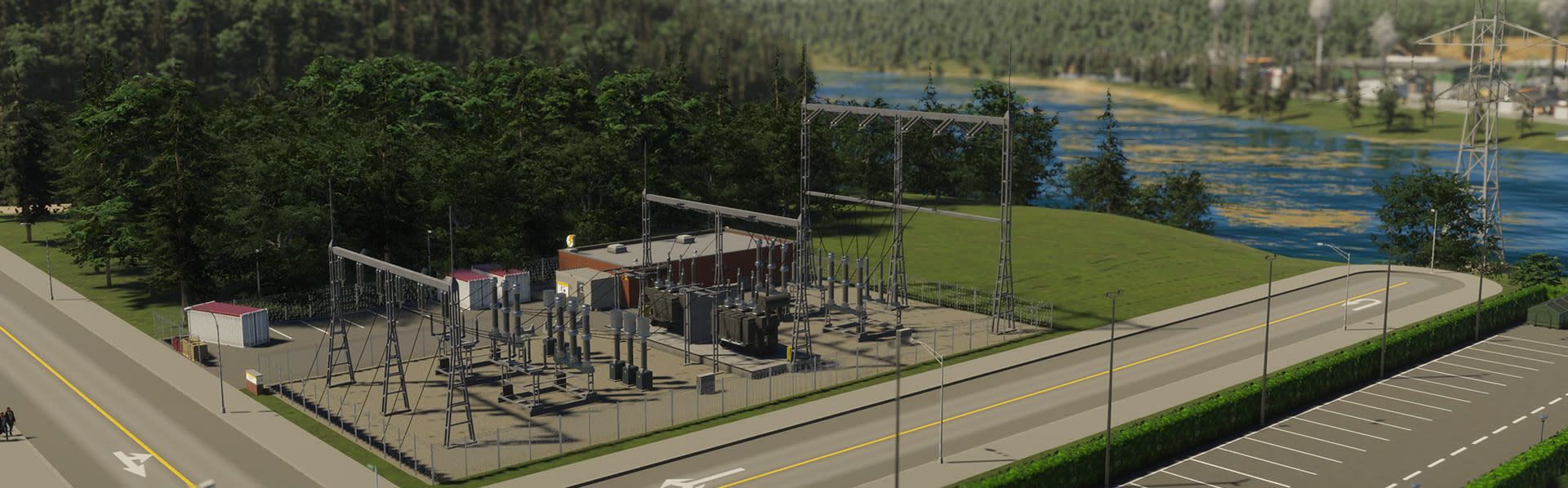
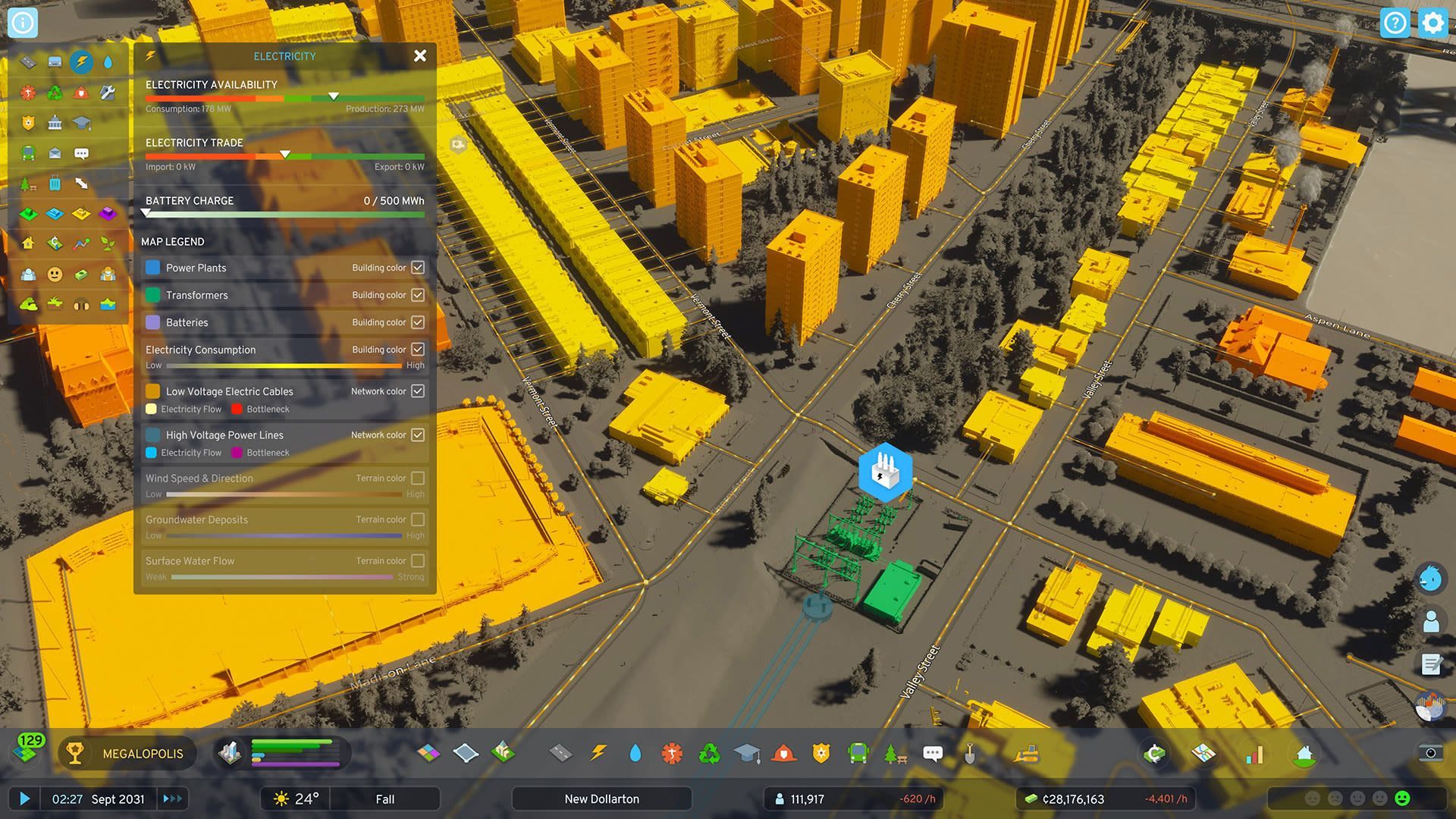
In Cities Skylines 2, power plants and transformers come with high-voltage and low-voltage connections. The low-voltage connection links automatically to road networks, but the high-voltage lines require manual connection.
- Placement strategy: Start by situating your first power plant in the corner of the buildable area, near the power connection point. This positioning streamlines the process of connecting it to external wires.
- Expansion tip: As you expand, remember to connect each new power plant and transformer with high-voltage wires to enable efficient power transfer.
- Aesthetic freedom: For those concerned about aesthetics, rest easy knowing that you can construct these towers underground, avoiding any interference with your city’s skyline.
- Monitoring power: Keep an eye on the “Electricity Trade” meter. If your city falls short on power, it will automatically import it, albeit at a higher cost than local production. Conversely, excess electricity can be exported for additional revenue. Consider adjusting your power production to maximize cost savings.
Connecting water and sewage
Unlike power, starting maps in Cities Skylines 2 don’t include outside water or sewage connections. However, map creators can incorporate them in custom maps, especially relevant for arid terrains. Alternatively, players have the option to forge their own connections.
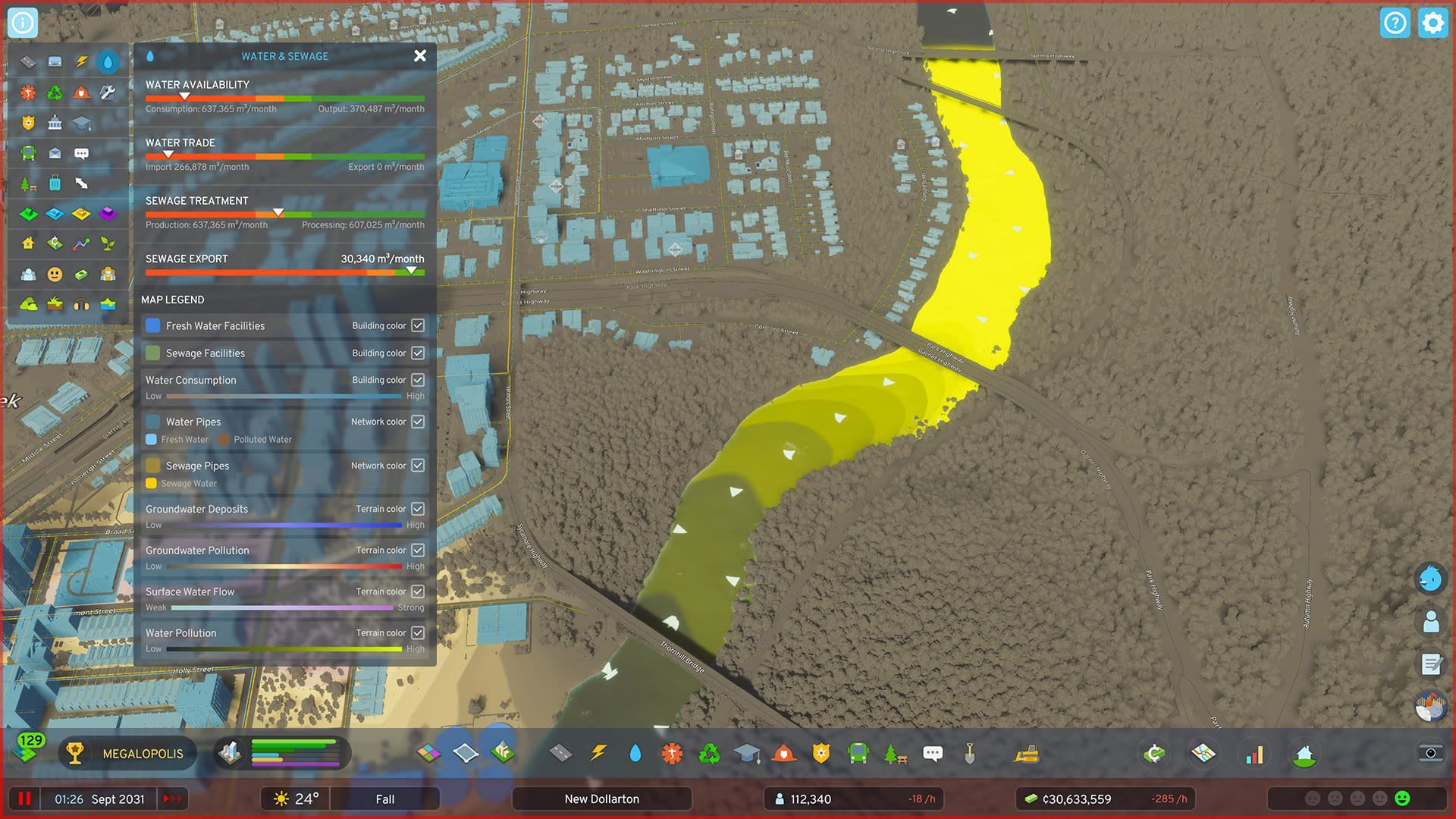
- Setting up connections: To do this, ensure that the water and/or sewage connection extends beyond your current owned area, reaching the edge of the map. Only then can you establish a connection by extending water pipes up to the dotted line. Look for the arrow above the pipes as confirmation of success. Remember, the other end of these pipes must touch the road network for it to function.
- Monitoring water and sewage: Keep an eye on the “Water Trade” and “Sewage Export” meters. Similar to power, excess water can be exported, and shortages can be supplemented through imports. However, be mindful that sewage cannot be imported for use in local water treatment plants.
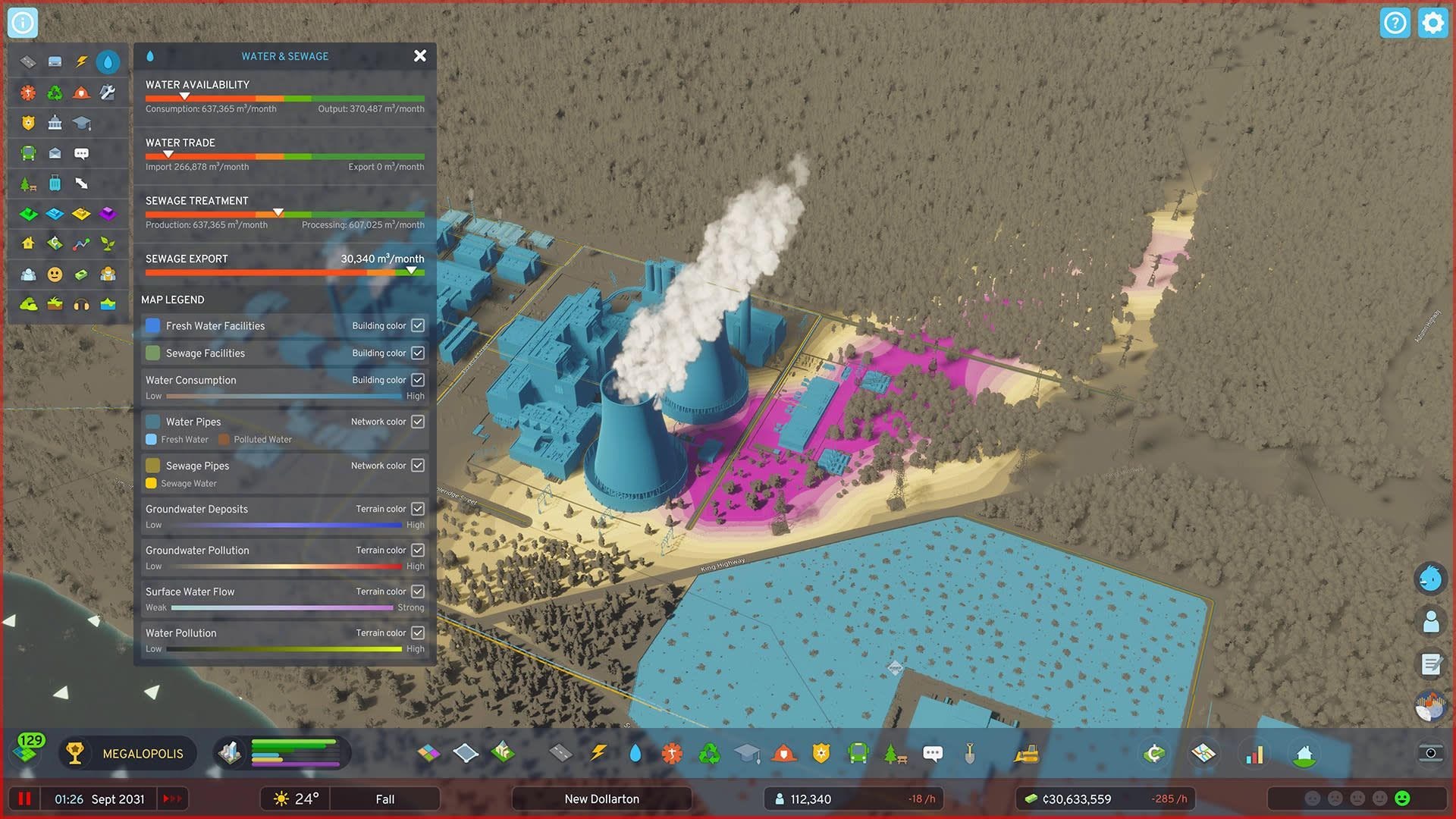
Outside utility connections are a game-changer in Cities Skylines 2, offering vital support for cities without independent power and water sources. Mastering the art of importing and exporting power, water, and sewage is crucial for the prosperity of your city.
Balancing the benefits of Cities Skylines 2 export and import mechanics with local production can lead to a thriving and financially sound metropolis.
Meanwhile, if you ever need assistance at any other point in the game, make sure to check out our articles on it, such as the one on how to change road direction in Cities Skylines 2.
Featured image credit: Paradox Interactive