

The latest release in the NHL series has brought with it a new gameplay experience that left players confused between the NHL 24 total control vs skill stick options as the introduction of the Total Control controller layout has been a game-changer in both offense and defense.
In this guide, we’ll break down the pros and cons of NHL 24 Total Control vs Skill Stick.
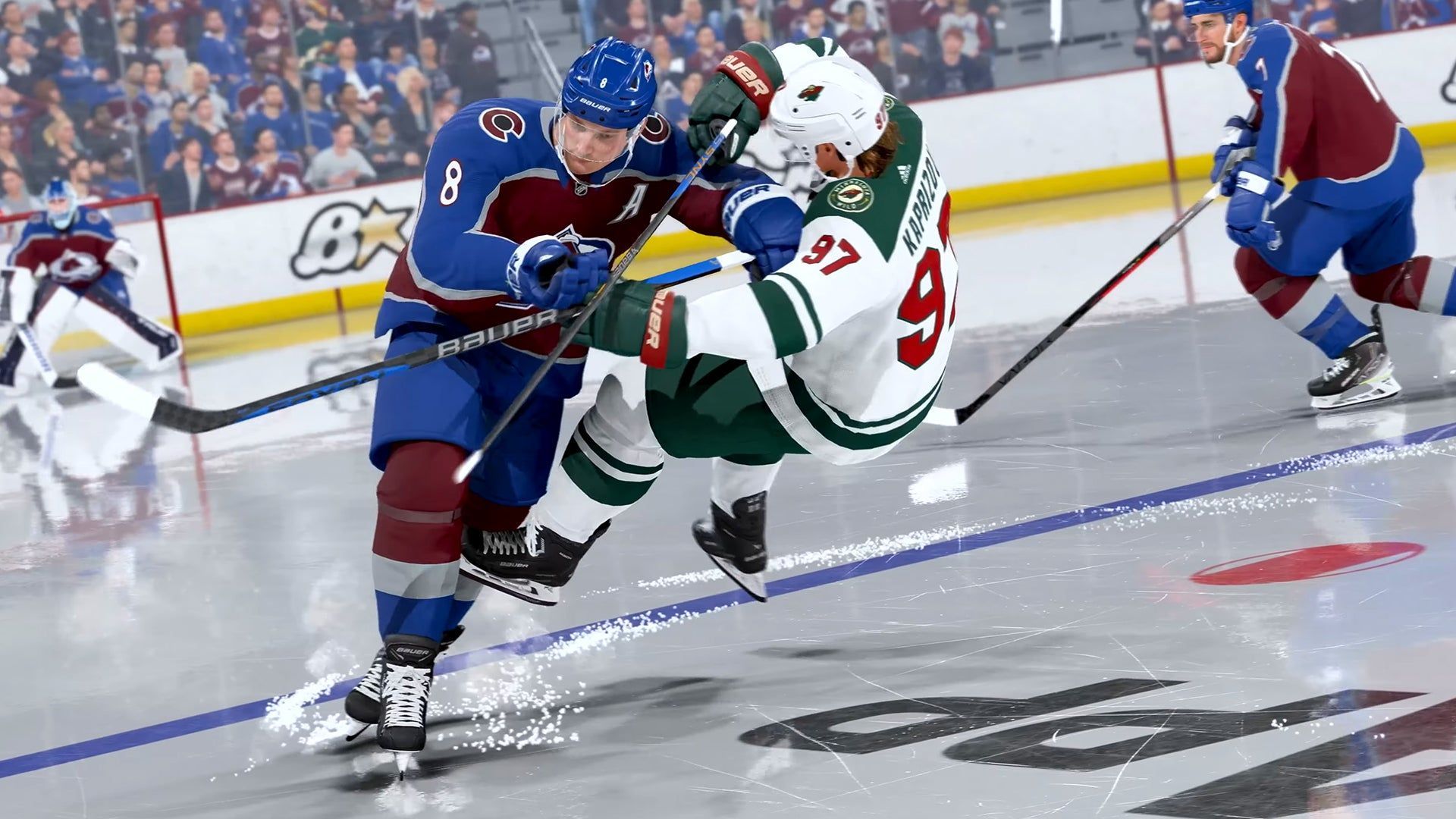
How can you choose between the NHL 24 Total Control vs Skill Stick options?
As with any gameplay options in games, the choice between the NHL 24 Total Control vs Skill Stick gameplay styles relies mostly on your personal preferences on how to play the game.
Below, you can check out what advantages and disadvantages each of these options offer and make an informed decision about your gameplay.
Total Control simplifies the game
The Total Control layout in NHL 24 aims to streamline some of the more intricate moves in the game. Now, executing complex dekes like the One-Handed Tuck, Michigan, and Between the Legs shot is as simple as a press of a button. While it might not be the go-to choice for professional players seeking a competitive edge, it offers a fun playground for those looking to experiment with their moves.
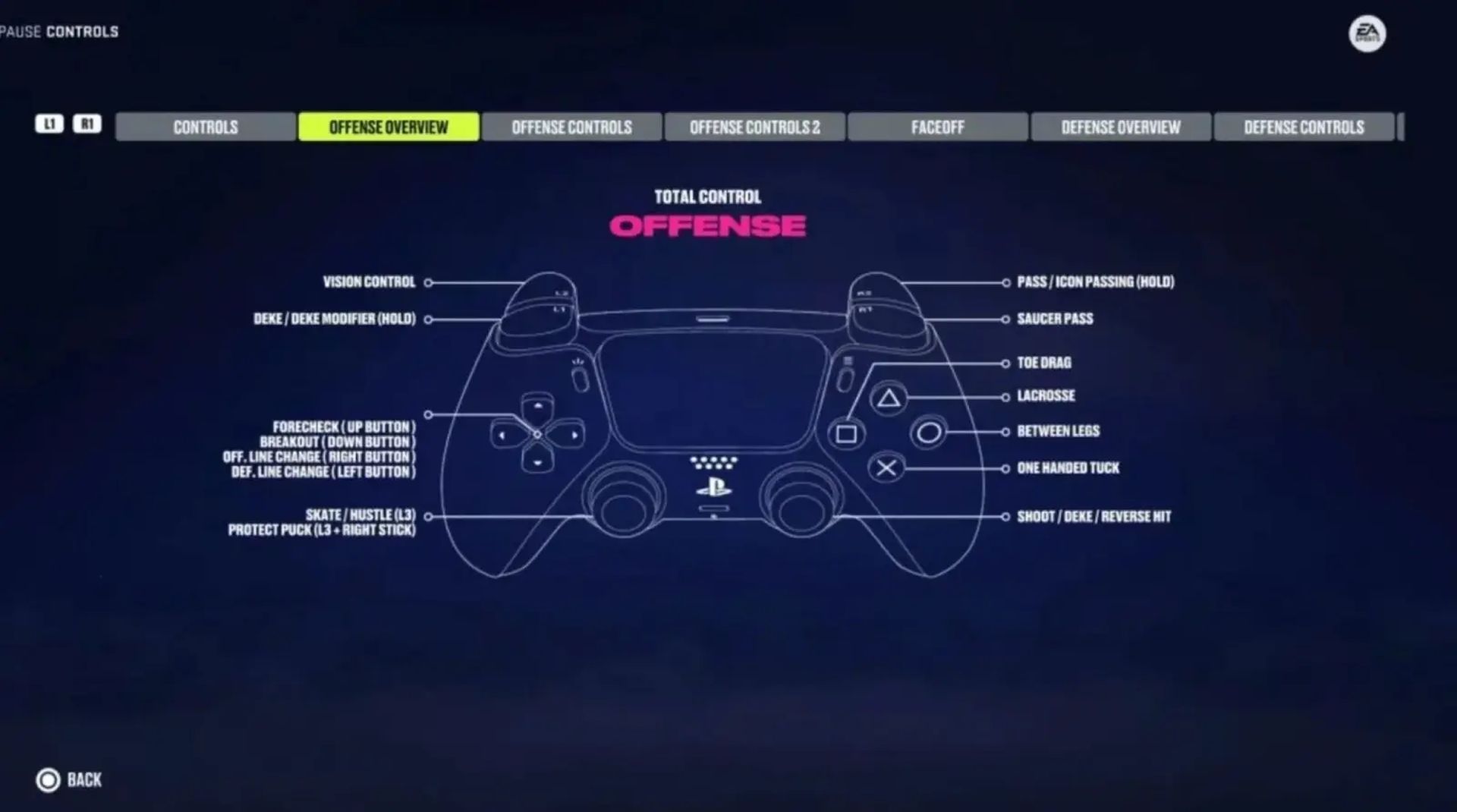
Keep in mind, though, that players with higher deking and player ratings will excel with this layout.
A new approach to passing
NHL 24 also brings in the Icon Passing System, a game-changer for precision passing. No longer do you need to aim and pass with the stick; now, a single button press targets your desired teammate. This addition simplifies gameplay, giving you more control over your passes.
Adapting to change
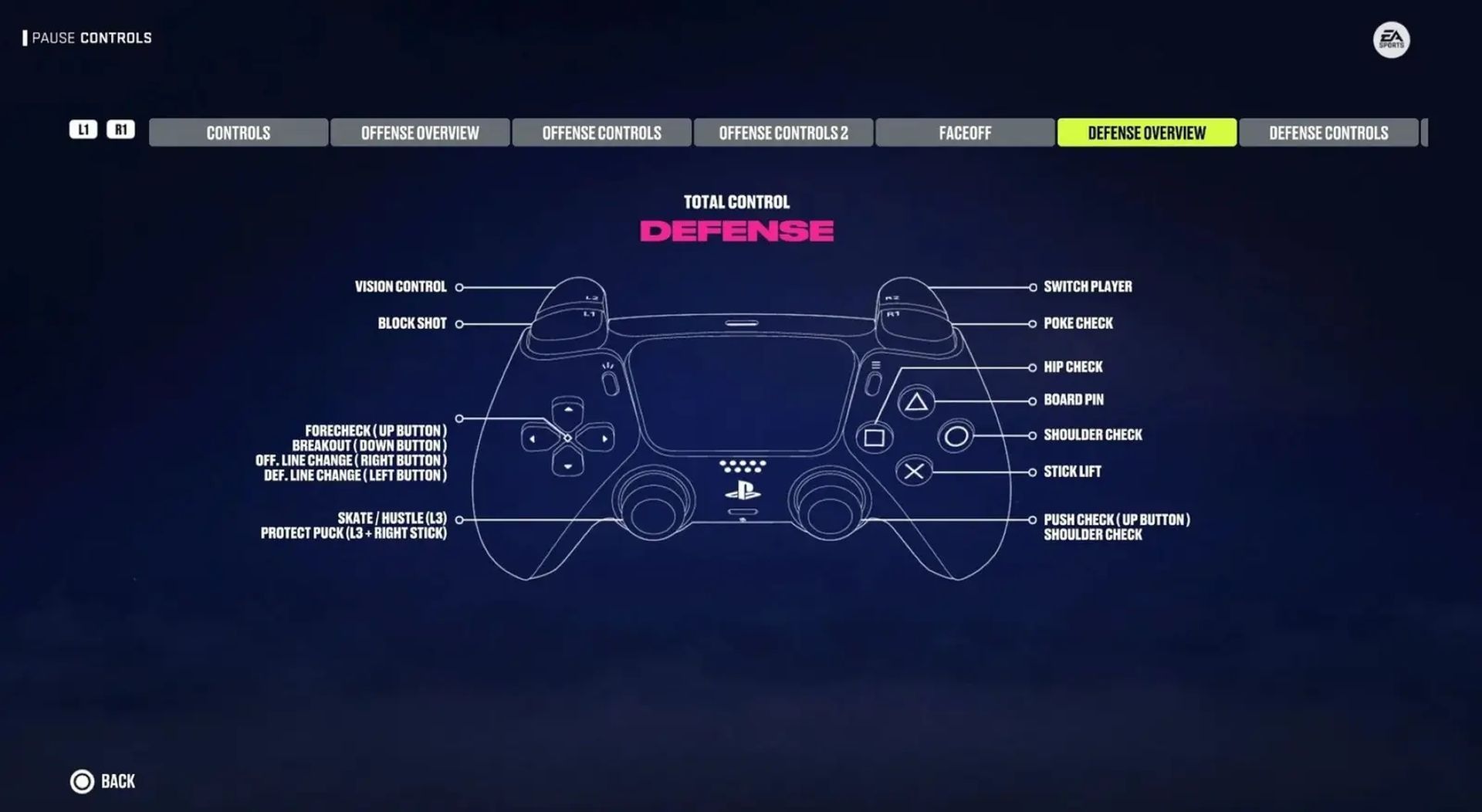
With the arrival of NHL 24, the NHL 94 and Hybrid Layouts have been replaced by the Total Control layout. Players accustomed to these setups will need to adjust to the new controls. However, this change is not without its quirks.
The Total Control layout, while excellent for executing fancy moves, has its drawbacks. Some critical functions, like line changes, have been shifted to less intuitive locations. This means taking your thumb off the stick, momentarily compromising player movement. On the other hand, the Skill Stick controls come with their own challenge, as the right stick click is now used to brace against body checks, potentially leading to missed scoring opportunities.
Making your choice
In the battle of NHL 24 Total Control vs Skill Stick, the decision ultimately comes down to your playstyle. The Skill-Stick layout, a familiar favorite, returns for those who prefer a classic approach. However, the Total Control setup introduces a new dimension to the game, especially in terms of deking. While it may not be for everyone, it’s an exciting option for those looking to push the boundaries of their gameplay.
The Total Control layout is a significant leap forward, offering players the opportunity to perform skill moves previously out of reach. Yet, it’s not without its risks, potentially leading to turnovers. Ultimately, the choice between NHL 24 Total Control vs Skill Stick boils down to your play preferences. Will you opt for the tried-and-true or embrace the new frontier of Total Control? The decision is in your hands.
Meanwhile, if you wish to read more about the changes to controls in the NHL 24 October 24 update, make sure to check out our article on it.
Featured image credit: EA




