

In a notable shift that will push users to discover the best X Pro alternatives out there, the social network formerly known as Twitter has officially introduced a paid model for its popular TweetDeck service. Despite its previous availability as a free tool, the company has long hinted at this development.
As users began encountering a paywall on TweetDeck, the subscription service was rebranded as XPro, accompanied by a sales page for X Premium, previously referred to as Twitter Blue.
The move to paid service calls for free X Pro alternatives
While some users are still unaffected, many have encountered the paywall when accessing TweetDeck. This step comes as no surprise, considering X’s announcement on July 3rd, in which the company revealed plans to transition XPro into a subscription-only feature. Despite a slight delay from the initially proposed timeline, X’s shift to a paid service model was a foreseeable outcome.
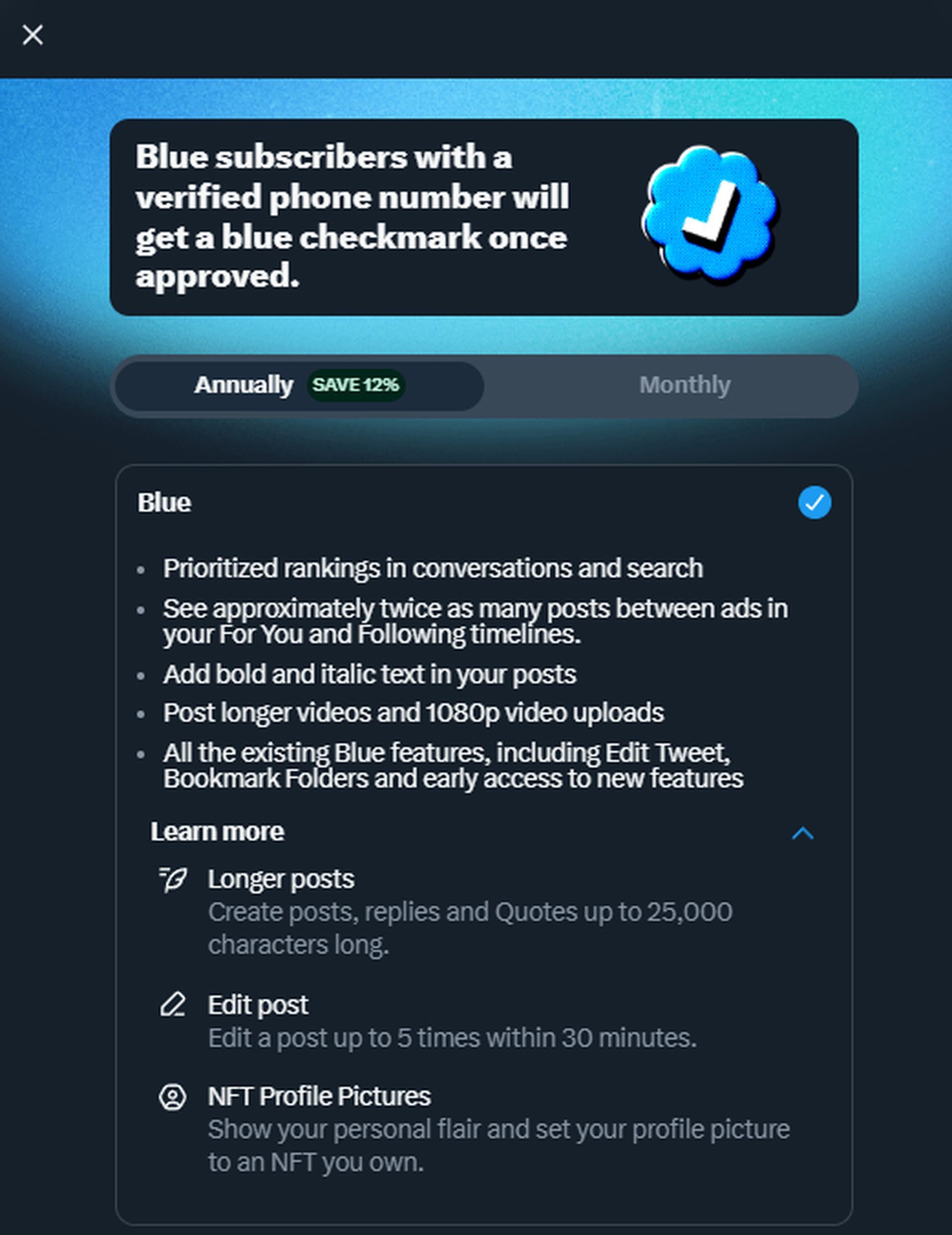
Under the leadership of Elon Musk, X has been working to enhance its Premium subscription offering. Additions such as extended post lengths, formatting options, ad revenue sharing, and improved visibility in conversations and searches aim to make the subscription more attractive. With XPro now included in the subscription, the company appears to be banking on the value of accessing XPro as an incentive for users to opt for a subscription, which in turn could grant them coveted features like the blue checkmark verification.
What happened to TweetDeck?
Once a highly regarded third-party application for accessing Twitter, TweetDeck’s functionality included support for multiple accounts and customizable feeds. Acquired by Twitter in 2011, TweetDeck became a favorite tool for journalists, marketers, and individuals who relied on Twitter for their professional endeavors. The decision to introduce a paid version and incorporate “Pro” into the name is, from a business perspective, reasonable given the tool’s utility.
Exploring X Pro alternatives
As users grapple with the shift to a paid model, several alternatives have emerged for those seeking TweetDeck-like features without the subscription fee. Let’s take a look at a few of them:
Tweetastic
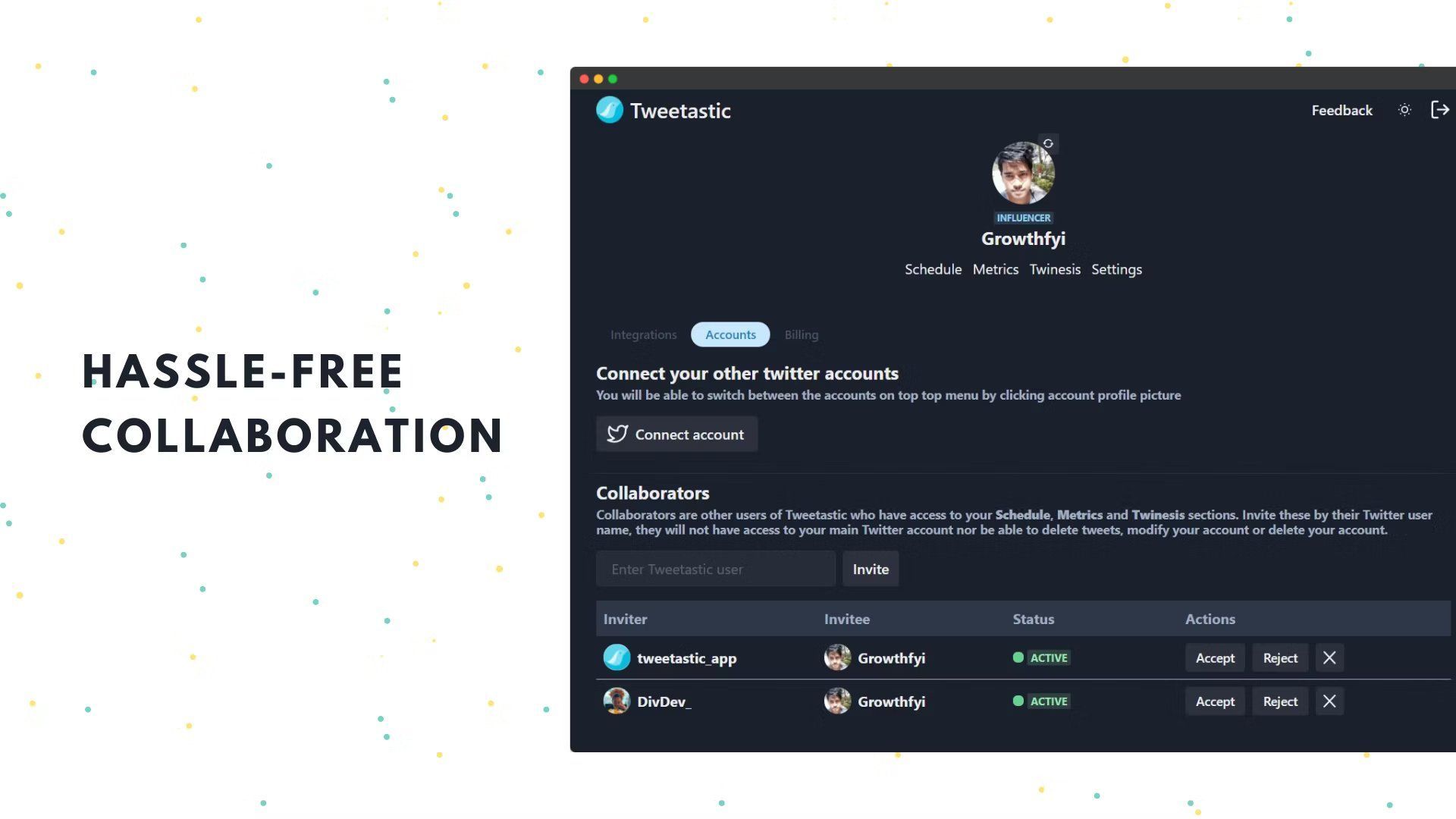
This platform offers scheduling, thread analysis, competitor measurement, media content assessment, and growth tracking. It caters to professionals, small businesses, and medium-sized companies.
Brizzly
A unique social media simulation tool that allows users to craft and send content without the usual social pressures. It provides the satisfaction of content creation without the stress of metrics and responses.
Twitterific 5
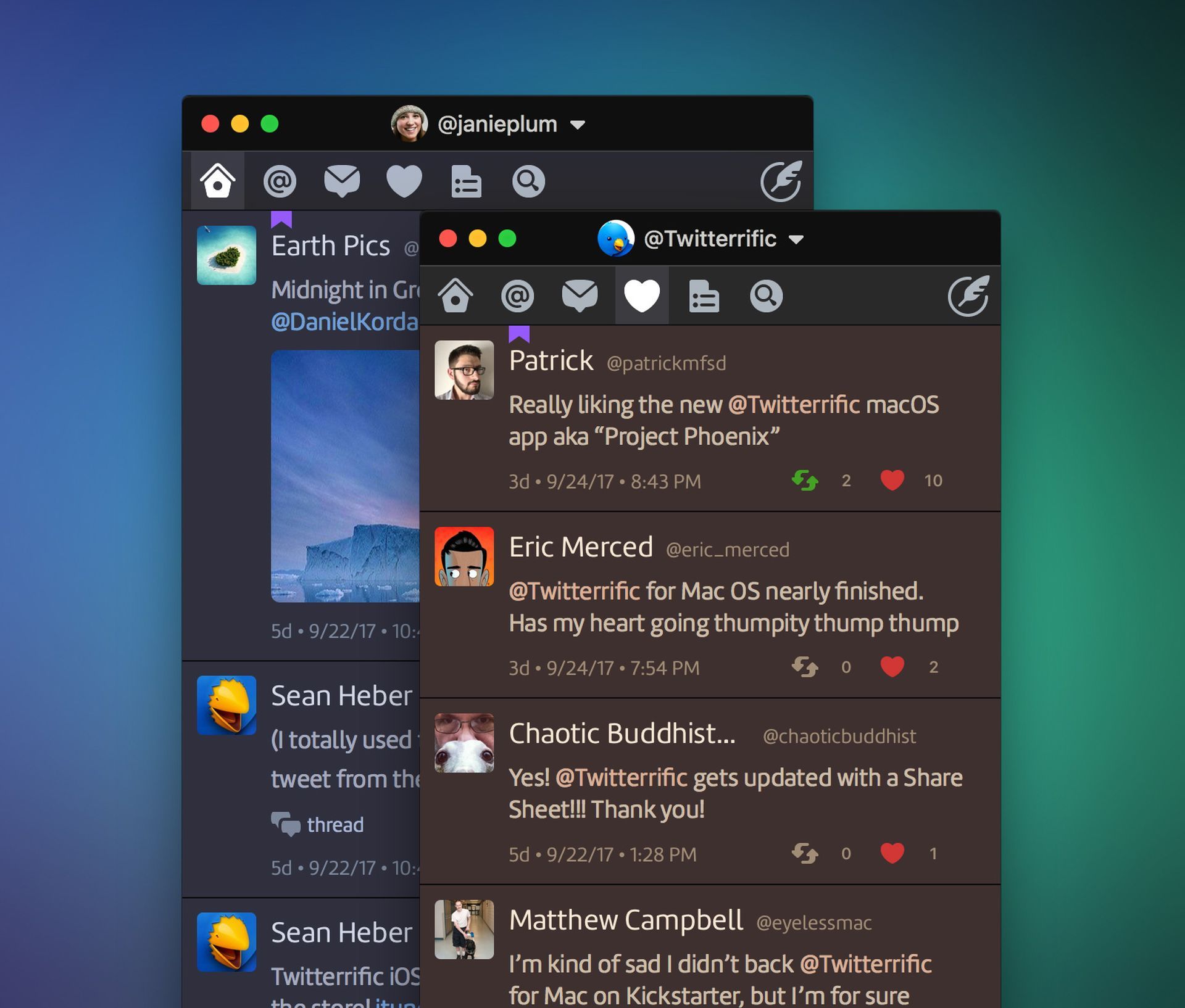
With customizable tweet views, multiple account support, and intuitive swipe gestures, this app is tailored for active Twitter users seeking seamless navigation and personalized experiences.
Social Scroll
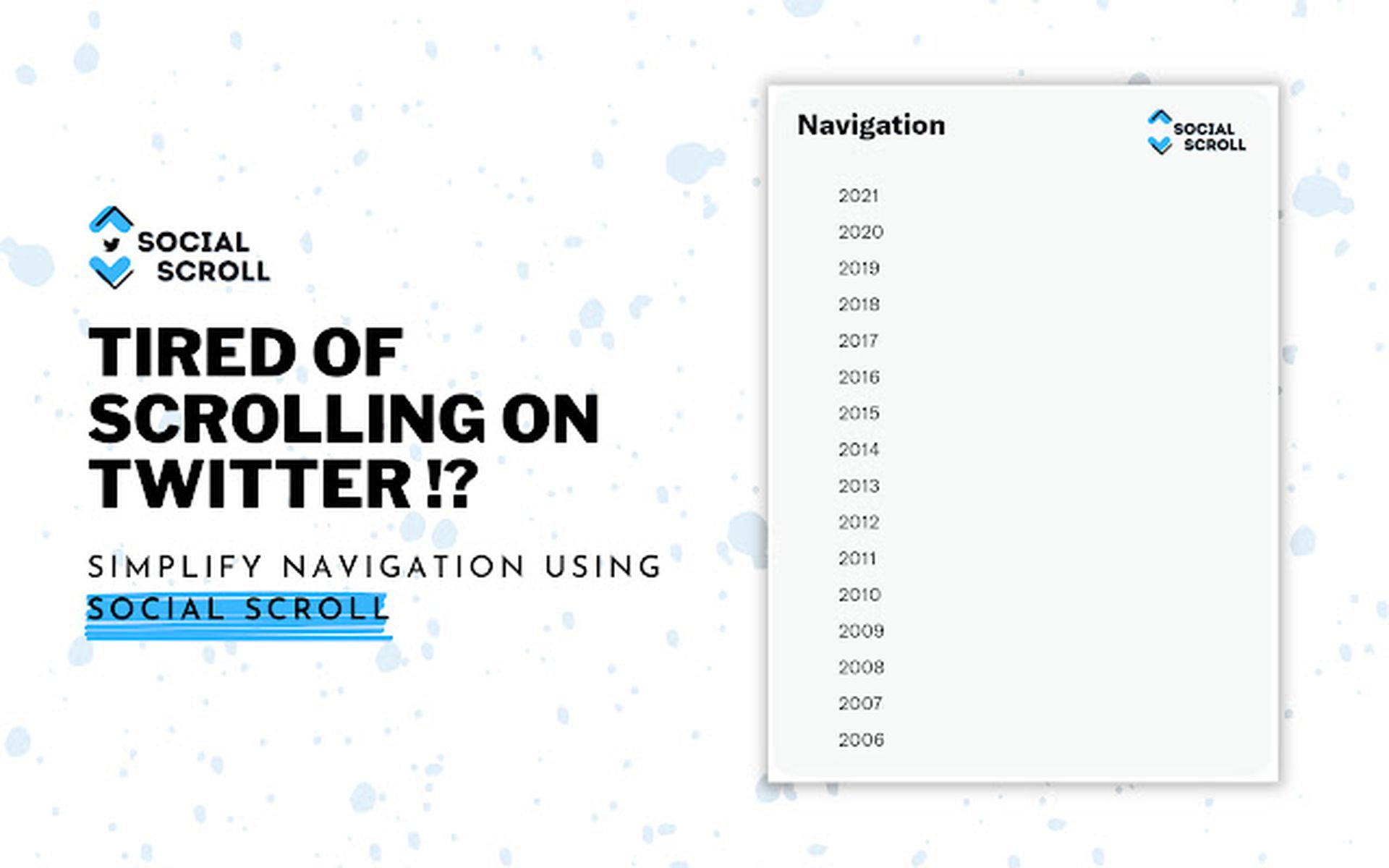
A Chrome extension that simplifies the process of finding old tweets by eliminating the need for extensive scrolling. This tool offers a quick way to locate anyone’s past tweets.
Rettiwt
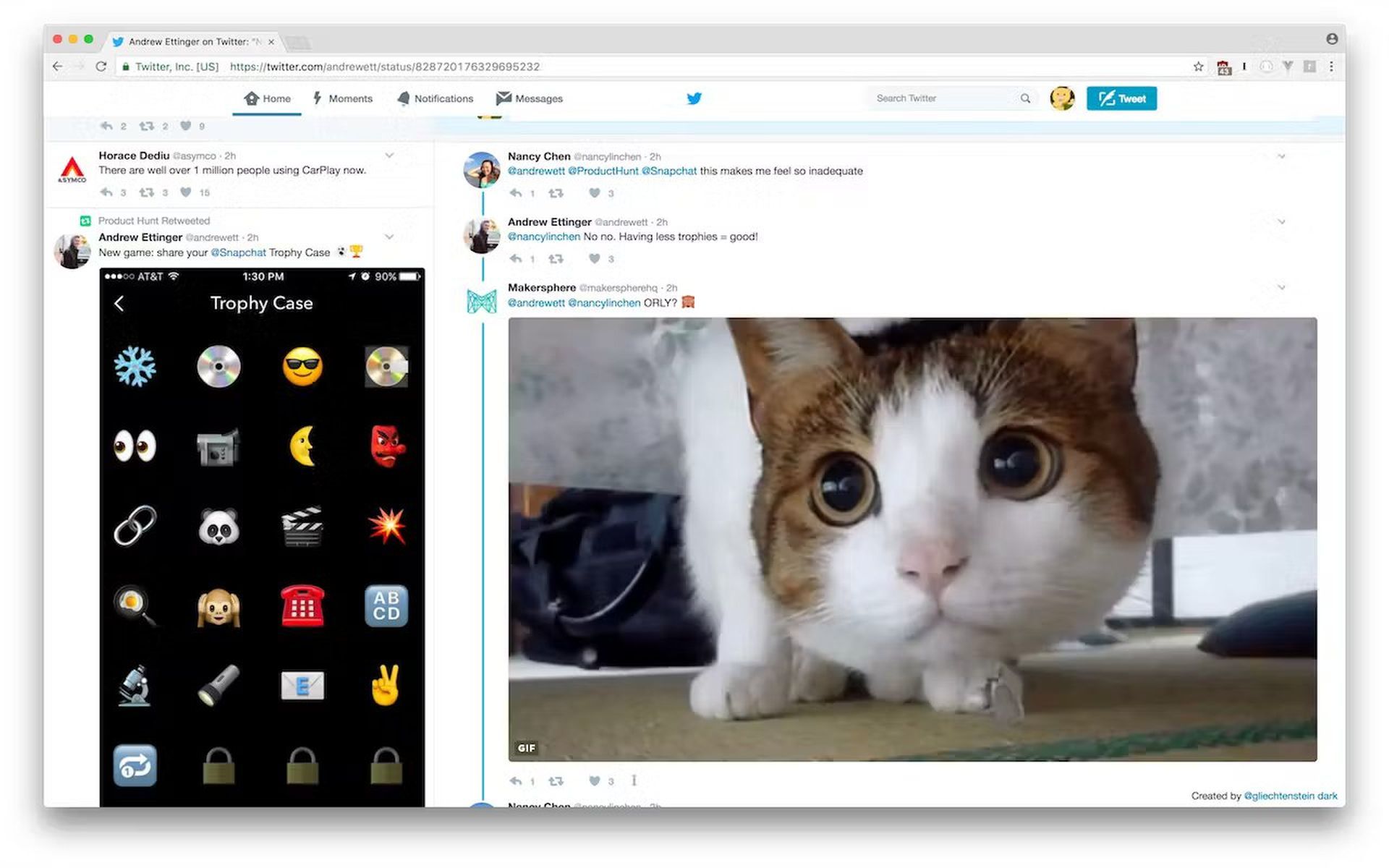
This Chrome extension provides a unique twist, altering the appearance of the Twitter interface through JavaScript and CSS manipulation instead of using the Twitter API.
X’s decision to transition TweetDeck into a paid service reflects the evolving landscape of social media platforms seeking monetization strategies. While some users might bemoan the shift from a free utility, X’s enhancements and the availability of alternative tools provide avenues for individuals to adapt to this change. As X continues to refine its Premium offerings and explore new ways to engage its user base, the TweetDeck transition could signal a broader trend in the industry toward subscription-based services.
Featured image credit: Freepik