
Gone are the days of traditional diary-keeping; the upcoming iOS 17 Apple Journal app is set to revolutionize the way we capture and cherish our most cherished moments.
This innovative app is not merely a platform for jotting down thoughts and reflections, but a comprehensive journaling experience that seamlessly integrates with your iPhone’s functionalities, offering a unique and personalized approach to memory preservation.
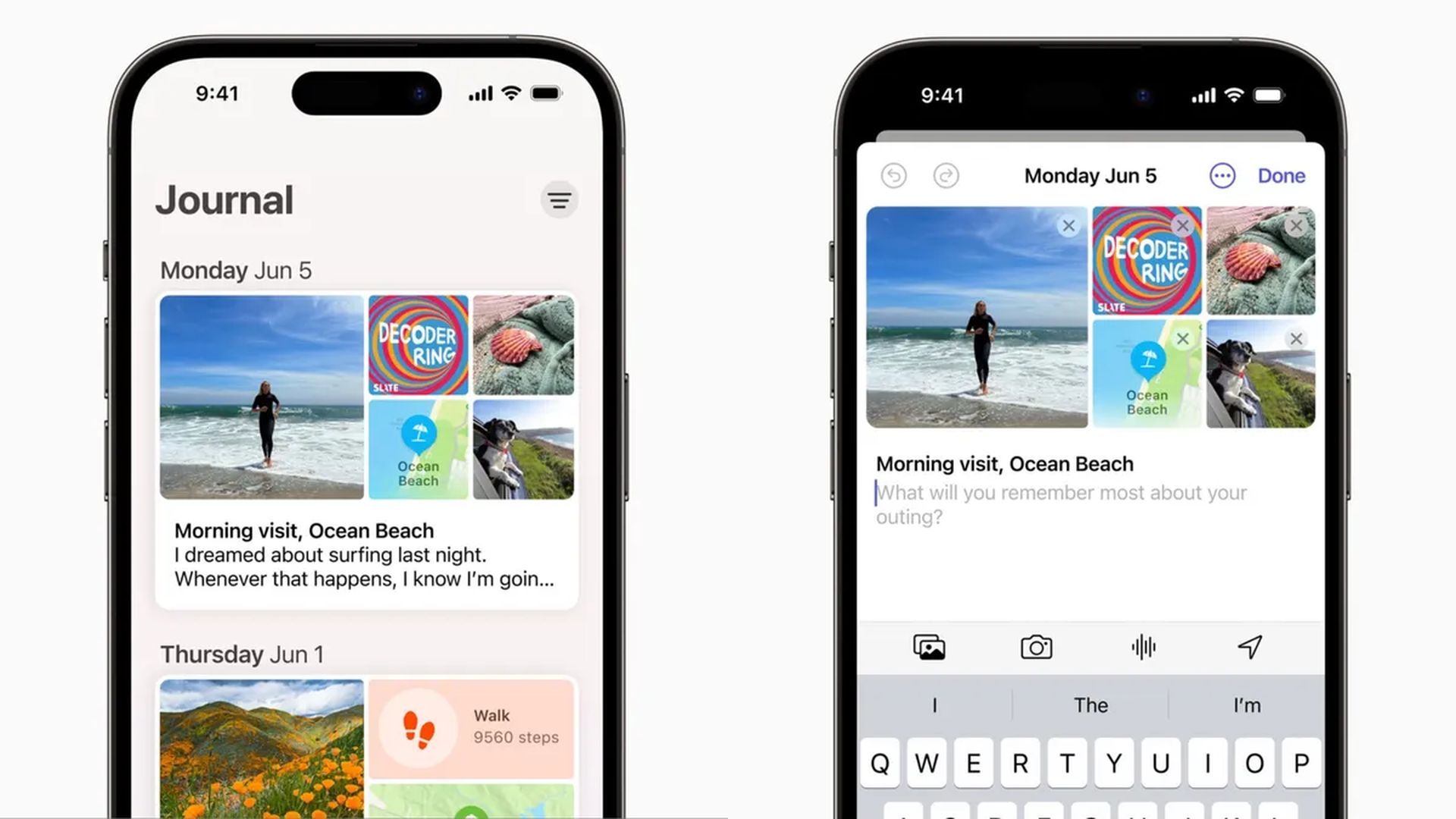
What exactly will the Apple Journal app add to iOS 17?
The Journal app, set to debut with the release of iOS 17, marks a significant leap forward in the realm of digital journaling. While the Notes app already caters to basic note-taking needs, Journal takes it a step further by aggregating the content you’ve directly or indirectly captured through your iPhone. It goes beyond conventional writing, making the process of journaling an immersive and multifaceted experience.
How will the Apple Journal app work?
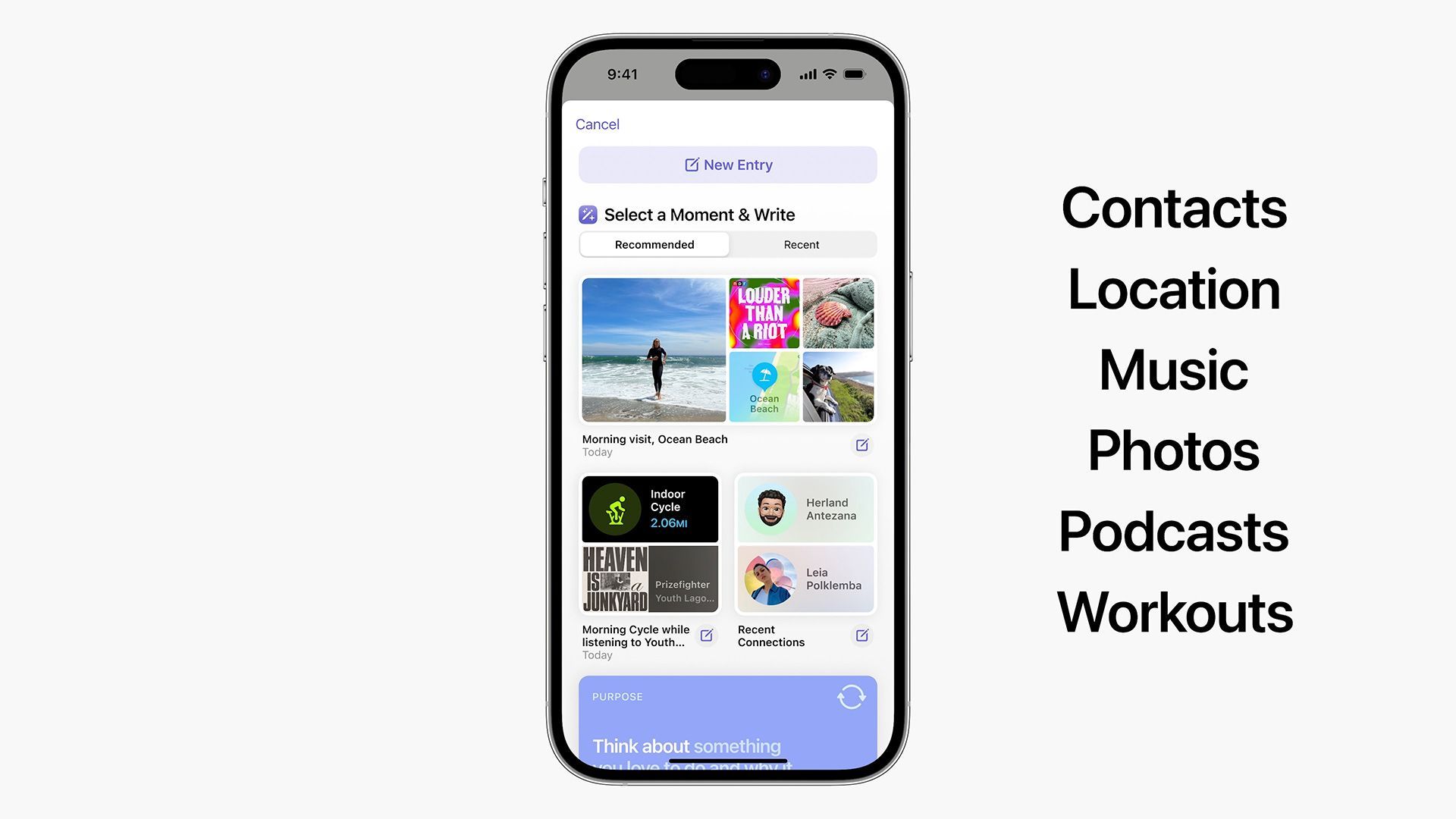
At its core, it leverages on-device learning to provide users with personalized suggestions for documenting their experiences while promoting improved mental health and well-being. By analyzing the photos, videos, locations, interactions, and even workouts you engage in with your iPhone, the app curates these moments and prompts you to create journal entries for them.
This intelligent curation draws parallels with the way the Photos app creates memories from your visual content. A demonstration by Adeeti Ullal, Apple’s Senior Manager of Sensing and Connectivity, during the WWDC 2023 keynote showcases how the iPhone can automatically suggest writing a journal entry for these noteworthy moments.
Apple’s prowess in curating content is truly remarkable, as it empowers users of all backgrounds to articulate their most precious memories.
Furthermore, studies have highlighted the positive impacts of writing, and the Journal app’s potential to inspire and motivate iPhone users to write more is certainly exciting. In the near future, developers will have access to the Journaling Suggestions API, enabling even more moments to be curated by the iPhone.
When is the Apple Journal app release date?
While the exact release date of the Journal app remains unclear, it is expected to arrive as a subsequent update to iOS 17 rather than with the initial software release. Early testers of the iOS 17 developer beta have not yet encountered the Journal app, suggesting that it may not be available during the public beta phase in July.
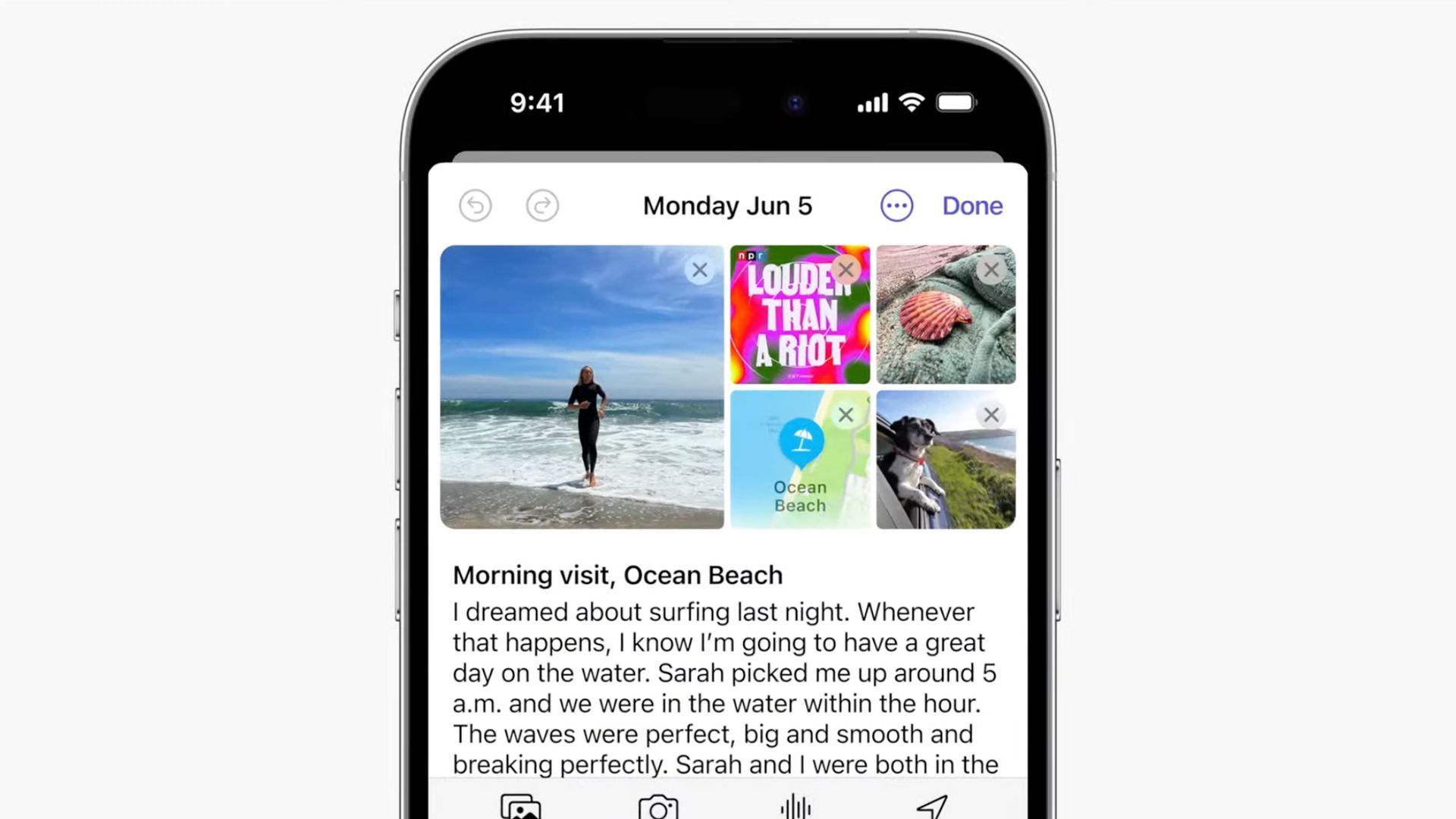
Concerns regarding privacy and security are paramount in this digital age, and Apple is committed to safeguarding users’ personal data. The company reassures users that journal entries will remain private, thanks to on-device processing and end-to-end encryption. Apple, just like anyone else, will be unable to access these private journal entries, providing peace of mind to users concerned about data confidentiality.
How much space will Apple Journal app entries take?
While it is difficult to determine the exact space occupied by journal entries on an iPhone, it is reasonable to speculate that iCloud integration may be on the horizon. Given how other native apps seamlessly sync with iCloud, it is highly likely that the Journal app will follow suit, ensuring seamless accessibility and data backup for users.
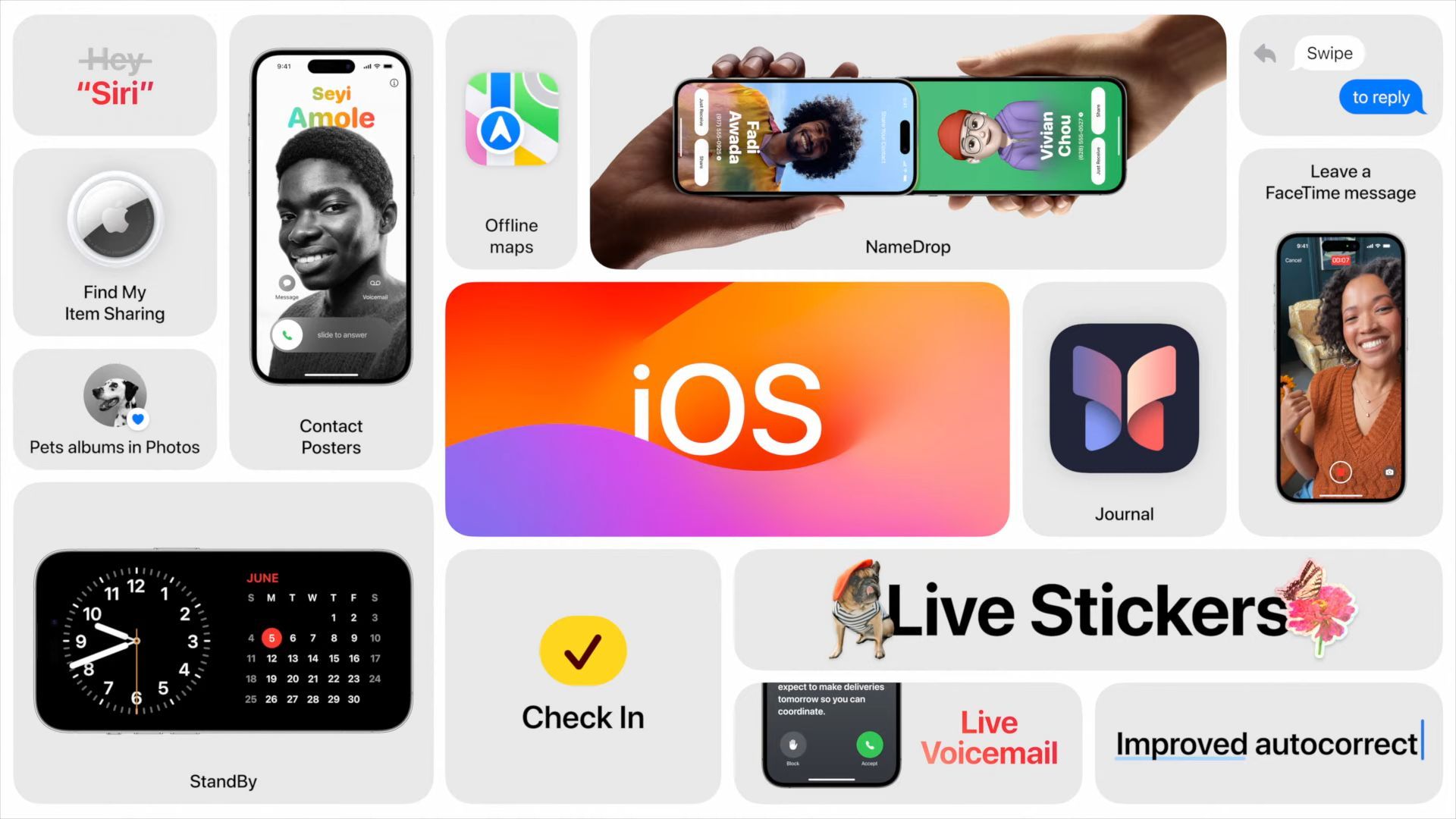
The Journal app is only one of the many exciting features that iOS 17 has in store for users. StandBy mode, enhanced FaceTime experiences, deeper CarPlay integration, active widgets, and more are among the notable additions to this eagerly anticipated software update. To explore all the exceptional features iOS 17 has to offer, be sure to check out our comprehensive guide: Best iOS 17 features for a smarter, faster, and more personalized iPhone.
iOS 17 Journal app represents a new era in memory preservation. With its intelligent curation, personalized suggestions, and commitment to privacy, this app is poised to become an invaluable tool for users seeking to encapsulate their most treasured moments. Prepare to embark on a journey of self-reflection, inspiration, and preservation with the iOS 17 Journal app.
Featured Image: Image via Apple