
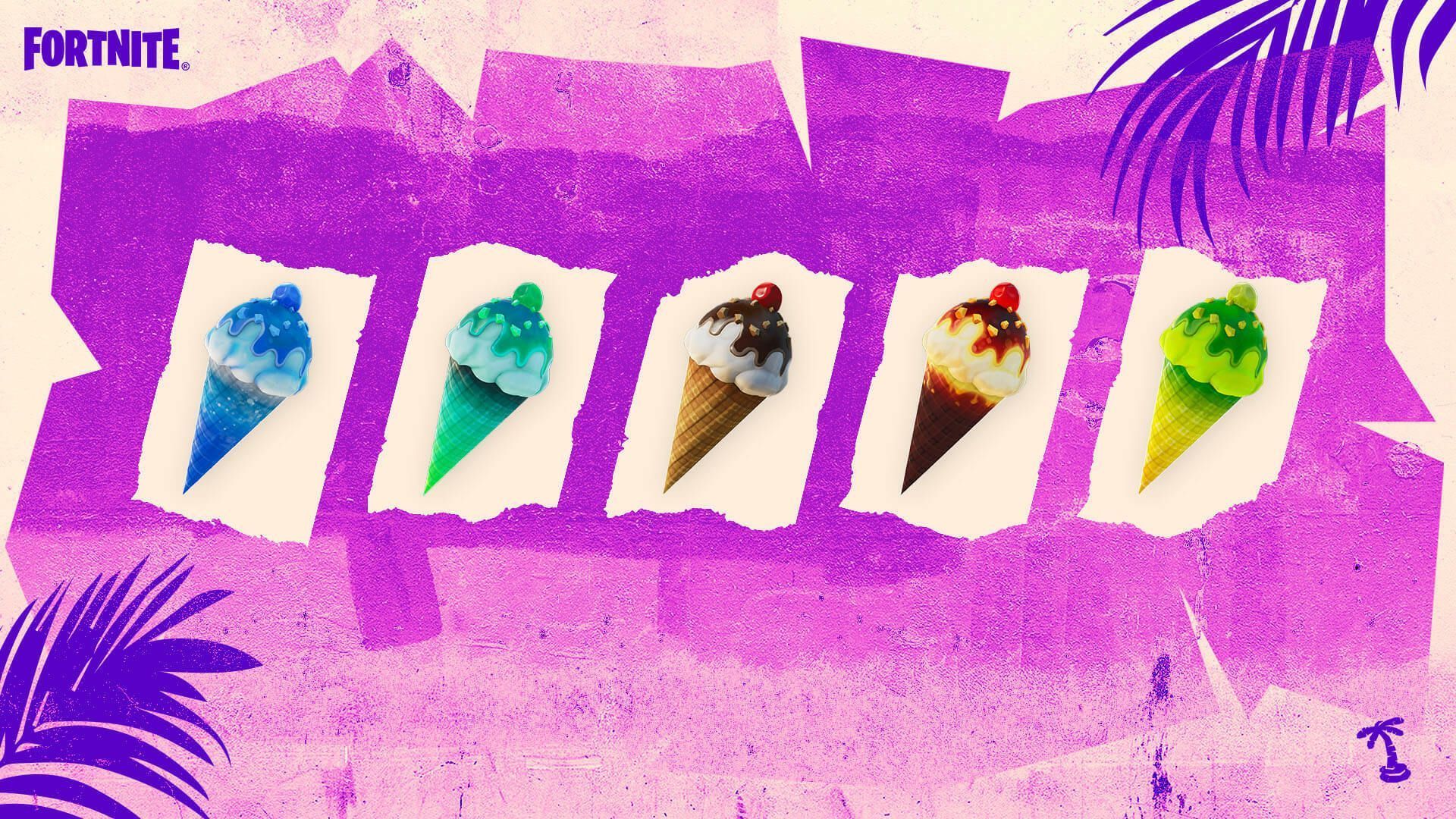

Fortnite, the immensely popular online video game, has its players looking for ice cream cones all over the game since it kicked off its annual 14 Days of Summer event for 2023, offering players a delightful challenge. As Chapter 4 Season 3 unfolds, introducing new battle pass skins like Optimus Prime from Transformers, players can also immerse themselves in the joyous summertime festivities within the game.
Prepare to embark on a quest, armed with the knowledge of where to find and how to savor these frozen treats. It’s time to delve into the sun-soaked realm of Fortnite and indulge in the ultimate summer delight.
How to locate ice cream cones in Fortnite?
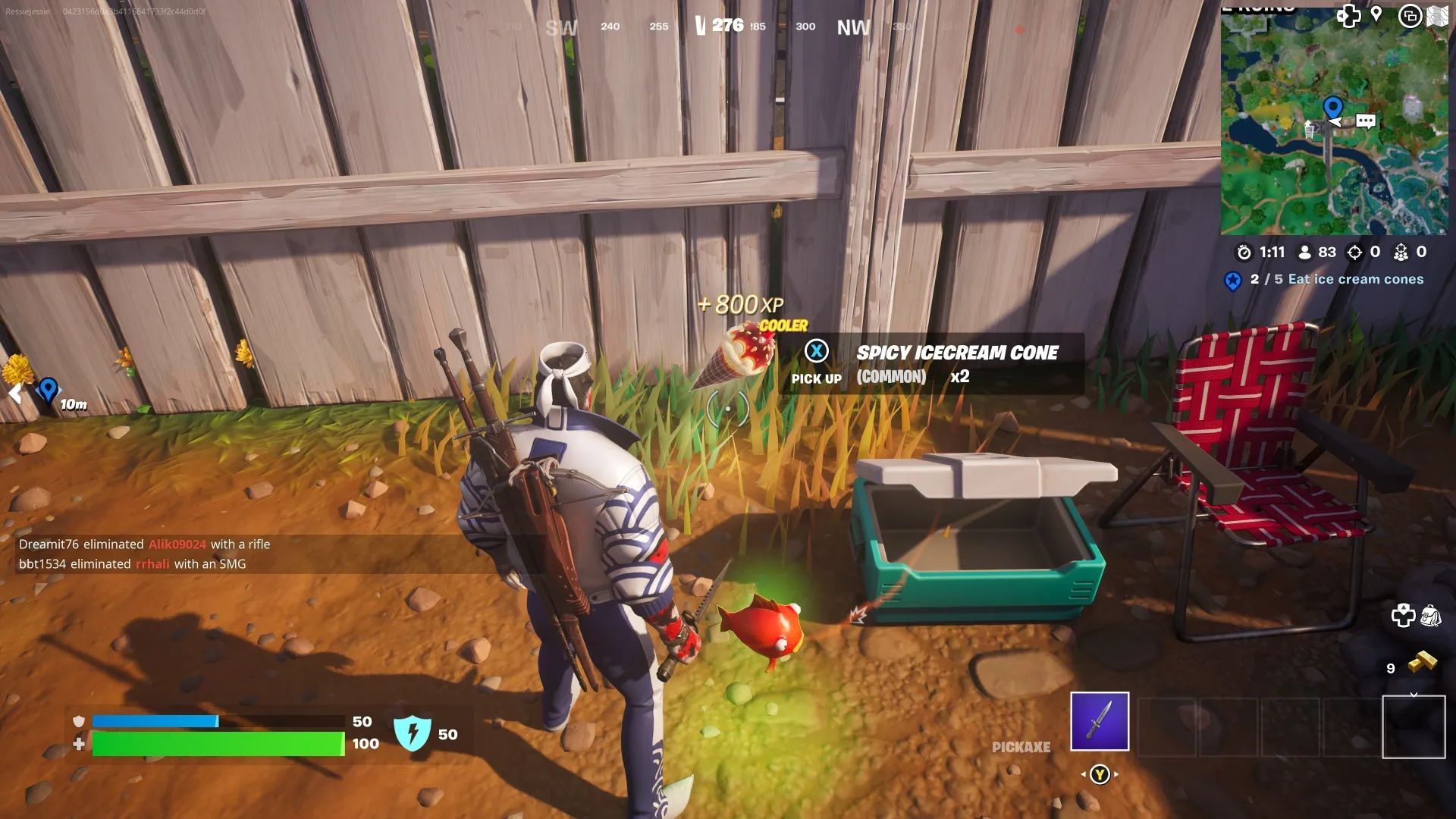
Ice cream cones can be found in various locations throughout the map. Keep an eye out for coolers and ice machines, as they often hold these delectable treats. Additionally, the cones can be discovered as floor loot or tucked away inside chests. To make your search easier, specific areas have been designated where these frozen delights are plentiful during the Summer Escape event.
If you’re on the hunt for an ice cream cone, be sure to explore popular points of interest (POIs) such as petrol stations, grocery stores, and campsites. By visiting these locations, you increase your chances of stumbling upon tantalizing treats. For a more precise guide, the interactive map available at Fortniteworld showcases the precise locations of ice machines and coolers, sparing you from aimless wandering.
How to eat ice cream cones in Fortnite?
To enjoy an ice cream cone in Fortnite, you must equip it first. As part of the 14 Days of Summer 2023 quests designed by Epic Games, players are tasked with finding and consuming five ice cream cones. Another challenge encourages players to eliminate opponents while under the effects of a frozen or spicy cone.
Once you have procured an ice cream cone, simply equip it like you would a weapon and press the designated button to consume it. There are five different types of cones scattered throughout the battle royale playground, each offering unique effects:
- Normal Cone: Restores health.
- Frozen Cone: Makes you slippery, while also replenishing health.
- Guzzling Cone: Gradually restores health.
- Spicy Cone: Increases your speed while restoring health.
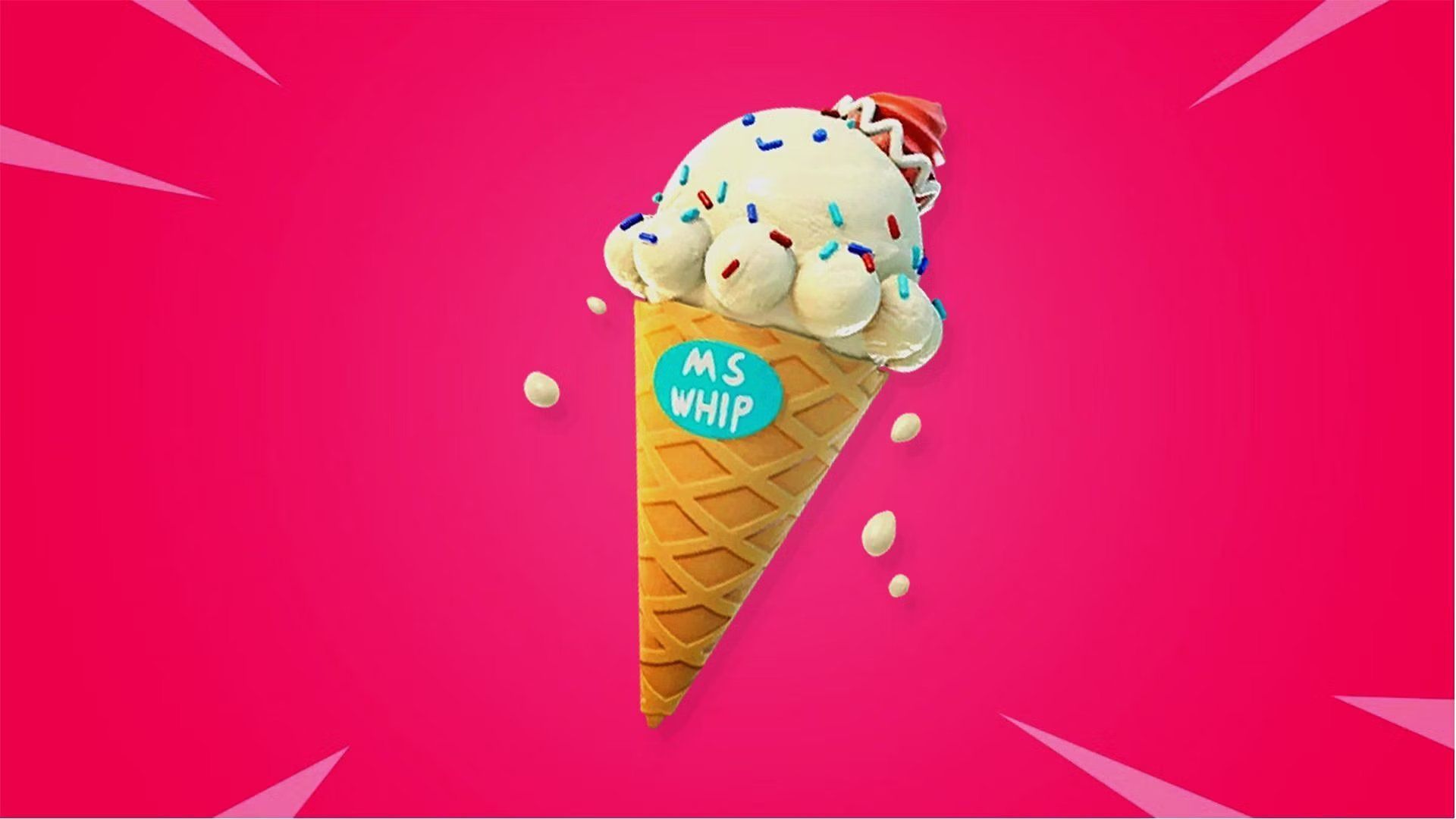
- Lil-Whip’s Special Server Cone: Restores both health and shields.
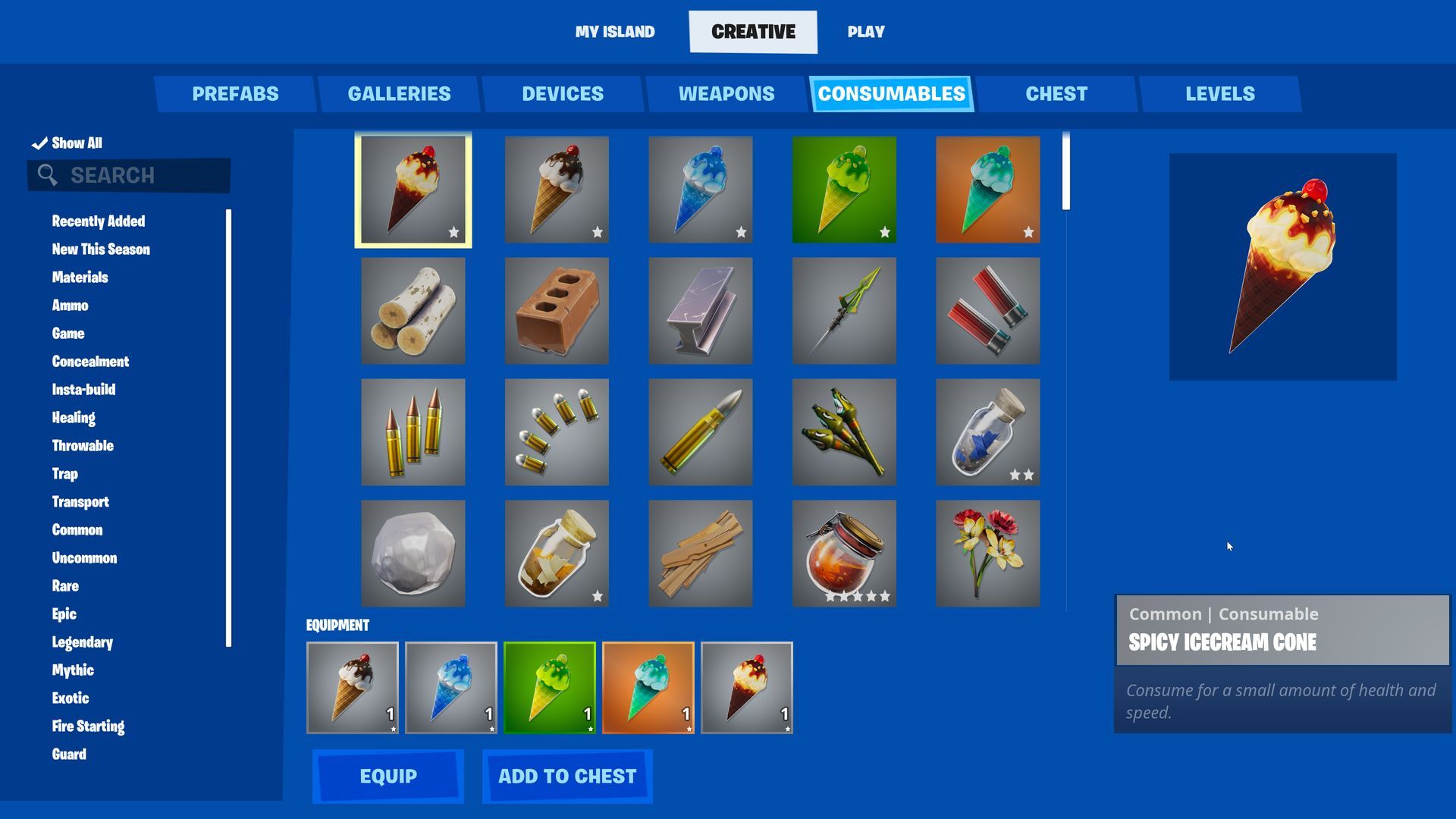
These distinct cones add an exciting twist to the gameplay, allowing players to benefit from various bonuses while savoring the delightful flavors.
The 14 Days of Summer event for 2023 is available on multiple platforms, including PlayStation, PC, Xbox, and Nintendo Switch. Players can participate in the festivities until July 18th, so be sure to embark on this summertime adventure while it lasts.
Immersing players in the summer spirit, Fortnite’s 14 Days of Summer event offers a refreshing twist to the usual gameplay. As you embark on the quest to find and devour an ice cream cone, take a moment to appreciate the attention to detail.
From the playful animation of slipping on a frozen cone to the exhilarating speed boost from a spicy cone, Epic Games has crafted an immersive experience that brings the joy of summertime to life within the virtual world. So, whether you’re seeking a health boost or an advantage in combat, don’t forget to treat yourself to a frozen delight and savor the sweet taste of victory in Fortnite’s summer extravaganza.
If you ever find yourself in the midst of a server error, you have no need to worry. Just keep in mind to refer to our article on how to fix the Fortnite server offline issue to keep your gameplay problem-free.
Featured Image: Image via Fortnite


