
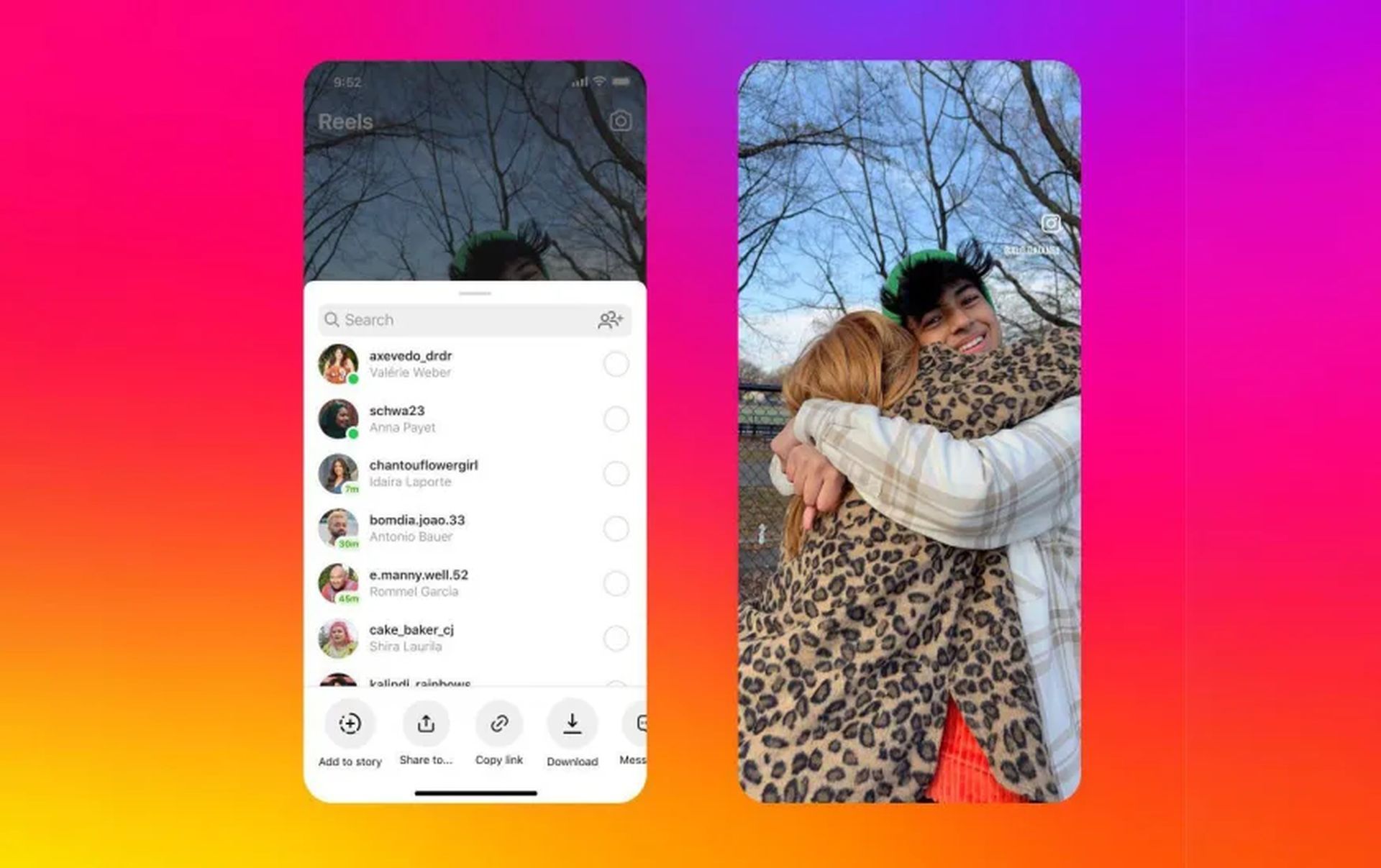

In a bid to catch up with TikTok’s popularity, while leaving many users with the question of how to download Reels from Instagram, the company has introduced a highly anticipated feature that allows users to download Reels. This move aims to bridge the gap between the two platforms and attract new users to Instagram. The announcement was made by Instagram CEO Adam Mosseri in a post utilizing the new broadcast channels feature.
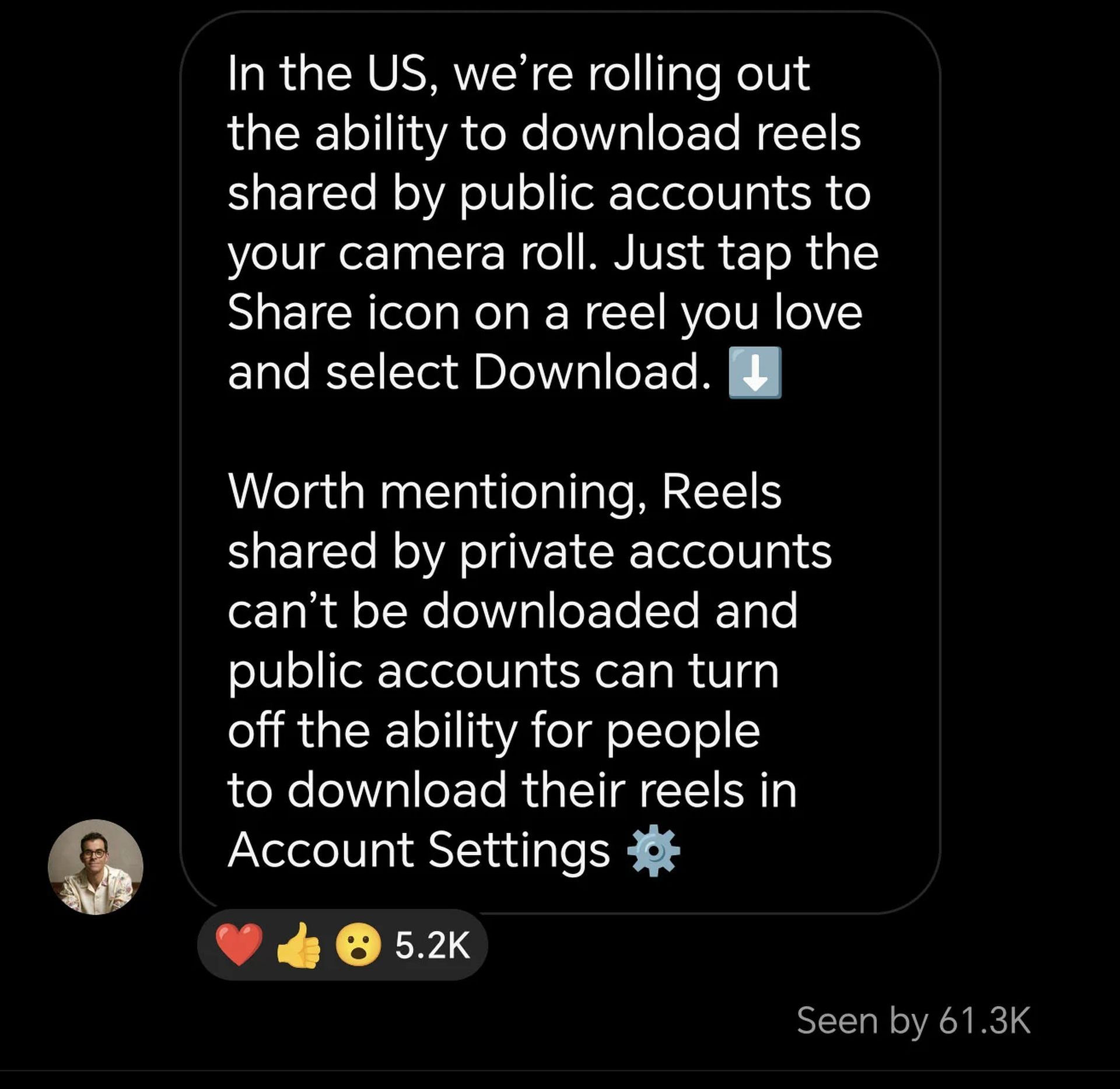
Currently, the download feature is only available to users in the United States on mobile devices and is limited to public accounts. However, Instagram has also implemented a setting that enables users with public accounts to block others from downloading their Reels.
So how to download Reels from Instagram?
To figure out how to download Reels from Instagram, users simply need to tap on the “Share” icon and select the “Download” option. Nevertheless, for those eager to download Reels, the process is simple and available on both Android and iOS devices. Here’s a step-by-step guide:
- Open the Instagram application on your mobile device.
- Locate and view the Instagram Reel you wish to download.
- Tap on the share icon associated with the Reel.
- Add the Reel to your story.
- Access the three-dot menu and select the option to save the Reel.
- Discard the story, and you will find the downloaded Reel in your phone gallery.
Although not explaining how to download Reels from Instagram, a screenshot shared by Mosseri reveals that downloaded Reels will be watermarked with the Instagram logo and the account’s name, similar to the approach taken by TikTok. This watermarking strategy not only ensures proper attribution but also serves as a way to promote Reels on other social media platforms. Notably, Instagram no longer promotes watermarked videos from rival platforms since 2021, indicating a focus on promoting its own content.
Apart from enabling Reel downloads, Instagram has been actively enhancing its Reel features to keep users engaged. Since the initial launch of Reels in August 2020, Instagram has seen a remarkable increase in user engagement. Meta CEO Mark Zuckerberg, during the Q1 2023 quarterly earnings call, highlighted that user engagement on Instagram has grown over 24 percent since the introduction of Reels.
In recent updates, Instagram has introduced several improvements to the Reel experience. The platform has enhanced editing tools, expanded insights, and extended the availability of gifts on Reels to more countries. Moreover, Instagram rolled out a feature called collaborative collections in March, allowing users to save their favorite posts and Reels into shared collections that can be viewed and contributed to by both the user and their friends.
Also, reports suggest that the platform is working on a feature that would enable users to create group Reels, where multiple individuals can contribute to a single Reel. This collaborative approach aims to foster a sense of community and shared experiences, allowing users to connect and create content together. By expanding the possibilities of Reels, Instagram is positioning itself as a dynamic platform that not only embraces individual expression but also facilitates collective creativity in the ever-evolving world of social media.
With these latest developments, Instagram aims to offer a more comprehensive and competitive short-form video experience, providing users with the flexibility to check out how to download Reels from Instagram. As the battle for user attention in the short video space continues, it will be interesting to see how Instagram further innovates and adapts to stay ahead of the curve.
Featured Image: Instagram


