
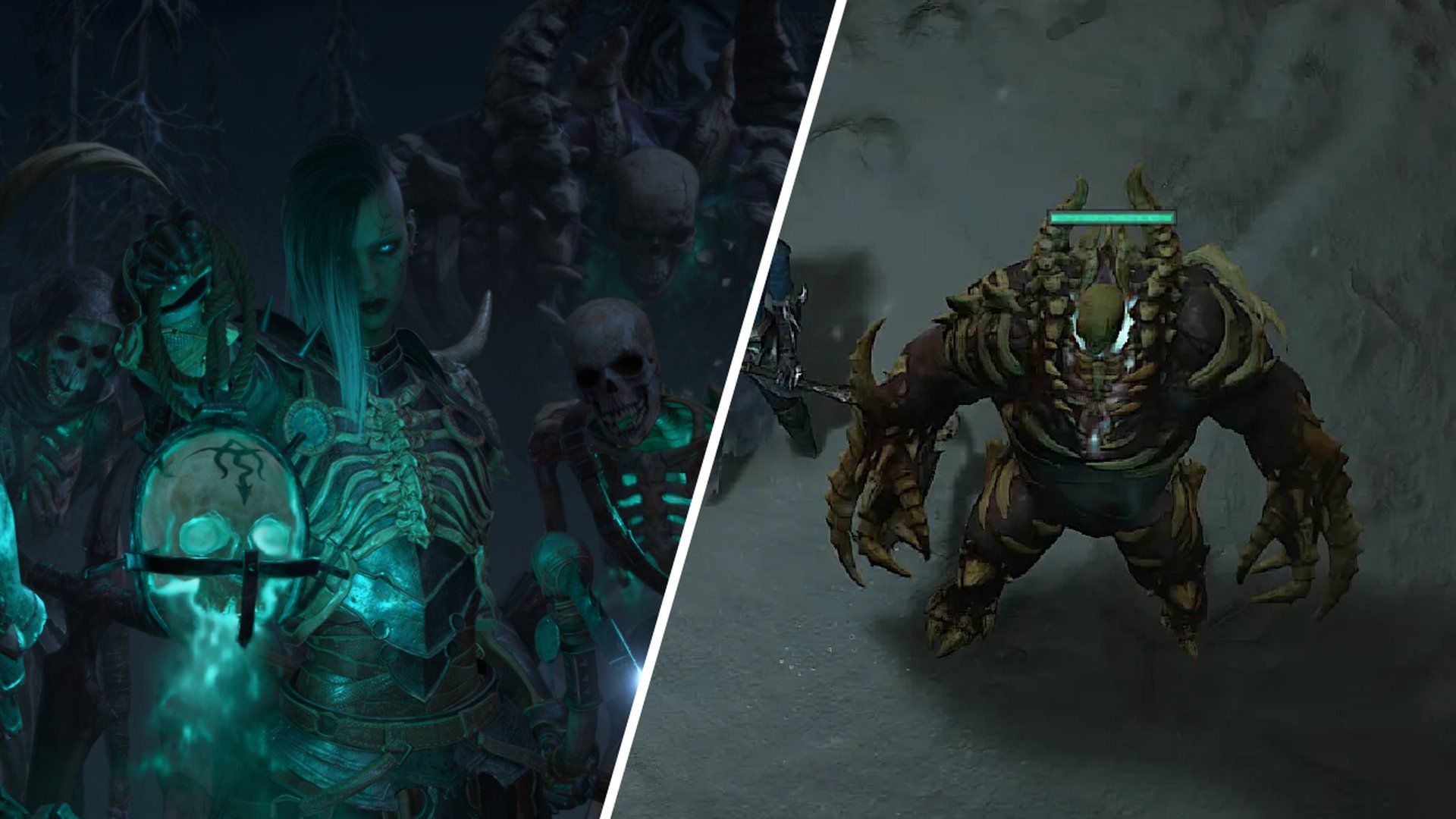

In this guide, we will try our best to explain how to summon golem in Diablo 4 as a necromancer, unraveling the secrets behind this formidable skill.
Embarking on a perilous journey through the world of Diablo 4 is no small feat, especially for aspiring necromancers seeking to harness the ancient art of summoning golems.
As the highly anticipated release of Diablo 4 is here, it becomes crucial to familiarize yourself with the intricate mechanics that will aid in your quest to dominate the forces of darkness.

How to summon golem in Diablo 4
Reaching the 25th level is a significant milestone for necromancers in Diablo 4, as it marks the unlocking of the quest to learn the coveted skill of summoning golems.
Each class in Diablo 4 possesses its own unique mechanics, such as weapon swapping for barbarians and enchantments for sorcerers.
Necromancers, on the other hand, wield the mighty Book of the Dead, which enables them to call forth powerful allies to aid them in battle.
So the first step in your how to summon golem in Diablo 4 question will be to reach level 25.
Missed the hype train? It is not too late yet. Get Diablo 4 via Battle.net right now!
Initiating the golem summoning quest
Once you attain the illustrious level 25 on your necromancer, a new quest named “Necromancer: Call of the Underworld” will appear prominently among your priority quests in the quest log.
To access this log, click on the second tab located at the top of the quest window. By tracking this quest, you can effortlessly locate the designated area on the map.
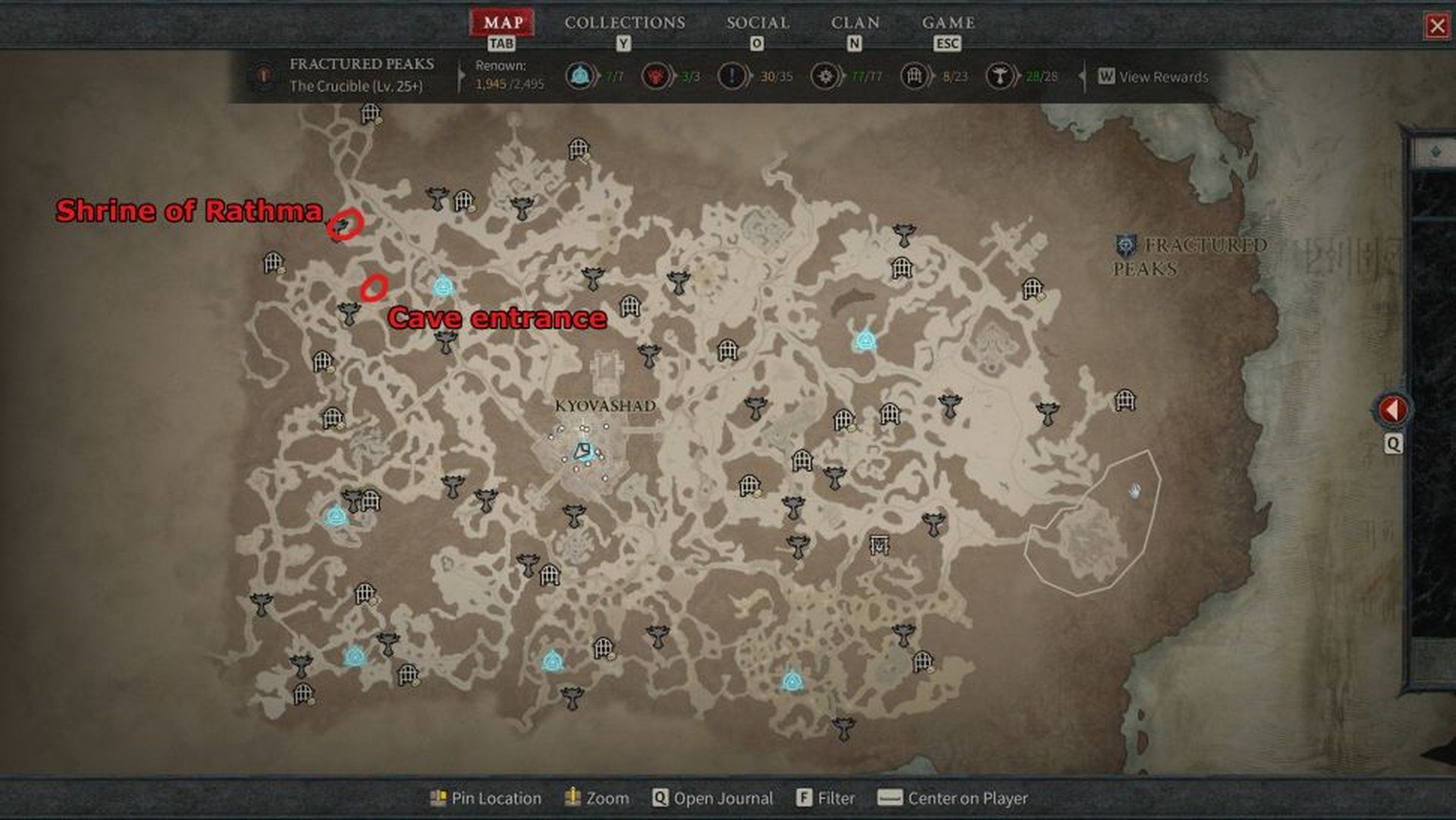
Travel northwest of Menestad, where the Shrine of Rathma awaits your arrival. In close proximity to this shrine, you will find Maltorius, an essential NPC who will guide you on your path towards golem summoning.
At this juncture, Maltorius will present you with a critical task: collecting 12 Unbroken Bones.
Engage the enemies that spawn in the vicinity, for they hold the coveted Unbroken Bone items. Once you have successfully gathered the required 12 Unbroken Bones, return to the altar and engage in conversation with Maltorius once more.
Prepare yourself for the next phase of our how to summon golem in Diablo 4 guide, where you will embark on a quest to retrieve a vile artifact concealed in a nearby cave.
Tapping into dark energies
Venture forth towards the location of the cave entrance, indicated in a helpful screenshot provided below. Once inside, your objective is to locate the enigmatic Jar of Souls, a prominent statue-like artifact. Interact with the Jar of Souls, initiating its activation.
Prepare for battle as you engage enemies within the cave, collecting their souls to infuse the golem with raw power. The quest progress bar will serve as a guide, indicating the extent of your endeavor.
As the Jar of Souls reaches its full capacity, Maltorius will appear beside it, prompting you to utter a series of arcane words.
Unleashing the golem’s might
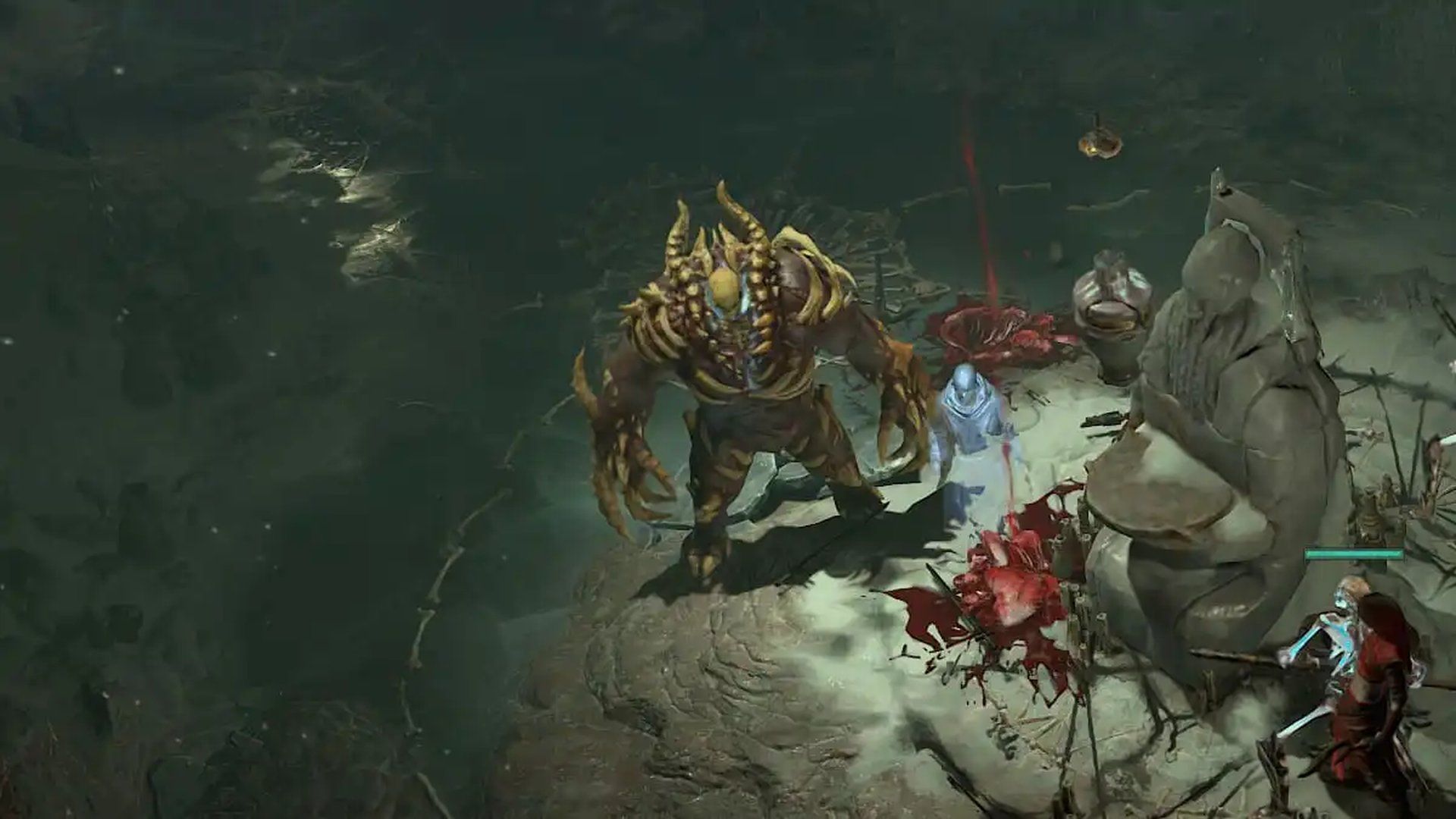
Upon completion of the quest, it is time to summon your newfound golem companion. Here is how to summon golem in Diablo 4:
Press ‘A’ to access the Skill Assignment menu, where you will find the newly acquired golem skill. Drag and assign this skill to your desired slot in the active skill bar. Once accomplished, the golem will be summoned automatically, ready to heed your command.
The active skill of the golem enables it to taunt enemies, diverting their attention and reducing incoming damage for a duration of six seconds.
Now you know the answer to the question how to summon golem in Diablo 4.
As you set foot into the treacherous world of Diablo 4, mastering the art of golem summoning as a necromancer will be a formidable asset in your quest for ultimate power.
With this comprehensive guide on how to summon golem in Diablo 4, you are armed with the knowledge to unleash the boundless potential of these ancient and mighty allies. Prepare yourself, for the call of the underworld beckons, and the golems await your command.
We are trying our best to get our dear gamer readers for the harsh world of Dialo 4. Use the links below to access the other guides we have prepared for Diablo 4!
- How to get D4 crushed beast bones: Diablo 4 tips
- D4: Diablo 4 Secret of the Spring quest guide
- Diablo 4 Rogue guide: Build, leveling, abilities, and more
- Best Diablo 4 Necromancer builds to try out
- Diablo 4 druid guide: Talents, leveling, armor, and more
- Diablo 4 best builds for each class
- Diablo 4 not working: How to fix it?
- How to get mount in Diablo 4 to be fast as a wind




