
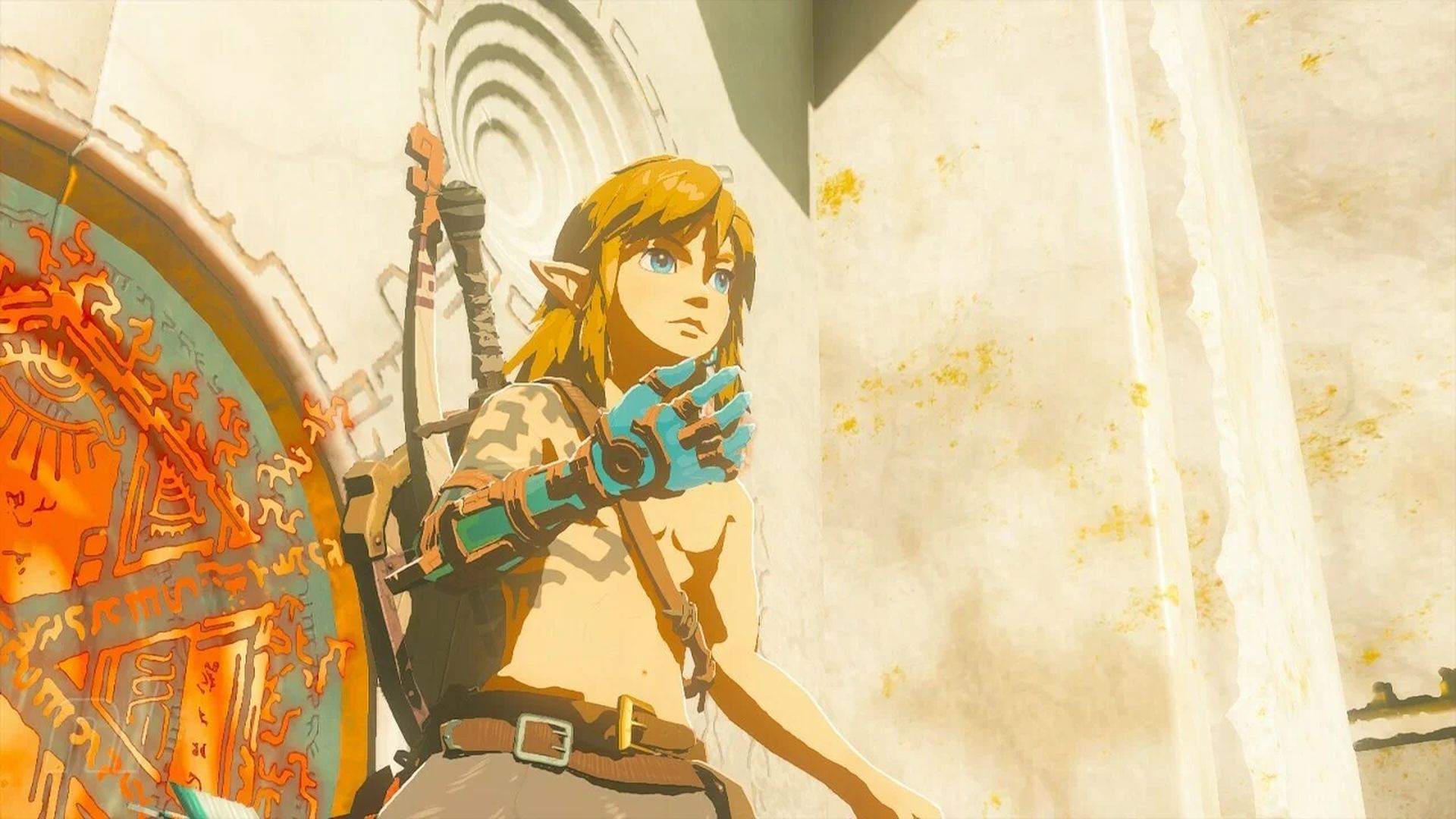

Players show off their ingenuity with unique tools in TOTK Hover Bike, Orbital Satellite, and Pro-skater. Extremely impressive and intricate constructions are used to aid in the gameplay, such as wing launchers, flying bombers, gliders, battle tanks, automobile gliders, and death cages.
Some things to think about are how it will work in practice, how much it will cost, what it will need, and how it will affect the gameplay. These original works highlight the game’s fusion feature, which increases its complexity and longevity.
Tears of the Kingdom Players have unparalleled inventiveness and are lords of virtual worlds. While producing imaginative designs, their inventiveness takes center stage. The impending, mind-bending buildings and innovations created by gamers are highly anticipated by the gaming community. Let’s take a closer look at TOTK Hover Bike, Orbital Satellite, Pro-Skater, and more!
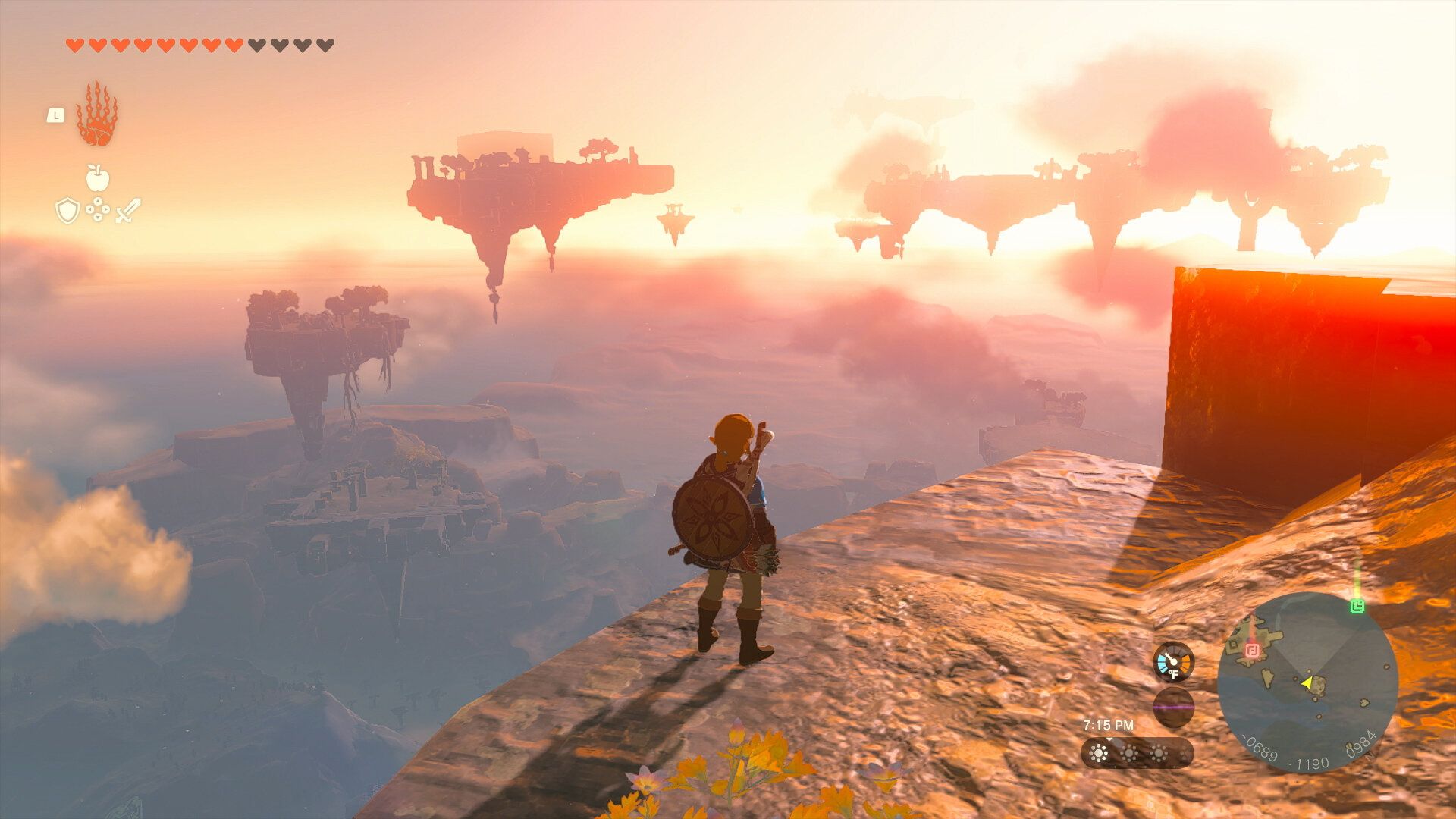
TOTK Hover Bike MKII
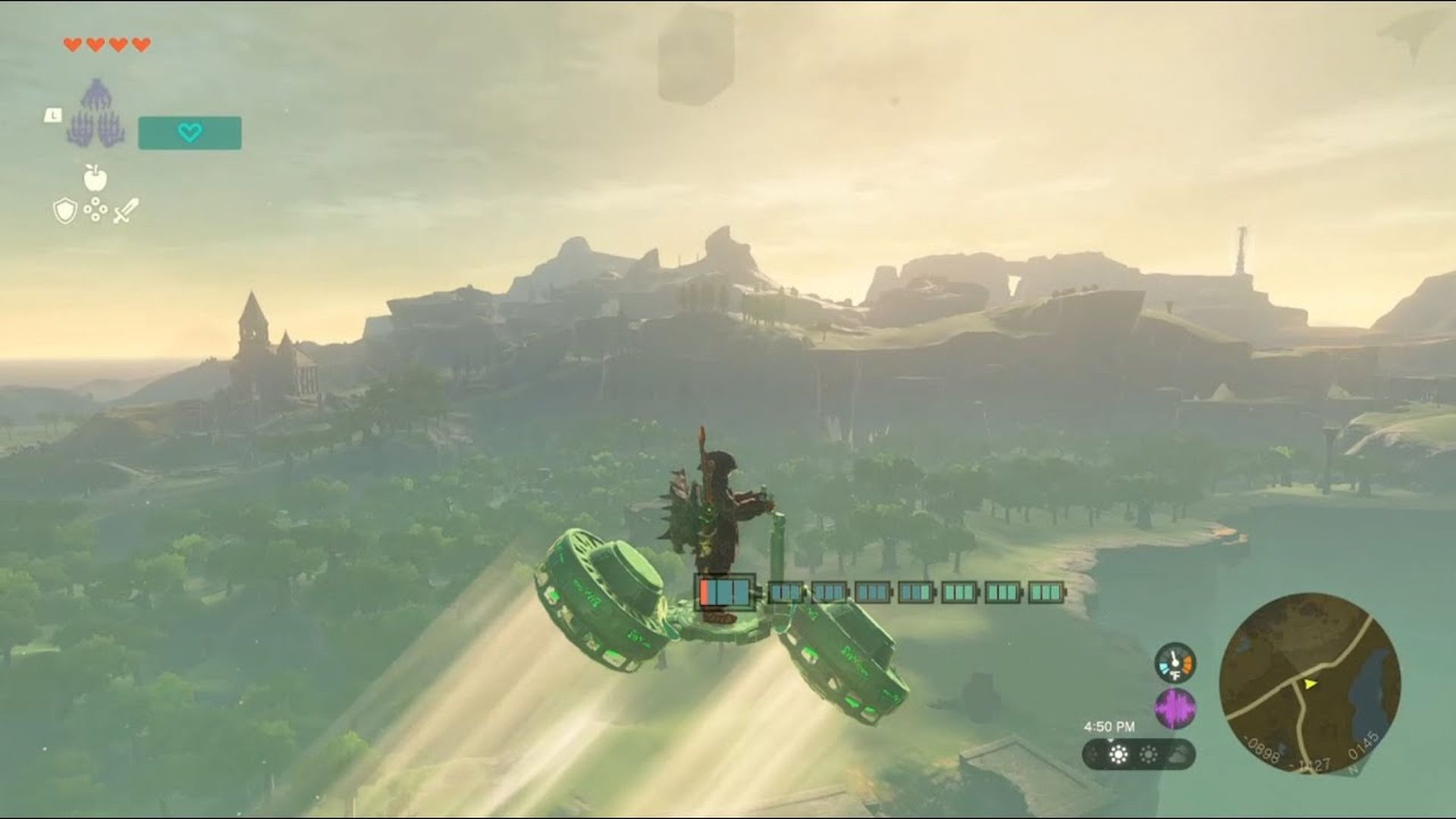
There is no need to overcomplicate things when this construct demonstrates that in Tears of the Kingdom, simplicity may be a successful design. YouTuber Nassi changed the game by creating a thing that is both simple and useful. Every area in the game may be easily navigated by this TOTK Hover Bike. It is a vehicle with unparalleled resource efficiency.
This construction comes under the highly sought-after heading of resource utilization. It’s a winning strategy for the game, not simply a vehicle. How this invention makes the most of every resource at its disposal will astound you. The functionality of this magnificent construction will wow you despite its apparent simplicity.
It takes nine zonaites to build this rad TOTK Hover Bike. The thing is, with this TOTK hover bike, you can find more priceless zonaites. So do not be alarmed—you will be repaid in full for your first nine zonaites!
Orbital Satellite Strike Cannon
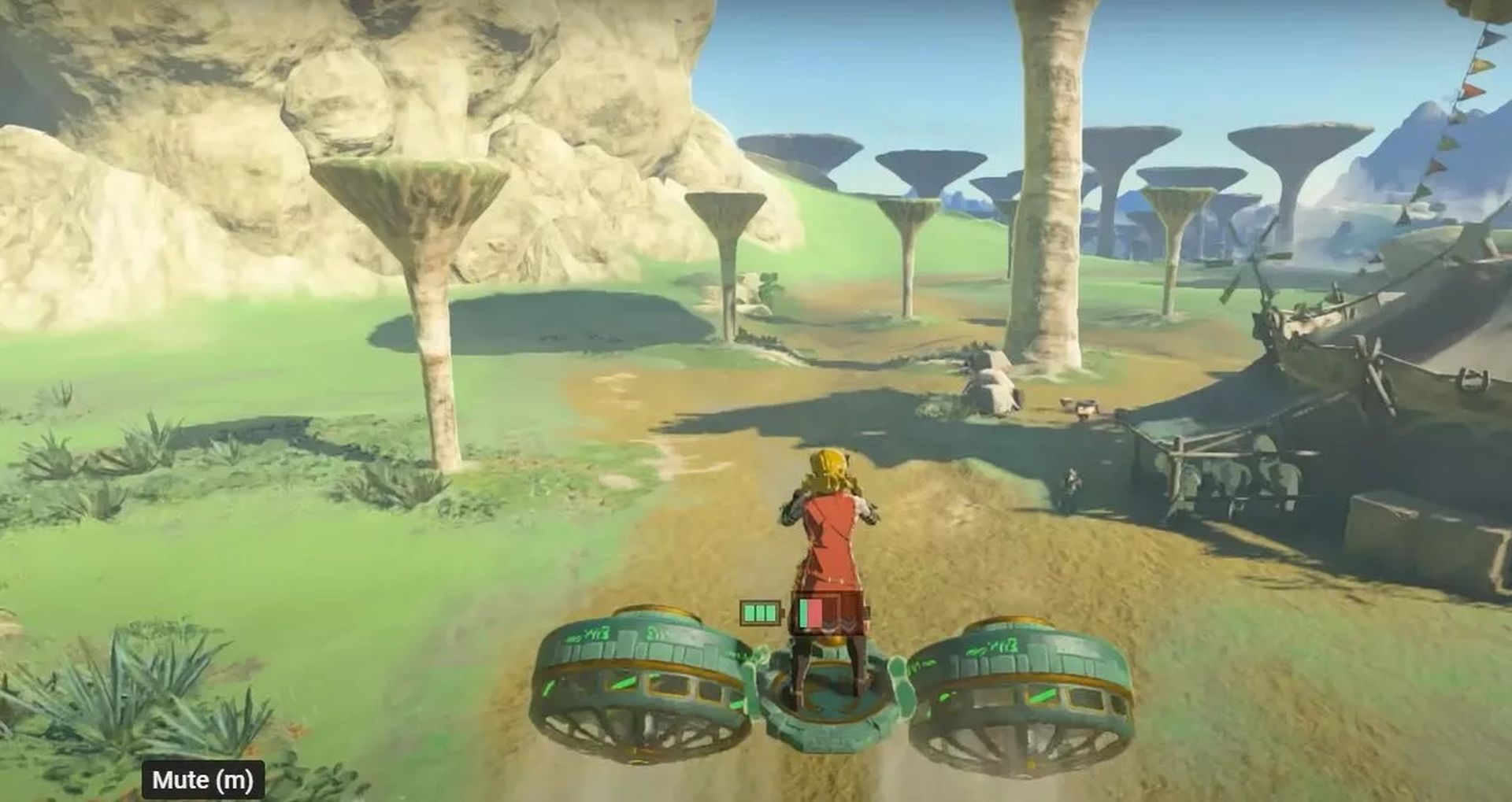
To fight the boss Gleeok in The Legend of Zelda: Tears of the Kingdom, a player developed an amazingly creative build. They created a three-headed monster that was destroyed in under a minute by a laser cannon orbiting a satellite. The laser does the major assault and all of the hard work while Link activates the gimmick for this design and projects it towards Gleeok. All Link has to do is avoid the boss’s blows while the cannon pours down devastation.
The gamer used several Zonai components, including a Hover Stone, a sled, a shield, ten beam emitters, and a rocket, to create this amazing creation. Additionally, fans of the Zelda video game on Twitter are speculating about other components like the Zonai construct head for target lock–on and a swivel mount to guarantee that the machine is constantly facing the adversary.
A Controllable Mech
A completely controlled mech has been created by a Legend of Zelda: Tears of the Kingdom player, which has many questioning how it’s even feasible in a Zelda game.
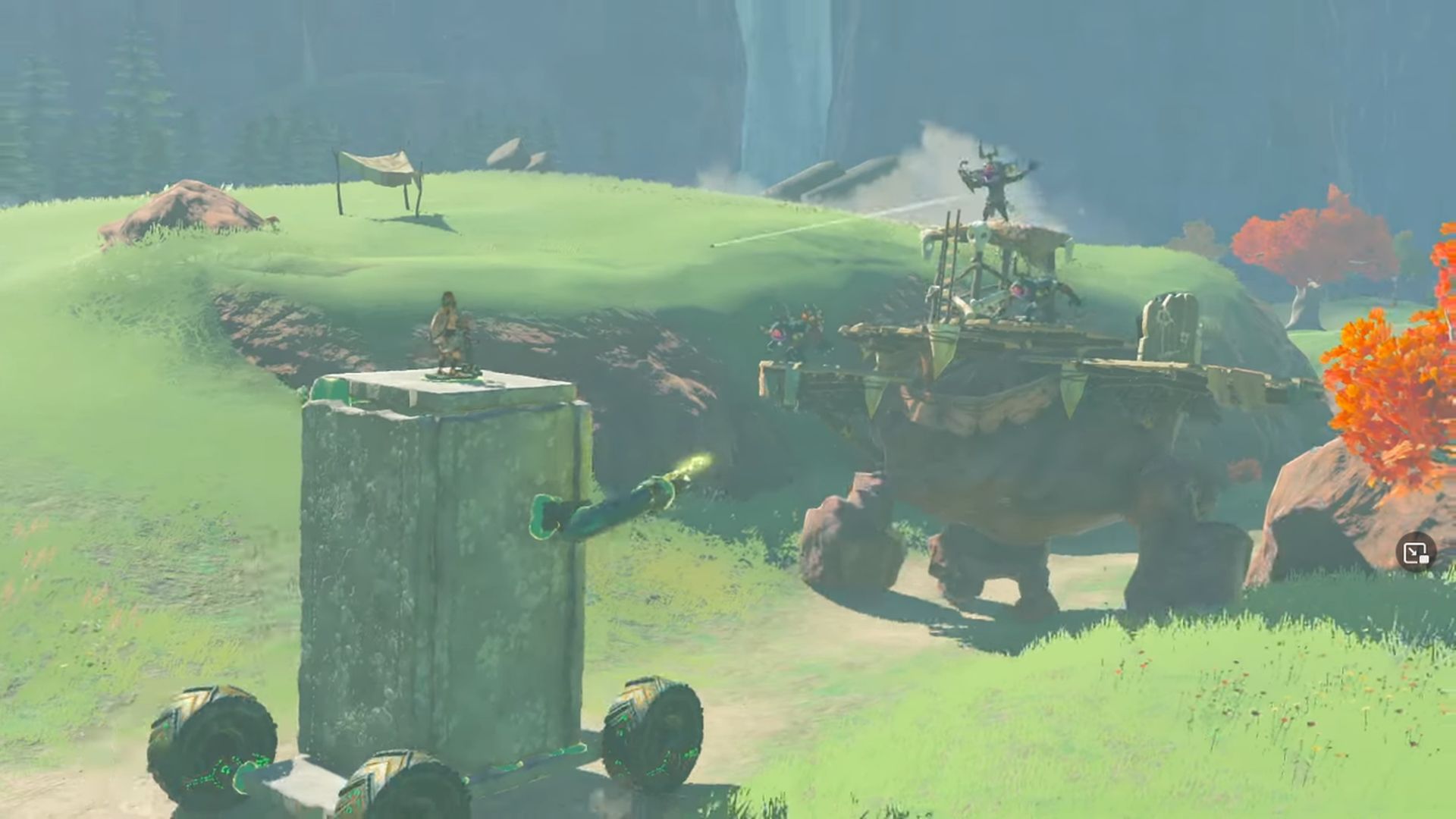
The whole thing was posted on TikTok by a user going by the handle “soulbanana0.” In the video, we saw Link utilize his brand-new Ultrahand and Fuse skills to deftly combine various items, including wheels, laser guns, and scraps of wood, to create a wicked mech that was modeled after the Gundam.
Then, using the Ascend power, Link ascends upon his brilliant invention and seizes control of it. This improvised device is a serious force to be reckoned with.
Pro-skater
Tears of the Kingdom’s Pro-skater may not be as fantastic as some of the other top inventions on our list, but it lets you travel about and explore Hyrule like a boss. Zelda gamers claim that skateboards in TOTK are less durable and shatter more often, but they still come in handy when using the fusion ability to master the minecart rails. The same holds for skating around open fields, dungeons, or wherever else you come across some wheels.
This invention will save your life, particularly if your enormous airboat derails. Keep this choice in mind while riding about since it’s all about having a great time and figuring out how to rock the kingdom. Simply locate a shield, climb on it while pressing X and A, and Link will begin to down the hills.
This is everything you need to know about TOTK Hover Bike, Orbital Satellite, and Pro-Skater. Check out our other guides below about Zelda:


