

In the dynamic landscape of sound quality and content creation, a groundbreaking revolution has emerged with the advent of AI audio enhancers. These remarkable tools, powered by artificial intelligence algorithms, are reshaping the way we approach audio production and consumption. With their ability to enhance audio recordings, reduce noise, separate vocals, and refine voice clarity, AI audio enhancers have opened up a world of possibilities for podcasters, musicians, video editors, and a diverse range of creative professionals.
From delivering professional-grade podcasts to creating high-quality music tracks, transcribing spoken words with remarkable accuracy, optimizing online meeting experiences, and restoring audio files to their former glory, these tools have become indispensable in unlocking the full potential of sound. Join us as we delve into the transformative capabilities and diverse use cases of AI audio enhancers, unraveling the limitless possibilities they bring to the realm of sound quality and content creation.
If you are trying to level up your efficiency of AI usage, you should definitely check out the best free AI tools so far in 2023.
Understanding AI audio enhancers
AI audio enhancers employ artificial intelligence algorithms to improve the quality of sound recordings. By upscaling sample rates, reducing noise, removing vocals, and enhancing voice clarity, these tools enable users to achieve exceptional audio quality. Podcasters, musicians, video editors, and various professionals can benefit from the capabilities of AI audio enhancers to enhance their content and elevate the auditory experience for their audiences. Below, you can see the specific use cases of AI audio enhancers:
Podcasting
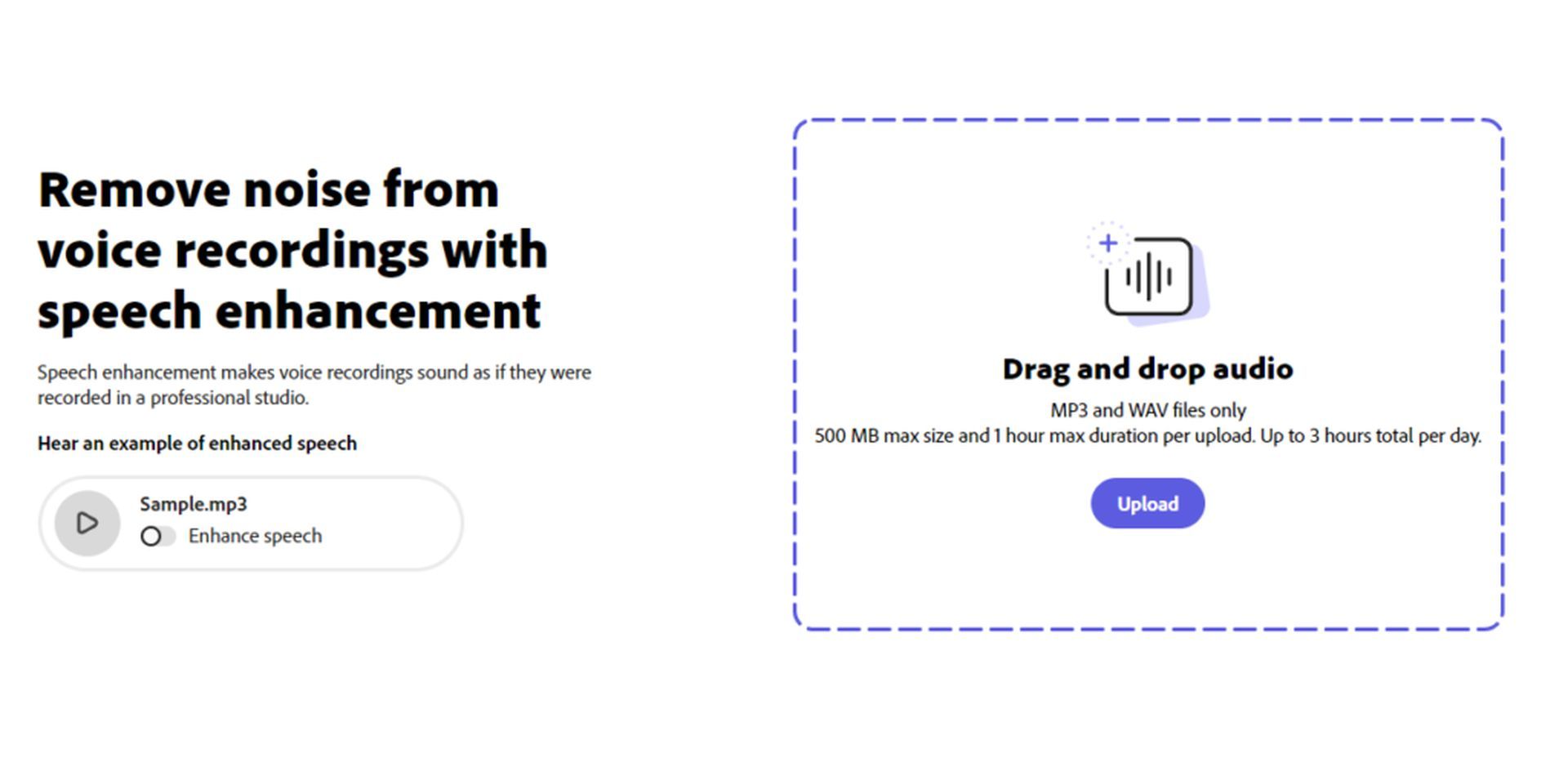
AI audio enhancers have revolutionized podcasting by enabling anyone to create a professional-quality podcast without the need for expensive equipment or soundproofing materials.
These tools can remove background noise, enhance voices, and produce a studio-quality experience for listeners. Podcasters can utilize tools like Adobe Enhance, which provides powerful audio enhancement capabilities for free, to elevate the quality and professionalism of their podcasts.
Music production
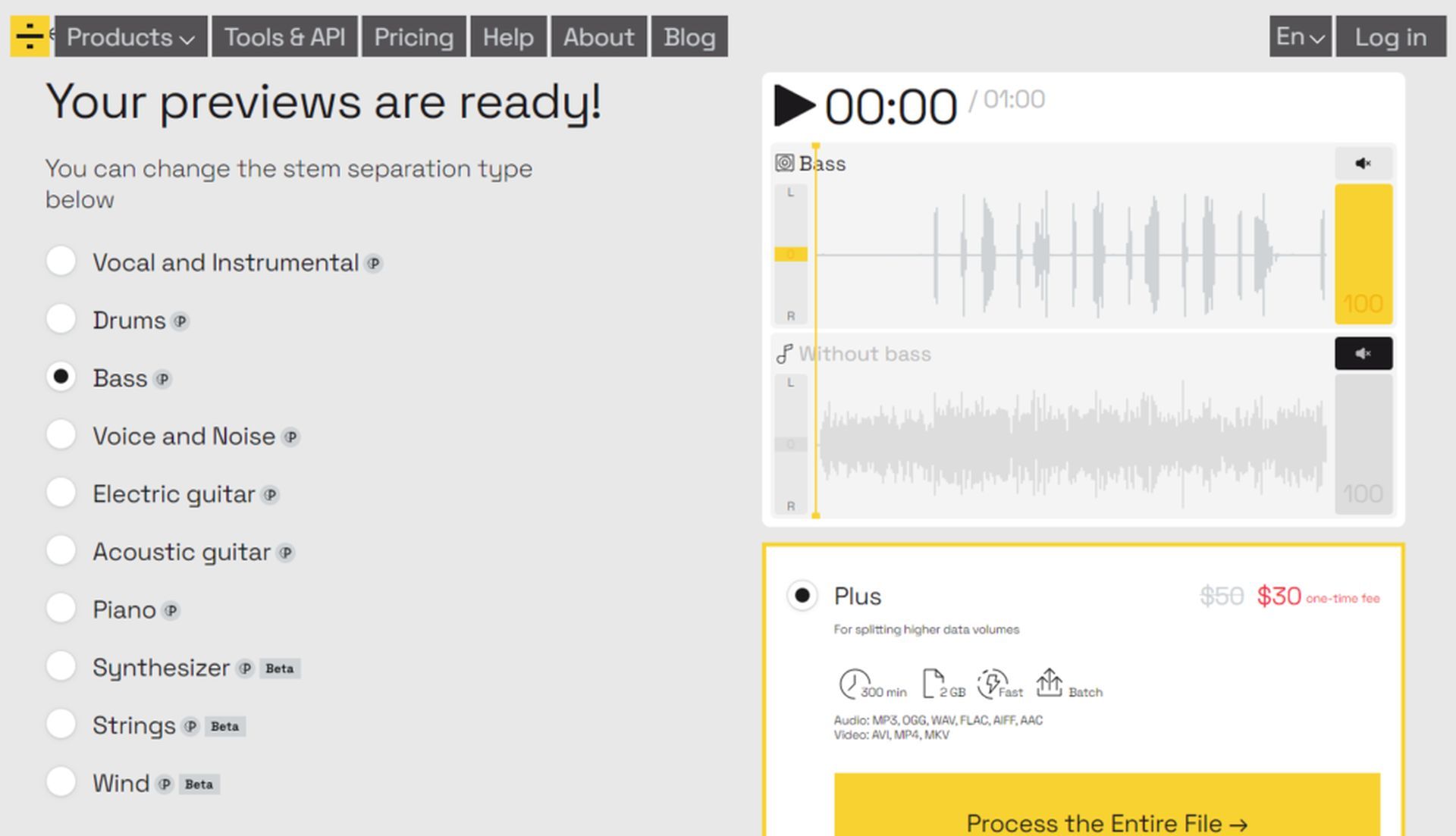
Musicians can leverage AI audio enhancers to record high-quality tracks even in suboptimal environments. These tools can separate vocals from songs, allowing for the creation of acapella tracks and remixes.
Additionally, AI audio enhancers can break down songs into individual stems, such as drums, bass, and guitar, providing independent music producers with greater creative freedom. LALAL is a recommended tool that offers these capabilities for free (limited usage), empowering musicians to explore new possibilities in music production.
Audio transcription

AI audio enhancers play a crucial role in automatic transcription, captioning, and subtitling. Platforms like YouTube and TikTok rely on AI-generated subtitles to enhance accessibility and improve user experience. Veed.io is a popular free tool that provides auto-generated AI subtitles, making transcription and captioning easier for content creators.
Additionally, advanced models like Whisper by OpenAI offer remarkable transcription accuracy, allowing developers to create applications that interact with voice inputs.
Online meetings
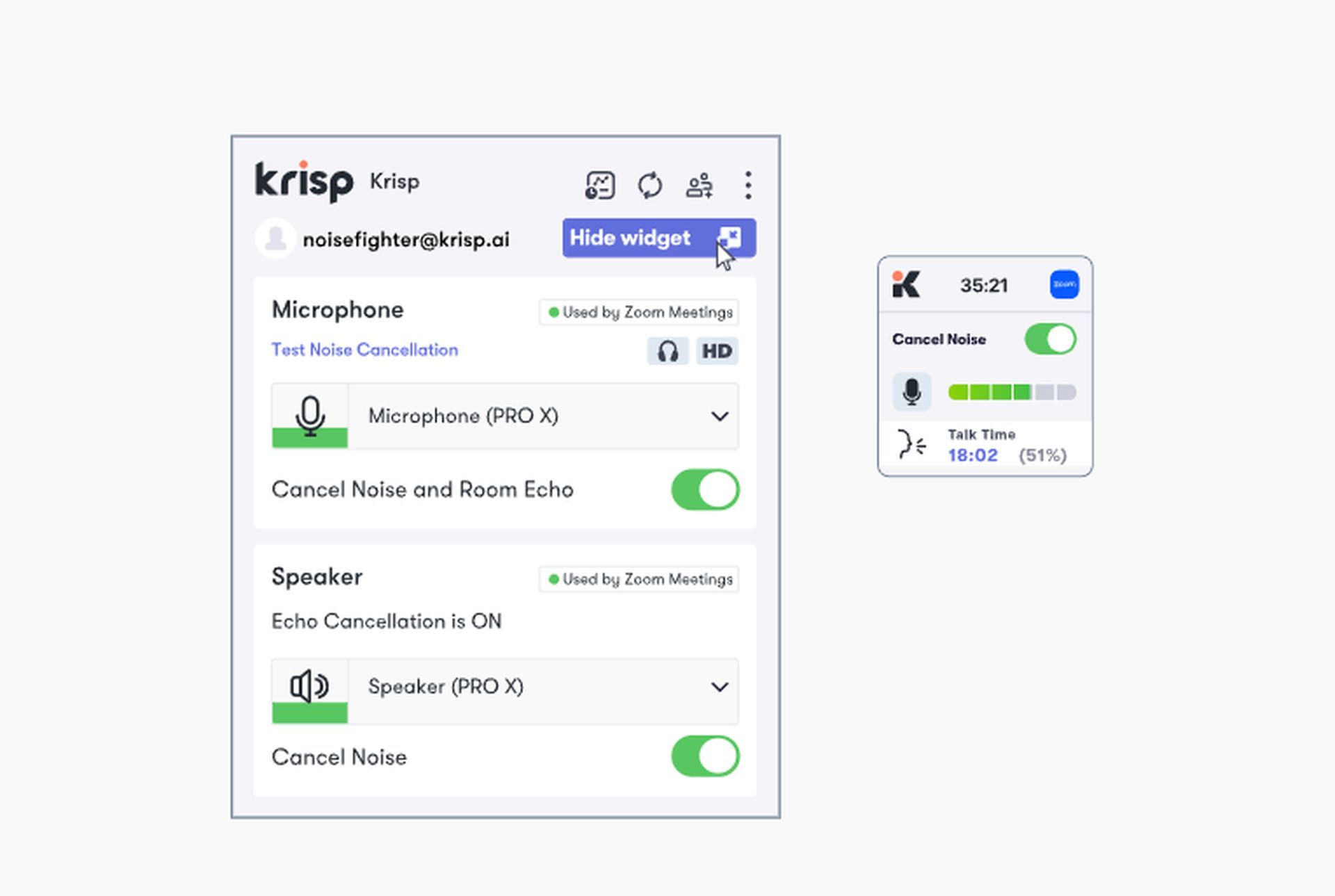
AI audio enhancers have become essential in improving online meeting experiences. They can reduce echo, feedback, and background noise, resulting in clearer communication during virtual meetings.
Krisp.ai is a recommended tool that operates passively in the background, enhancing the audio quality and minimizing distractions. Work-from-home professionals, parents, and pet owners can benefit from these tools to ensure a more productive and focused meeting environment.
AI Audio restoration
AI audio enhancers offer the ability to restore and enhance muffled or low-quality audio files. They can salvage recordings from various sources such as old tapes, vinyl records, and low-quality smartphone recordings.
Adobe Enhance, a free tool, can breathe new life into damaged or degraded audio recordings by reducing noise and improving overall quality. These AI-powered restoration capabilities provide content creators with the means to rescue valuable audio content that would otherwise be unusable.
AI audio enhancers have revolutionized sound quality and content creation across various domains. From podcasting to music production, transcription, online meetings, and audio restoration, these tools empower professionals and content creators to achieve exceptional audio experiences. As technology continues to advance, AI audio enhancers will play an increasingly pivotal role in shaping the future of audio production and consumption.


