
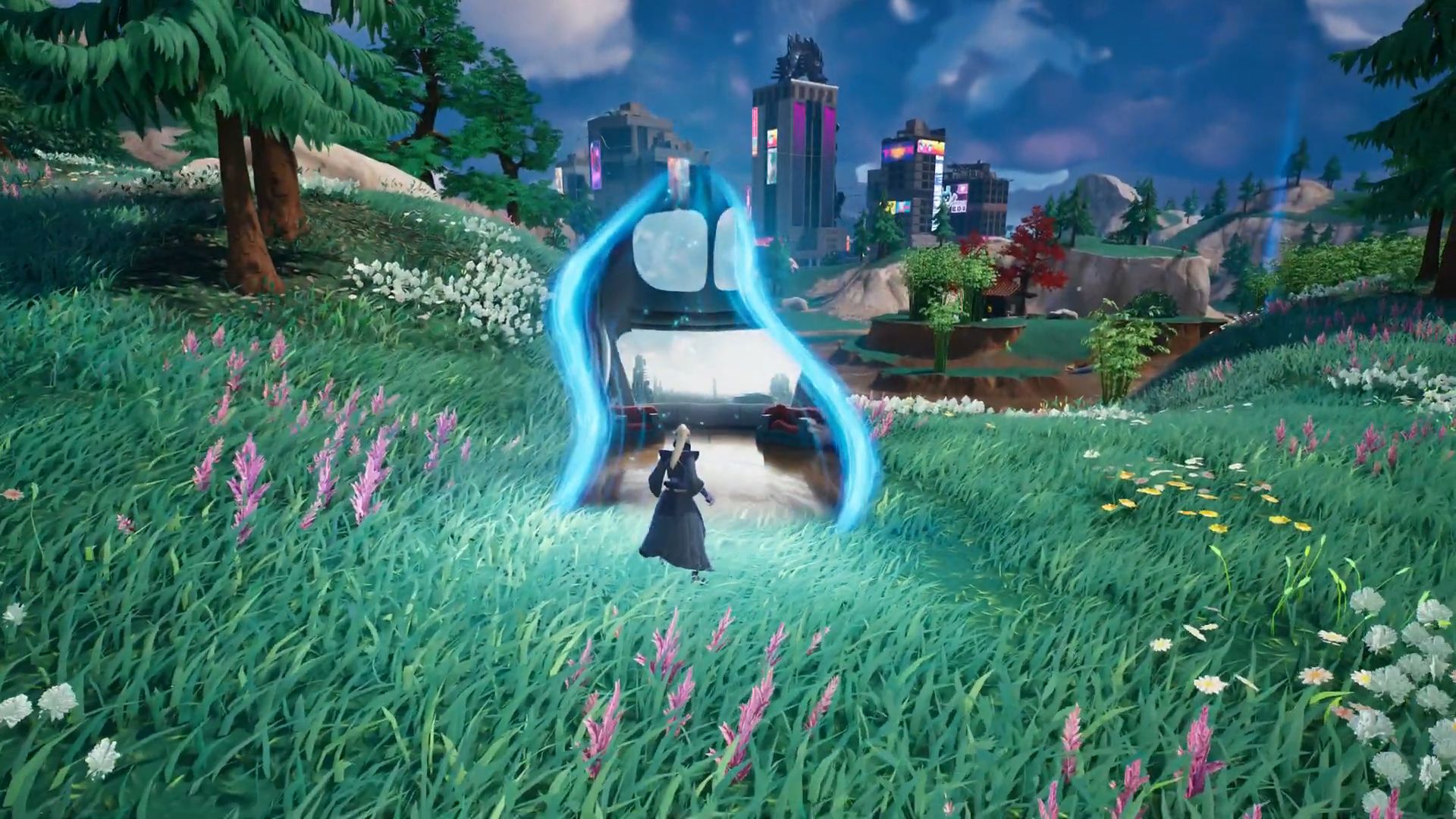

Fortnite Rift Gates are one of the biggest confusion points within the latest update. As Fortnite has always been a game that’s constantly evolving, with new features and updates being added regularly it keeps the excitement of players continually rolling, however, a clarification for the Fortnite Rift Gates is apparently needed.
The exciting new feature of Fortnite’s latest update, the Rift Gates offer players not only transportation to new locations on the island but also the chance to learn Force abilities and wield a Lightsaber. Below, we’ll explain how to use Fortnite Rift Gates to learn Force abilities and wield a lightsaber.
The most recent update also brought some other developments. Visit the blog post about the update of Fortnite to see them.
Where to find Fortnite Rift Gates
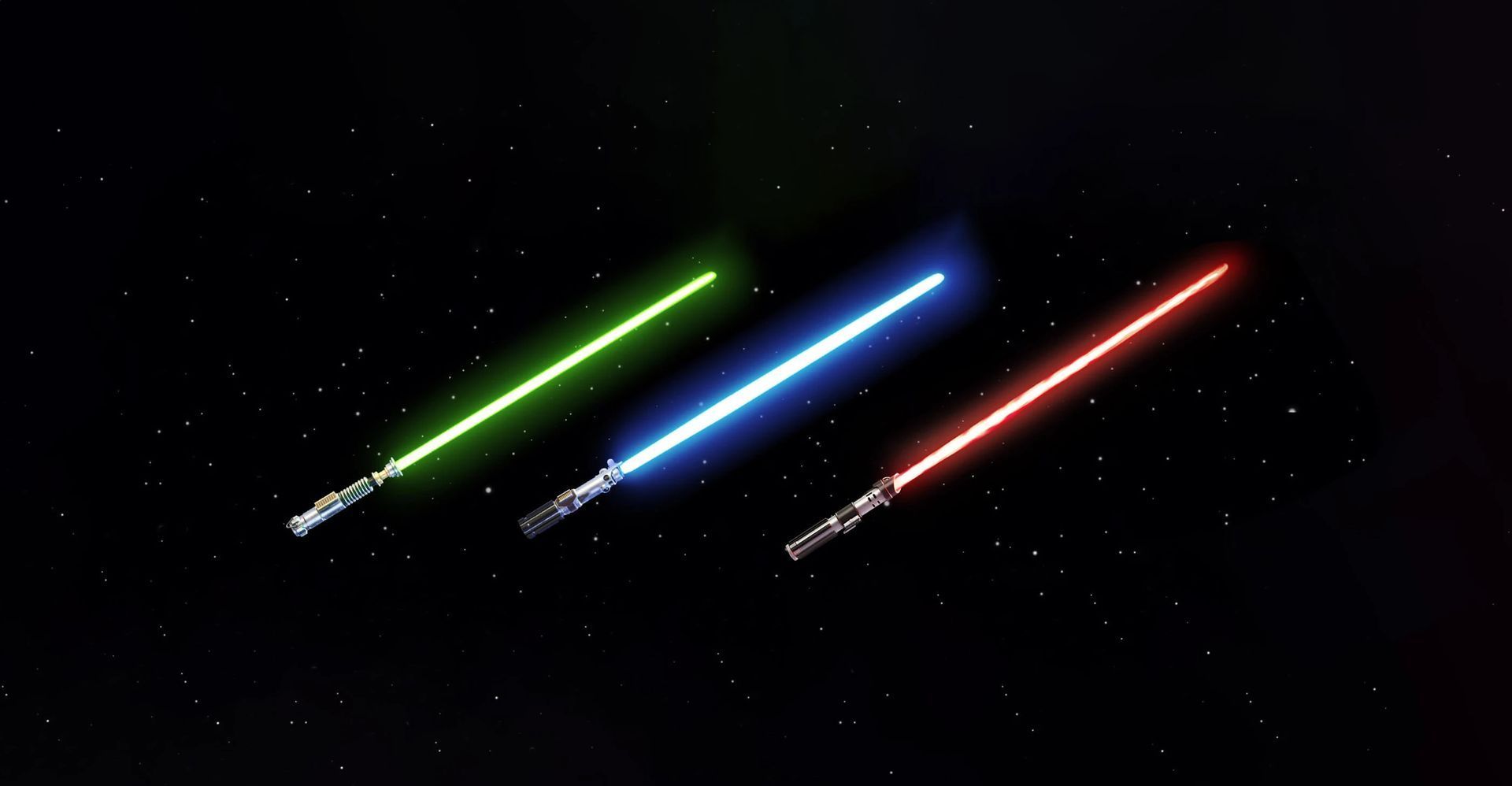
Fortnite Rift Gates spawn randomly across the island, and their icons pop up on the map a minute or two into the match. The colors of the icons represent the corresponding trainer, which are:
- Green: Obi-Wan Kenobi
- Blue: Anakin Skywalker
- Red: Darth Maul
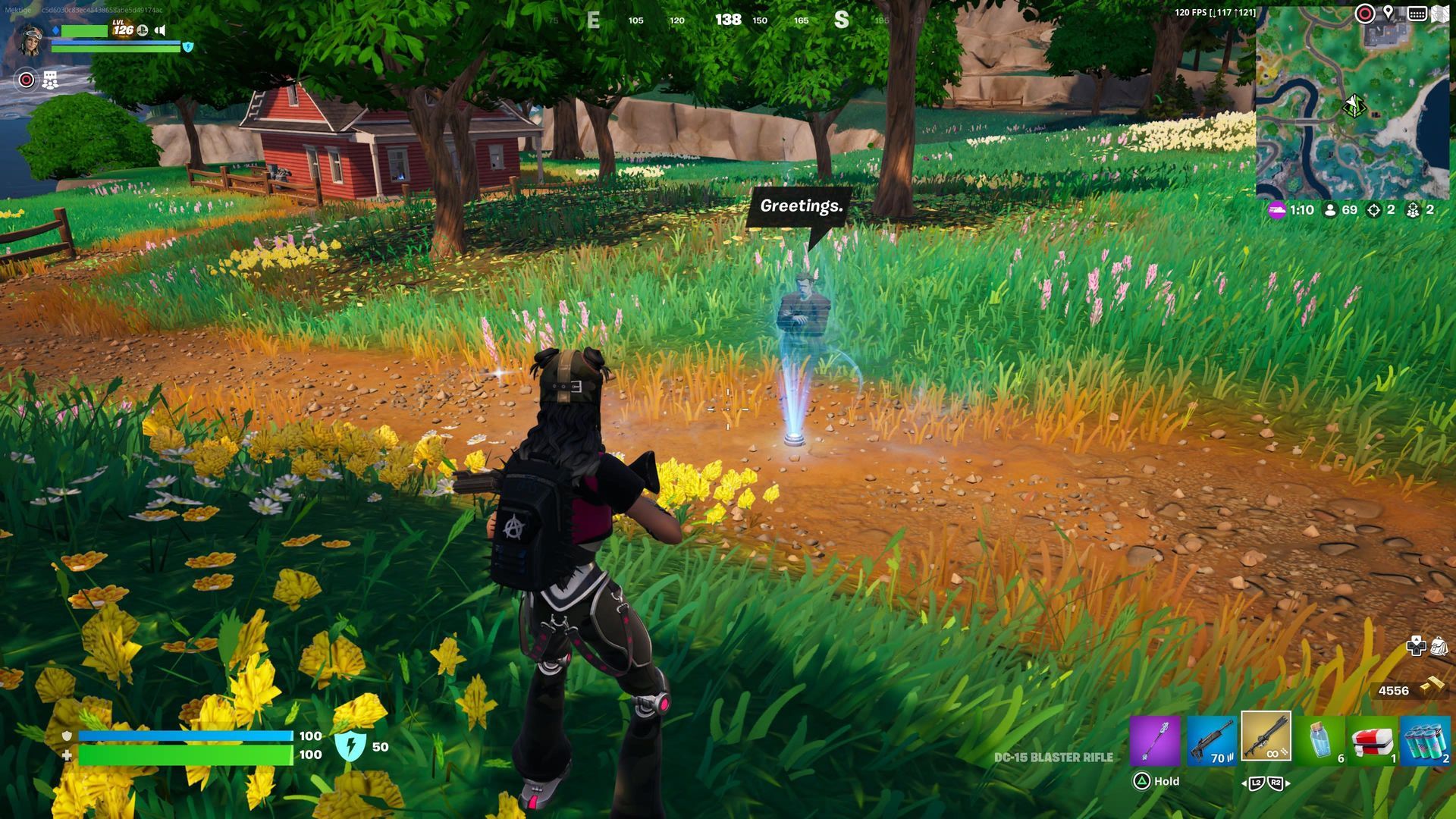
Note that sometimes the same trainer can appear in more than one location, and not all of them will spawn in every match. Players can keep their glider open after leaving the battle bus and hover near the middle of the island to give themselves the best chance of reaching one of these Rift Gates before anyone else.
Learning Force abilities at Fortnite Rift Gates
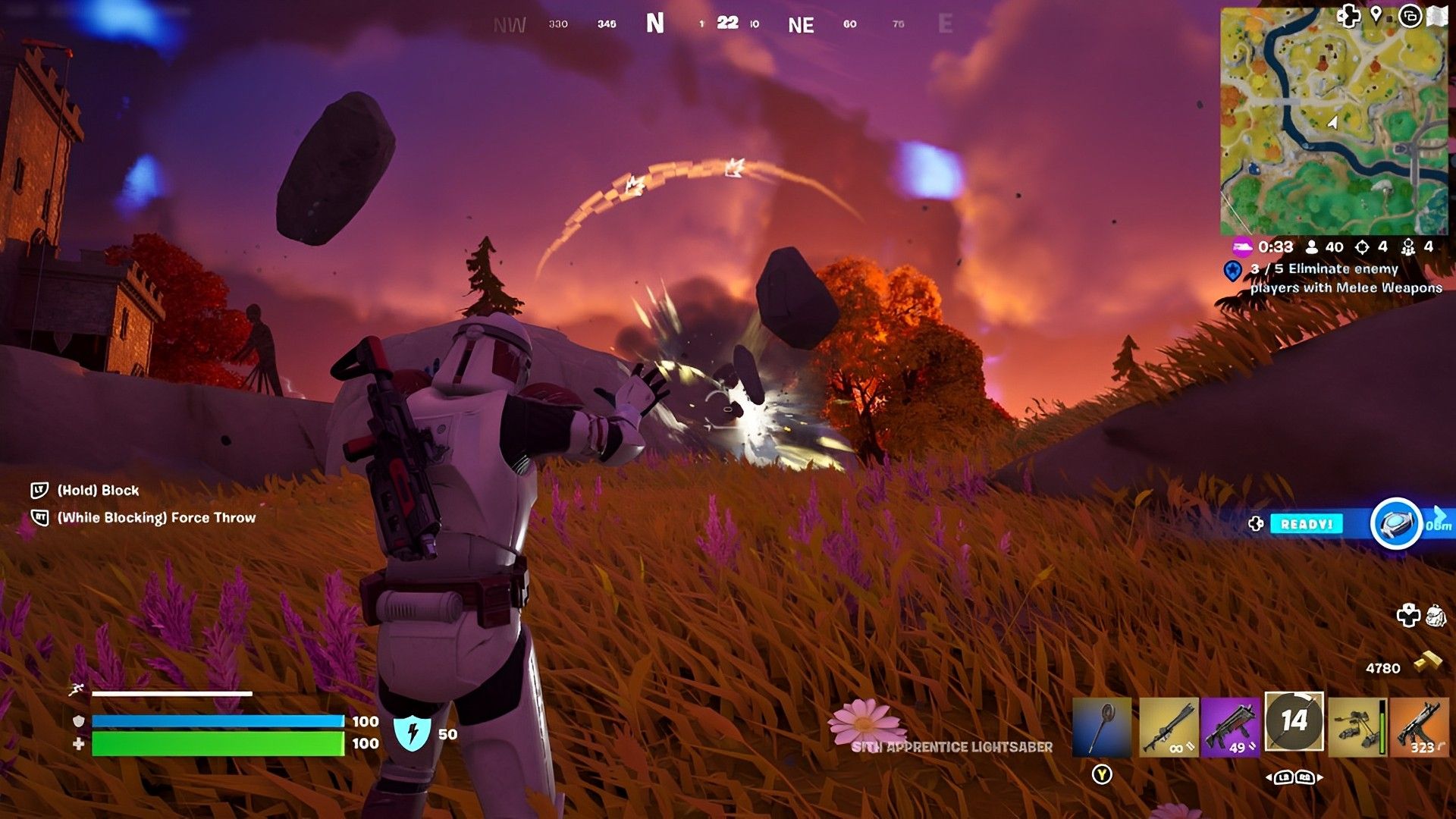
To learn Force abilities at Rift Gates, players need to interact with the hologram of Obi-Wan Kenobi, Anakin Skywalker, or Darth Maul. Once the hologram is interacted with, the corresponding Rift Gate will open up, and players will be granted a specific Force ability and a lightsaber to wield. The Force abilities offered are Force Push by Obi-Wan Kenobi, Force Pull by Anakin Skywalker, and Force Throw by Darth Maul.
In addition to the Force ability, players will always be granted a faster sprint speed and double jump while the lightsaber is equipped. Players can combine these new powers with the blocking ability of the lightsaber to become a force to be reckoned with for the rest of the match.
Completing quests to access Rift Gates
The Rift Gates are not the only exciting new feature introduced in the latest Fortnite update. The Find the Force event has also been added to the game, which includes a Fortnite Star Wars battle pass and a range of new quests that offer cosmetic rewards to players. Completing one of these quests will grant players access to the Rift Gates, giving them the chance to learn Force abilities and wield a lightsaber.
With the Fortnite Rift Gates and the new Find the Force event, players have more options for gameplay and exploration in Fortnite. These new features have made the game even more exciting, giving players the chance to create their own unique adventures and experiences.
The introduction of Fortnite Rift Gates has added an exciting new element to the game, offering players the chance to learn Force abilities and wield a lightsaber. By locating the Fortnite Rift Gate icons on the map and interacting with the corresponding holograms, players can enter the Rift Gates and gain significant advantages in their matches.
Combined with the new quests in the Find the Force event, players have even more opportunities to explore the island and create their own unique experiences. So, what are you waiting for? Get ready to master the Force in Fortnite with the Rift Gates!
If you want to check out DC-15 Blaster which was also added with the latest update, you may want to check out the Fortnite Republic Chest locations.


