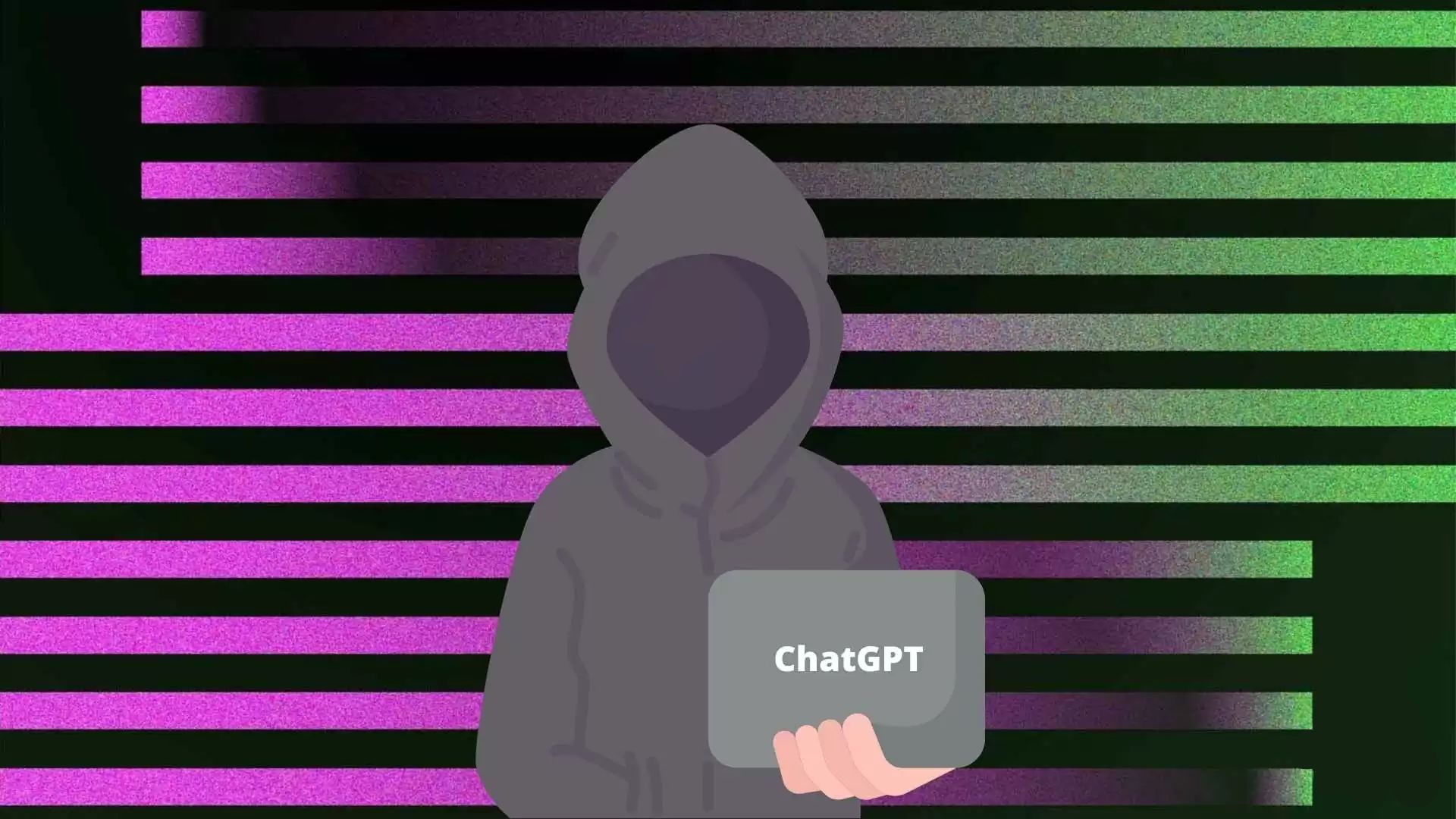

Hackers have started using fake ChatGPT apps to access your personal information.In this article, we will explore the dangers of these fake apps and provide tips on how to avoid falling victim to these attacks.
The threat of cyber-attacks has become increasingly prevalent in recent years. Cybercriminals are using sophisticated tactics to infiltrate devices and networks, with fake ChatGPT apps being one of the latest tactics. These apps can push malware onto unsuspecting users’ devices, stealing personal information, installing additional malware, or encrypting user files and demanding a ransom for their release.
The threat of fake ChatGPT apps
ChatGPT is a popular language model developed by OpenAI that is capable of generating human-like responses to text-based prompts. Its popularity has been seized upon by cybercriminals to create fake ChatGPT apps.

These apps are typically distributed through unofficial app stores, phishing emails, or social media platforms. Once installed, they can use a variety of tactics to avoid detection, such as encrypting their code or disguising themselves as legitimate system processes. This makes it difficult for traditional antivirus software to detect and remove the malware.
Hackers are aiming at Windows and Android users
Fake ChatGPT apps pose a significant risk to both Windows and Android users. While Windows is the most commonly targeted operating system due to its widespread use in business environments, Android is also a prime target due to its popularity among mobile users.
Once a fake ChatGPT app is installed on a user’s device, it can use a variety of tactics to avoid detection. For example, it may use a rootkit to hide its presence on the device or encrypt its communication with the command-and-control server.
The risks of fake ChatGPT apps are numerous. Cybercriminals can steal personal information such as login credentials or credit card numbers. They can also use the malware to install additional malware, such as keyloggers or ransomware. Once installed, the malware can also slow down the device, drain the battery, or cause it to crash.
Is there a mobile app for ChatGPT?
ChatGPT is an AI language model created by OpenAI that is trained to answer a wide range of questions across various domains. While there is no official mobile app for ChatGPT, users can still access its functionality through third-party chat platforms that integrate with its API. Additionally, users can interact with ChatGPT directly on the OpenAI Playground, a web-based platform that allows users to chat with the AI model and explore its capabilities.
As one of the most advanced language models available, ChatGPT represents cutting edge of natural language processing technology, and its ability to generate human-like responses has made it a valuable tool for a variety of applications. But if you really insist on a ChatGPT app on your Android phone here’s what you can do.
- Open Chrome browser on your phone
- Go to ChatGPT’s official site
- Login to your account
- Make sure you are on the main screen of the AI model
- Tap the three-dot icon on your browser
- Select the ”Add to your home screen” option
Name the app as you want, tap ”Add” and you are done. We know it is just a shortcut to the site of Open AI but hey, it is still better than fake Chatgpt apps.

Tips to avoid falling victim to fake ChatGPT apps
There are several steps that users can take to avoid falling victim to fake ChatGPT apps. Firstly, they should only download apps from trusted sources, such as the official Google Play Store or Microsoft Store.
Secondly, they should be wary of unsolicited emails or social media messages that contain links to download apps.
Users should also ensure that their devices are kept up to date with the latest security patches and updates. This can help to close any vulnerabilities that may be exploited by cybercriminals. It is also important to use reputable antivirus software that can detect and remove malware.

Another way to protect oneself against fake ChatGPT apps is to use a VPN (Virtual Private Network). A VPN can encrypt internet traffic, making it difficult for cybercriminals to intercept and steal personal information. It can also hide a user’s IP address, making it more difficult for cybercriminals to track their location or identify them.
Conclusion
The threat of fake ChatGPT apps highlights the importance of remaining vigilant when using digital devices. By following the tips outlined in this article, users can reduce their risk of falling victim to these types of attacks. It is important to stay informed about the latest threats and to take steps to protect oneself against them.
The risks associated with fake ChatGPT apps are numerous, and it is crucial to take every precaution to avoid falling victim to them. While the popularity of ChatGPT, the fastest-growing application of recent times, has become indisputable, it is as predictable as possible for hackers to want to capture personal data through this application. Fortunately, thanks to this article, you are now aware of this danger.