

Grand Theft Auto players are asking this question a lot: “Where is the bank in GTA 5 Online map?”
It’s difficult to believe that Grand Theft Auto Online is almost ten years old when the most recent edition of the game is coming to next-generation consoles with a variety of graphic improvements. After all, these new PlayStation 5 and Xbox Series X editions of the game are elevated to the same level as other recent releases thanks to their wonderfully realistic graphics, high-resolution sound design, and gameplay features. It is therefore understandable that many new players are simply hitting the road to discover everything Los Santos has to offer given that the in-game world seems better than it has ever before.
Where is the bank in GTA 5 Online map?
The banks and depositories branches spread out across the enormous in-game landscape have to be among of Grand Theft Auto Online’s most important series of monuments. These financial institutions are not just extraordinarily detailed in their rendering, but they are frequently based on many actual banks in Los Angeles, California. Therefore, these banks are essential for giving the game’s already attractive free-roam a genuine and immersive layer.
Fleeca Banks In GTA Online
For those who are unaware, the Fleeca Banks play a significant role in Grand Theft Auto Online’s heist mode, with players having the option to steal from a number of distinct structures at various points in the game.
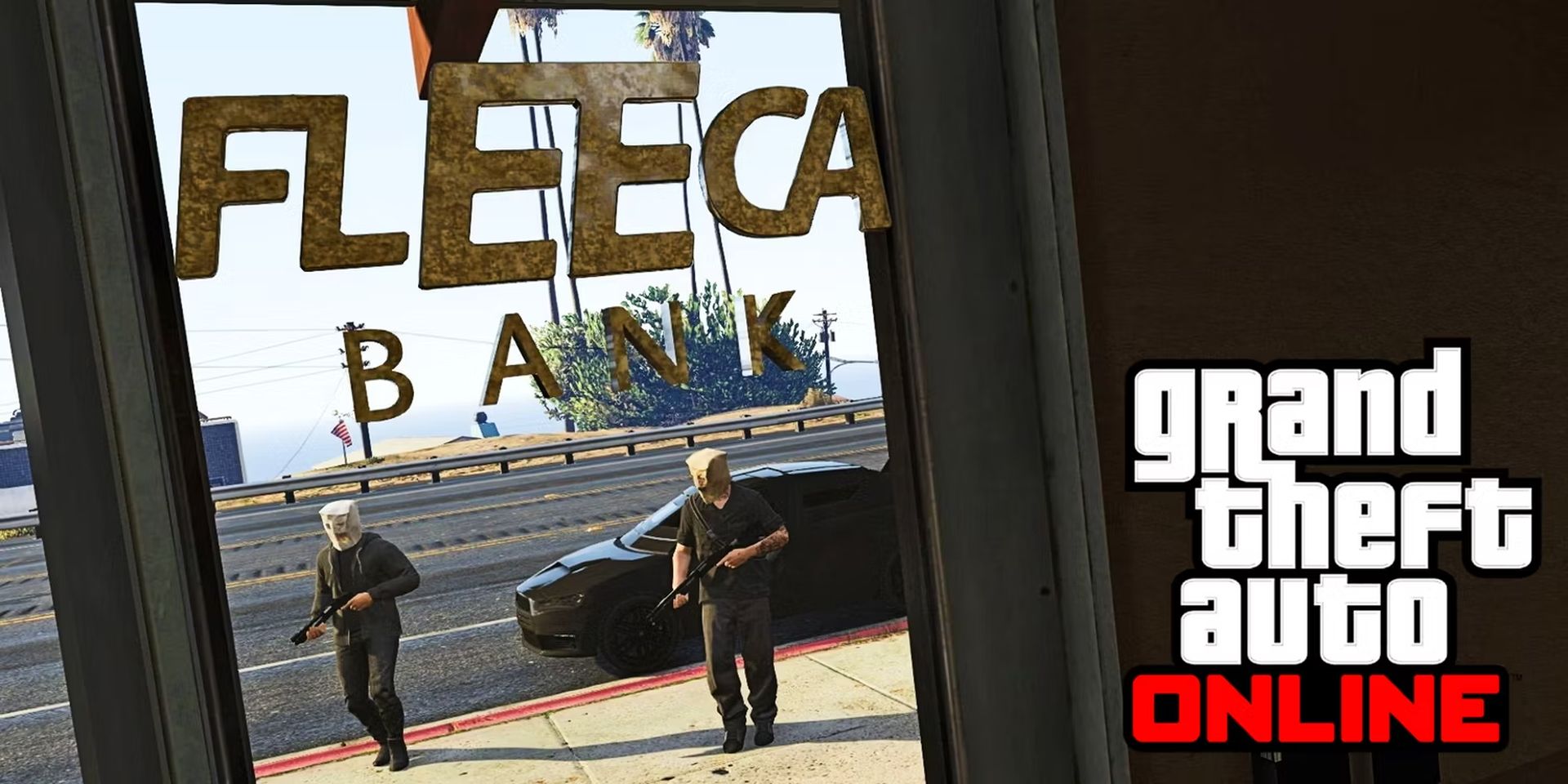
As a result, during heist shootouts, scouting out the following areas to take note of any potential escape routes, flanking positions, and approaching congestion lanes may give players a tactical advantage.
Where is the bank in GTA 5 Online map:
- Legion Square, on Vespucci Boulevard.
- Boulevard Del Perro, in Morningwood.
- Hawick Avenue and Metero Street, in Alta.
- Along Hawick Avenue, in Burton.
- South Rockford Drive, on Palomino Avenue.
- The Great Ocean Highway, in Banham Canyon.
- Blaine County, Route 68 in Harmony.
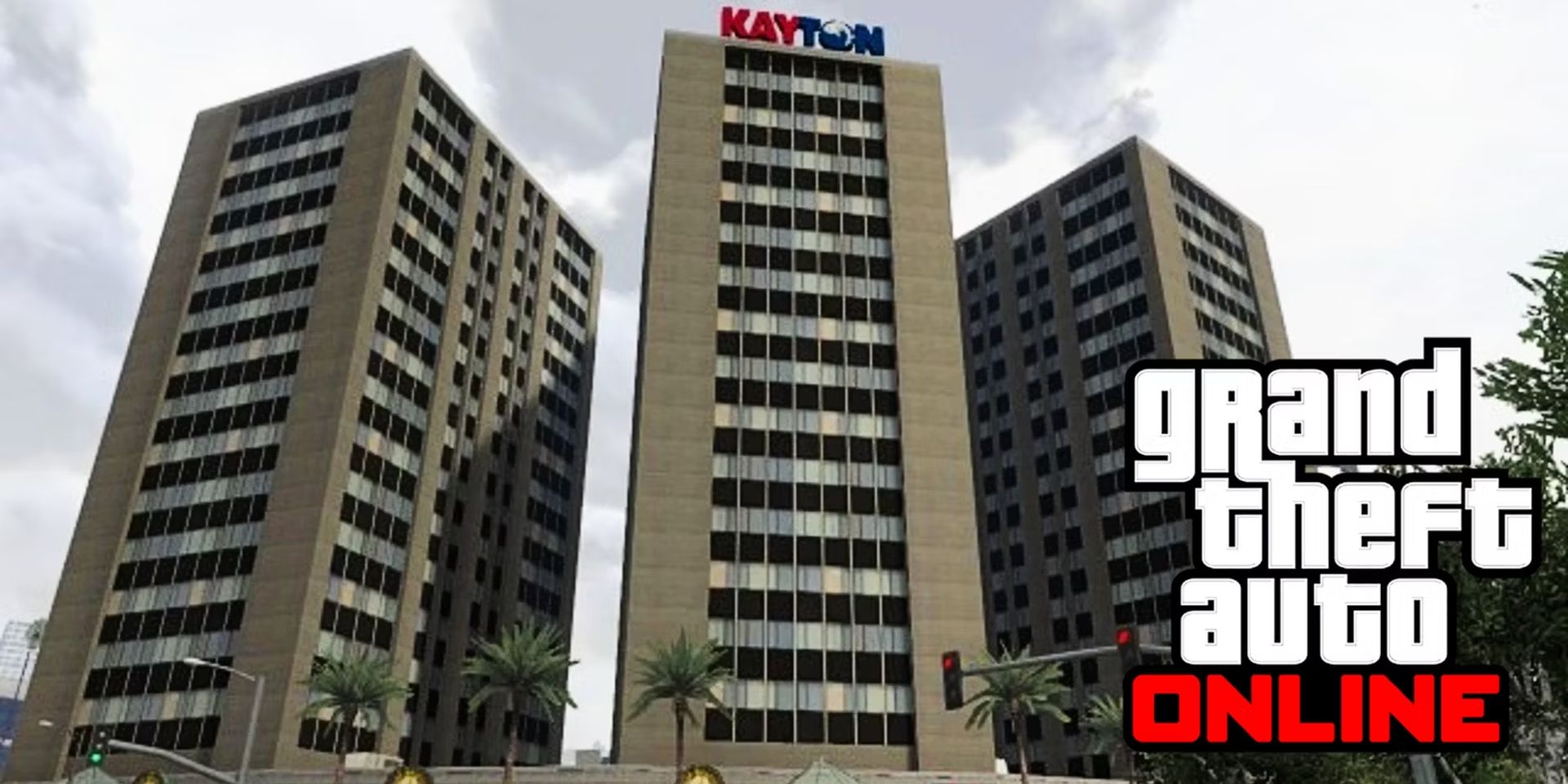
Kayton Bank in GTA Online
The Kayton Towers, a cluster of three towers on San Andreas Avenue and Movie Star Way in Little Seoul, Los Santos, are one of the largest buildings in Grand Theft Auto Online. On the first floors of each of the over ten-story buildings are establishments like coffee shop terraces, Internet cafés, and various shops.
Lombank Depositories in GTA Online
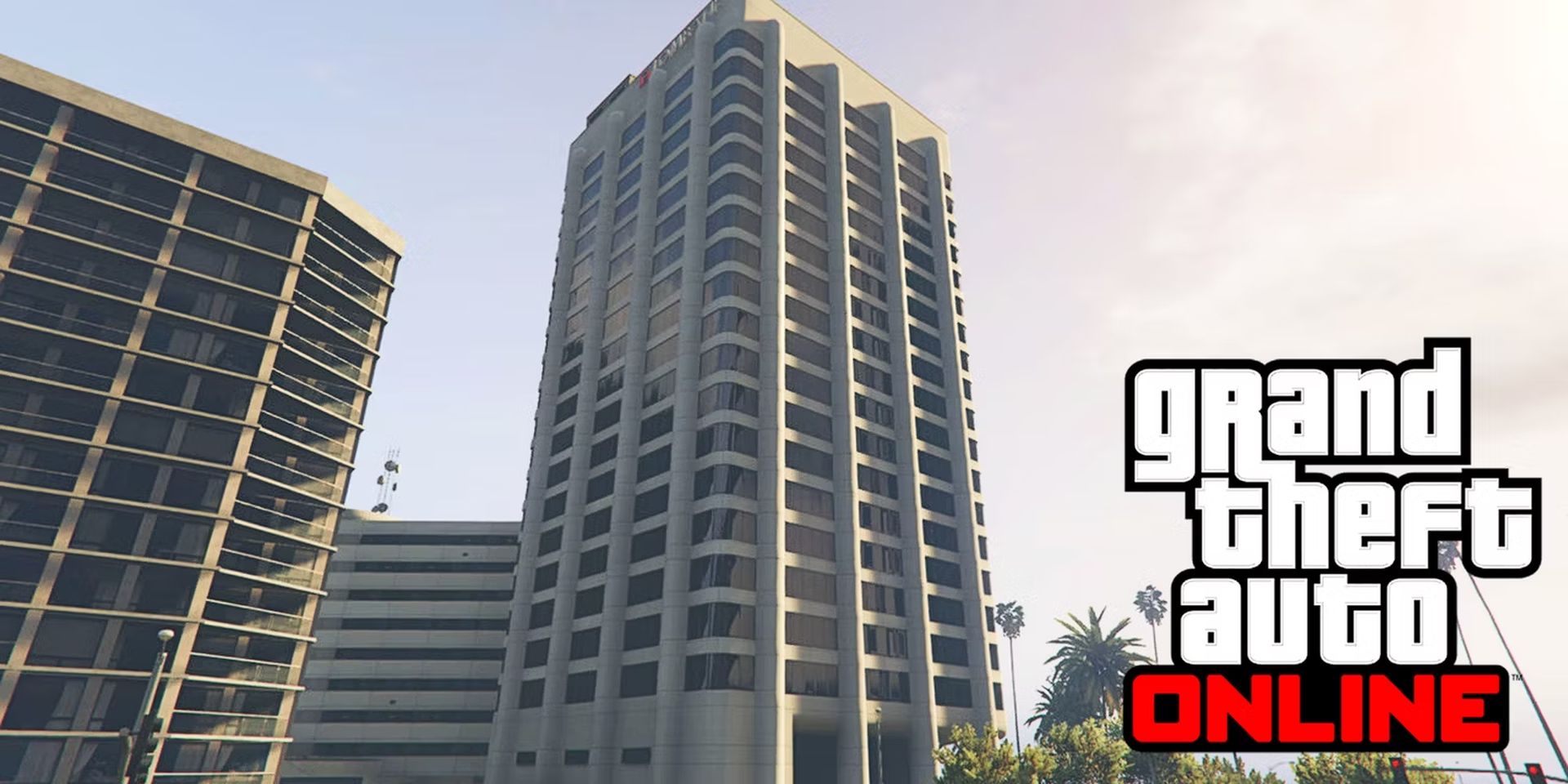
Lombank has two major offices and three smaller branches spread out around Los Santos, making appearances in several Grand Theft Auto universes. Unfortunately, players may only view the following branches from the outside; they cannot enter any of the buildings.
- San Andreas Avenue, in Little Seoul.
- Rockford Hills, on South Boulevard Del Perro.
- Aguja Street, in Vespucci Canals.
The Pacific Standard Bank in GTA Online
During the last Grand Theft Auto Online heist DLC, the Pacific Standard Public Deposit Bank is the main target. Players can take up to $1,250,000 in stuff from the Pacific Standard bank vault after completing several setup quests.
- Downtown Vinewood, Los Santos, at the intersection of Alta Street and Vinewood Boulevard.
Maze Bank in GTA Online
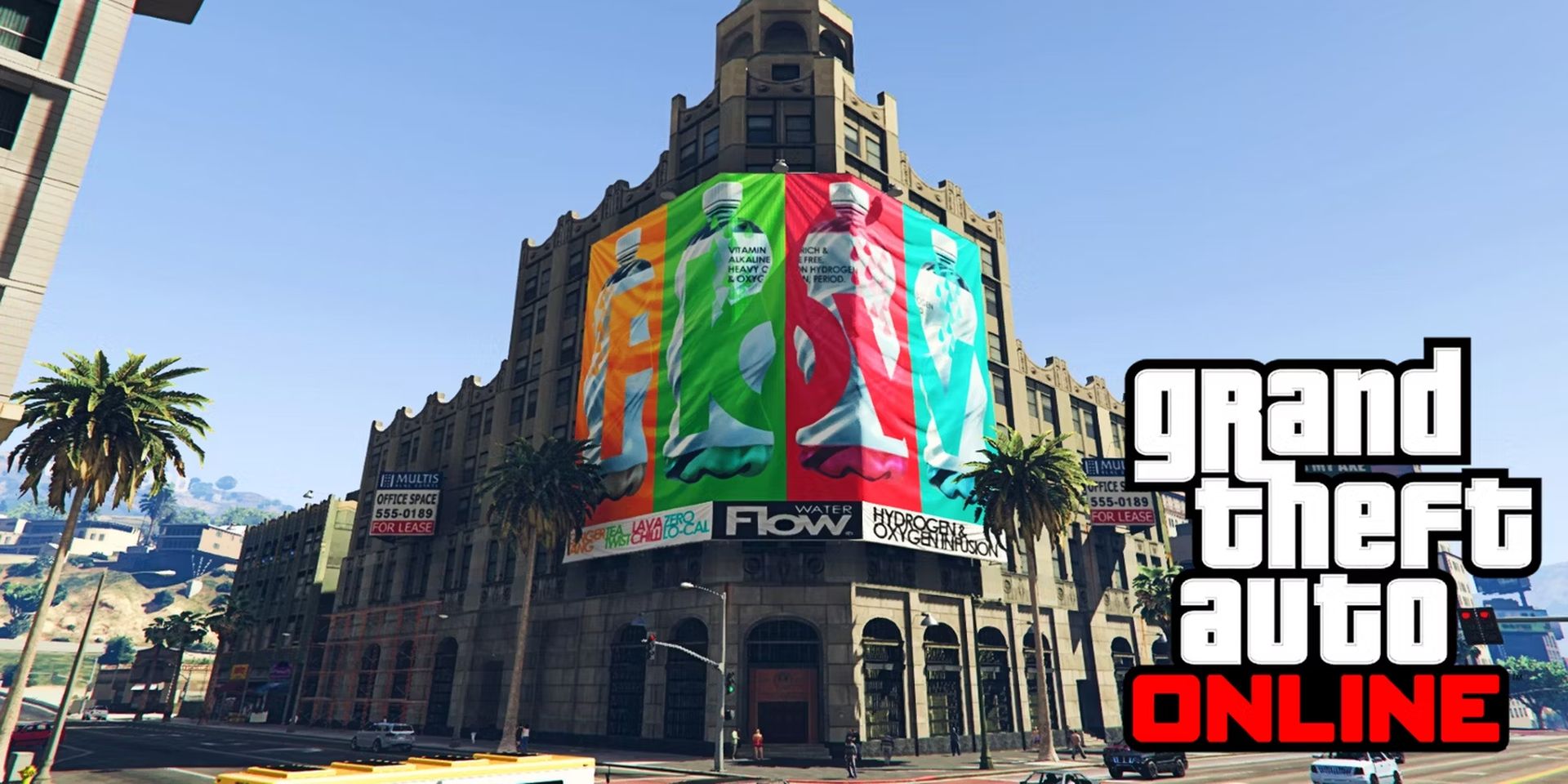
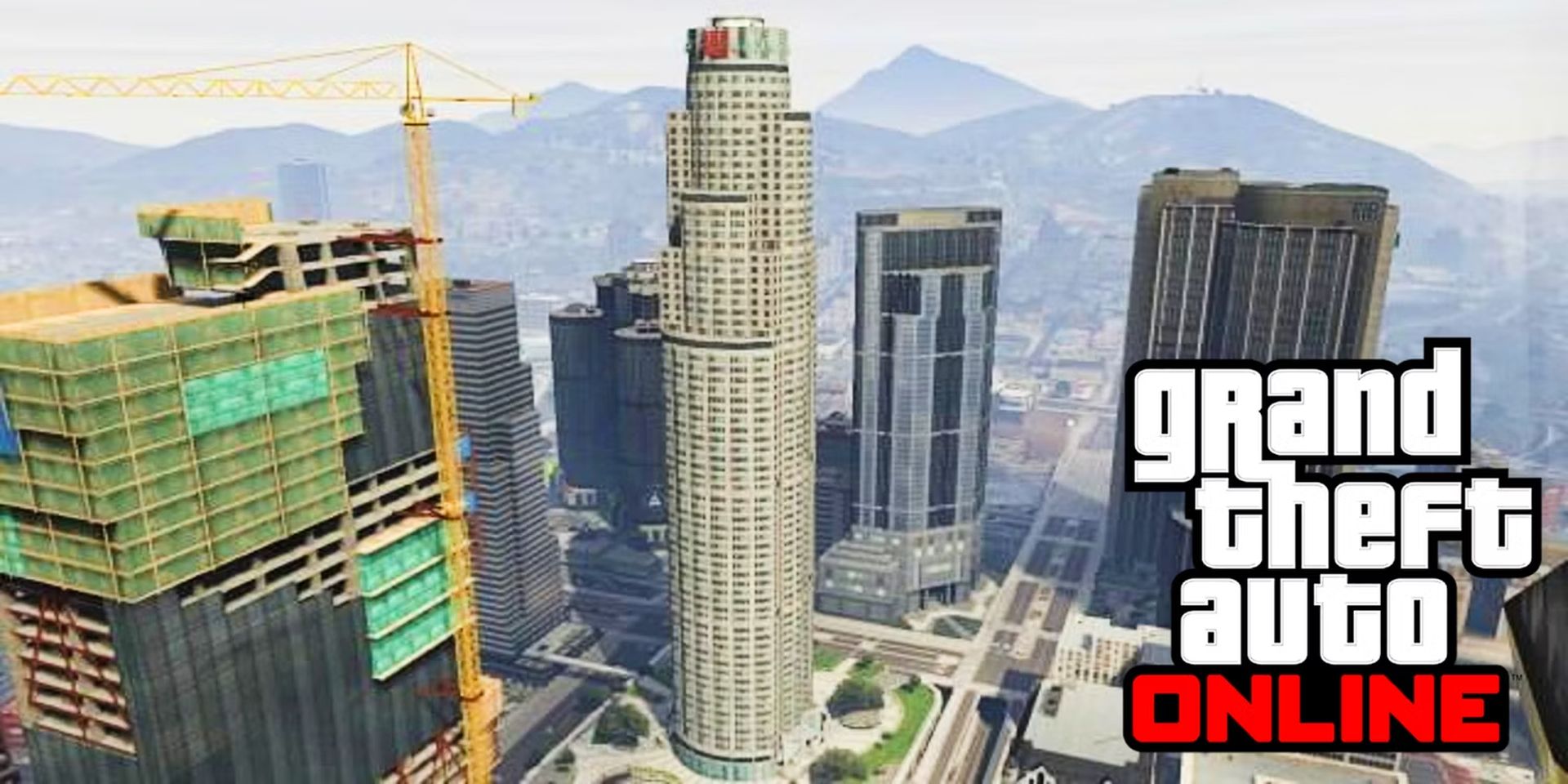
The Maze Bank offices are located at Pillbox Hill, Downtown Los Santos, and are the tallest building in Grand Theft Auto Online. Plus, Maze has locations all across the Los Santos Metropolitan Area, despite having a smaller presence in Southern San Andreas.
The Union Depository in GTA Online
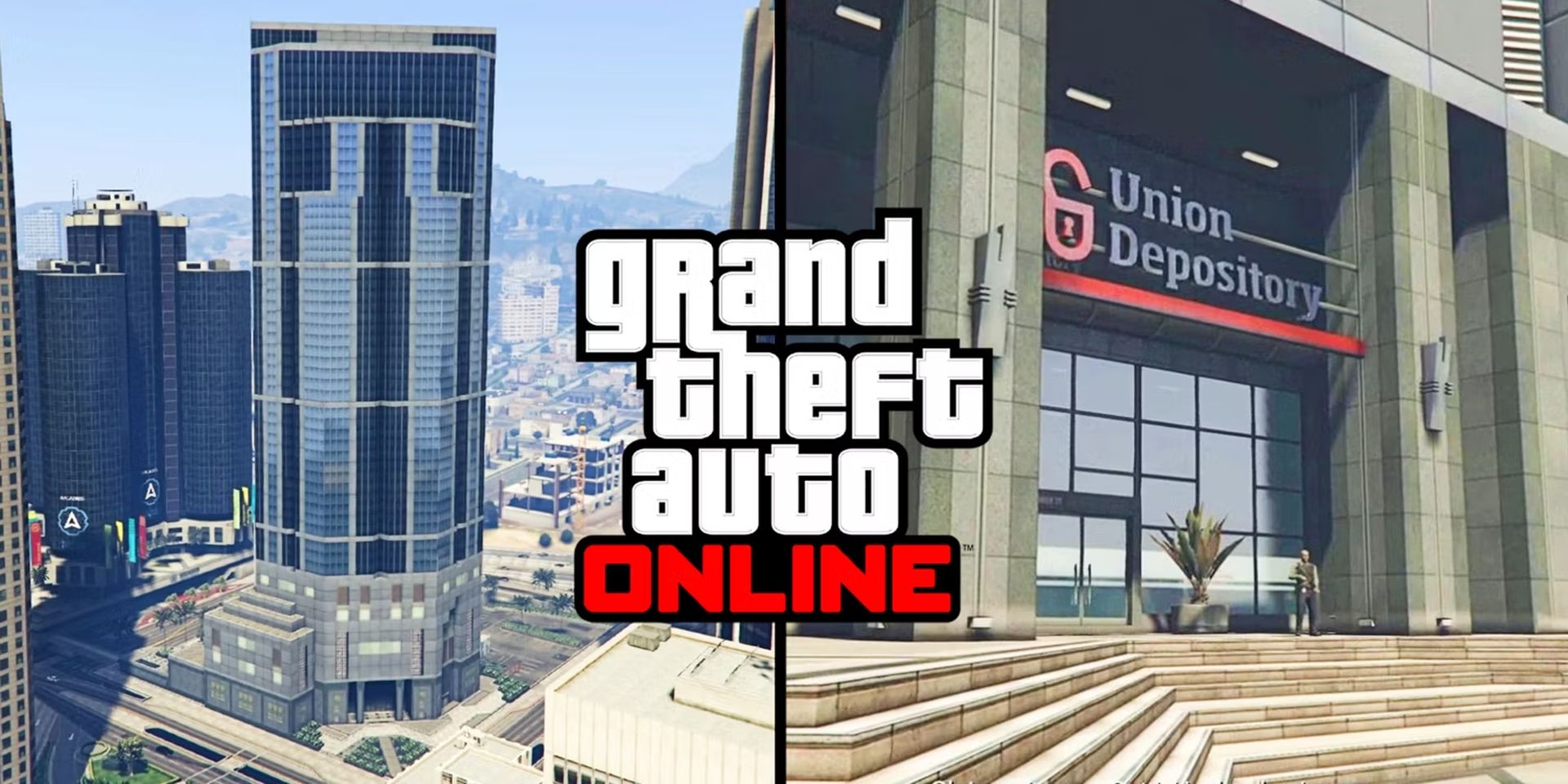
The Union Depository is located on 17 Power Street in Pillbox Hill, Downtown Los Santos, and is mostly seen in the game’s story mode. Not directly modeled on any Los Angeles, California building, unlike the other banks on the list. The Union Depository bank heist is often regarded as the best in the game, but its iconic position on the map cannot be overstated.
Penris Bank in GTA Online
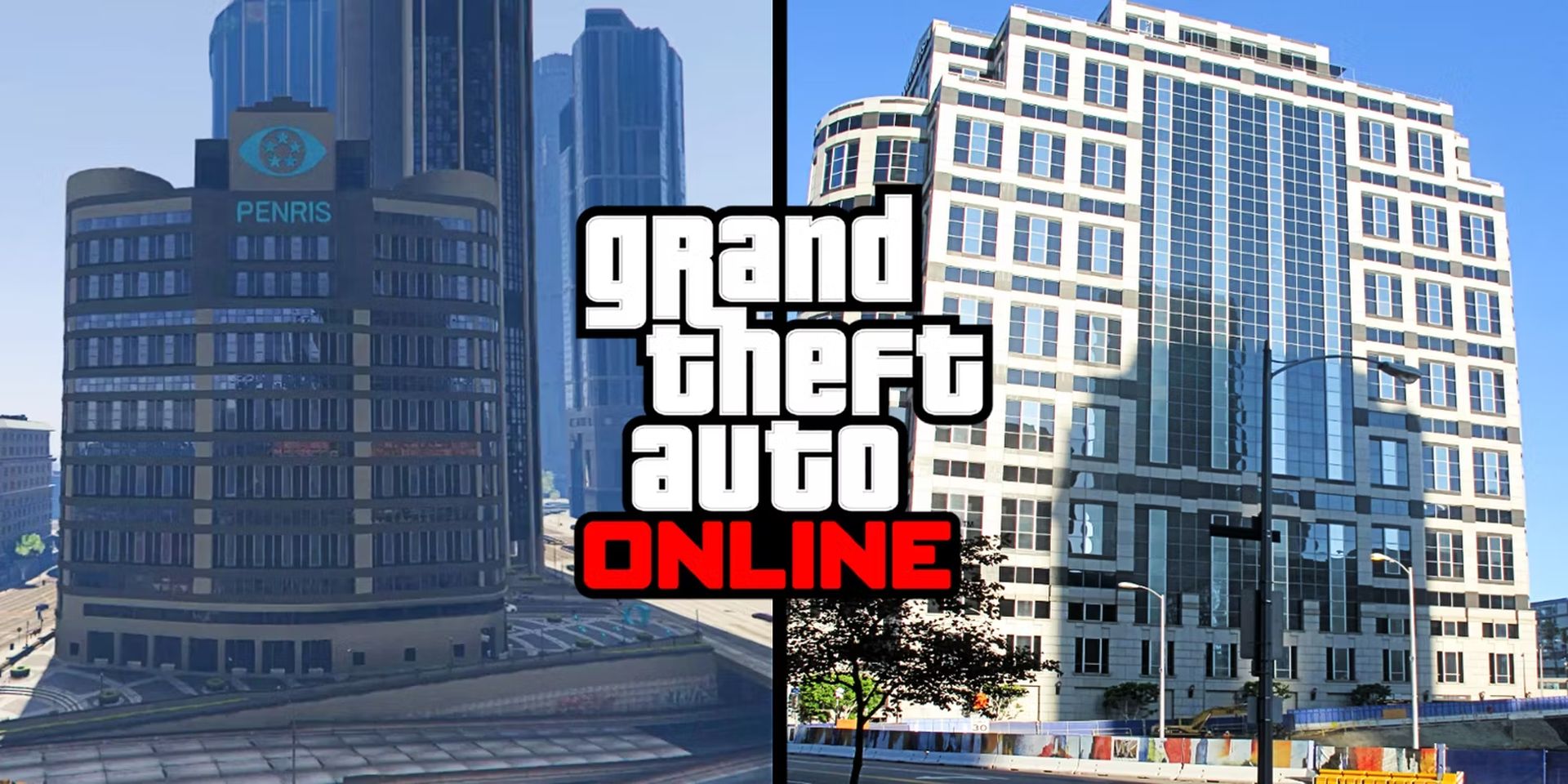
Just to the north of the IAA Headquarters on Swiss Street in Pillbox Hill, Downtown Los Santos, is Penris, the final bank in Grand Theft Auto Online. Its appearance in the game was strongly influenced by the Wedbush Securities Building, an office building in Downtown Los Angeles.
Conclusion
Back to our original question, where is the bank in GTA 5 Online map? We hope that you were able to find the answer. The game is available the PC, PS4, PS5, Xbox One, and Xbox Series X. Do you want to learn how to name your organization in GTA Online? Head in then!


