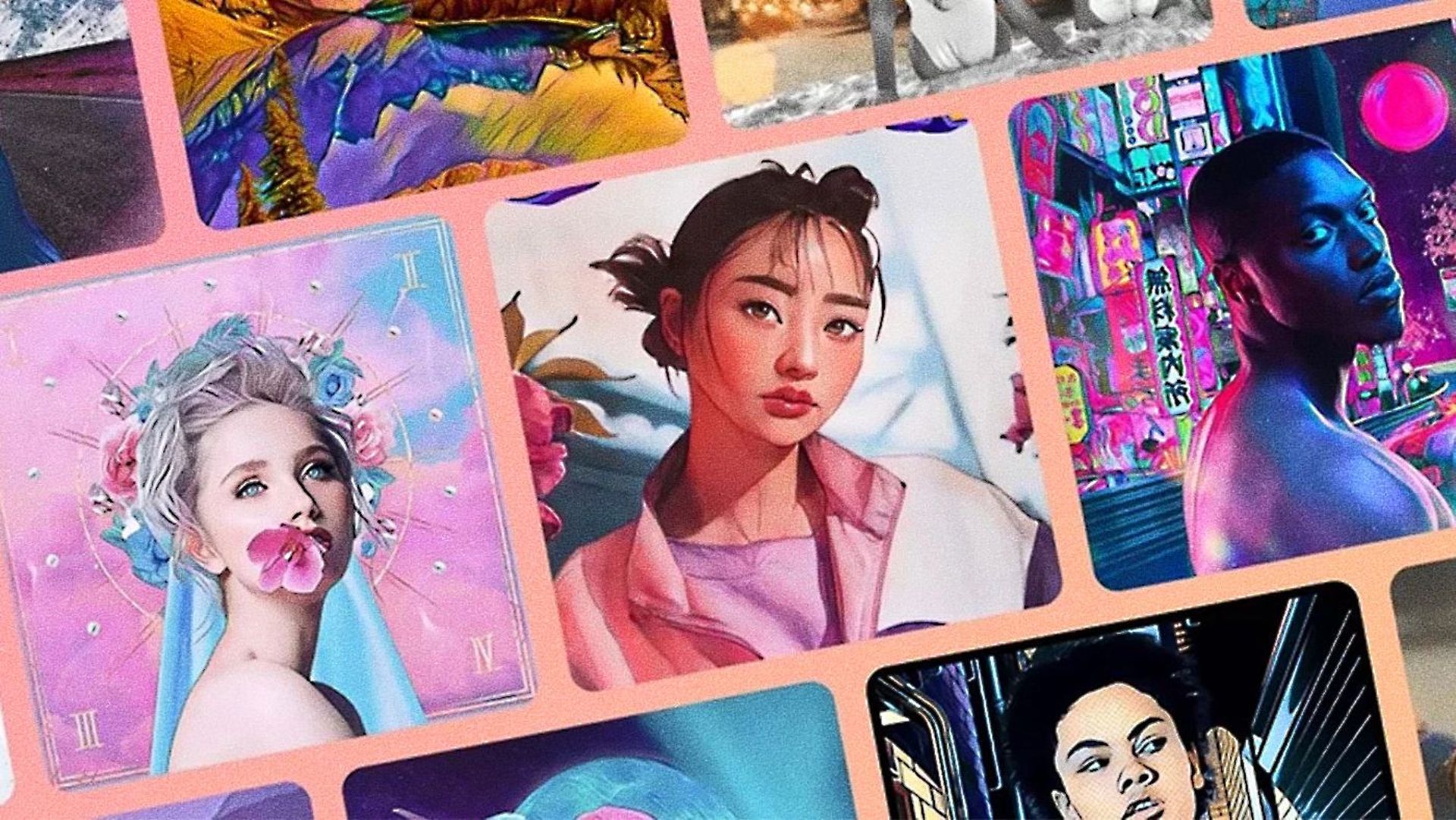

As AI takes up more and more space in our lives, you can now take AI-powered selfies with the new Lensa AI app.
With a wide range of features, Lensa AI is an AI-powered photo editing program that enables users to remove objects from pictures, clean up selfies, and more. But its AI selfie maker is the nicest and most well-liked aspect of Lensa.
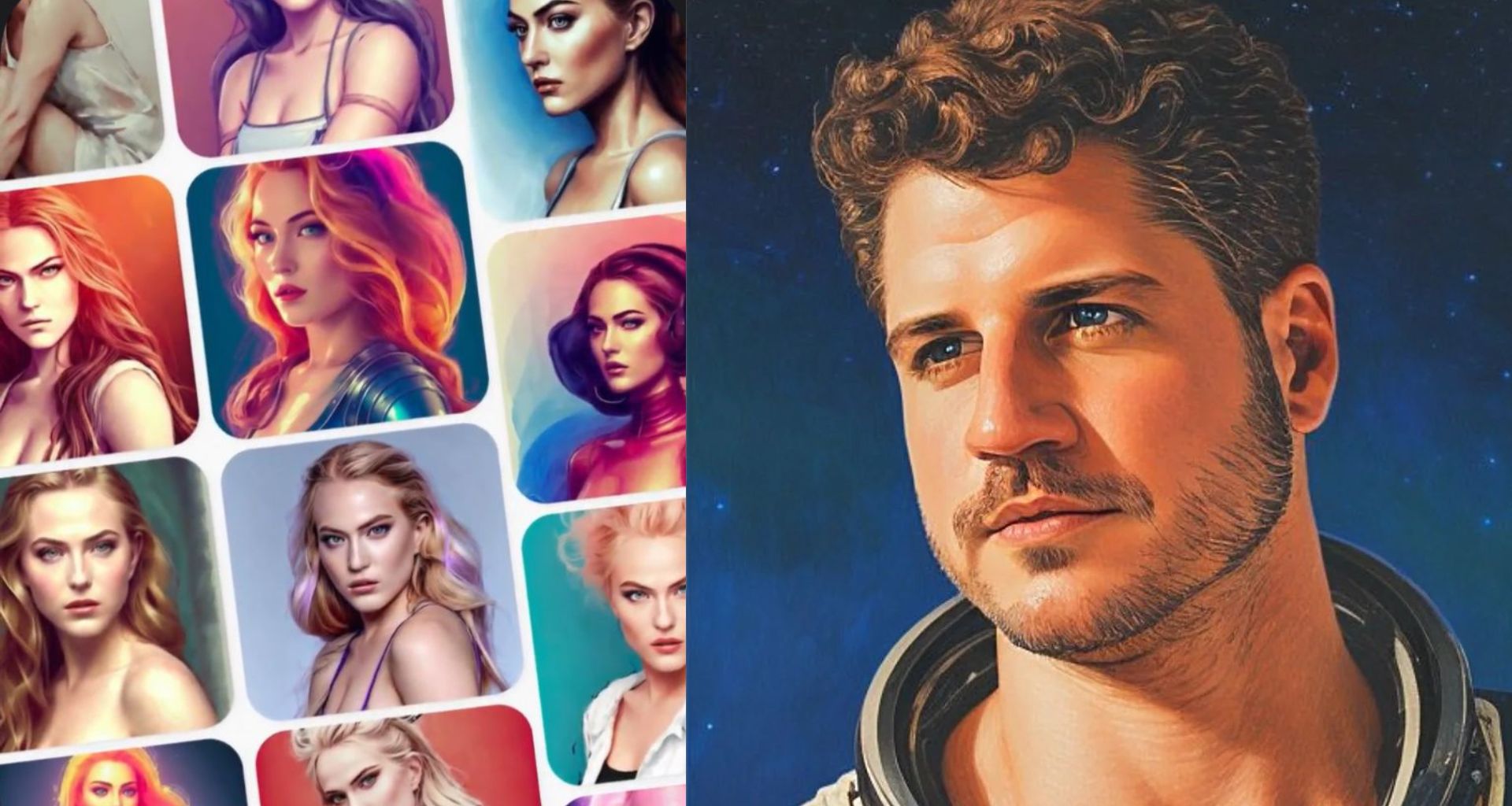
There are numerous systems for altering photos and videos that use AI nowadays. Lensa AI is one of the social networking platforms’ most popular applications right now. This program can be used to alter photo content to produce the desired results.
The Lensa AI app utilizes the power of artificial intelligence to create photos of you with just a few clicks, and the results frequently look extremely good. Let’s make you an astronaut with the power of AI.
How to use Lensa AI?
The first step you have to take is to download The Lensa AI app into your smartphone first. It’s available on both iOS and Android.
To use the app, all you have to do is:
- Open the Lensa AI
- Tap ”Next” to skip the screen where the app describes its features
- Select ”Get Started”
- Start your free trial by selecting the ”Try free & Subscribe” button
- Select ”Try Now” and upload 10-20 selfies
- Select your gender so that Lensa AI can generate images related to your gender
- Chose how many avatars you want now, sadly, this isn’t just free even if you have a free trial. Prices are as follows:
- $2 for 50 avatars
- $3 for 100 avatars
- $4 for 200 avatars
- After you pay for your avatar, Lensa AI will start to generate your photos. This will take some time, depending on how many photos you selected. But don’t worry, you may use the ”Notify me when it’s done” feature to keep browsing on your phone.
- When the app finishes generating, and you get notified, open the Lensa AI app again to see the results
- You can save the results by tapping the ”Save Photos” button
- Enjoy your AI-generated selfies
Lensa AI features
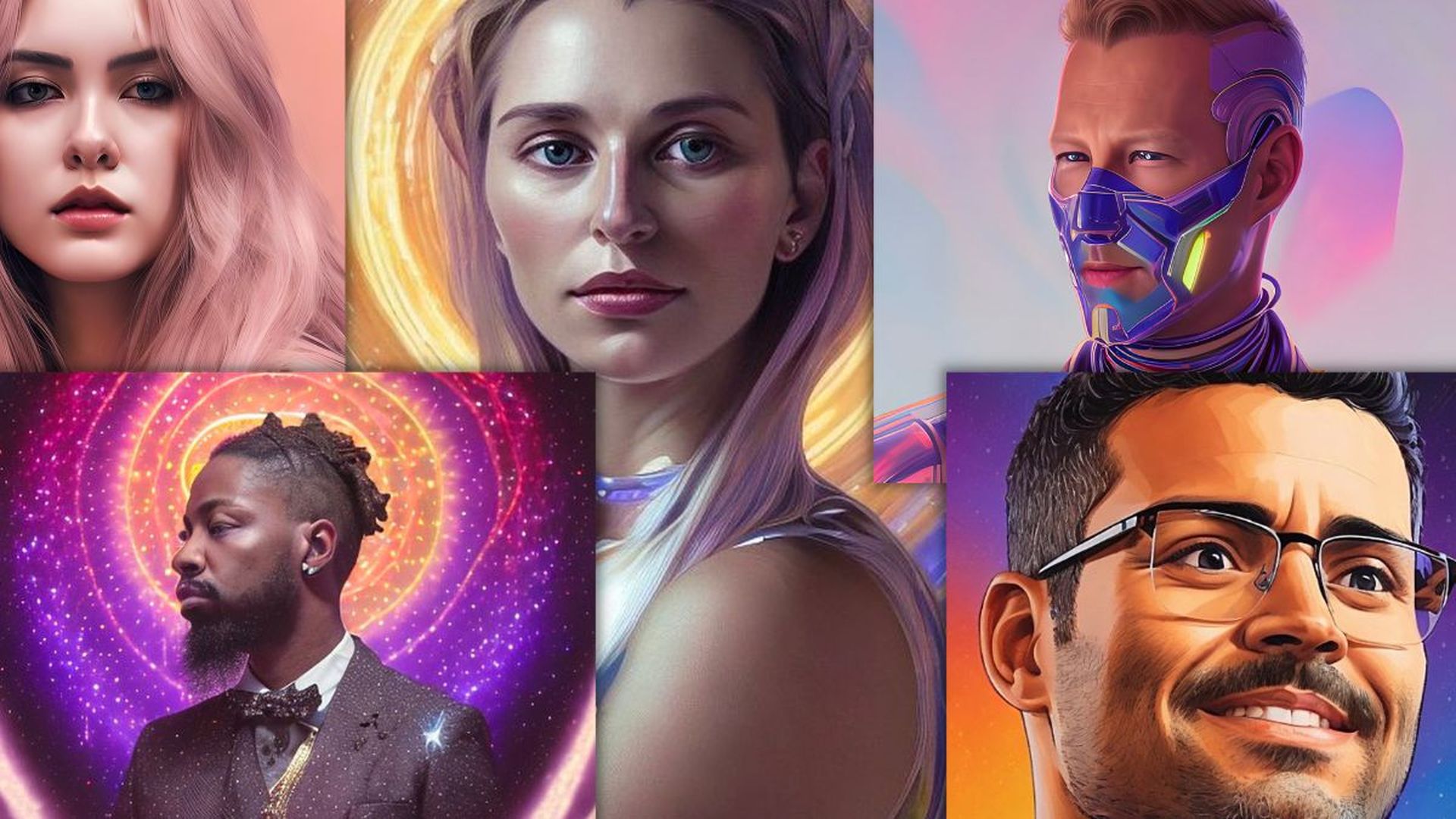
With the Lensa AI app, you can do a lot more besides generating your own selfie. Using the app, a selfie can be altered to look like an illustration, a cartoon, a painting on canvas, and many other things. The AI system can then add extra accessories to the face, alter the form of the face, get rid of imperfections, change hair color, and even alter the user’s stance.
Some of the features of the app are as follows:
- Fix your photos with an AI-powered One-tap portrait editor
- Create your custom avatar
- Replace the background of your selfies
- Blur your background
- Turn photos into art using Art Styles feature
- Replace the sky in your photos
- Remove eye-bags from your selfies
- Advanced editing that allows you to change every single detail in your photos
- Remove background objects and many more
Lensa AI is a great photo editor
The Lensa AI is an excellent solution that enables consumers to have fresh selfies, but it’s also a great photo editor. Three photos can be edited each day through its editor. There are many free choices that let you edit the photo with various effects, however, the majority of the tools are for paid users.
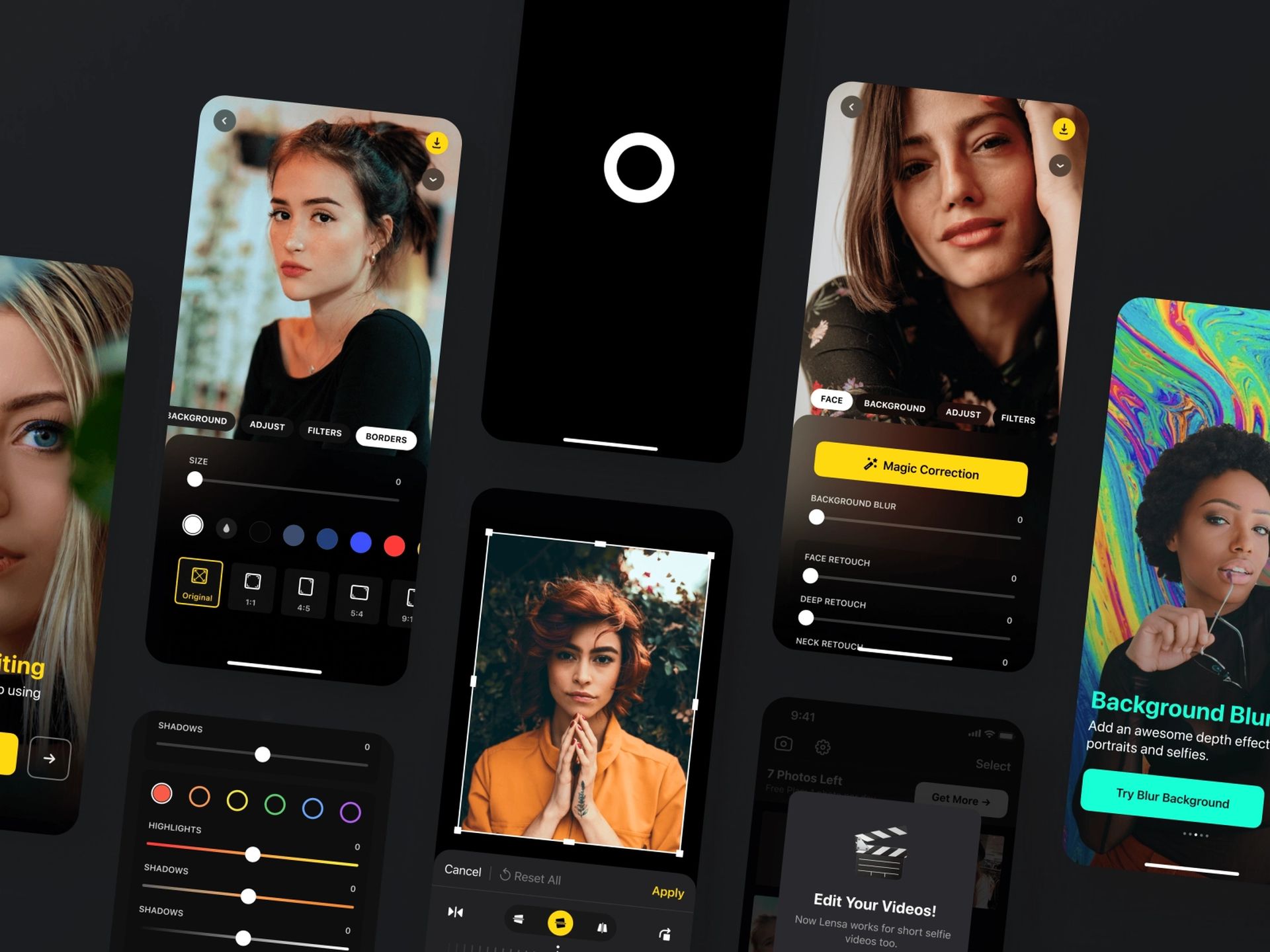
Simply choose a photo by pressing it, and then hit the download icon to save the altered version of the image to your smartphone. Only three photographs can be modified each day, therefore make sure to download your edited photos at every night so you can use the new limit the following day.
And that covers all for our guide on Lensa AI. We really liked the trending AI-powered app and you should try it out too! Yes, Lensa AI can generate amazing selfies but unfortunately, you cannot go to past times with it. If you would like to see how would you look in the Vikings era you should check out our article titled What if you were a Viking? MyHeritage AI Time Machine knows. Also, make sure to take a look at is Lensa AI stealing art: Artists are furious…