
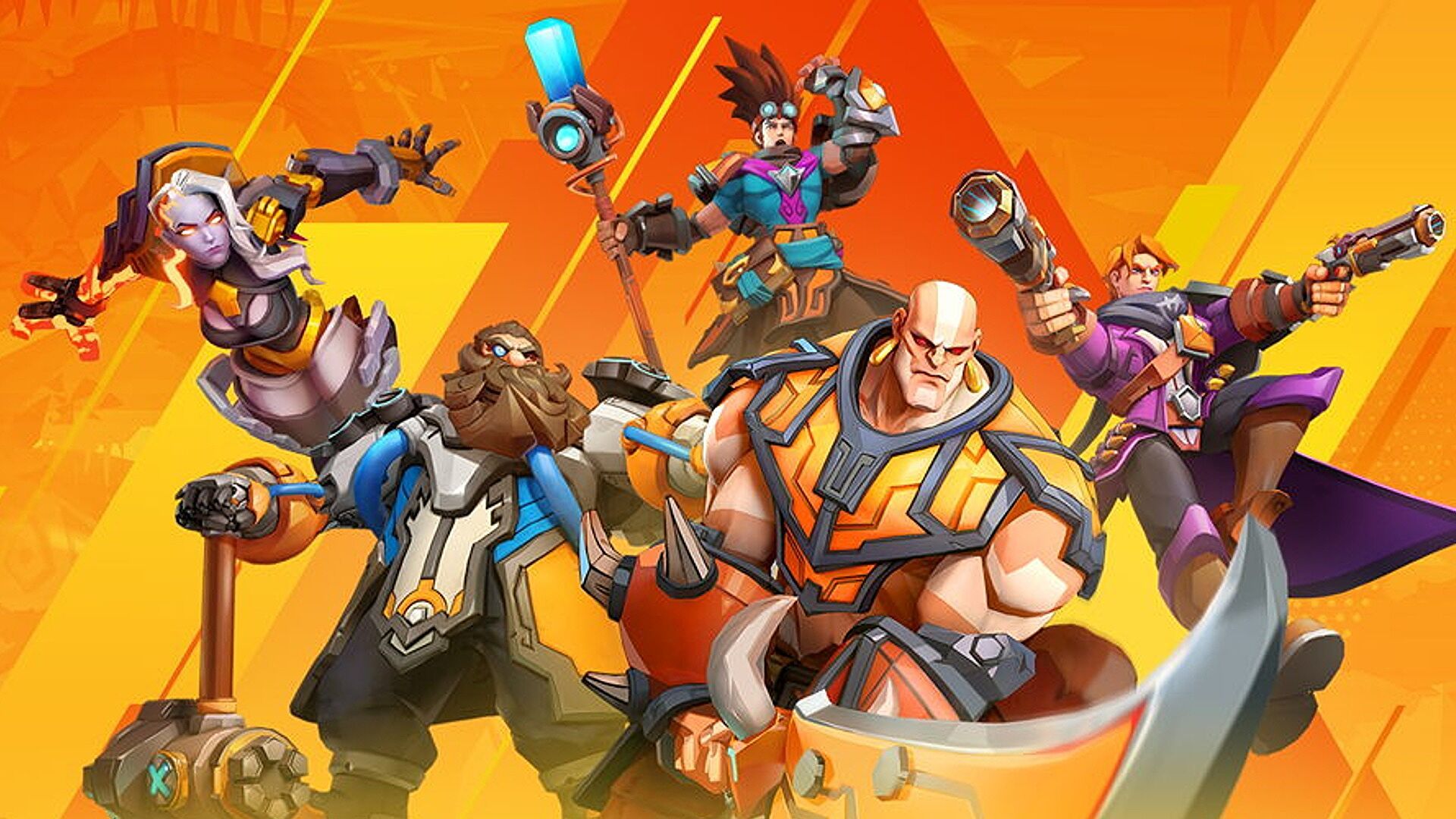

If you don’t know how exactly the Torchlight Infinite crossplay system works, we are here to help. The action role-playing game Torchlight was created by Runic Games and released on October 27, 2009, for Windows. The game was initially released for the Mac in May 2010, and an Xbox Live Arcade port was made available on March 9, 2011. The game was also ported to Linux in September 2012 as a part of the sixth Humble Indie Bundle. According to a Runic Games announcement from E3 2015, the first Torchlight will soon be accessible on mobile devices.
Torchlight Infinite crossplay explained
Torchlight Infinite, the next installment in the Torchlight series, is being made by XD Inc. Unlike past Torchlight games, this one is cross-platform and free to play. Torchlight Infinite’s support for cross-platform play and cross-play may leave fans puzzled. Continue reading this article to learn if Torchlight Infinite will offer cross-platform play.
Is Torchlight cross platform?
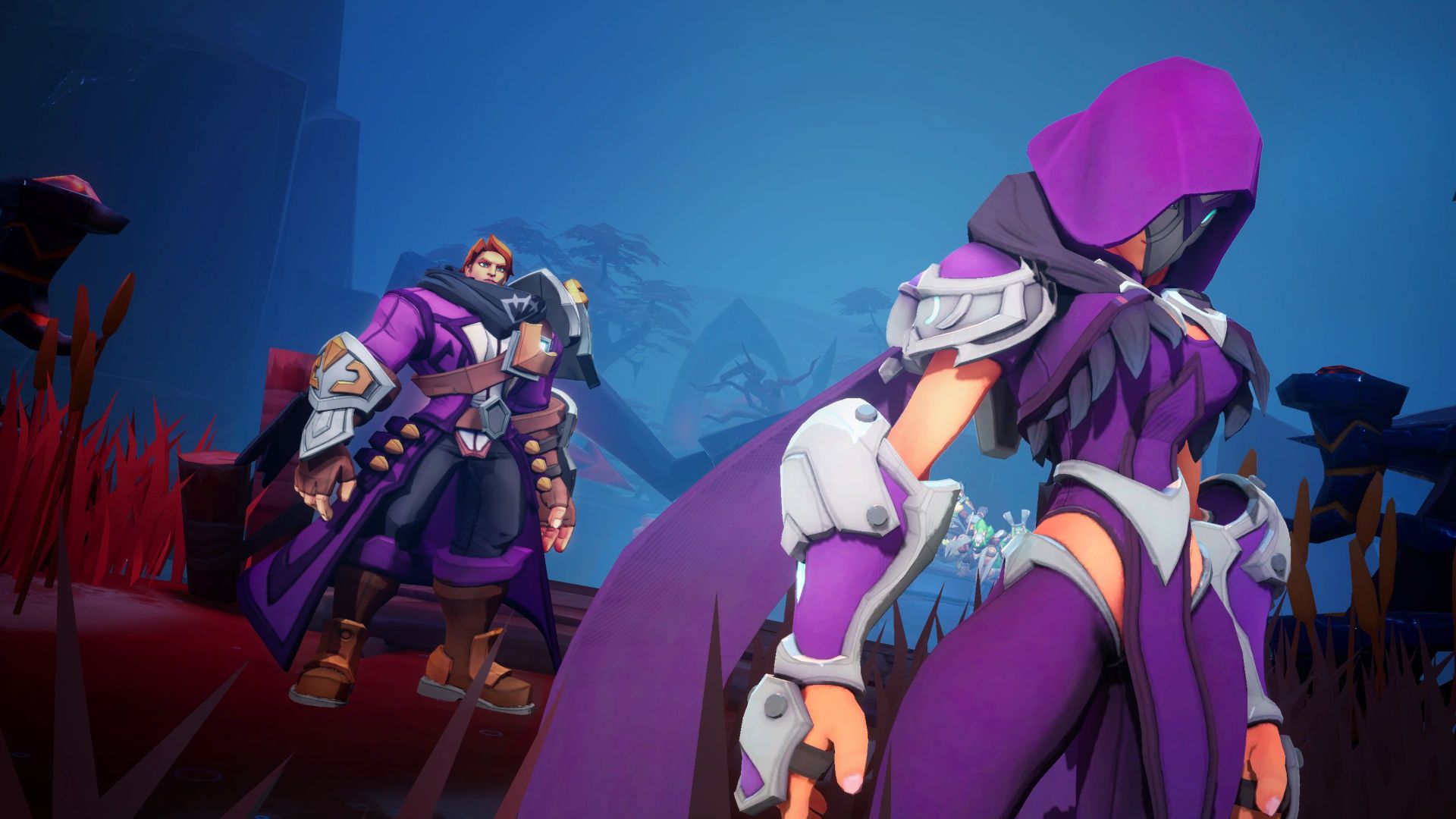
Yes, cross-platform play will be supported in Torchlight Infinite. Additionally, the cross-platform saving will be supported, allowing users to resume where they left off on any device. Only iOS and Android have been announced as online platforms thus far, although XD Inc. has said that it would launch on a number of different platforms. Torchlight Dungeons, loot, skill trees, and talents are all endlessly produced randomly in order to allow for limitless replayability. If Torchlight is a success, fans will be able to continue watching one of their favorite shows for a very long time.
Torchlight Infinite gameplay details
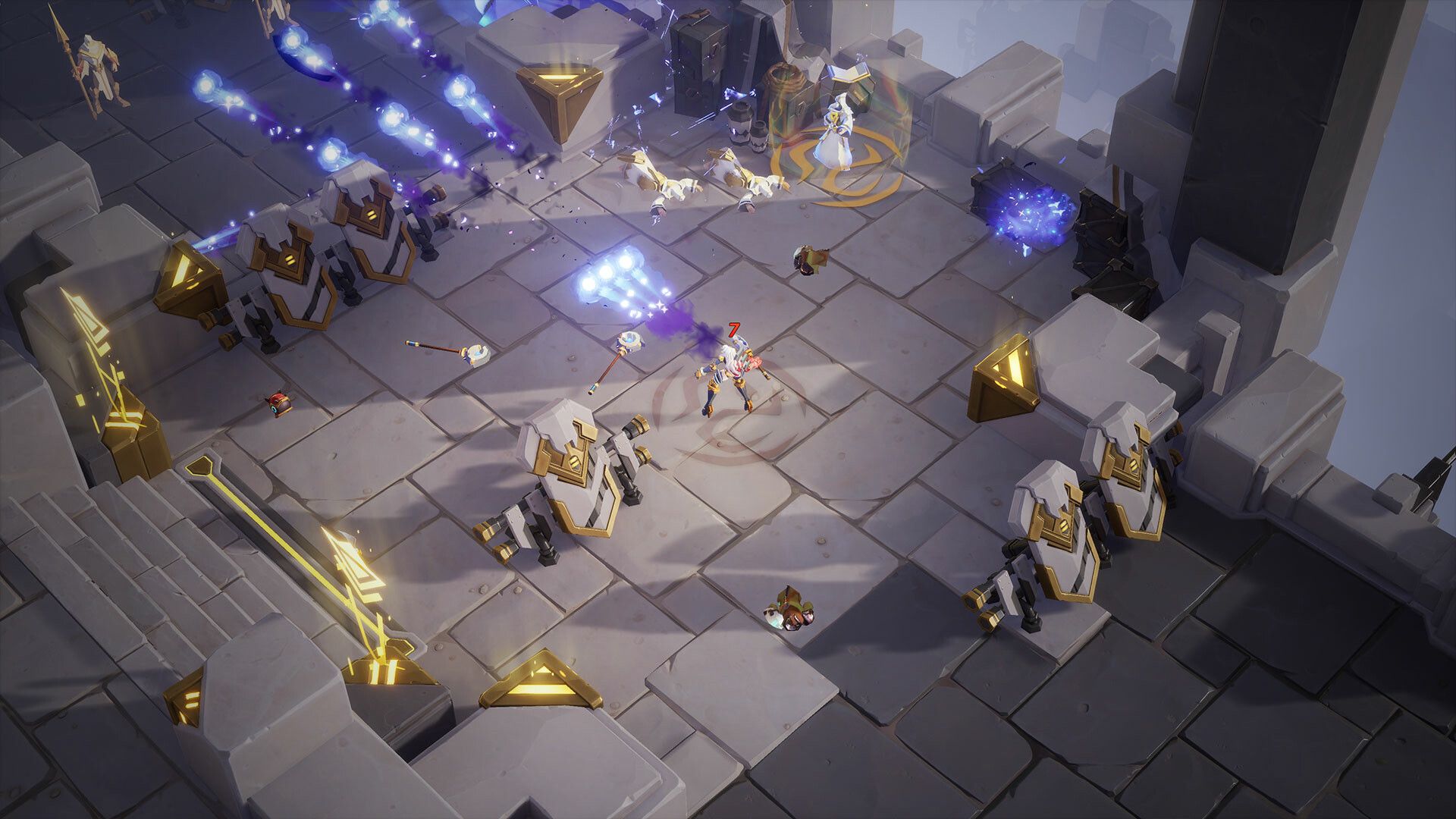
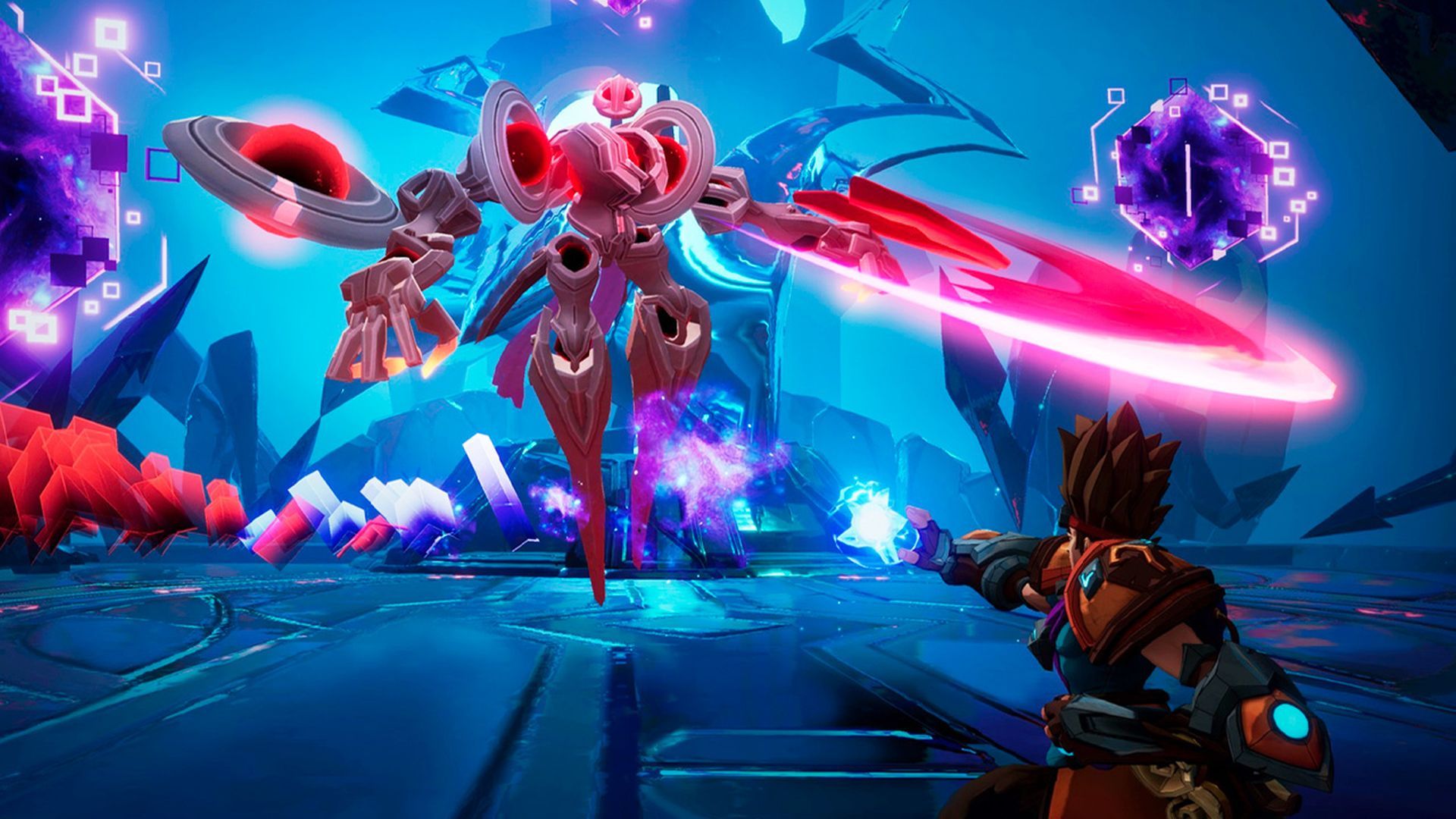
It is possible to see game activity from an isometric perspective. Torchlight Infinite players start by selecting their hero, who can choose from a range of specialties, weapons, and playing styles. While traveling the world, players must accomplish objectives and eliminate legions of opponents. In battle, users can make use of cold and ranged weapons, as well as magical spells and combat techniques. There are no cooldowns or stamina meters, so users can strike their opponents continuously. As they progress through the game, players can improve their heroes, acquire new skills, and upgrade their current skills. The heroes can be changed in this way to suit the players’ gaming interests. Users can become more combat-effective by acquiring better gear.
Torchlight Infinite storyline
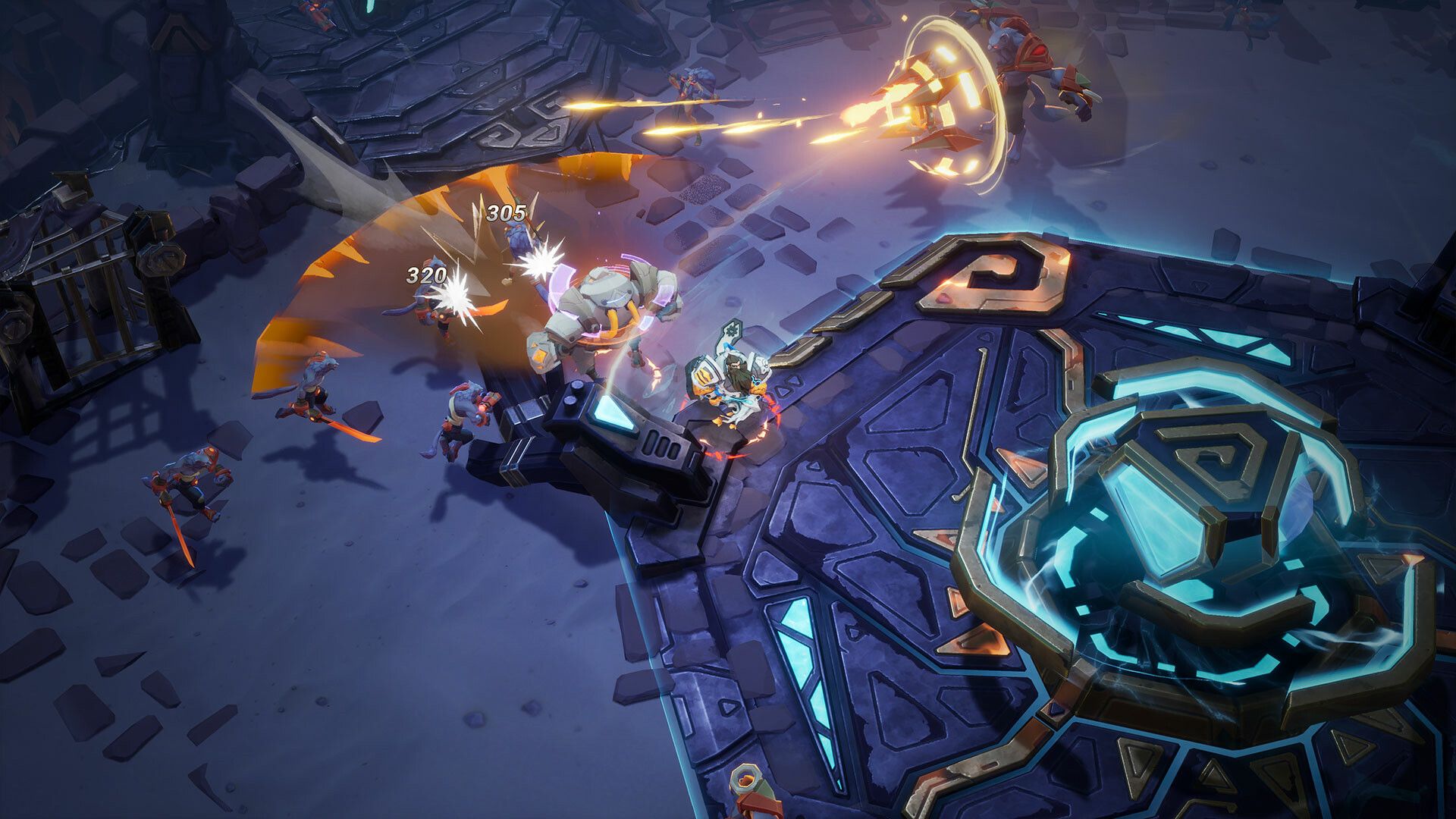
The game is set in the tiny mining town of Torchlight. The mysterious substance known as Ember in the nearby mine attracts miners, adventurers, and monsters alike. The village is concerned about the recent pollution of the mineral, which can change anyone unlucky enough to stumble across a corrupt chunk. The clearest example of this is the alchemist Alric’s corruption, in which he betrays his comrades and attempts to revive the legendary Ember colossus Ordrak. The player’s cooperation with Syl the Sage to halt the dungeon’s source of corruption is the main focus of the story. You will encounter many monsters and champions along the way while also finding amazing loot and gold mines.
FAQ
Does Torchlight: Infinite have multiplayer?
Cross-platform multiplayer debuts in early access for Torchlight Infinite.
Can you play Torchlight: Infinite on PC?
A role-playing game called Torchlight: Infinite was created by XD Entertainment Pte Ltd. For an immersive gaming experience, BlueStacks app player is the best option for running this Android game on your PC or Mac.
Can you play Torchlight: Infinite now?
However, the recently released open beta for Torchlight: Infinite is now available on Steam, iOS, and Android for anyone who is intrigued enough to want to give it a try.
Can you play Torchlight: Infinite offline?
For a speedy response, the answer is that it can be played offline.
Is Torchlight: Infinite a mobile game?
Visit the official Torchlight: Infinite website right here for more information about the game. Users of iOS and Android can also pre-register on TapTap.io.
This way, you’ve understood the Torchlight Infinite crossplay system. You can check out Fall Guys too, if you like action-packed games!


