


Today we are here to explain what the Lost Ark DPS meter and how to use it in the game. Since the game’s release, Lost Ark users have been requesting a DPS meter akin to the one in World of Warcraft, but Smilegate has stated that no such feature is on the horizon.
Only 24 hours after its release Lost Ark has become the second most played in Steam history. If you want to play this trending MMORPG you can check system requirements here. Plus, if you want to know which classes are the best in the game right now, we’ve got you covered. You can download the game here. If you don’t have a Windows 11 PC, it is possible to play Lost Ark on Mac.
What is the Lost Ark DPS meter?
The addition of a DPS meter has long been requested by Lost Ark players, although Smilegate has stated that they have “no plans” to do so.
Lost Ark, an AMMORPG from Smilegate, swiftly established itself as one of the top MMOs in recent memory. It is set in the fantastical continent of Arkesia. With an expanding range of cutting-edge classes, it keeps getting better and better, even pulling off a Witcher 3 crossover just a few months after making its Western premiere.
However, the absence of a DPS meter in the open world dungeon crawler has been a significant complaint from users. Fans have been appealing with Smilegate in an effort to see something similar in Lost Ark after noticing how easily other games, such as World of Warcraft and Final Fantasy XIV Online, integrated the functionality.
Smilegate has acknowledged that Lost Ark won’t soon receive a DPS meter despite these pleas.

In recent years, Smilegate has effectively killed the idea twice. There are no current plans to include a DPS meter in the game, explains development representative Shadow Fox in response to criticisms on the official forum.
“The team is aware of the feedback but SG feels strongly against adding DPS meters in game.”
This mirrors Roxx’s statement that “this is something SGR [Smilegate RPG] and Gold River are against, and do not wish to implement. I understand why some folks are interested in these types of tools, but it is not on the table for now.”
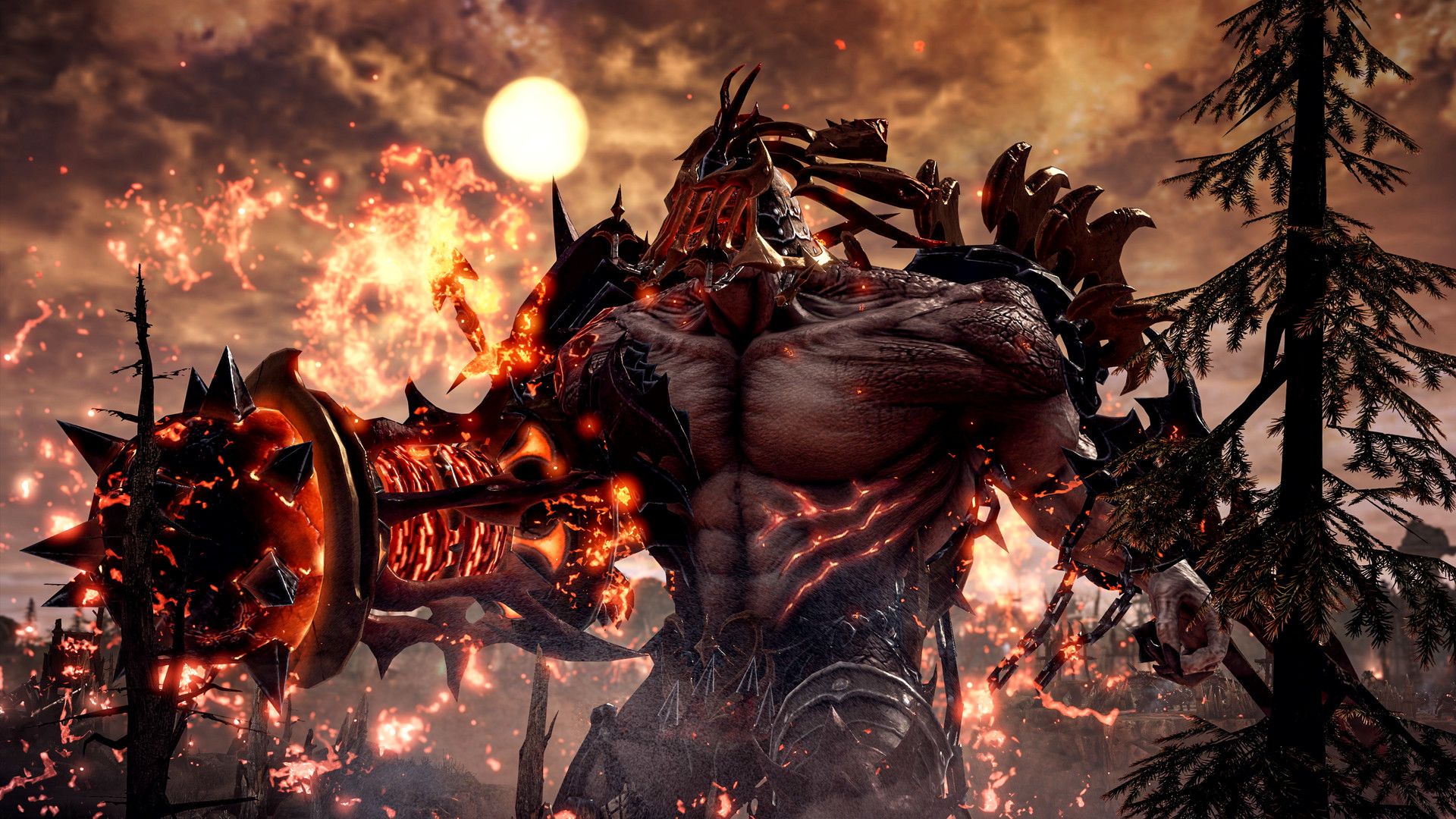
While gamers have been quick to point out that their comments aren’t exactly what they were hoping to hear, it appears that there isn’t much chance for a DPS meter in Lost Ark any time soon.
But there’s a trick! You can always depend on some third-party solutions.
How to use the Lost Ark DPS meter?
A GitHub user by the name of shalzuth created a version for the game called The Lost Ark DPS meter that enables users to view the combat data from a dungeon or raid and see the intricacies of how you and other players perform. It reads the data packets that the Lost Ark servers provide to your computer and extracts the data from them so that you may view it on an in-game overlay or an external window that further breaks it down into several damage meters.

There are several reasons why this is debatable. By highlighting the disparities between classes, it might encourage toxicity while also giving a more full view of how a combat encounter unfolded. As a result, players using the mod may decide not to run with certain classes they believe couldn’t deal enough damage.
The mod’s GitHub website also states that “the.pcap generated can potentially include important information,” making it clear that the creators do not officially support it and that it can pose a data risk. Even if the modder claims they don’t save personal information, it still gives malicious individuals another way to obtain this information.
Ban risk: The Lost Ark DPS meter
Since Smilegate and Amazon Game Studios have not officially endorsed the Lost Ark damage meter mod, there is a chance that they will ban people who utilize it. It’s probably not something the developers want to tolerate because of the problems with personal data raised above and the potential for class conflict.

Although users have requested a more official manner to view this data in-game, Smilegate may not have decided to incorporate it for a variety of reasons. It’s still important to remember that if you download this, you are jeopardizing your ability to keep playing the game. They haven’t yet commented on the modification, and they may issue a warning to the player base before punishing anyone. You can get all the information you need on the Github page if you decide to install the Lost Ark DPS Meter.
That concludes our tutorial for the Lost Ark DPS Meter, and you now understand how the modification functions as well as any possible risks associated with using it.


