
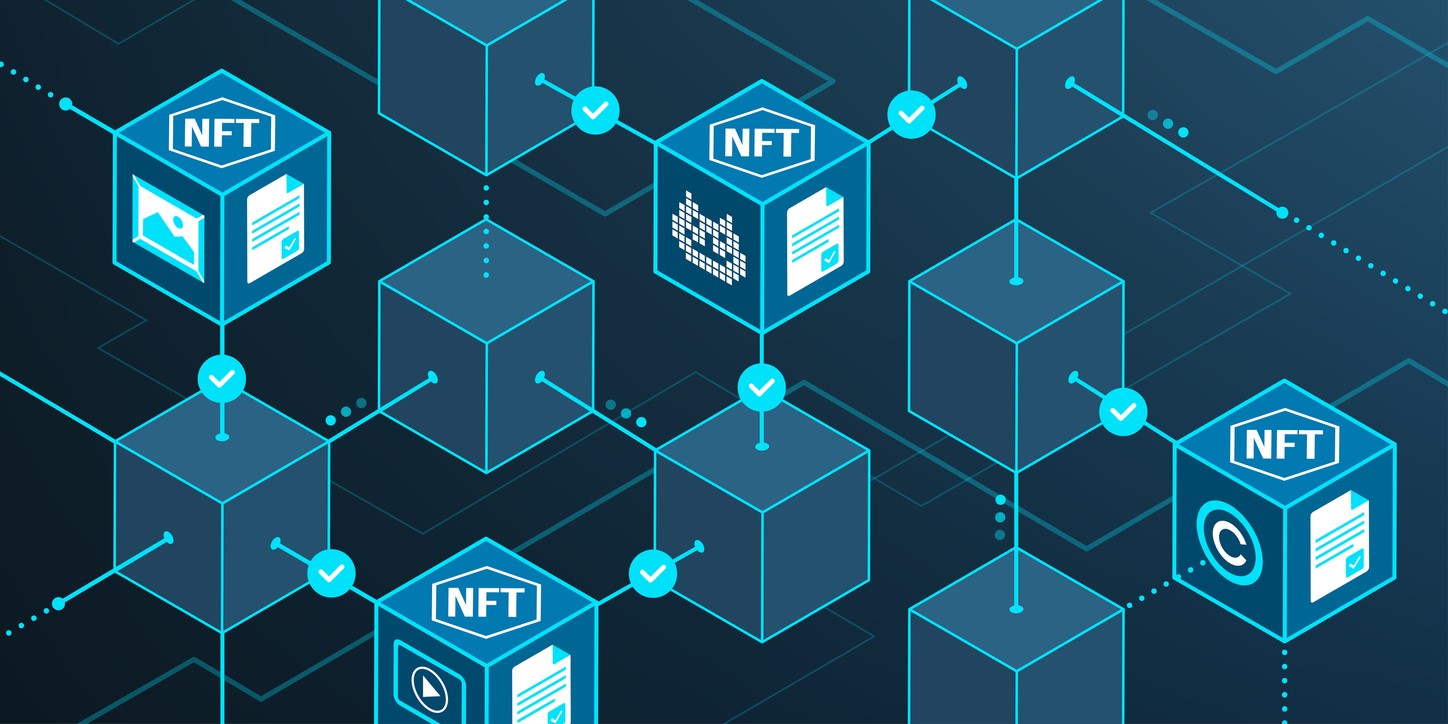

Non-fungible tokens often referred to as NFTs, are blockchain-based assets that demonstrate ownership and provenance of digital things like images, videos, and even real world assets.
How to mint an NFT (non-fungible token) on Ethereum?
This year has been the year of NFT with million-dollar worth sales. Some corporations and celebrities have joined the NFT bandwagon, demonstrating that it is a trend that has captured the attention of many. But, first, how do you create a non-fungible token?
Minting is a term used for indicating “creating on the blockchain” and it’s not a very complicated process too. We’ll concentrate on Ethereum and OpenSea in this guide.
You need to create an exchange account
The first step in creating your NFT is opening a crypto exchange account like Coinbase. Crypto exchange accounts are for easily buying and selling cryptocurrencies.
You need a crypto exchange account because to be able to mint NFTs, you will have to pay a one-time fee with Ethereum.
How to sell Instagram posts as NFT?
Buy Ethereum
The blockchain on which the majority of NFTs are created is Ethereum. When you trade NFTs, you’ll almost certainly use Ethereum.
You can purchase Ethereum via almost all cryptocurrency exchanges since it is the second-largest crypto after Bitcoin.
Why do you need to buy Ethereum to sell an NFT?
You’ll usually utilize an NFT marketplace to buy and sell NFTs, which are similar to Amazon for NFTs. We are going to use OpenSea marketplace because right now it’s the biggest one.
To sign up for OpenSea, you’ll need to pay a one-time fee in Ethereum.
Create a crypto wallet
There are several Ethereum wallets to choose from. However, MetaMask is by far the most popular. MetaMask is a browser plugin and it lets you store Ethereum, Ethereum-based tokens and NFTs. It may sound frightening to set up a cryptocurrency wallet, but it’s a quick and simple process. Navigate to this link and install MetaMask through the Chrome Web Store. After that, follow the instructions.
When you see the fox logo on your screen click on it. Simply follow the instructions. You’ll need to create a password. And MetaMask will give you a Secret Recovery Phrase which is a 12-word phrase created with random words. Save this phrase somewhere safe, like on a piece of paper. Because anyone who has this combination can access your wallet and funds. You may also purchase Ethereum directly through MetaMask, which we don’t recommend because of the higher commission costs.
How to send Ethereum to your crypto wallet?
Go to your exchange’s “send” or “withdraw” page to transfer funds to your wallet. You will need to enter the amount in Ethereum you want to send and your Ethereum public address.
MetaMask automatically gives you an Ethereum public address. You will see that address at the top of your MetaMask pop-up. It should be starting with “0x”. Consider your Ethereum address to be your blockchain bank account number.
How to buy an Ethereum NFT?
Sign up for OpenSea
To access MetaMask, first, unlock it by clicking on the little fox logo in your browser.
Next, enter this link using the same browser where your MetaMask is installed. Then click on the “Profile” button, it should be located on the top-right corner. Now you should choose your wallet.
On OpenSea, you must accept the site’s terms and conditions after your Metamask is connected. Now you need to click on “Sign.” To confirm your account, you’ll need to provide a username and an email address. You may include additional information like social media, but none of it is required.
Create your NFT
To mint an NFT on OpenSea, you need to click on “Create” which is located near your profile picture. You’ll see that in the top right corner.
As an NFT, you may submit a supported file from your computer. You must give your NFT a name, but it is not required to provide any other information. But entering a short description is always a good idea. After making the necessary adjustments you need to click on “create.”
However, it is not for sale yet. To list your NFT for sale, go to the top right and select “Sell.” Set a price and put it up for auction. Remember that when your NFT sales, OpenSea will charge you 2.5% in commission costs. Next, you need to click on “complete listing.”
OpenSea will ask you to confirm some things via your MetaMask wallet before it goes on sale. Furthermore, OpenSea will want your permission to sell the goods you’re selling; it will also need confirmation of the price at which you’d like to offer it. You just need to sign them off using MetaMask. This way, you’ve managed to mint your first NFT.


