
TechBriefly
  • Tech
  • Business
  • Crypto
  • Science
  • Geek
  • How to
  • About
    • About TechBriefly
    • Terms and Conditions
    • Privacy Policy
    • Contact Us
    • Languages
      • 中文 (Chinese)
      • Dansk
      • Deutsch
      • Español
      • English
      • Français
      • Nederlands
      • Italiano
      • 日本语 (Japanese)
      • 한국인 (Korean)
      • Norsk
      • Polski
      • Português
      • Pусский (Russian)
      • Suomalainen
      • Svenska
No Result
View All Result
TechBriefly
Home Tech Software
Notepad becomes independent from Windows 10

Notepad becomes independent from Windows 10

Barış SelmanbyBarış Selman
23 March 2021
in Software, Tech
Reading Time: 2 mins read
Share on FacebookShare on Twitter

Notepad becomes “independent” from Windows 10. Microsoft has released a new build within the Insider Program. A Build that bears the number 21337 and among whose features stands out the one that turns “Notepad” into an independent application that can be downloaded and updated from the Microsoft Store.

Starting with this update, all updates to “Notepad” will be made through the Microsoft Store, an operation that we have already seen in other applications.

Notepad will be downloadable from Microsoft Store

Notepad” is one of the iconic applications of Windows in all its versions. Present since Windows in its beginnings, its arrival as an option was something that had been rumored for a year when it was rumored that it could arrive as an option in the 20H1 branch.
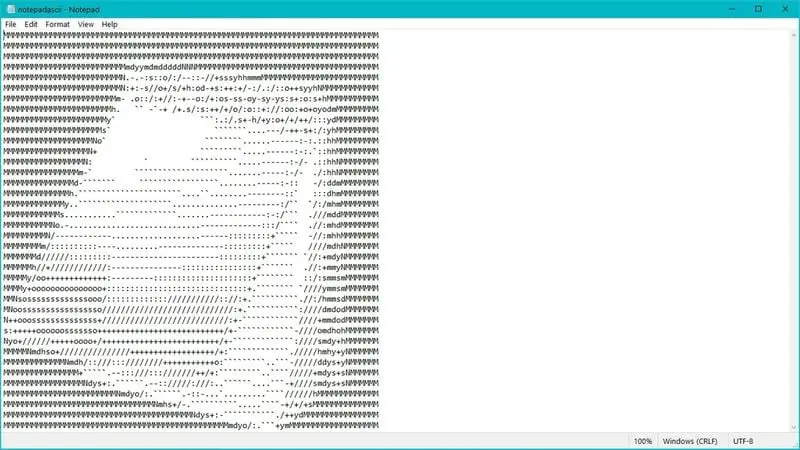
Notepad becomes "independent" from Windows 10
Notepad becomes “independent” from Windows 10

The Windows 10 “Notepad” application has received quite a few improvements in recent times. We have seen it optimize its searches or integrate the ability to zoom in on text. It has also seen the arrival of support for full expanded line completion searches and an unsaved content indicator.

All these updates were until now available through a system update, something that will no longer be necessary with this improvement, since to access new features that are launched, it will be enough to access the Microsoft Store and download the latest version of “Notepad”.

With this measure, the “Notepad” becomes independent of Windows 10 and along with the standalone updates, the feedback with users is facilitated, who can now raise suggestions and problems directly in the app store.

For now, this is a test, but it is not clear whether the “Notepad” update will be limited only to the Fall Update or will also arrive as a standalone app to previous versions of the operating system, such as version 21H1 and 20H2.

Tags: applicationBecomesMicrosoftMicrosoft StoresoftwareWindows 10
ShareTweet
Barış Selman

Barış Selman

A technology and gaming enthusiast by day, Barış is a passionate composer and black/death metal guitarist by night. He keeps his finger on the pulse of the intersection of art and technology whenever he can from his tours worldwide.

Related Posts

New WhatsApp update brings 2026 stickers and video call effects

New WhatsApp update brings 2026 stickers and video call effects

30 December 2025
Leaker reveals Xiaomi plans for high end eSIM device in 2026

Leaker reveals Xiaomi plans for high end eSIM device in 2026

30 December 2025
HP prepares OMEN OLED monitor reveal for CES 2026

HP prepares OMEN OLED monitor reveal for CES 2026

30 December 2025
High RAM costs from AI boom could delay next Xbox and PlayStation

High RAM costs from AI boom could delay next Xbox and PlayStation

30 December 2025
Please login to join discussion

LATEST

New WhatsApp update brings 2026 stickers and video call effects

Leaker reveals Xiaomi plans for high end eSIM device in 2026

HP prepares OMEN OLED monitor reveal for CES 2026

High RAM costs from AI boom could delay next Xbox and PlayStation

LG to unveil its Gallery TV at CES 2026

Bitcoin drops 3% to $87,300 as altcoins decline

How to install mods and custom content in The Sims 2

Running Python files and fixing path errors on Windows

How to boot your PC into Command Prompt for troubleshooting

How to delete a virus using Command Prompt

TechBriefly

© 2021 TechBriefly is a Linkmedya brand.

  • Tech
  • Business
  • Science
  • Geek
  • How to
  • About
  • Privacy
  • Terms
  • Contact
  • | Network Sites |
  • Digital Report
  • LeaderGamer

Follow Us

No Result
View All Result
  • Tech
  • Business
  • Crypto
  • Science
  • Geek
  • How to
  • About
    • About TechBriefly
    • Terms and Conditions
    • Privacy Policy
    • Contact Us
    • Languages
      • 中文 (Chinese)
      • Dansk
      • Deutsch
      • Español
      • English
      • Français
      • Nederlands
      • Italiano
      • 日本语 (Japanese)
      • 한국인 (Korean)
      • Norsk
      • Polski
      • Português
      • Pусский (Russian)
      • Suomalainen
      • Svenska
