

TechBriefly
  • Tech
  • Business
  • Crypto
  • Science
  • Geek
  • How to
  • About
    • About TechBriefly
    • Terms and Conditions
    • Privacy Policy
    • Contact Us
    • Languages
      • 中文 (Chinese)
      • Dansk
      • Deutsch
      • Español
      • English
      • Français
      • Nederlands
      • Italiano
      • 日本语 (Japanese)
      • 한국인 (Korean)
      • Norsk
      • Polski
      • Português
      • Pусский (Russian)
      • Suomalainen
      • Svenska
No Result
View All Result
TechBriefly
Home How to
What are CPU cores and how do they work?

What are CPU cores and how do they work?

Kerem GülenbyKerem Gülen
27 February 2021
in How to
Reading Time: 2 mins read
Share on FacebookShare on Twitter

Today we are going to learn what are CPU cores and how do they work together. Many years ago, CPUs had only one core. Now CPUs have more than one cores in computers, smartphones, and even smartwatches.

What is a CPU core?

The core of a CPU is the most important part of it. It is the component where the information of the computer system is processed to be recorded, read, interpreted, and written. All the tasks to be done and sent go through it and it is also where the other components of your system receive the instructions to be performed.
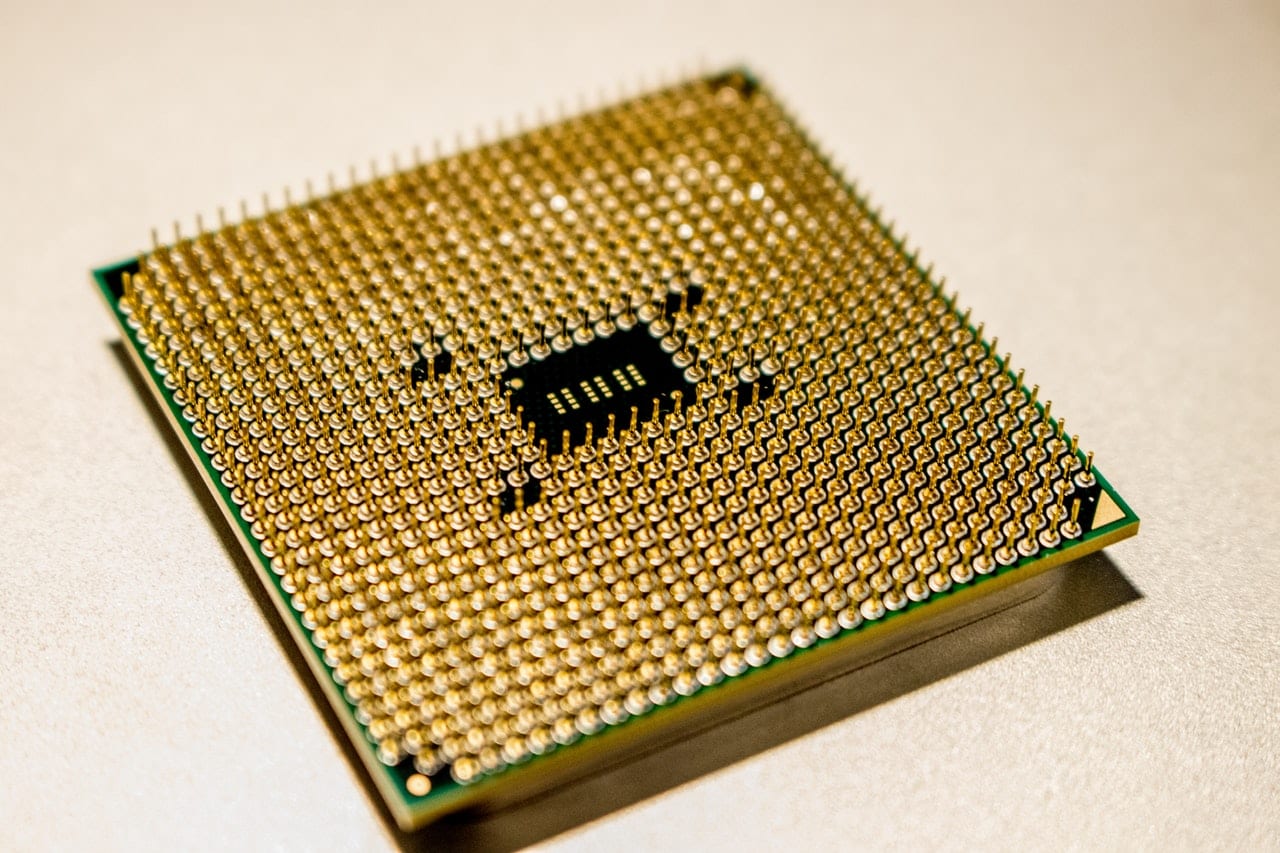
What are CPU cores and how do they work?
The core is the component where the information of the computer system is processed to be recorded, read, interpreted, and written.

However, over time the number of cores has increased considerably. Right now, the processors of the most important domestic range have even 16 cores, as in the case of the Ryzen 9 5950X; on the other hand, in the servers, we can find CPUs with up to 64 cores.

How do CPU cores work?

In many cases, more cores do not exactly represent greater functionality or higher performance compared to a single-core, and the answer lies in how these cores work.

A CPU can only process a single task at a time. That is why they work at very high speeds with frequencies of over 1GHz in older processors and over 4GHz in high-end products. However, as software development also progressed, CPUs began to become slower with respect to the amount of information they had to process. So the need arose to create clusters and core units that record information individually to divide tasks and give relief to more complex and demanding tasks.

In many systems, especially in ARM CPUs, not all cores run at the same speed. This is also a development challenge for the programmers and engineers who design these machines. In many of these cases, processes are divided according to the speed at which each core can work into more or less demanding tasks, also giving rise to the division into categories of cores.

However, this only responds to software programming, which will be in charge of asking the CPU to perform tasks through different cores in case it is designed that way. Otherwise, the work will continue to be concentrated on a single core.
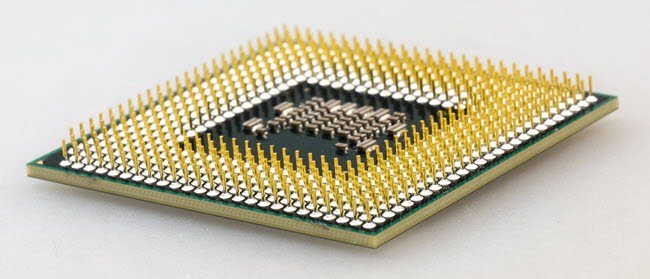
What are CPU cores and how do they work?
In many systems, especially in ARM CPUs, not all cores run at the same speed.

Let’s imagine that the tasks sent by a computational system are hamburgers served on a table where couples can sit down to work. The more mouths there are, the faster the food will run out. The speed at which each core eats will also depend on the priority at which the hamburgers are served because there is no point in putting out orders of 10 hamburgers to a core that can only eat 5 hamburgers at a time because they are on a diet. I hope this demonstration was clear enough.

Tags: AMDARMcoreCPUHowIntelwhatwork
ShareTweet
Kerem Gülen

Kerem Gülen

Kerem from Turkey has an insatiable curiosity for the latest advancements in tech gadgets and a knack for innovative thinking.With 3 years of experience in editorship and a childhood dream of becoming a journalist, Kerem has always been curious about the latest tech gadgets and is constantly seeking new ways to create.As a Master's student in Strategic Communications, Kerem is eager to learn more about the ever-evolving world of technology. His primary focuses are artificial intelligence and digital inclusion, and he delves into the most current and accurate information on these topics.

Related Posts

How to use the exit command in Windows Command Prompt

How to use the exit command in Windows Command Prompt

7 January 2026
How to view your TikTok watch history

How to view your TikTok watch history

7 January 2026
How to play the classic game of cribbage for beginners

How to play the classic game of cribbage for beginners

7 January 2026
Simple steps to create a stop-motion film using Photoshop

Simple steps to create a stop-motion film using Photoshop

7 January 2026
Please login to join discussion

LATEST

How to use the exit command in Windows Command Prompt

How to view your TikTok watch history

How to play the classic game of cribbage for beginners

Simple steps to create a stop-motion film using Photoshop

Motorola unveils Moto Things accessories at CES 2026

Lenovo unveils Qira AI assistant for PCs and Motorola phones

iPolish unveils press-on acrylic smart nails at CES 2026

Meta unveils neural wristband expansions at CES 2026

How to download and migrate your content from Microsoft Stream

Easy ways to make a YouTube music video with just pictures

TechBriefly

© 2021 TechBriefly is a Linkmedya brand.

  • Tech
  • Business
  • Science
  • Geek
  • How to
  • About
  • Privacy
  • Terms
  • Contact
  • | Network Sites |
  • Digital Report
  • LeaderGamer

Follow Us

No Result
View All Result
  • Tech
  • Business
  • Crypto
  • Science
  • Geek
  • How to
  • About
    • About TechBriefly
    • Terms and Conditions
    • Privacy Policy
    • Contact Us
    • Languages
      • 中文 (Chinese)
      • Dansk
      • Deutsch
      • Español
      • English
      • Français
      • Nederlands
      • Italiano
      • 日本语 (Japanese)
      • 한국인 (Korean)
      • Norsk
      • Polski
      • Português
      • Pусский (Russian)
      • Suomalainen
      • Svenska

