TechBriefly
  • Tech
  • Business
  • Crypto
  • Science
  • Geek
  • How to
  • About
    • About TechBriefly
    • Terms and Conditions
    • Privacy Policy
    • Contact Us
    • Languages
      • 中文 (Chinese)
      • Dansk
      • Deutsch
      • Español
      • English
      • Français
      • Nederlands
      • Italiano
      • 日本语 (Japanese)
      • 한국인 (Korean)
      • Norsk
      • Polski
      • Português
      • Pусский (Russian)
      • Suomalainen
      • Svenska
No Result
View All Result
TechBriefly
Home Tech
Apple releases watchOS 7.3.1 to fix a charging bug in the Apple Watch Series 5 and SE

Apple releases watchOS 7.3.1 to fix a charging bug in the Apple Watch Series 5 and SE

Barış SelmanbyBarış Selman
16 February 2021
in Tech, Wearables
Reading Time: 1 min read
Share on FacebookShare on Twitter

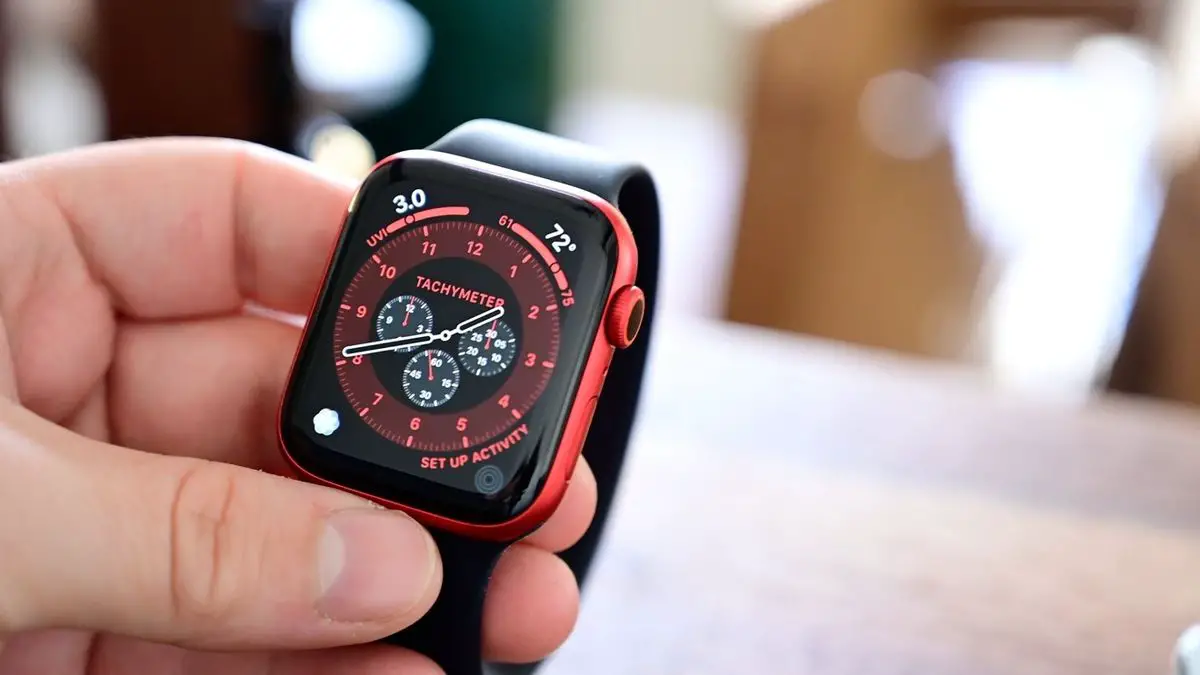
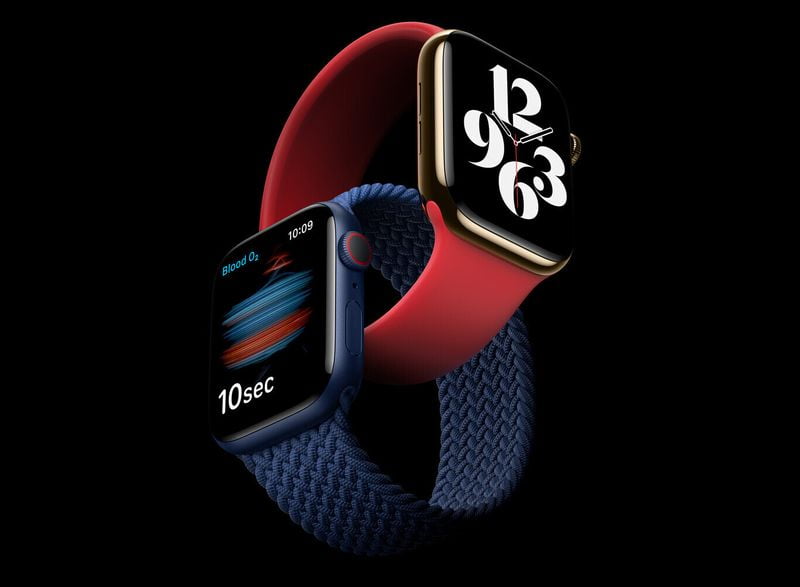
Apple has released a new version of watchOS, 7.3.1, just two weeks after the release of version 7.3 and skipping the betas channel for developers. Its goal: To fix a bug that prevented the Apple Watch Series 5 and Apple Watch SE from charging when they went into a battery backup.

watchOS 7.3.1 will fix a charging bug in the Apple Watch Series 5 and SE

This update is also available for the other Apple Watch models compatible with watchOS 7, so it should also include the classic performance and stability improvements. Even so, Apple only indicates the correction of that charging error without detailing anything else.
Apple releases watchOS 7.3.1 to fix a charging bug in the Apple Watch Series 5 and SE

watchOS 7.3 has as main new features new watch faces called ‘Unity’, as well as the activation of electrocardiograms and irregular heart rate warnings in Japan, Mayotte, Philippines, Taiwan, and Thailand. It is expected that in a few weeks, before April, we will see the arrival of watchOS 7.4 with the expected unlocking of iPhones that skips Face ID in case of wearing a face mask.

watchOS 7.3.1 is a stable release, so we recommend you update it as soon as possible. You can either let the iPhone automatically notify you about it (it usually updates while you sleep) or you can force a manual update from the Watch app. Remember that for the latter option you must be connected to a Wi-Fi network and the charge of your Apple Watch must be above 50%.

Tags: Appleapple watchbugssmartwatcheswearable
ShareTweet
Barış Selman

Barış Selman

A technology and gaming enthusiast by day, Barış is a passionate composer and black/death metal guitarist by night. He keeps his finger on the pulse of the intersection of art and technology whenever he can from his tours worldwide.

Related Posts

Apple begins iPhone 18 series production testing in January

Apple begins iPhone 18 series production testing in January

24 December 2025
EA investigates AI claims in Battlefield 6 cosmetics

EA investigates AI claims in Battlefield 6 cosmetics

24 December 2025
Amazon Alexa+ will book your hotels and salons starting in 2026

Amazon Alexa+ will book your hotels and salons starting in 2026

24 December 2025
OpenAI launches Skills in Codex

OpenAI launches Skills in Codex

24 December 2025
Please login to join discussion

LATEST

How to install mods and custom content in The Sims 2

Running Python files and fixing path errors on Windows

How to boot your PC into Command Prompt for troubleshooting

How to delete a virus using Command Prompt

How to connect a PS4 controller to Steam via USB or Bluetooth

How to connect your phone to Wi-Fi and fix connection issues

Apple begins iPhone 18 series production testing in January

EA investigates AI claims in Battlefield 6 cosmetics

Amazon Alexa+ will book your hotels and salons starting in 2026

OpenAI launches Skills in Codex

TechBriefly

© 2021 TechBriefly is a Linkmedya brand.

  • Tech
  • Business
  • Science
  • Geek
  • How to
  • About
  • Privacy
  • Terms
  • Contact
  • | Network Sites |
  • Digital Report
  • LeaderGamer

Follow Us

No Result
View All Result
  • Tech
  • Business
  • Crypto
  • Science
  • Geek
  • How to
  • About
    • About TechBriefly
    • Terms and Conditions
    • Privacy Policy
    • Contact Us
    • Languages
      • 中文 (Chinese)
      • Dansk
      • Deutsch
      • Español
      • English
      • Français
      • Nederlands
      • Italiano
      • 日本语 (Japanese)
      • 한국인 (Korean)
      • Norsk
      • Polski
      • Português
      • Pусский (Russian)
      • Suomalainen
      • Svenska