TechBriefly
  • Tech
  • Business
  • Crypto
  • Science
  • Geek
  • How to
  • About
    • About TechBriefly
    • Terms and Conditions
    • Privacy Policy
    • Contact Us
    • Languages
      • 中文 (Chinese)
      • Dansk
      • Deutsch
      • Español
      • English
      • Français
      • Nederlands
      • Italiano
      • 日本语 (Japanese)
      • 한국인 (Korean)
      • Norsk
      • Polski
      • Português
      • Pусский (Russian)
      • Suomalainen
      • Svenska
No Result
View All Result
TechBriefly
Home How to
MW2 not finding games: How to fix it?

MW2 not finding games: How to fix it?

If you want to learn how to fix MW2 not finding games, we've got you covered.

Önder ErdinebyÖnder Erdine
3 November 2022
in How to
Reading Time: 3 mins read
Share on FacebookShare on Twitter

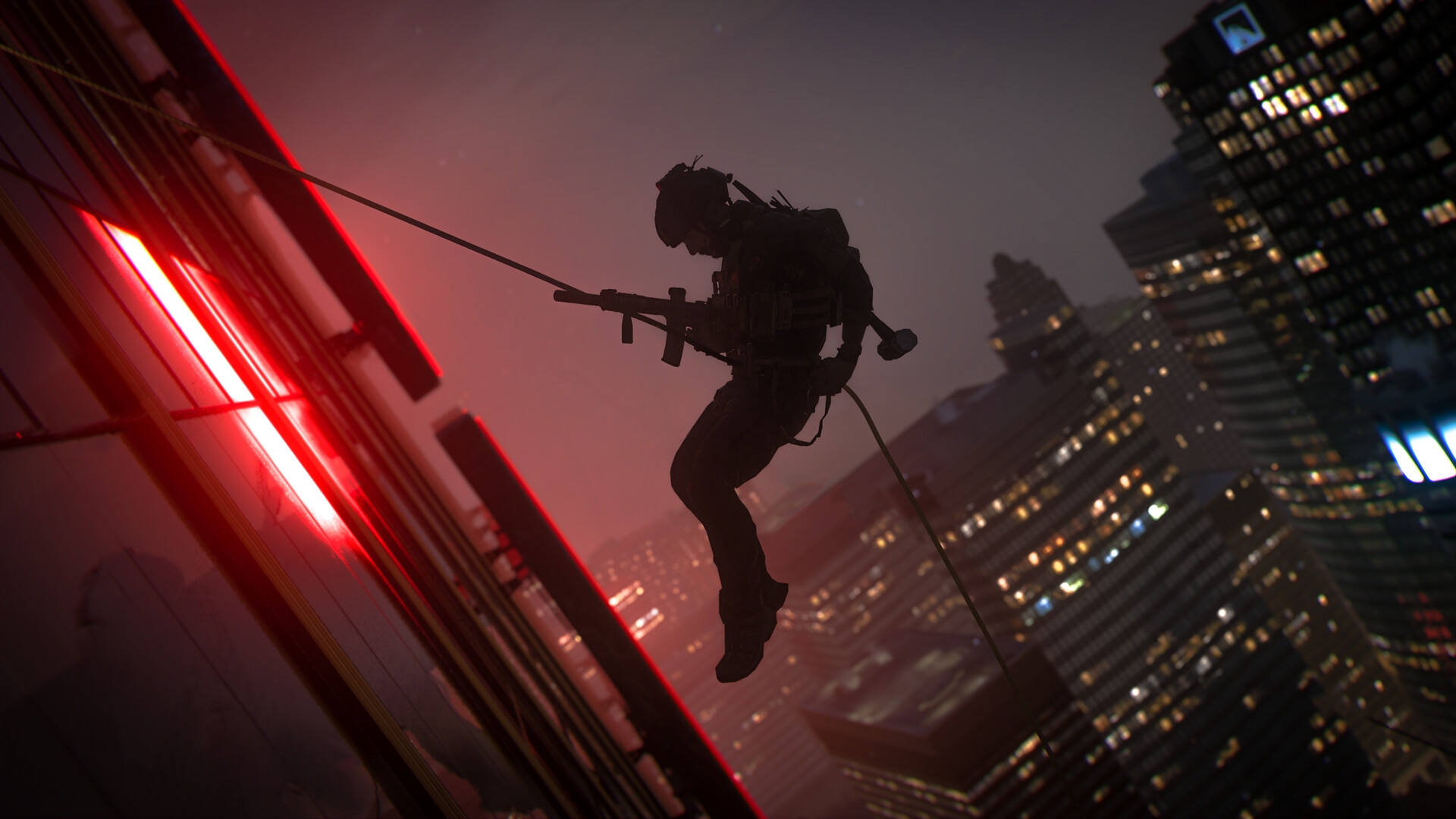
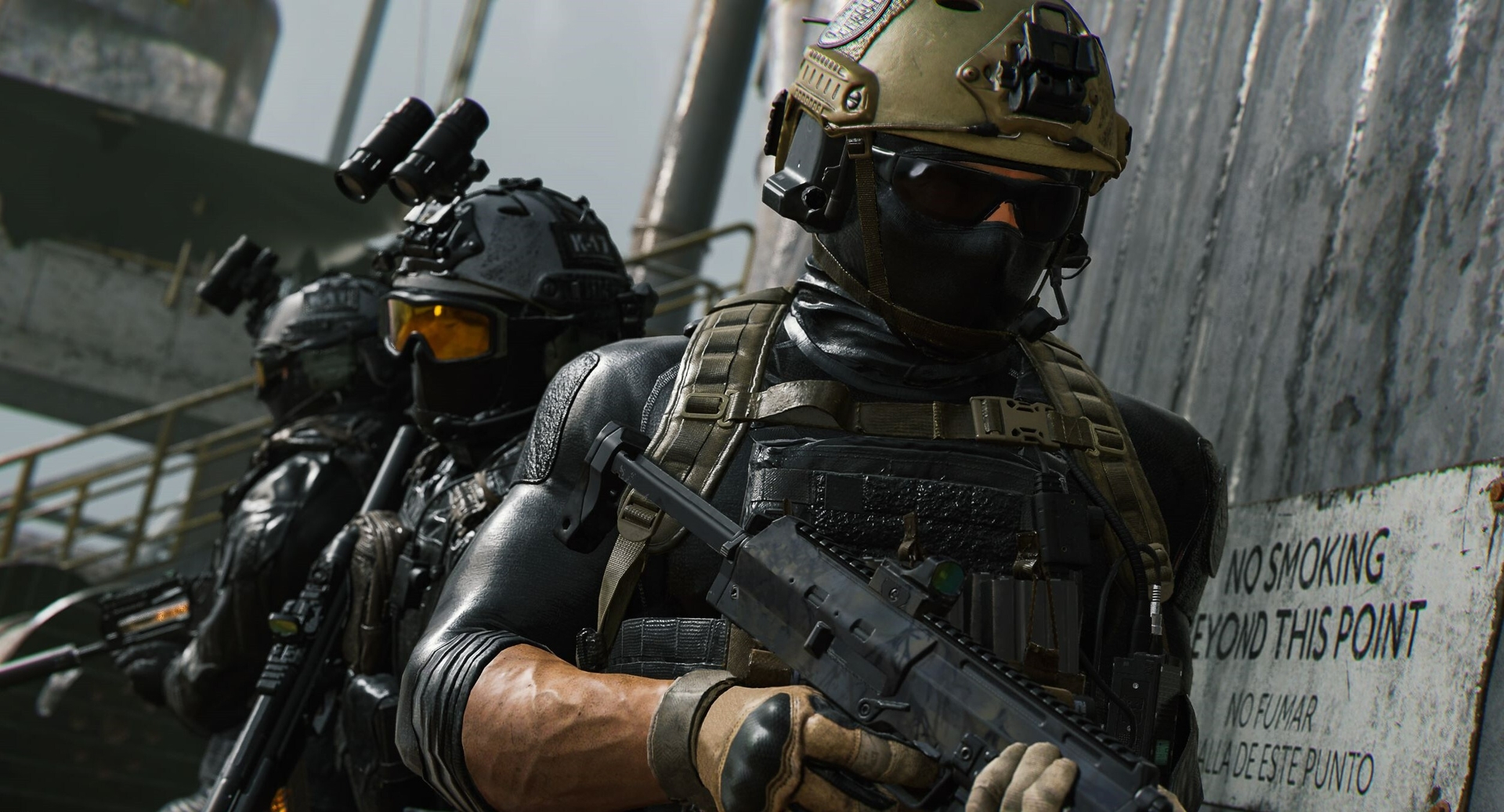
The last thing gamers want to experience when booting up the most recent Call of Duty is Mw2 Not Finding Games and The “Connecting” stuck problem. Currently, MW2 has a lot of bugs and issues, some of which are challenging to solve. Fortunately, this problem has a straightforward fix. Learn how to repair MW2 Not Finding Games in the post provided below.
The last thing gamers want to experience when booting up the most recent Call of Duty is Mw2 Not Finding Games and The "Connecting" stuck problem. Currently,...
MW2 not finding games: How to fix it?

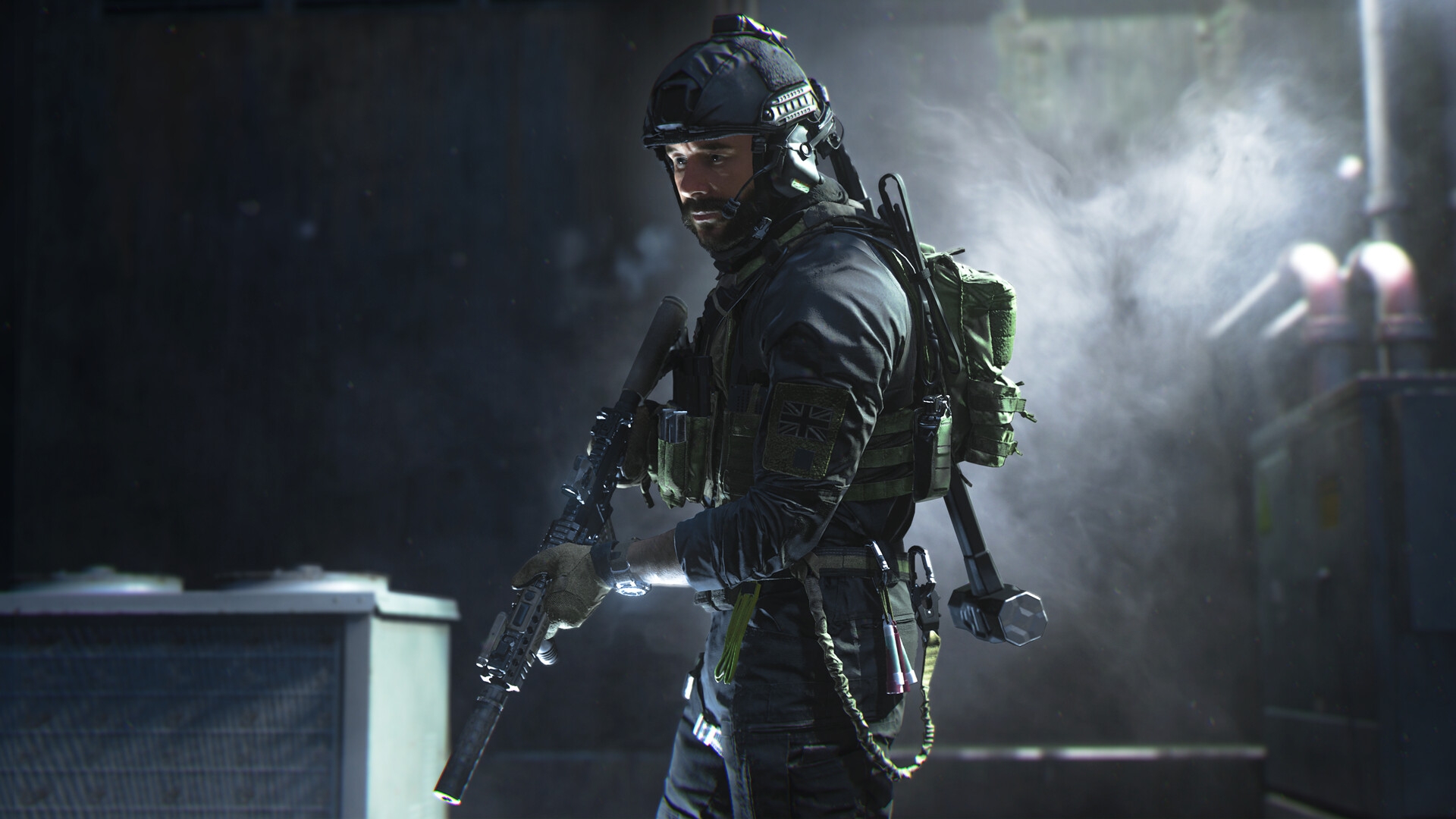
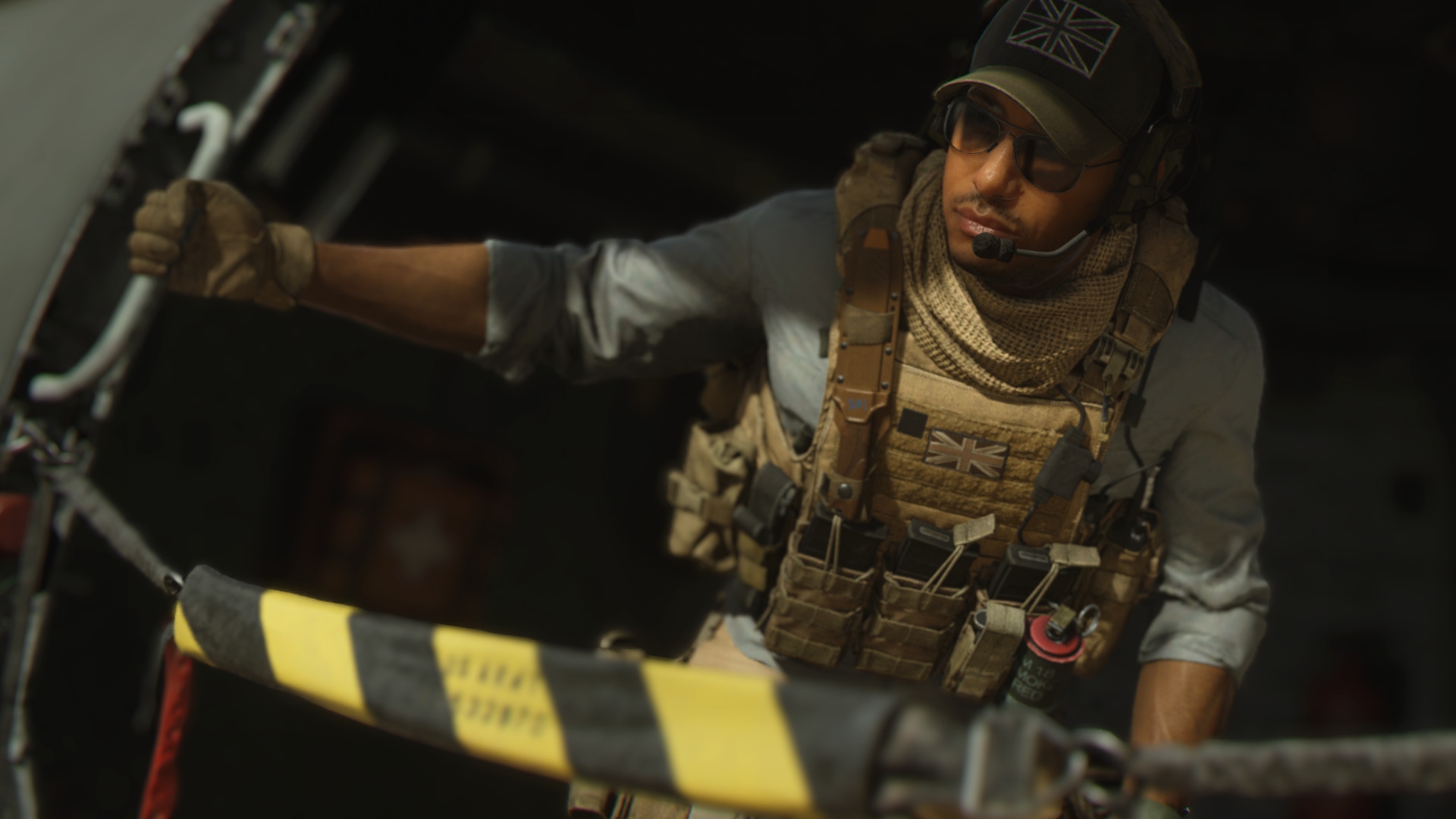
Popular first-person shooter COD: Modern Warfare 2 was created by Infinity Ward and released by Activision in 2022. It was published on October 28, 2022, for the PlayStation 4 and PlayStation 5, Windows, Xbox One, and Xbox Series X/S. It is the nineteenth game in the overall Call of Duty series.

How to fix MW2 not finding games?

To fix the MW2 not finding games bug, players should:

  • To end the party, the host should leave.
  • Find a match and host the party again.
  • If it doesn’t work, invite a different player to host the event.
  • Try out several game types to see if the lobby gets crowded.
  • To try to fix the problem once more, restart the game and console.
The last thing gamers want to experience when booting up the most recent Call of Duty is Mw2 Not Finding Games and The "Connecting" stuck problem. Currently,...
MW2 not finding games: How to fix it?

Restart Call of Duty: Modern Warfare II

  • Relaunch COD MW 2 after quitting it first.
  • Launch the game and select “Find A Match.”
  • If you are unable to join a game, restart your computer or console.
  • After that, restart the game and attempt to rejoin the match.

Check on the servers

  • The matchmaking lobby error may be caused by problems with the server.
  • You can wait till the developers address the issue if the servers are down.
  • Visit Activision Support to verify the servers’ status.
  • Server failures can also be caused by maintenance downtime or other technical problems.
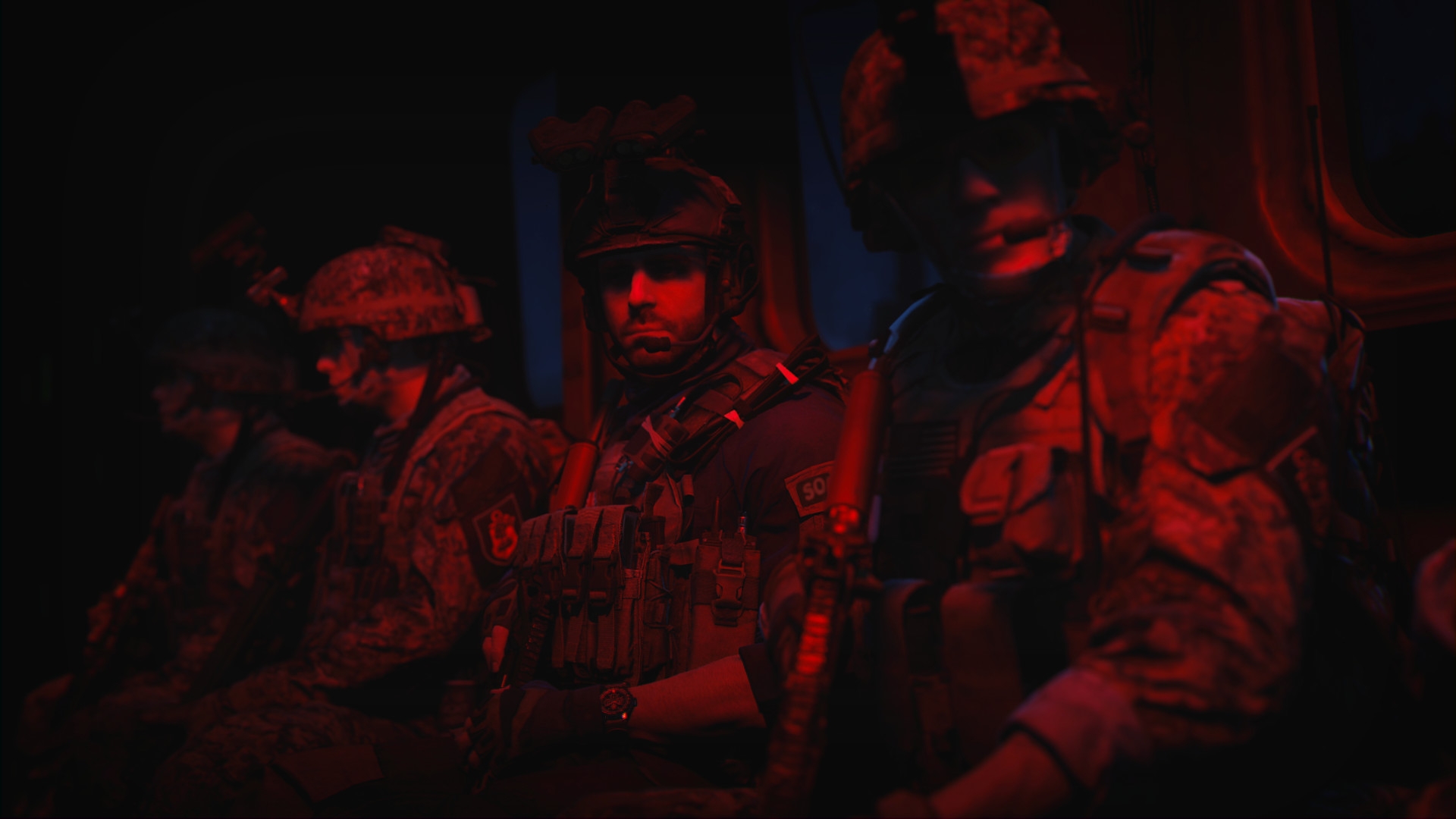
The last thing gamers want to experience when booting up the most recent Call of Duty is Mw2 Not Finding Games and The "Connecting" stuck problem. Currently,...
MW2 not finding games: How to fix it?

How to fix Modern Warfare 2 not launching error?

If you are having issues while launching the game, we’ve got that covered as well. You can restart your console several times to eventually start playing Modern Warfare 2 in early access. According to CharlieIntel, it appears that the servers haven’t been properly updated just yet, thus Xbox users should keep trying because the process to enter is sporadic.

Many players are experiencing this problem, but fortunately, it is simple to resolve with a few rapid resets. Although Infinity Ward hasn’t yet responded to this problem, if they do, we’ll update this post, especially if it persists over the coming week.
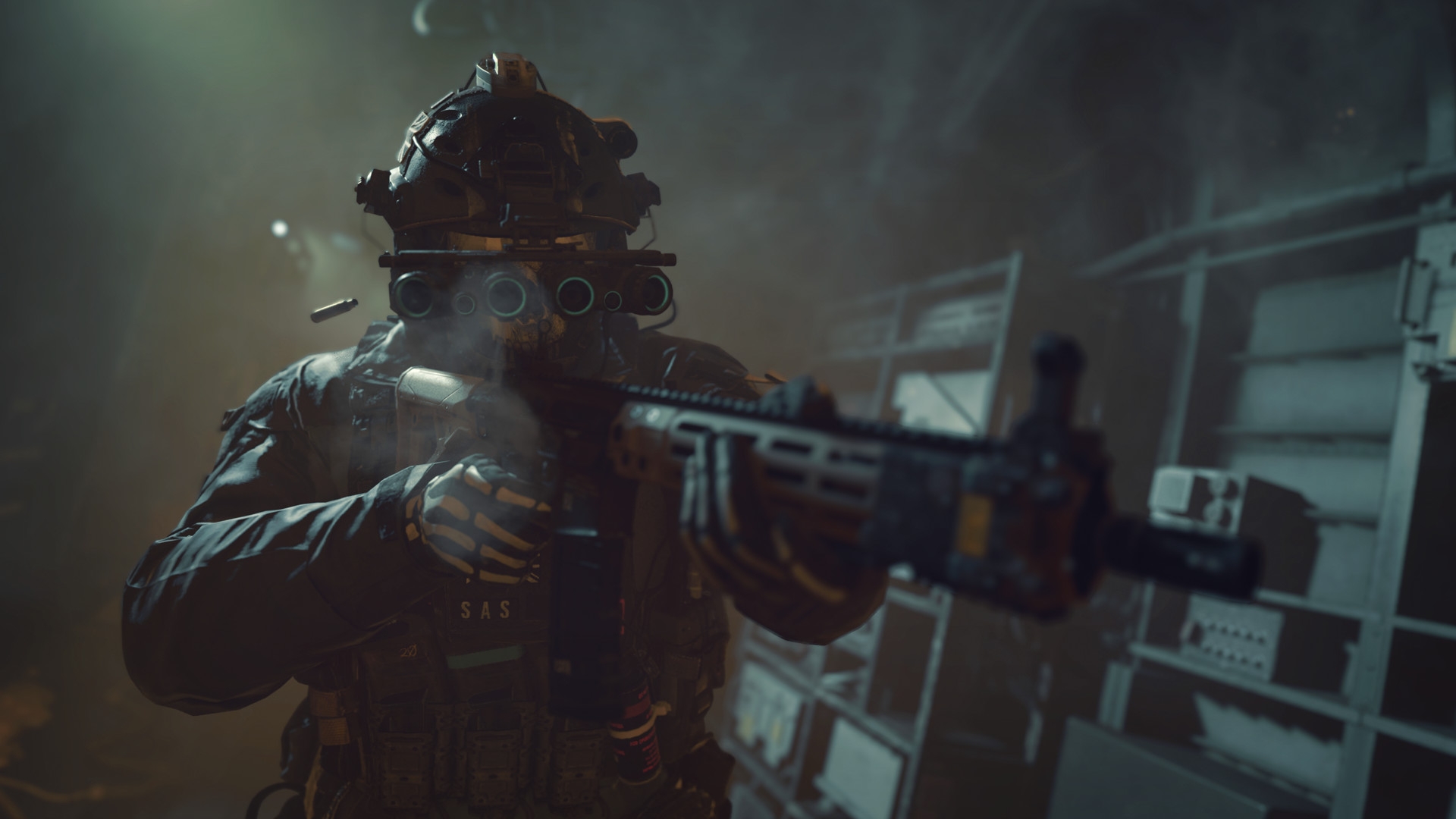
The last thing gamers want to experience when booting up the most recent Call of Duty is Mw2 Not Finding Games and The "Connecting" stuck problem. Currently,...
MW2 not finding games: How to fix it?

Call of Duty Modern Warfare 2 PC requirements

We’ve gathered the Call of Duty: Modern Warfare II system requirements for you, so if you have plans to play the game, you will know if your gaming setup is up to the task.

Call of Duty: Modern Warfare II minimum system requirements

  • CPU: Intel Core i5-2500K or AMD Ryzen 3 1200
  • RAM: 8GB
  • OS: Windows 10 64-bit
  • VIDEO CARD: NVIDIA GeForceGTX 970 or AMD Radeon R9 270
  • PIXEL SHADER: 5.1
  • VERTEX SHADER: 5.1
  • DEDICATED VIDEO RAM: 2048MB
The last thing gamers want to experience when booting up the most recent Call of Duty is Mw2 Not Finding Games and The "Connecting" stuck problem. Currently,...
MW2 not finding games: How to fix it?

Call of Duty: Modern Warfare II recommended system requirements

  • CPU: Intel Core i7-7700K or AMD Ryzen 7 3700X
  • RAM: 16GB
  • OS: Windows 10 64-bit
  • VIDEO CARD: NVIDIA GeForce GTX 1070 or AMD Radeon RX 580
  • PIXEL SHADER: 5.1
  • VERTEX SHADER: 5.1
  • DEDICATED VIDEO RAM: 4096MB

We hope that you enjoyed this article on MW2 not finding games: How to fix it. If you did, we are sure that you will also enjoy reading some of our other articles, such as Travis-Rilea MW2: How to fix connection failed error, or MW2 Minibak not unlocking: How to unlock it.

Tags: ActivisionCall of Dutyguidehow toModern Warfare 2
ShareTweet
Önder Erdine

Önder Erdine

Related Posts

How to choose the right reset method for Samsung Galaxy devices

How to choose the right reset method for Samsung Galaxy devices

9 January 2026
What resetting end-to-end encryption does on iPhone, iPad or Mac

What resetting end-to-end encryption does on iPhone, iPad or Mac

9 January 2026
How to easily monitor your AT&T data usage and avoid overages

How to easily monitor your AT&T data usage and avoid overages

9 January 2026
How to reset your Bosch dishwasher when buttons won’t respond

How to reset your Bosch dishwasher when buttons won’t respond

9 January 2026

LATEST

How to choose the right reset method for Samsung Galaxy devices

What resetting end-to-end encryption does on iPhone, iPad or Mac

How to easily monitor your AT&T data usage and avoid overages

How to reset your Bosch dishwasher when buttons won’t respond

Disney+ brings TikTok-style scrolling to its streaming app

Xbox reveals lineup for next Developer Direct: Fable, Forza and more

FIFA and TikTok partner to stream live World Cup clips

YouTube updates search filters to separate Shorts from long videos

Google introduces AI Inbox to organize Gmail tasks and updates

Announcements made by Samsung Display at CES 2026

TechBriefly

© 2021 TechBriefly is a Linkmedya brand.

  • Tech
  • Business
  • Science
  • Geek
  • How to
  • About
  • Privacy
  • Terms
  • Contact
  • | Network Sites |
  • Digital Report
  • LeaderGamer

Follow Us

No Result
View All Result
  • Tech
  • Business
  • Crypto
  • Science
  • Geek
  • How to
  • About
    • About TechBriefly
    • Terms and Conditions
    • Privacy Policy
    • Contact Us
    • Languages
      • 中文 (Chinese)
      • Dansk
      • Deutsch
      • Español
      • English
      • Français
      • Nederlands
      • Italiano
      • 日本语 (Japanese)
      • 한국인 (Korean)
      • Norsk
      • Polski
      • Português
      • Pусский (Russian)
      • Suomalainen
      • Svenska