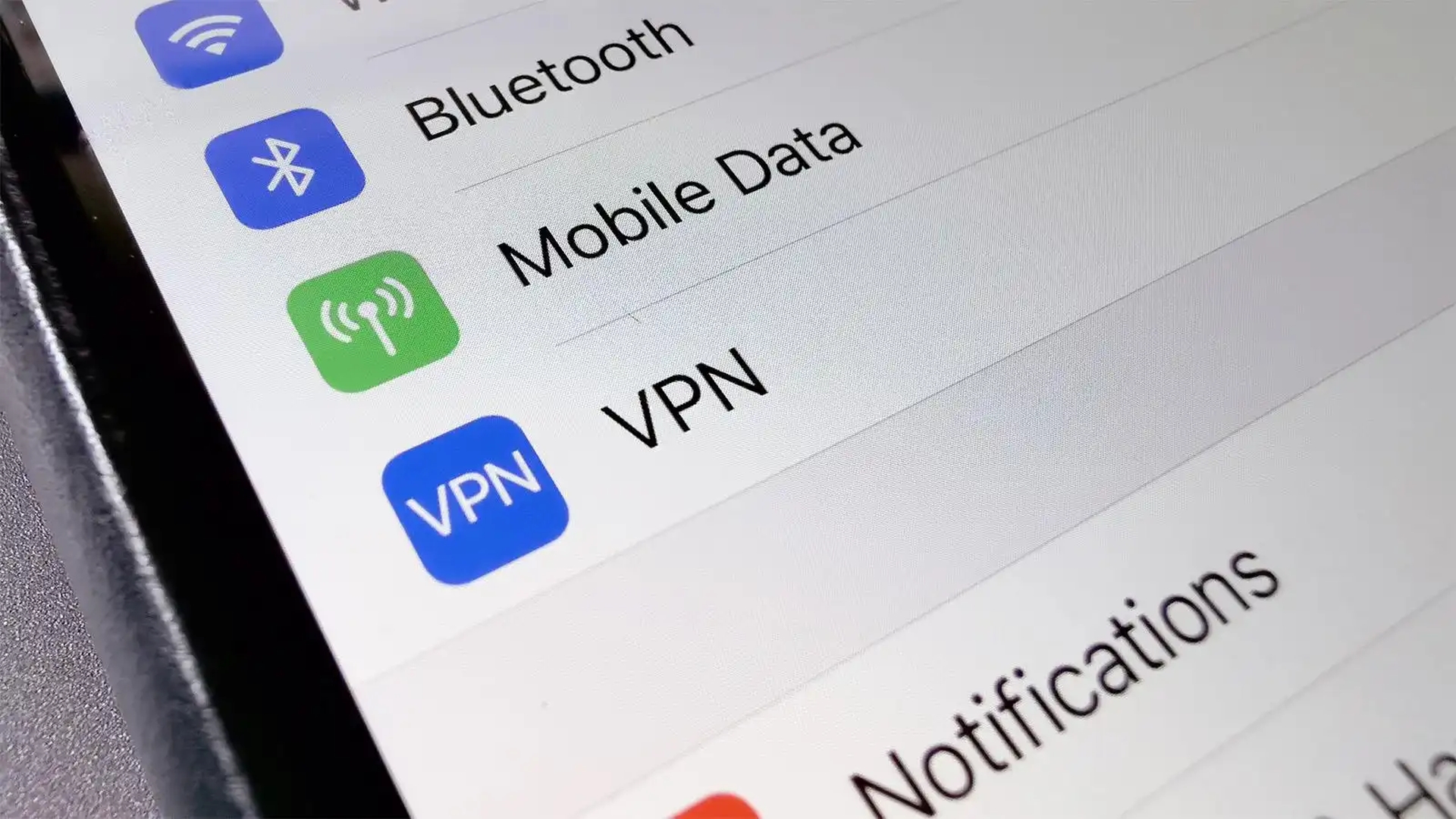

In this article, we are going to be covering the huge iOS privacy flaw showing that using VPN on iPhone isn’t safe and has 2 major flaws making it a security liability.
A serious vulnerability in iOS VPN apps was discovered by a security researcher back in August, now a new vulnerability has been revealed by a different researcher. The first issue was that starting a VPN program was supposed to terminate all active connections, but it didn’t. Second, a lot of Apple apps, including Wallet and Health (both of which are mentioned above), transport sensitive information outside of the VPN tunnel.
Huge iOS privacy flaw shows that VPNs are not working how they should
Typically, your data is routed to your ISP or mobile data carrier first when you connect to a website or other server. They then send it on to the distant server. This puts you in danger from fraudulent Wi-Fi hotspots as well as your ISP being able to know who you are and what websites and services you are using.
Instead, a VPN transfers your data to a safe server in encrypted form. A hotspot operator, ISP, or carrier cannot access your data. They only know you’re using a VPN because of it. The typical comparison is that it’s like utilizing a covert tunnel to connect your device and VPN server. Similar to how your IP address, location, or other personally identifiable information is not accessible to the websites or services you are browsing, your traffic looks to be coming from the VPN server.
Flaw 1: Failing to close existing connections
When a VPN program is activated, it should instantly terminate any currently active (insecure) data connections before reestablishing them within the secure “tunnel.” Any VPN service must include this as a basic feature. Michael Horowitz discovered that iOS does not let VPN apps terminate all currently active insecure connections, which means that not only did this not consistently occur.
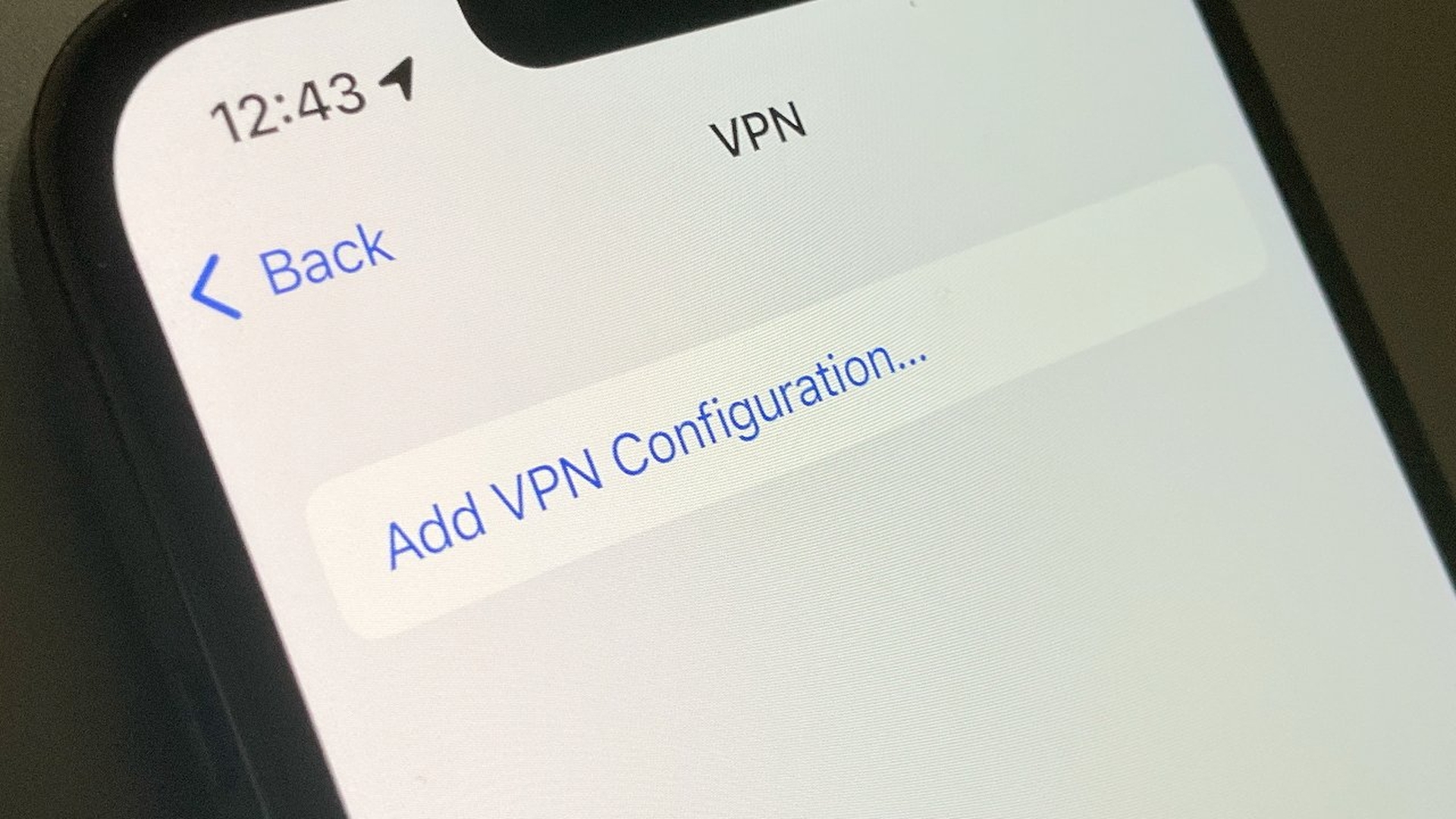
Flaw 2: Many Apple apps are excluded
Tommy Mysk, a developer and security researcher, was curious and conducted his own experiments, looking at which IP addresses were being contacted when a VPN was enabled and discovered that many stock Apple apps ignored the VPN tunnel and instead directly connected with Apple servers.
We confirm that iOS 16 does communicate with Apple services outside an active VPN tunnel. Worse, it leaks DNS requests. #Apple services that escape the VPN connection include Health, Maps, Wallet.
As a result, ISPs and hackers utilizing simple-to-create phony Wi-Fi hotspots to conduct man-in-the-middle attacks are able to intercept any data transferred to or from these sites. The following applications released data:
- Apple Store
- Clips
- Files
- Find My
- Health
- Maps
- Settings
- Wallet
It is obvious that the majority or all of the data processed by these apps may contain incredibly sensitive information, ranging from health issues to payment cards. You can see his experiment recording the IP addresses the iPhone accessed here:
We confirm that iOS 16 does communicate with Apple services outside an active VPN tunnel. Worse, it leaks DNS requests. #Apple services that escape the VPN connection include Health, Maps, Wallet.
We used @ProtonVPN and #Wireshark. Details in the video:#CyberSecurity #Privacy pic.twitter.com/ReUmfa67ln— Mysk 🇨🇦🇩🇪 (@mysk_co) October 12, 2022
Android operates similarly to iOS while using Google services, according to Mysk.
I know what you’re asking yourself and the answer is YES. Android communicates with Google services outside an active VPN connection, even with the options “Always-on” and “Block Connections without VPN.” I used a Pixel phone running Android 13.
We hope that you enjoyed this article on huge iOS privacy flaw shows using VPN on iPhone isn’t safe. If you did, we are sure that you will also enjoy reading some of our other articles, such as Apple ProRAW explained: How to take ProRAW photos on iPhone, or iOS 16: How to send voice memos on iPhone.