
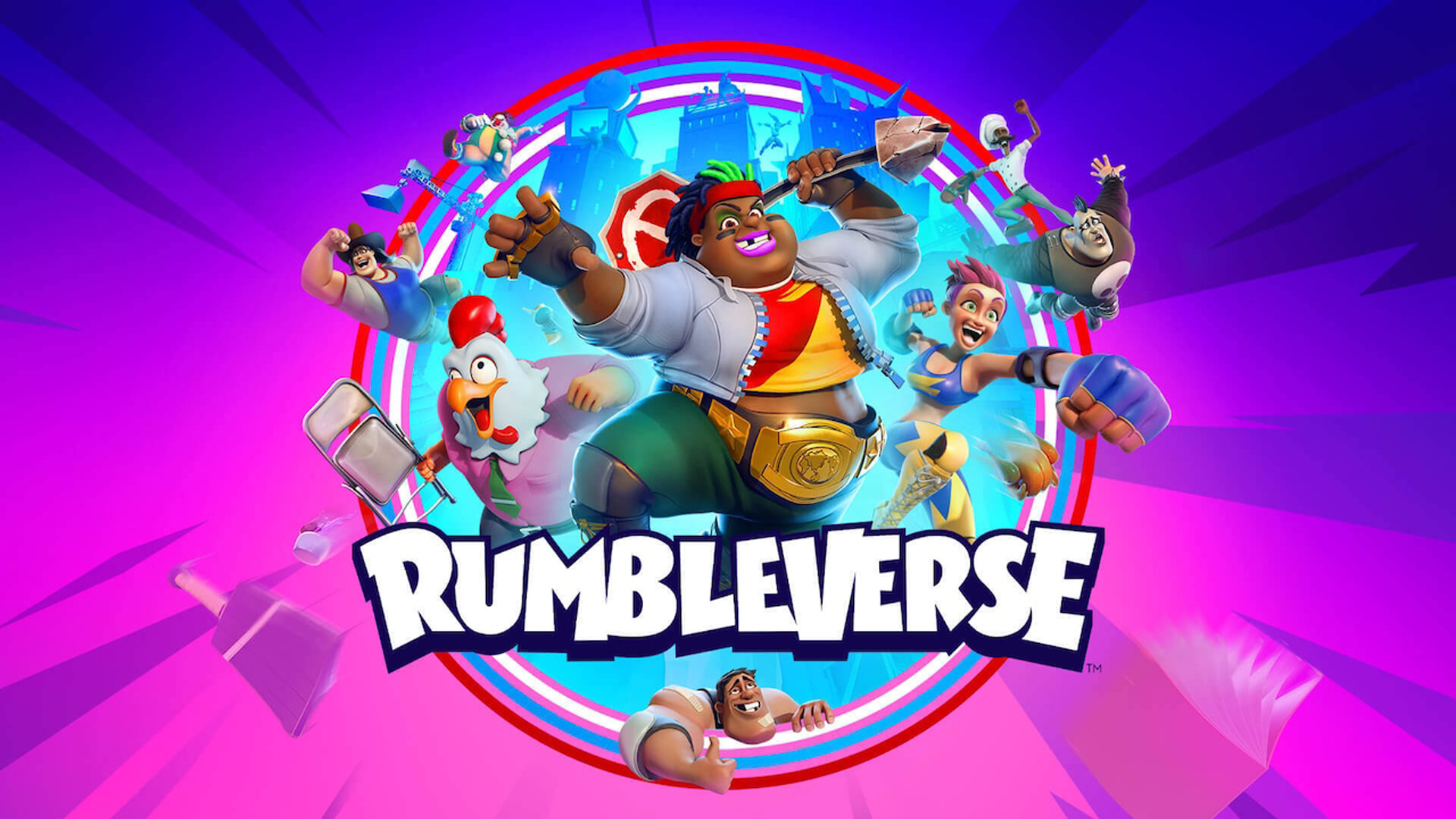

Today we explain how to add friends on Rumbleverse. The most recent game from Iron Galaxy, the studio behind Killer Instinct and Rumbleverse, appears to be doing well so far. 40 players enter the prestigious Grapital City for this third-person melee-based Battle Royale in which they engage in a fight using melee combinations, suplexes, and a variety of other stunning Rumbleverse moves to choose the victor.
There are just three options available in the game’s present iteration: Solo Queue, Duo Queue, and Playground Explore, which basically serves as the tutorial zone free-roam area. But for those accustomed to four-person BRs, the maximum party size of two may come as a surprise.
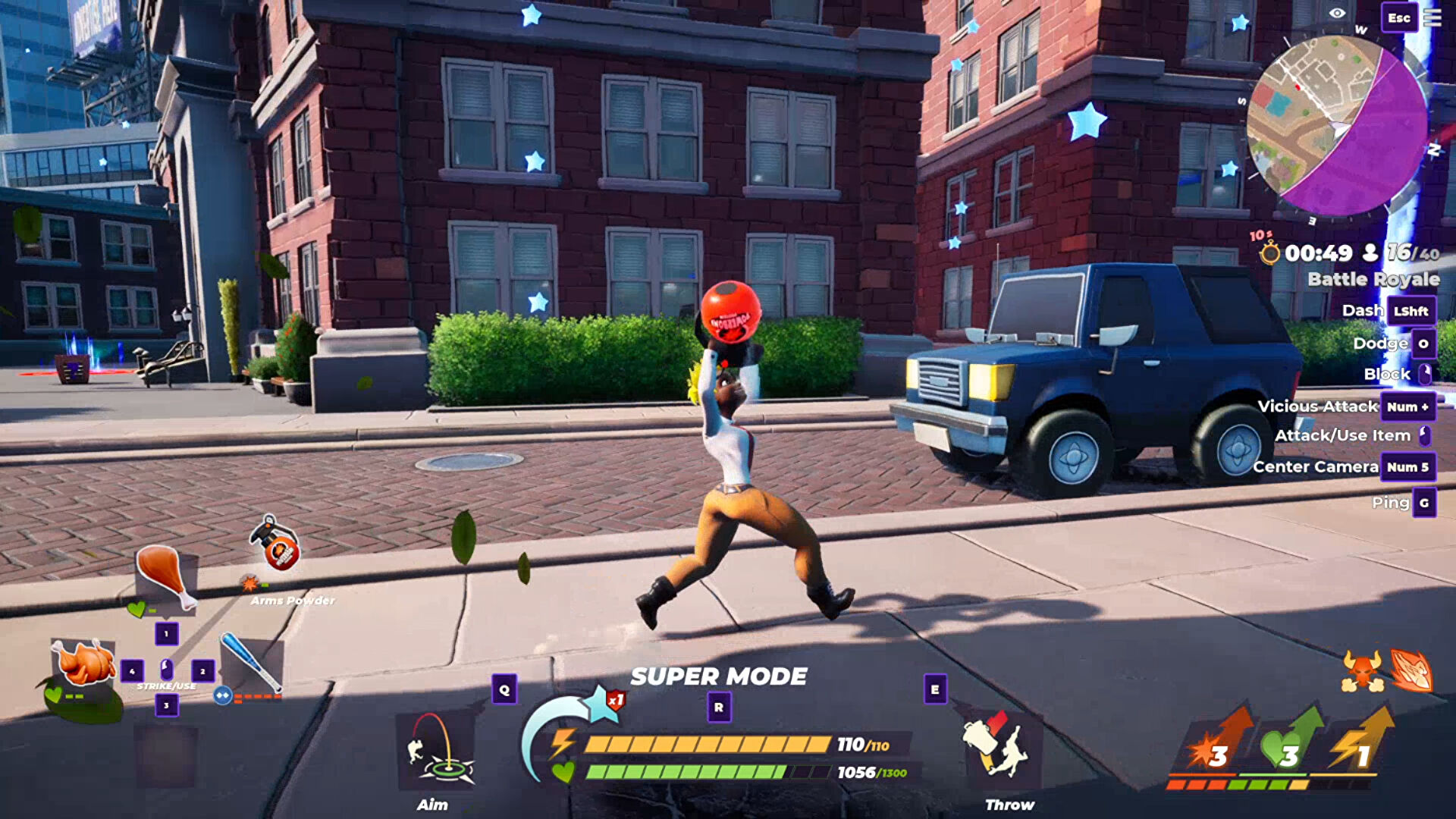
A party can be confusing to join because the game mainly relies on the Epic Game Store’s friends list system rather than having an integrated one as most other Battle Royale games do. Let’s go over how players are supposed to add, connect, and interact with each other in Rumbleverse with that in mind.
Rumbleverse’s social system: How to add friends on Rumbleverse?
Once more, Rumbleverse “kind of” has its own Friends List system, but it mostly depends on the Friends List that is already there in the Epic Game Launcher. The Social Overlay, which often functions as a replacement in these circumstances (enabled with Shift+F3), does not function either. Players are unable to add each other to their Friends List in-game because there is no separate Friends List because it only pulls from the EGL.
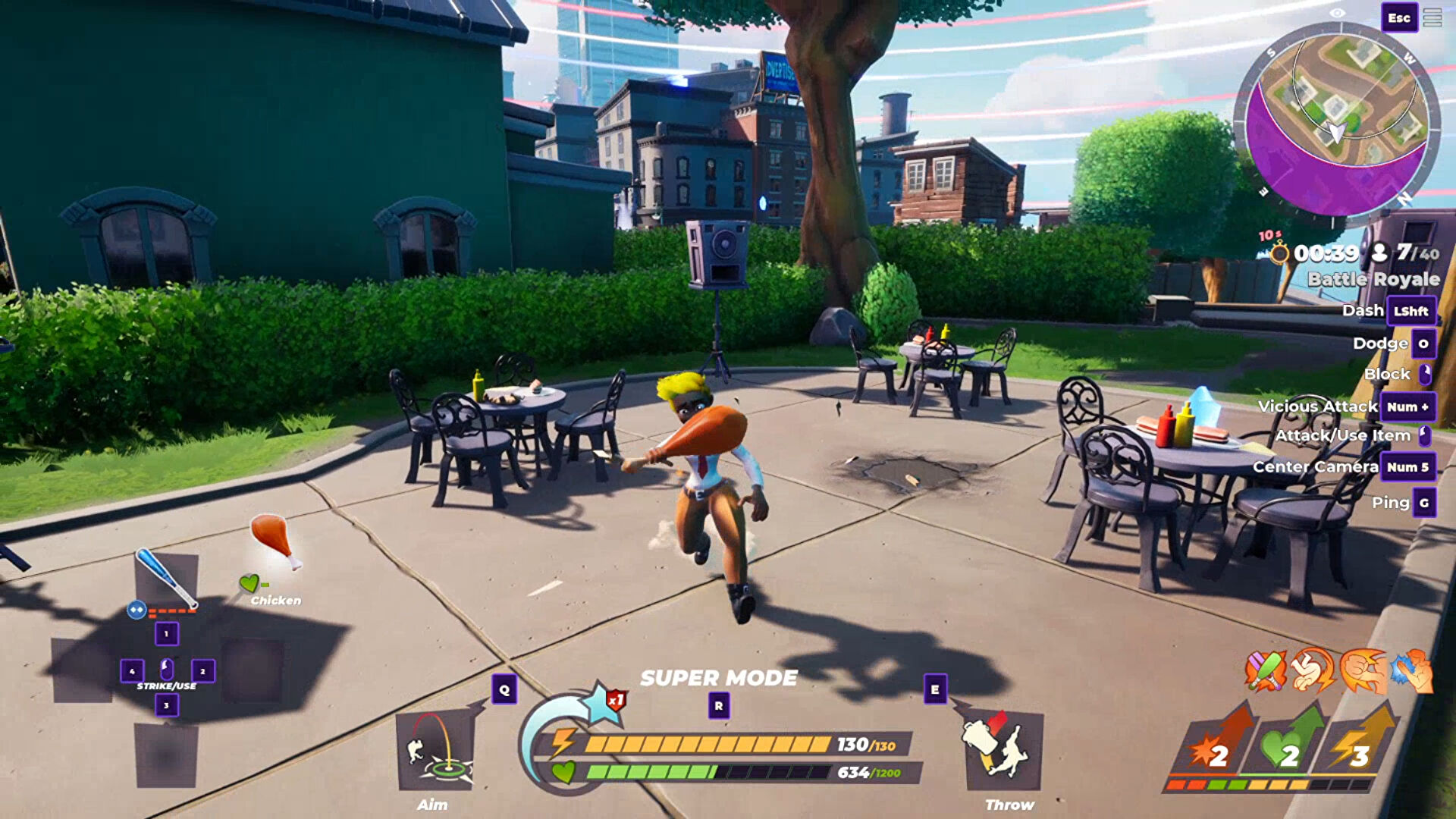
Invite to Party, Report Player, or Block Player are the actions that players in Rumbleverse can take most frequently. In order to invite or add friends using Rumbleverse’s Friends List, it may be easiest to make sure the “Minimize To System Tray” option is turned off in the EGL settings or to be prepared to re-launch the Launcher after Rumbleverse has started.
How to add friends on Rumbleverse?
In spite of all that complicated information, setting up a Duo Party in Rumbleverse is not too difficult. Here is the exact procedure for doing it step-by-step:

- Ask the friend who is trying to join the Duo Queue for their Epic Games username.
- After Rumbleverse has launched, launch it using the Epic Games Launcher.
- To the left of the “Profile” icon and to the right of the “Wishlist” and “Cart” options in the Launcher’s upper right corner, select the “Friends List” option.
- Select the “Friends List” tab’s second option (the individual person Icon with the plus symbol).
- The user’s username (or accept their Friend Request if they sent it first).
- Click “Add Epic Friend” after selecting their name from the results.
- They should then show up in the “Friends” tab of Rumbleverse’s Friends List after being added (click the big plus Icon next to the player character on the “Play” Tab screen).
- Following that, players can either invite their friends using Rumbleverse or their friends should see a “Join Party” option when clicking on the player’s name on their EGL Friends List.
- Just make sure the Queue is set to “Duo Battle Royale” once they are in the Party and begin looking!
Although this procedure can be a little tiresome, Rumbleverse’s gameplay makes up for it in spades. Players should at least test Duo Queue once to see which they prefer because it differs from Solo Queue in many tiny ways in this particular game.
And fortunately, a player can still queue up for Duo Battle Royale and be matched with a buddy even if they don’t have any Friends online (most of the time).
Rumbleverse is currently accessible on the PC, PS4, PS5, Xbox One, and X/S.


