
TechBriefly
  • Tech
  • Business
  • Crypto
  • Science
  • Geek
  • How to
  • About
    • About TechBriefly
    • Terms and Conditions
    • Privacy Policy
    • Contact Us
    • Languages
      • 中文 (Chinese)
      • Dansk
      • Deutsch
      • Español
      • English
      • Français
      • Nederlands
      • Italiano
      • 日本语 (Japanese)
      • 한국인 (Korean)
      • Norsk
      • Polski
      • Português
      • Pусский (Russian)
      • Suomalainen
      • Svenska
No Result
View All Result
TechBriefly
Home How to
Overwatch 2 BC 101: Overwatch 2 unable to login error fixed

Overwatch 2 BC 101: Overwatch 2 unable to login error fixed

If you are looking for the solution for the Overwatch 2 unable to login error, we've got you covered.

Önder ErdinebyÖnder Erdine
11 October 2022
in How to
Reading Time: 2 mins read
Share on FacebookShare on Twitter

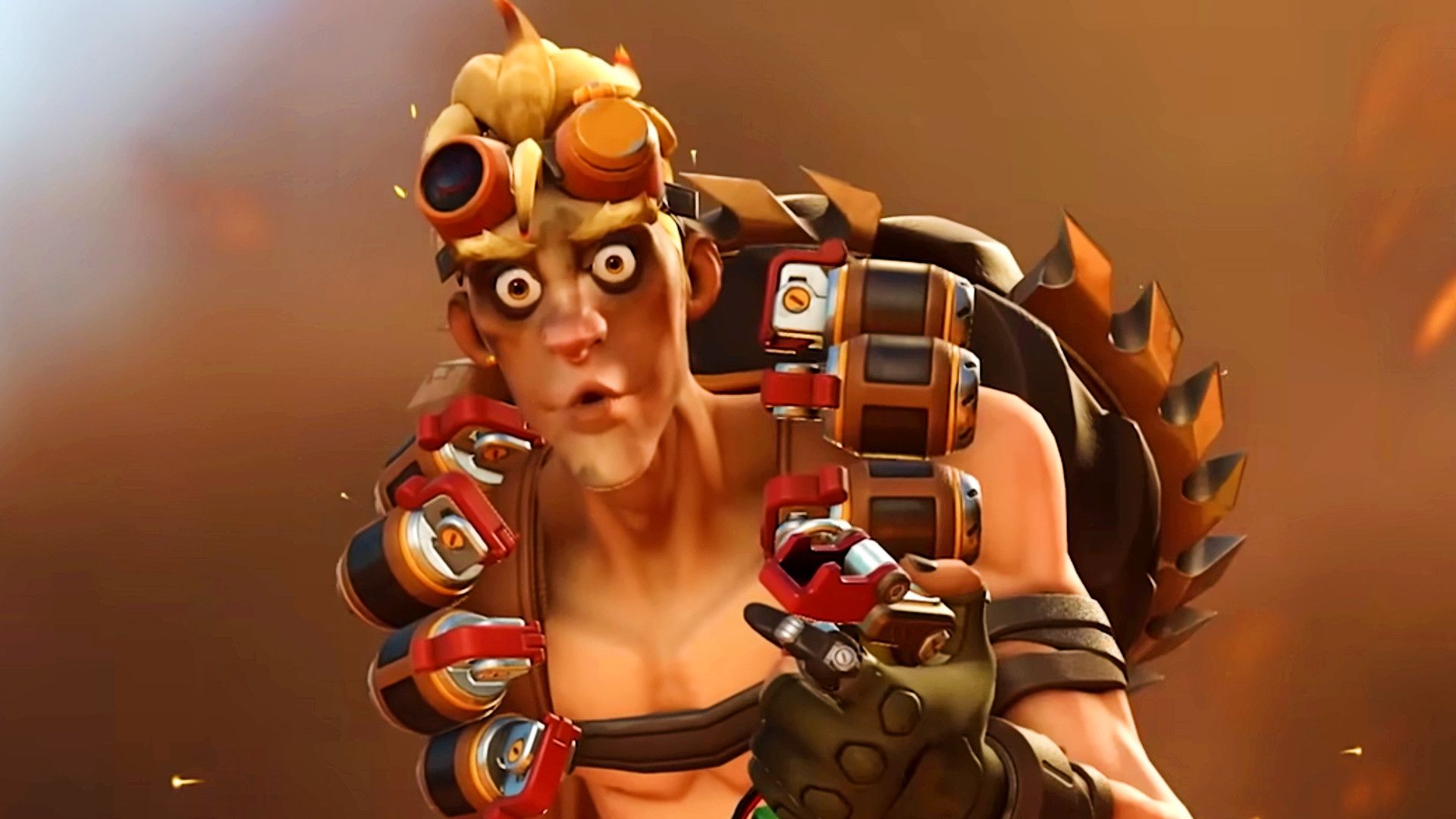
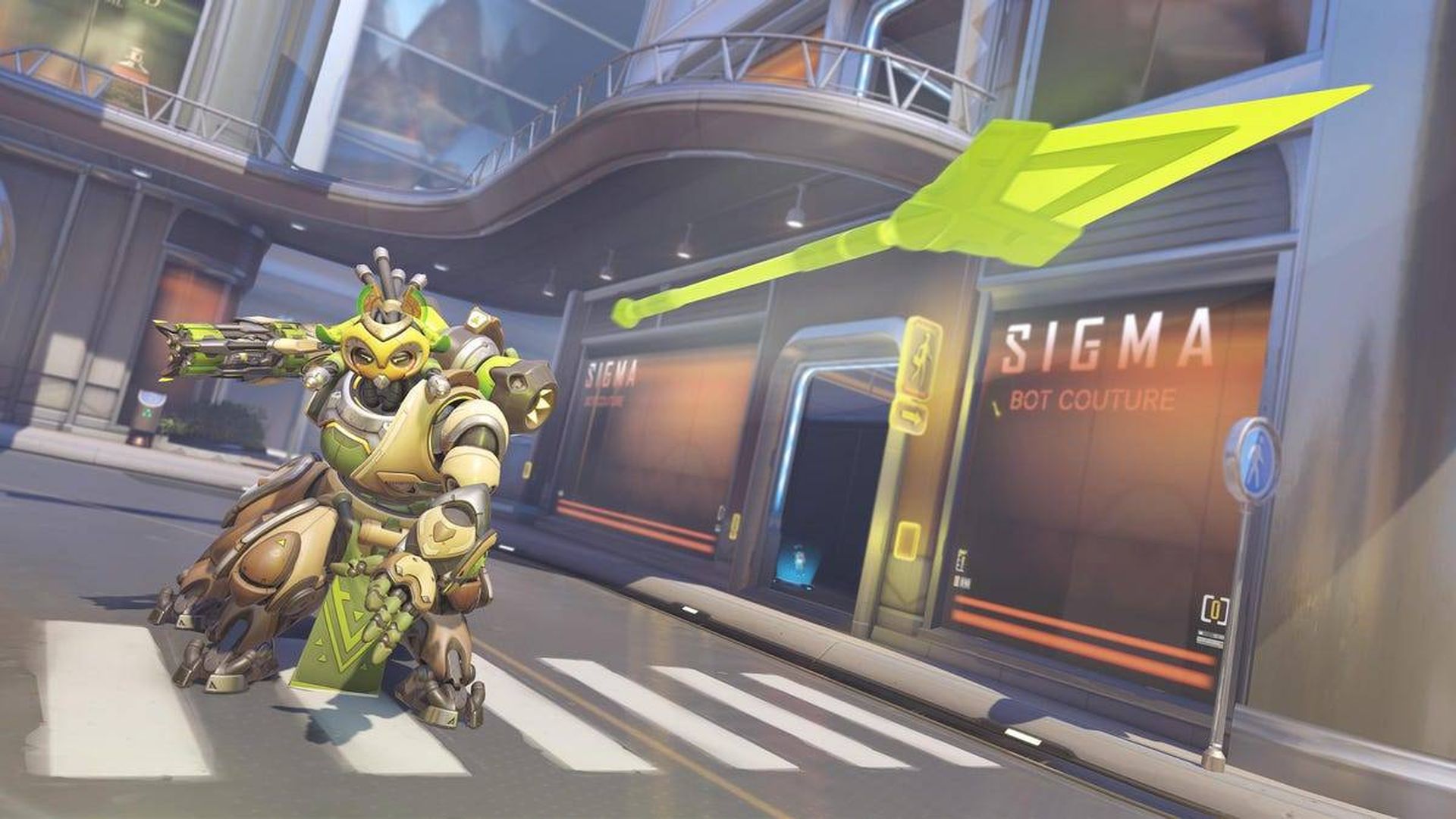
In this article, we are going to be covering how to fix Overwatch 2 BC 101 error and help you avoid Overwatch 2 unable to login problem with a few simple tips.

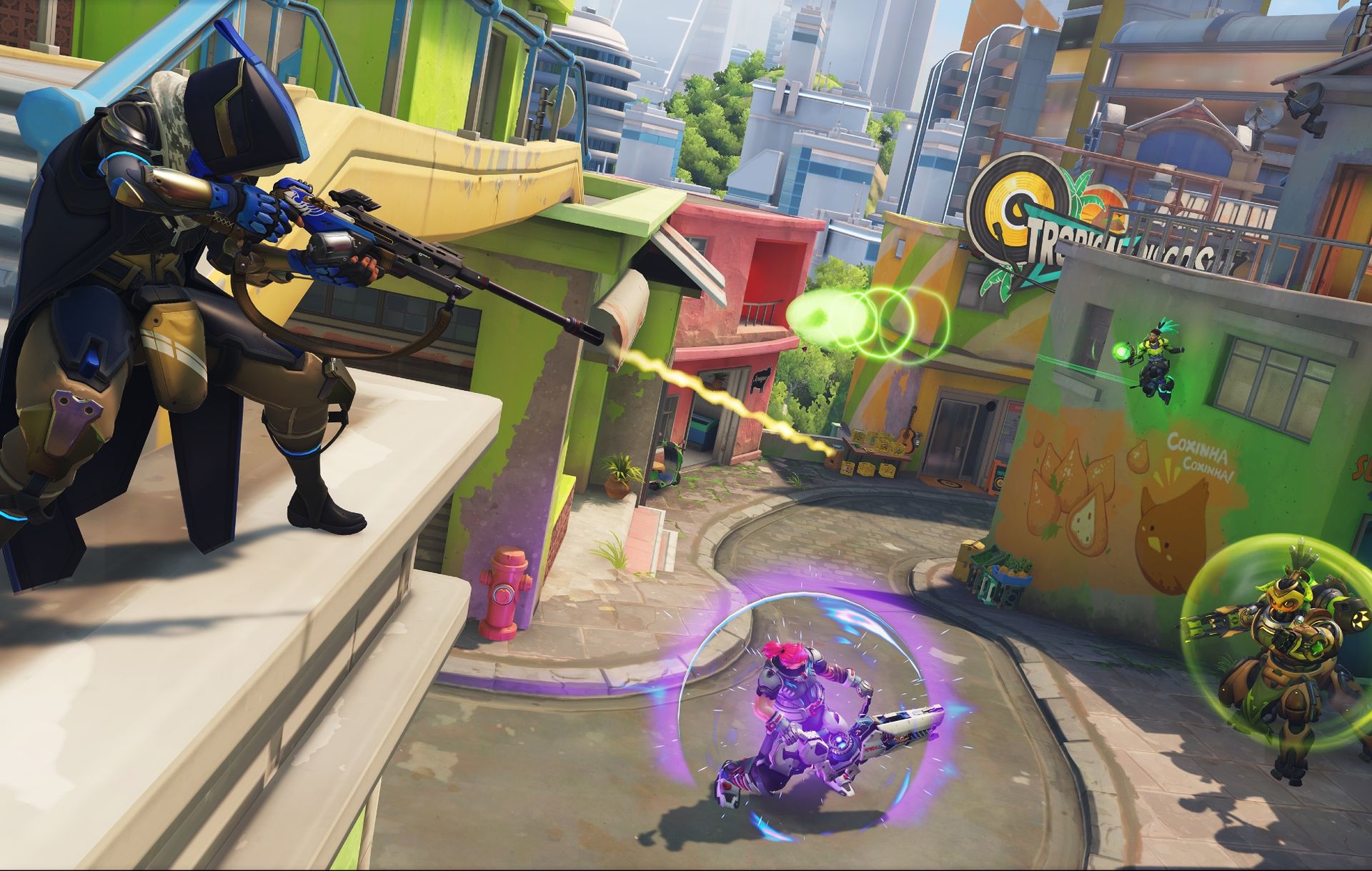
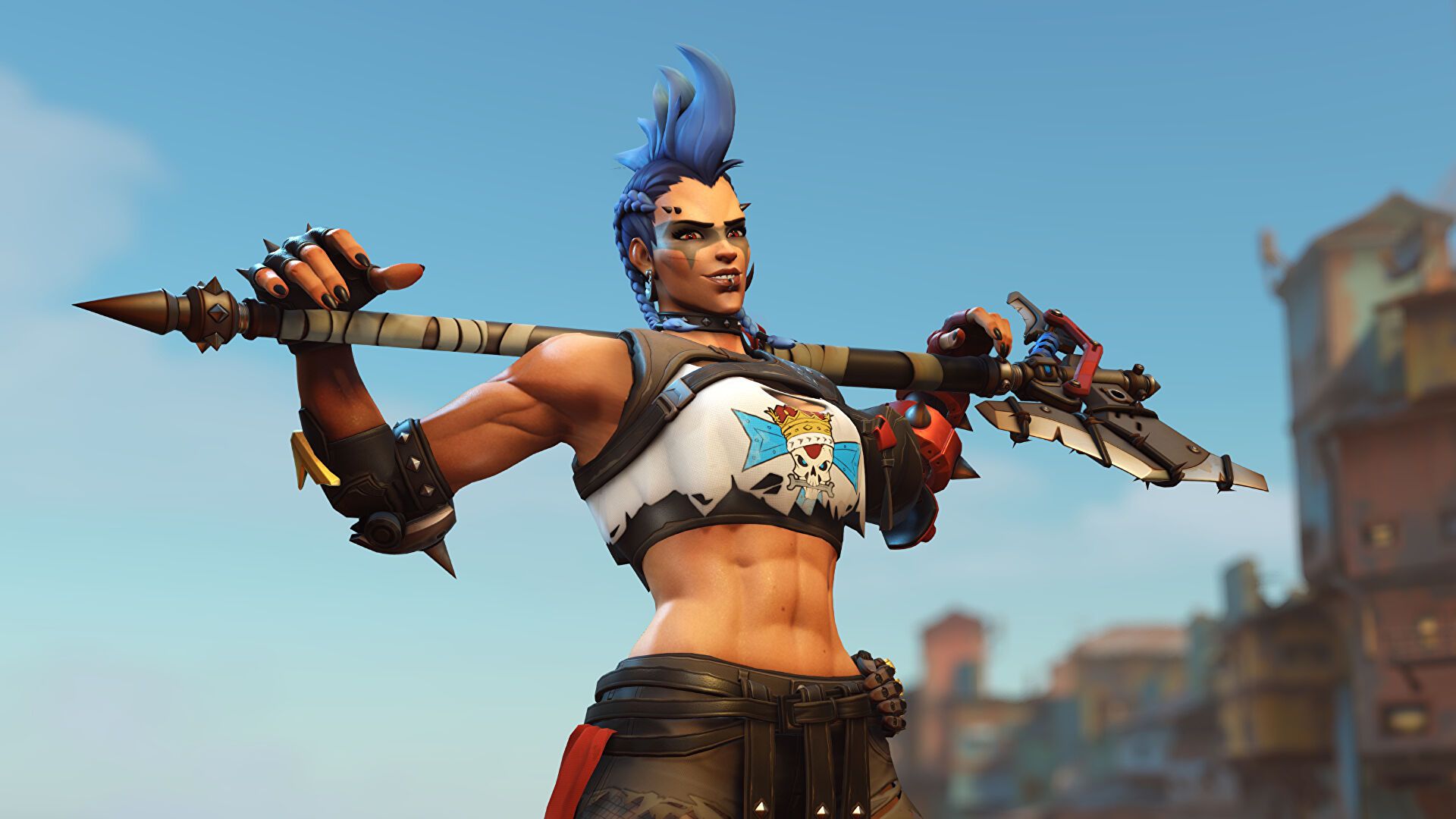
Blizzard Entertainment developed and released Overwatch 2, a first-person shooter. As a successor to the 2016 hero shooter Overwatch, the game plans to provide permanent cooperative activities as well as a shared world for player-versus-player scenarios. As you battle it out over the world, you can play as a time-jumping freedom warrior, a beat-dropping battlefield DJ, or one of over 30 other distinct characters. Enjoy high-octane battle with a new hero lineup, additional locations to explore, and 5v5 combat that offers every player game-changing power. Make sure to visit the official website to learn more about the game.
In this article, we are going to be covering how to fix Overwatch 2 BC 101 error and help you avoid Overwatch 2 unable to login problem with a few simple tips.
Overwatch 2 BC 101: Overwatch 2 unable to login error fixed

Overwatch 2 BC 101: How to fix Overwatch 2 unable to login error?

Overwatch mistake BC-101 is rather common among PS4 gamers. This error code indicates a connection timeout. In most situations, the fundamental cause of this problem is a lack of server connectivity.

Disconnect the AC adapter

So, if you get error BC-101 on your console, turn off your device and unhook any peripherals that are attached to it. Wait a few minutes, then restart the PS4 to see whether this short fix resolved the issue.
In this article, we are going to be covering how to fix Overwatch 2 BC 101 error and help you avoid Overwatch 2 unable to login problem with a few simple tips.
Overwatch 2 BC 101: Overwatch 2 unable to login error fixed

Test your Internet connection

If the issue persists, you should check your Internet connection. Navigate to Settings > Network > Internet Connection Testing. This brief test will give you vital information about the availability and speed of your Internet connection. If the test does not reveal any specific issues, go to the next solution.

Change the date

Many PS4 owners reported that changing the date and time fixed problem BC-101. If you allow the Internet-based date and time setting, reset the option to manual and enter the right time zone, month, day, year, and time.
In this article, we are going to be covering how to fix Overwatch 2 BC 101 error and help you avoid Overwatch 2 unable to login problem with a few simple tips.
Overwatch 2 BC 101: Overwatch 2 unable to login error fixed

Relink your PSN account to Blizzard

You can also try unlinking and reconnecting your PlayStation Network and Blizzard accounts. Some players confirmed that this technique solved their problem, so it’s worth a go.

Use a wired connection

Switch to a cable connection if you’re utilizing a wireless connection. If the problem no longer appears, something may be interfering with your WiFi connection (microwave ovens, phones, etc.). In addition, if your connection has a separate modem and router, just skip the router and connect straight to the modem.
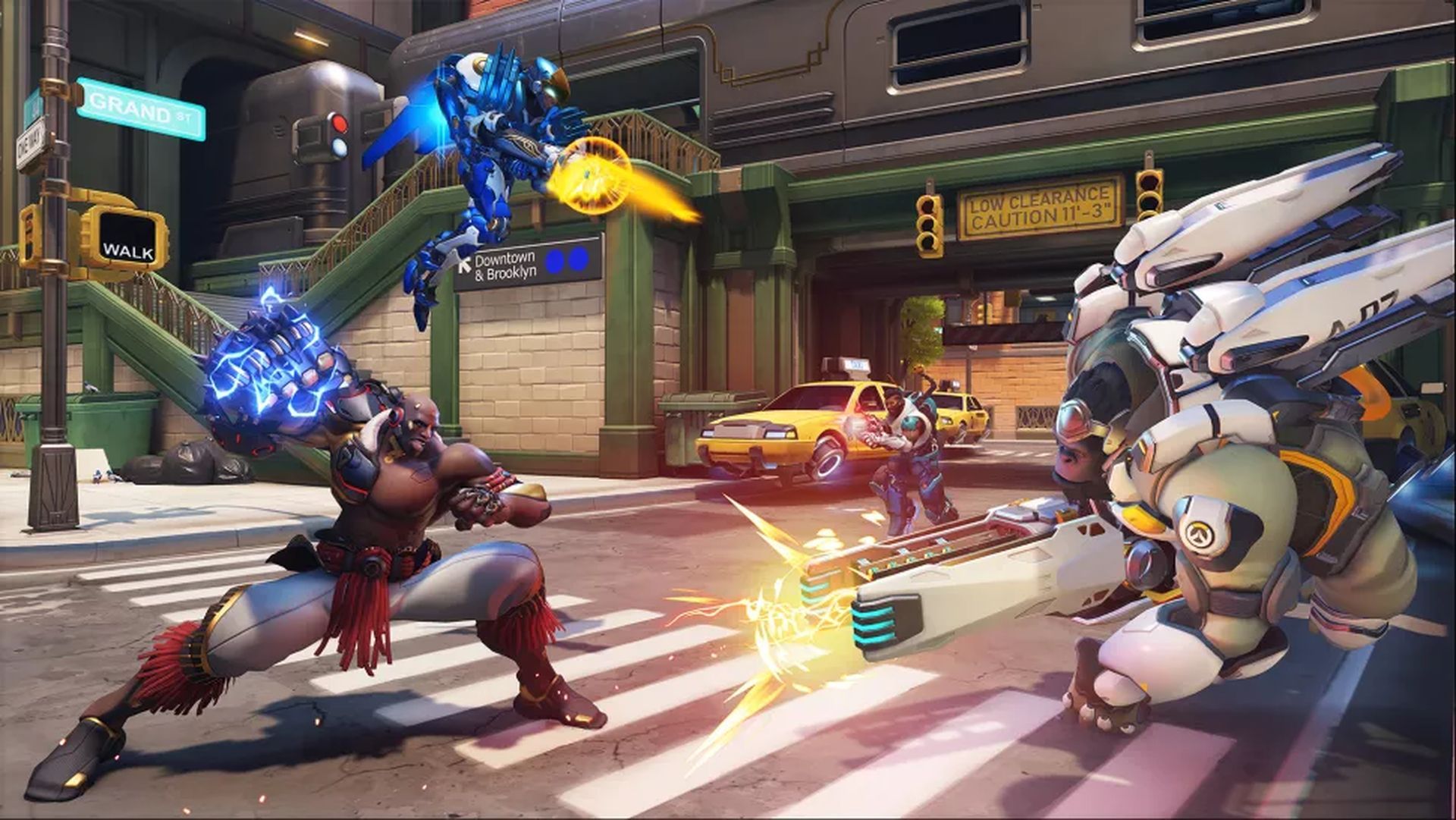
In this article, we are going to be covering how to fix Overwatch 2 BC 101 error and help you avoid Overwatch 2 unable to login problem with a few simple tips.
Overwatch 2 BC 101: Overwatch 2 unable to login error fixed

Port forward your router

If nothing else works, try port forwarding your router. Go to PortForward, choose your router model, and follow the on-screen instructions.

We hope that you enjoyed this article. If you did, we are sure that you will also enjoy reading some of our other articles, such as Overwatch 2 Bastion ult bug explained: How to do it effectively, or is Tracer good in Overwatch 2? Tips and abilities.

Tags: guidehow tooverwatch 2
ShareTweet
Önder Erdine

Önder Erdine

Related Posts

How to use the exit command in Windows Command Prompt

How to use the exit command in Windows Command Prompt

7 January 2026
How to view your TikTok watch history

How to view your TikTok watch history

7 January 2026
How to play the classic game of cribbage for beginners

How to play the classic game of cribbage for beginners

7 January 2026
Simple steps to create a stop-motion film using Photoshop

Simple steps to create a stop-motion film using Photoshop

7 January 2026

LATEST

Announcements made by Samsung Display at CES 2026

Bluetti unveils dual-input Charger 2 at CES 2026

Whisper Aero unveils T1 leaf blower at CES 2026

OpenAI announces ChatGPT Health feature

Google Classroom turns lessons into podcasts with Gemini

Roblox users must scan faces to unlock chat features

Caterpillar partners with Nvidia to bring AI to the construction site

WhatsApp adds member tags and text stickers to group chats

Spotify brings live listening activity to Messages

How to use the exit command in Windows Command Prompt

TechBriefly

© 2021 TechBriefly is a Linkmedya brand.

  • Tech
  • Business
  • Science
  • Geek
  • How to
  • About
  • Privacy
  • Terms
  • Contact
  • | Network Sites |
  • Digital Report
  • LeaderGamer

Follow Us

No Result
View All Result
  • Tech
  • Business
  • Crypto
  • Science
  • Geek
  • How to
  • About
    • About TechBriefly
    • Terms and Conditions
    • Privacy Policy
    • Contact Us
    • Languages
      • 中文 (Chinese)
      • Dansk
      • Deutsch
      • Español
      • English
      • Français
      • Nederlands
      • Italiano
      • 日本语 (Japanese)
      • 한국인 (Korean)
      • Norsk
      • Polski
      • Português
      • Pусский (Russian)
      • Suomalainen
      • Svenska

