
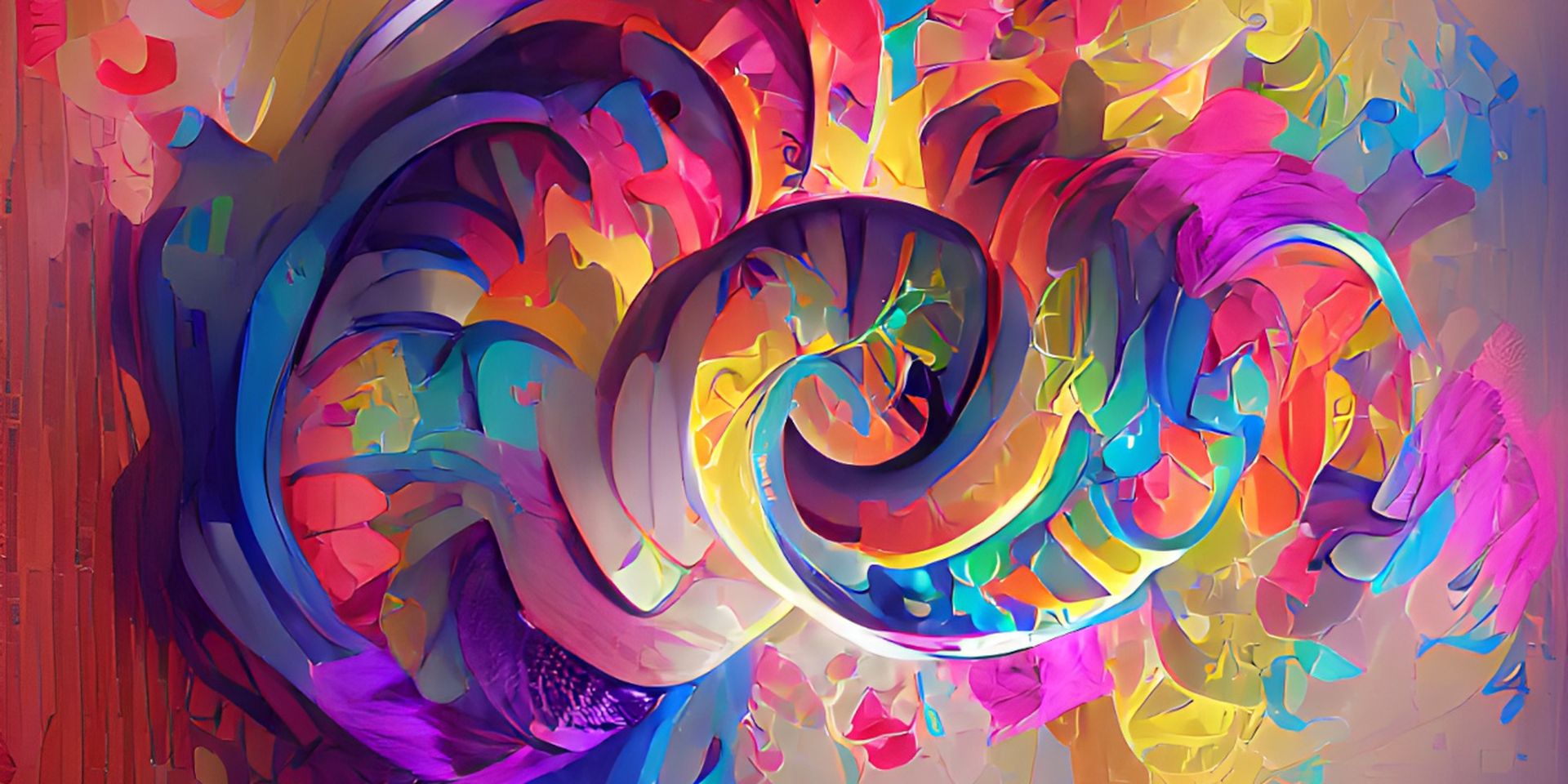

Wombo Dream, is another text-to-image AI tool that took a lot of attention from users. Let’s learn how to create Wombo AI art and all other details you need to know today. The trending topic of 2022, AI art generators set the agenda one more time.
We already discussed everything about DALL-E 2, Stable Diffusion and Midjourney AI. Now it’s time to dig into Wombo Dream.
What is the Wombo Dream AI art generator?
Wombo Dream is a word-to-image artificial intelligence art generator that creates unique “artworks” in response to text prompts. The AI-enabled video app with the same name, Dream by Wombo, was first popularized by the Canada-based company Wombo.
The CLIP-guided approach is utilized by the Dream algorithm. CLIP is an open-source neural network created by the research team at OpenAI (a free downloadable algorithm that discovers patterns in data). After being trained on online image-caption pairings, the network can evaluate how well user-fed captions relate to pictures.
The art produced by Wombo Dream is not realistic, yet despite being abstracted from the original challenge, it is obviously indicative of it. The majority of its creations also feature solid compositions.
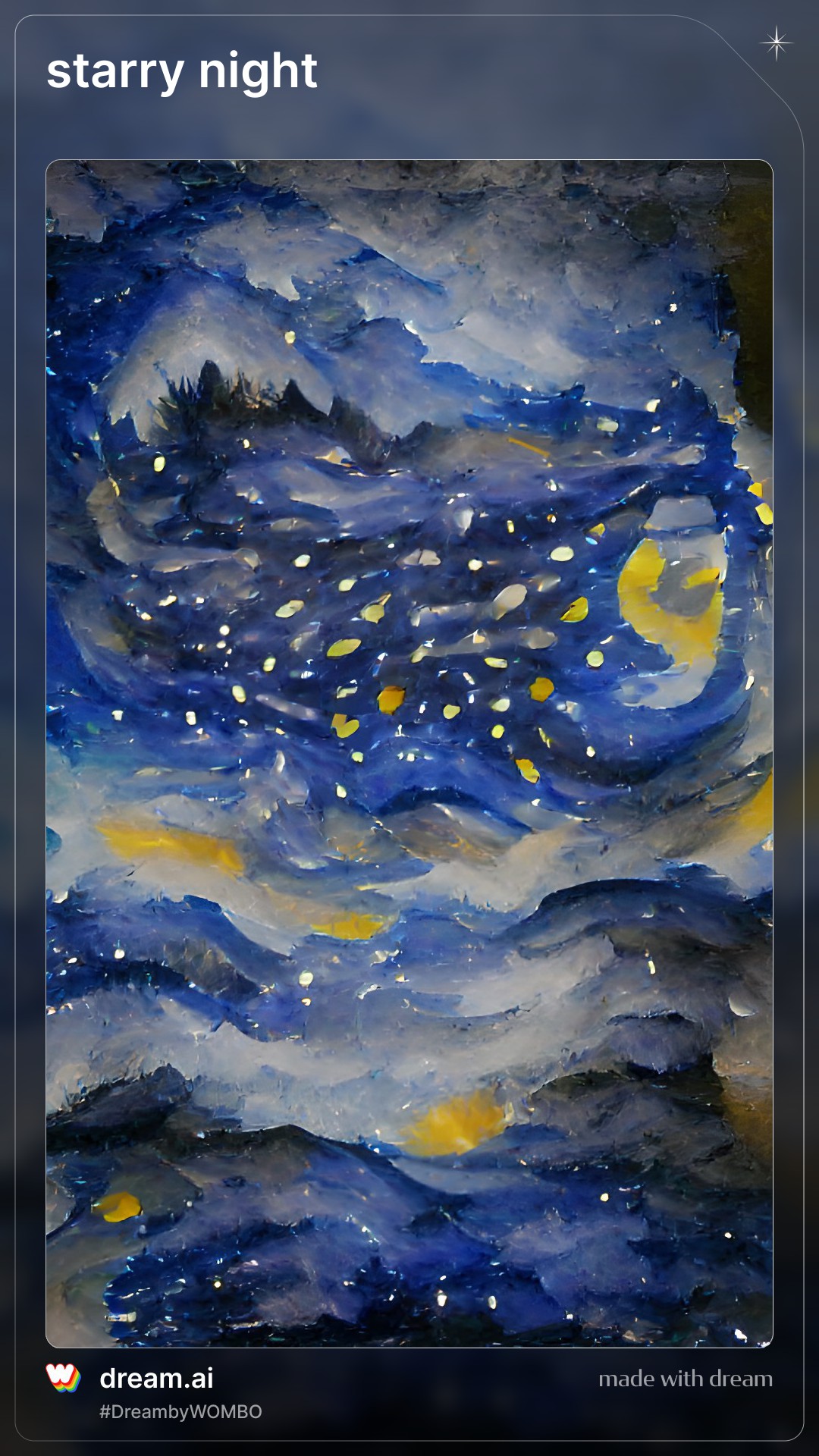
These kinds of AI art generators are often trained using vision datasets, which are enormous collections of images that have had objects and scenery identified. The computers recognize repeating patterns and themes in these photos and attempt to create something that reflects the users’ request. Although the dataset that Dream’s algorithms were trained on is unknown to us, it is obvious from their output that it comprises a variety of images and has the ability to produce pictures that are related to both anime and video game characters.
The main benefits of Wombo.ai are its quick setup and ease of use. You can use every feature even without having an account. Unless you pay, these artificial intelligence generators usually have download restrictions, a lot of advertising, and significant wait times that limit your inventiveness. Thankfully, Wombo.ai is cost-free unless you want to buy a print of your drawings.
To make customized playlist art without needing to pay a freelance illustrator or graphic designer, use the Wombo Dream freeware.
The Dream app pushes boundaries in terms of accessibility, quality, and speed. Through the web, iOS, and Android, you can access it. How do you download it, though?
Wombo Dream: How to download?
If you don’t want to use the web version, it is available on iOS and Android, as we already explained. Simply click on one of the following links, depending on the software you use:
Is Wombo Dream free?
Wombo Dream is completely free! Artificial intelligence is used by the free image-editing tool Dream by Wombo to generate abstract artworks based on user input.
Do you need ideas for your next creative project? Or do you just want to know more about what modern AI is capable of? This free application will help you learn surrealist painting quickly.
How to use the Wombo Dream application?
You can follow these steps to learn how to use the Wombo Dream app:
- First, you need to create a new account or start as anonymous.
- Enter a prompt.
- Choose a style.
- Give a name to your AI Art.
- You can now share, save or buy the piece you’ve created.
Let’s examine each stage in greater detail to understand how Dream by Wombo operates.
Create a new account or start as anonymous
It is not necessary to register in order to use Dream by Wombo. To access the AI artwork creator right away after the software begins, just hit the Get Started button. The majority of the selections are then yours to choose from.
Making an account gives you access to a gallery where you may save your favorite works. A Wombo account also has direct access to Discord and the company’s social networks. If you decide to become a member, simply log in to the app and select the Plus icon on your profile to start a brand-new creative project.
Enter a prompt
There are many options available to you in the next stage. You can either type a specific request or pick one of the app’s suggested prompts to get started. When making a precise request, use a few simple words. Even while AI makes every effort to interpret them, there are times when it might fall short. Fortunately, you can keep combining the same elements to generate different results until you find one you like.
Choose a style
Pick any art movement right now. The software now provides 34 different options, including:
- Retro-Futurism
- Analogue
- Paint
- HDR
- Polygon
- Gouache
- Realistic
- Comic
- Line-Art
- Malevolent
- Meme
- Throwback
- No Style
- Ghibli
- Melancholic
- Provenance
- Arcane
- Radioactive
- Wuhtercuhler
- S.Dali
- Etching
- Baroque
- Mystical
- Dark Fantasy
- Psychic
- Rose Gold
- Vibrant
- Fantasy Art
- Steampunk
- HD
- Blacklight
- Psychedelic
- Ukiyoe
- Synthwave
Give a name to your AI Art
You can pick whether you want the original prompt to be visible as a final touch and give your artwork a name.
Share it with everyone
You still have a variety of options once the image is finished. To save it and retain the JPG file on your device, select the Download icon. You may also set it as your background.
Alternatively, press Publish to add the most recent creation to your gallery. Then, you may connect with Wombo on Discord, Twitter, and Instagram and share each work of art on the network of your choice.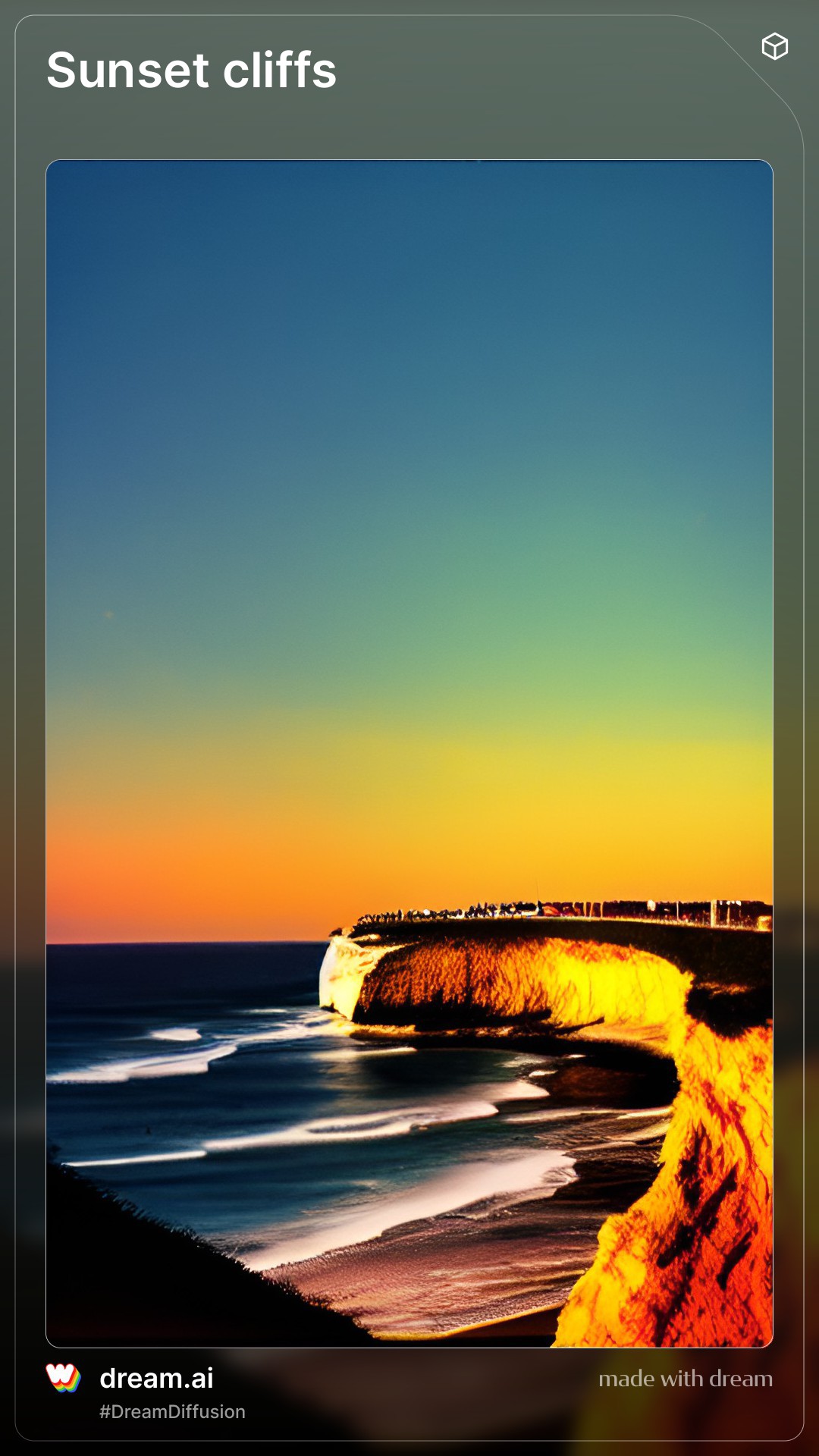
If you wish to share your AI artwork right away, there is a Share button on the creation page’s final page. By clicking it, you can choose where to send or post it.
The final option is to utilize the Buy Print button to get a genuine copy of your artwork. The cost per unit could range from $20 to $100 depending on the print style and size.
The web version’s instructions are the same as the printed version.
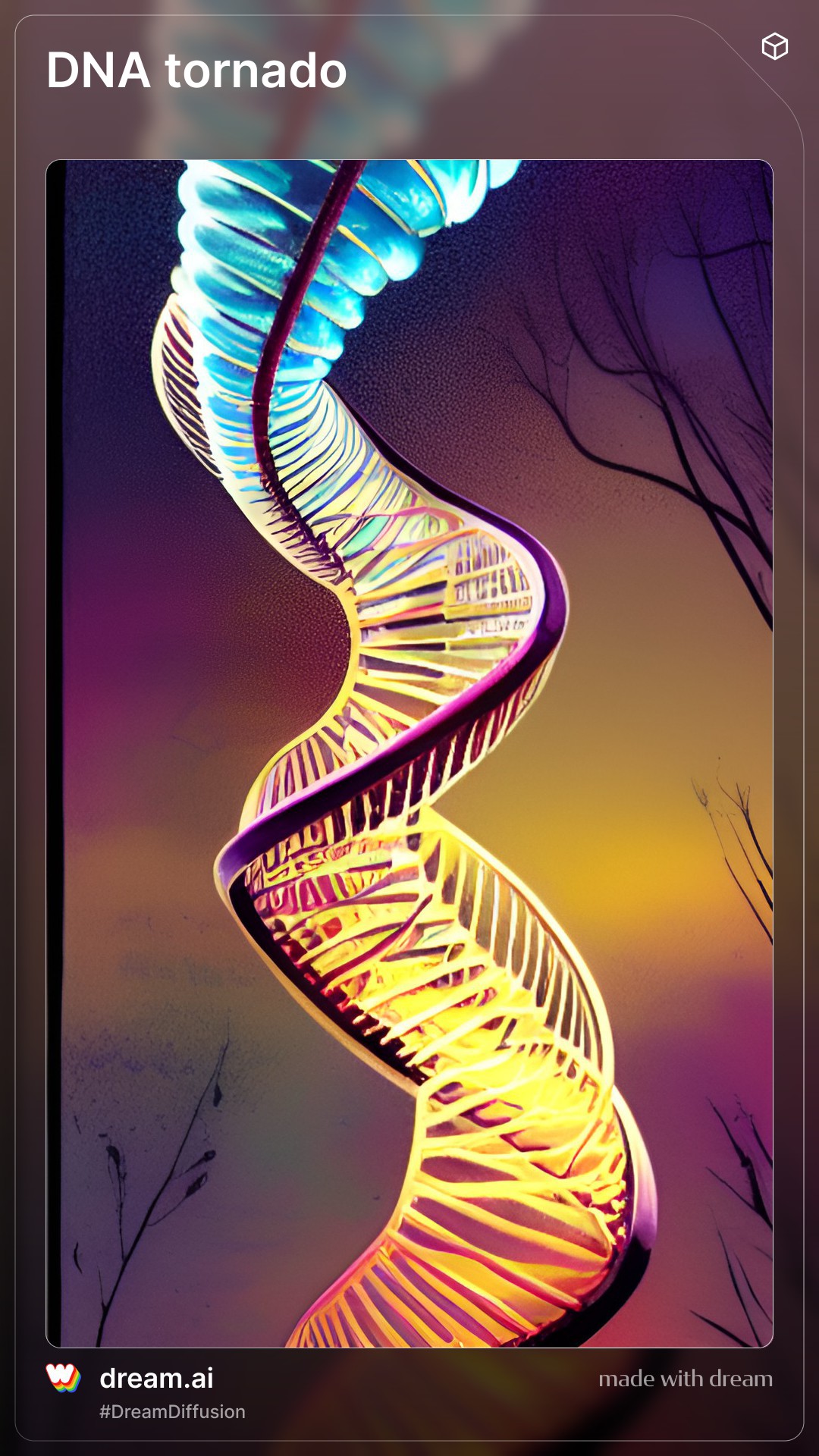
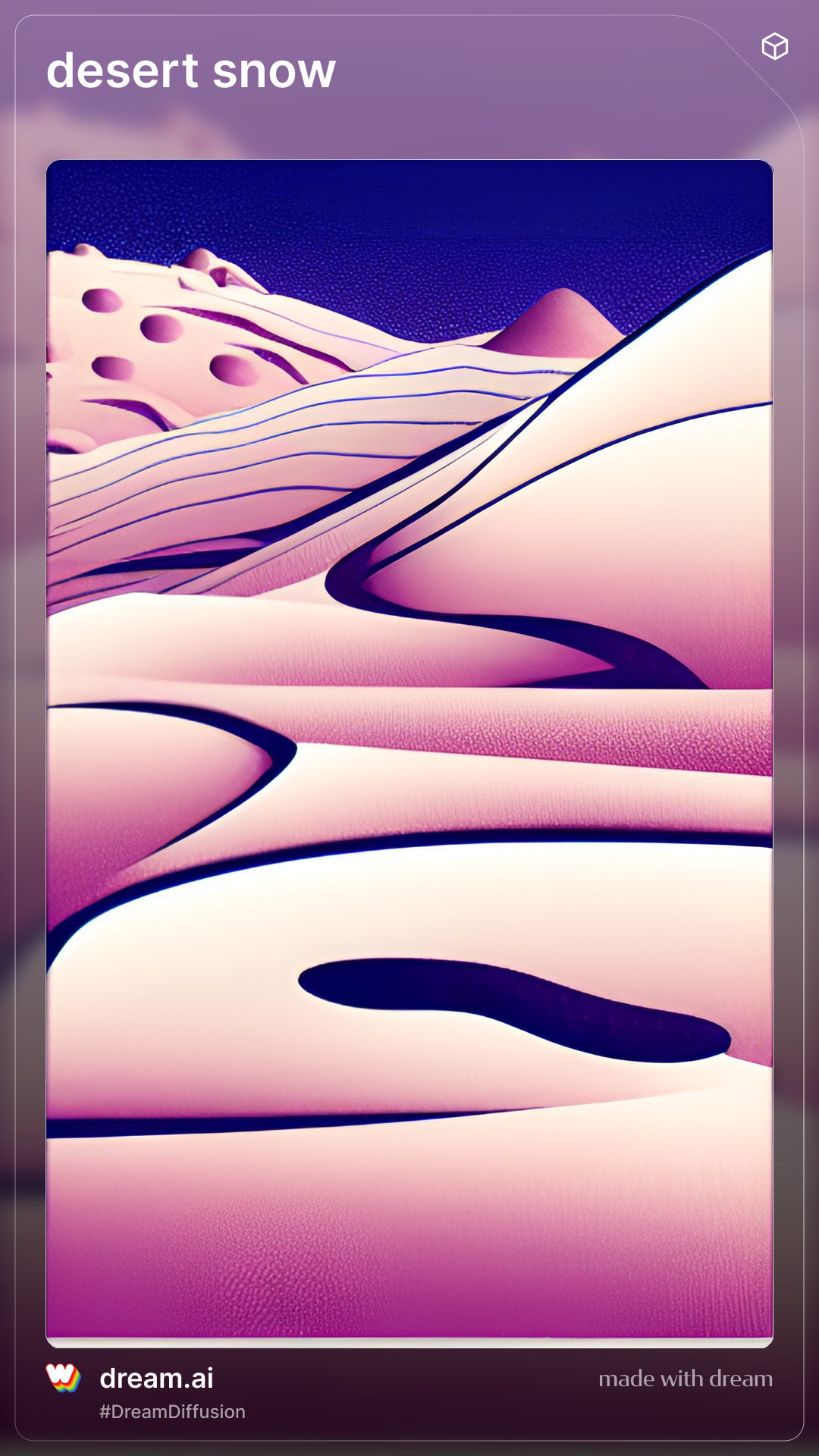
More Wombo Dream art examples
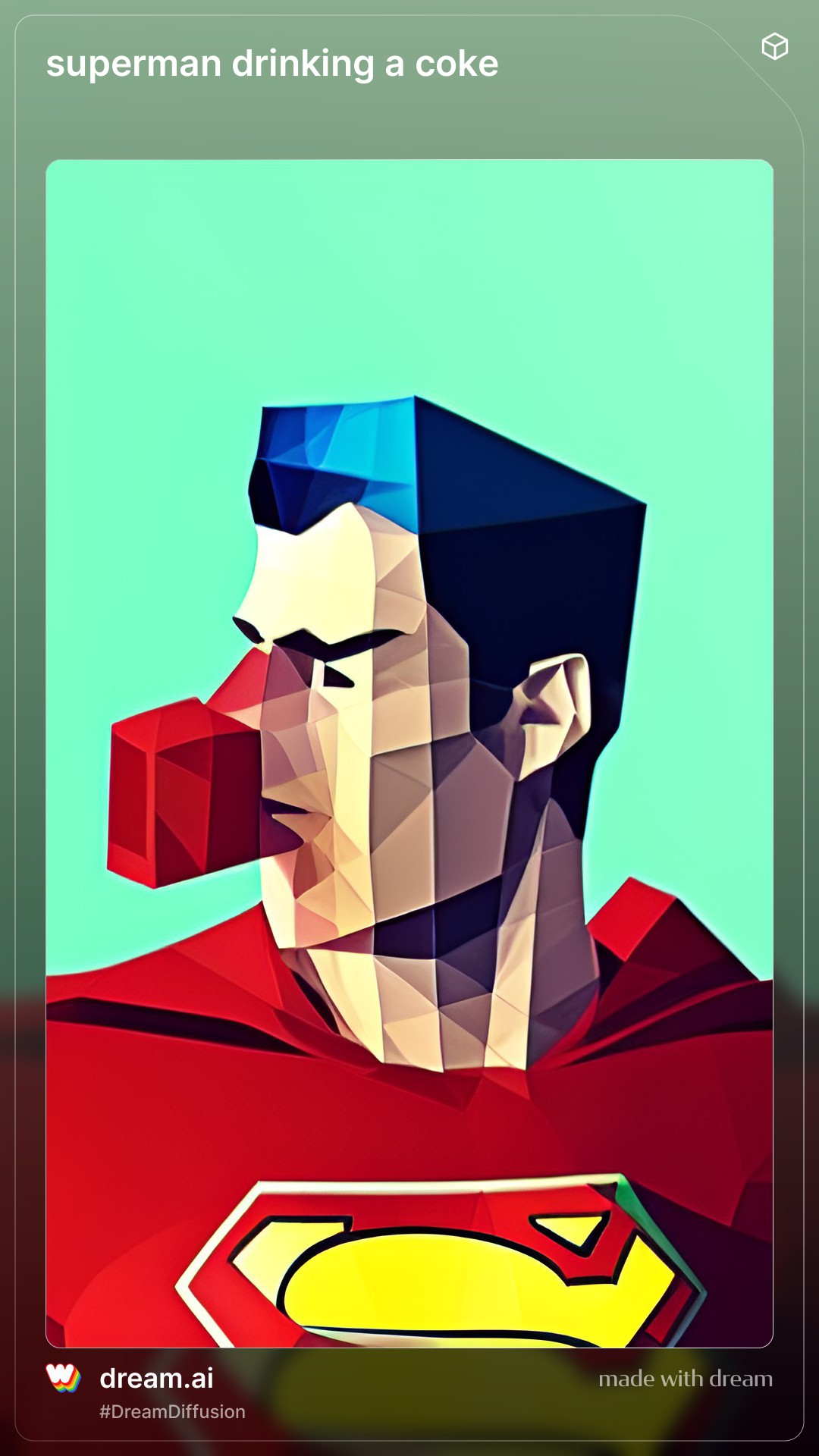
These are a few Wombo Dream prompt examples to get you started:
 Can you sell Wombo Dream art as NFT?
You can, indeed. Among other things, Wombo Dream can be used to mint prints of your artwork as NFT or distribute them with your network. Wombo’s user interface is straightforward and easy to use, making it perfect for beginners.
If you liked this post, you may also check out the latest feature of DALL-E called outpainting.


