
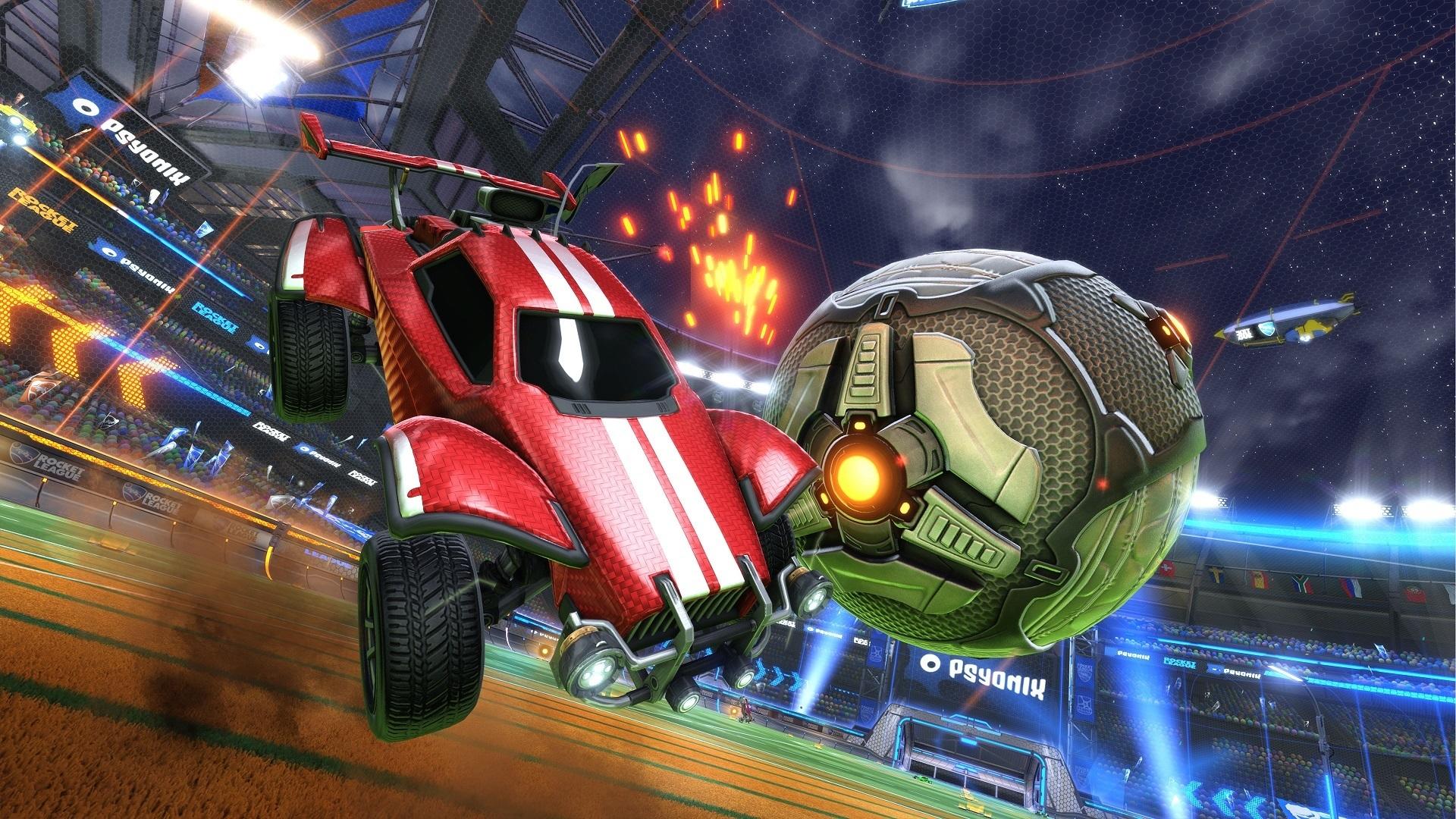

Today we will explain how to get credits in Rocket League? Rocket League’s in-game cash enhances the pleasure of the game. This post will be very helpful to you if you want to learn how to increase your credit balance so you can improve your vehicle or purchase some amazing products. You will learn how to obtain credits in Rocket League for real money, for nothing, and by trading in this article.
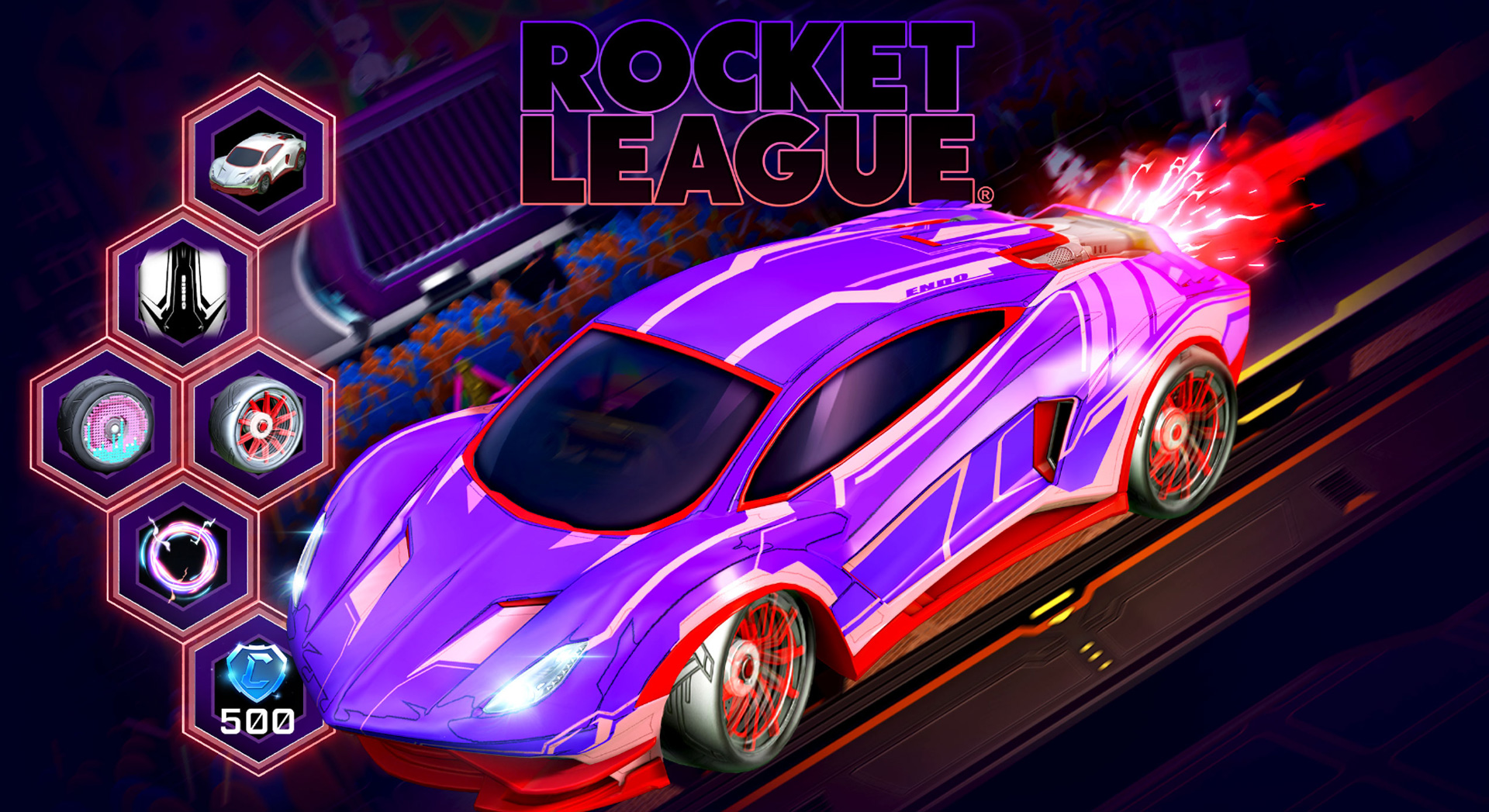
How to get credits in Rocket League (free)?
Credits in the game can be obtained most effectively through purchases. Players must adhere to these easy measures to accomplish this.
- Go to the Rocket League main menu and select Item Shop.
- In the lowest left-hand corner of the screen, click Buy Credits.
- Select the credit limit.
- Click on Buy. The player will be directed to the payment page.
- Select a payment method, then complete the transaction.
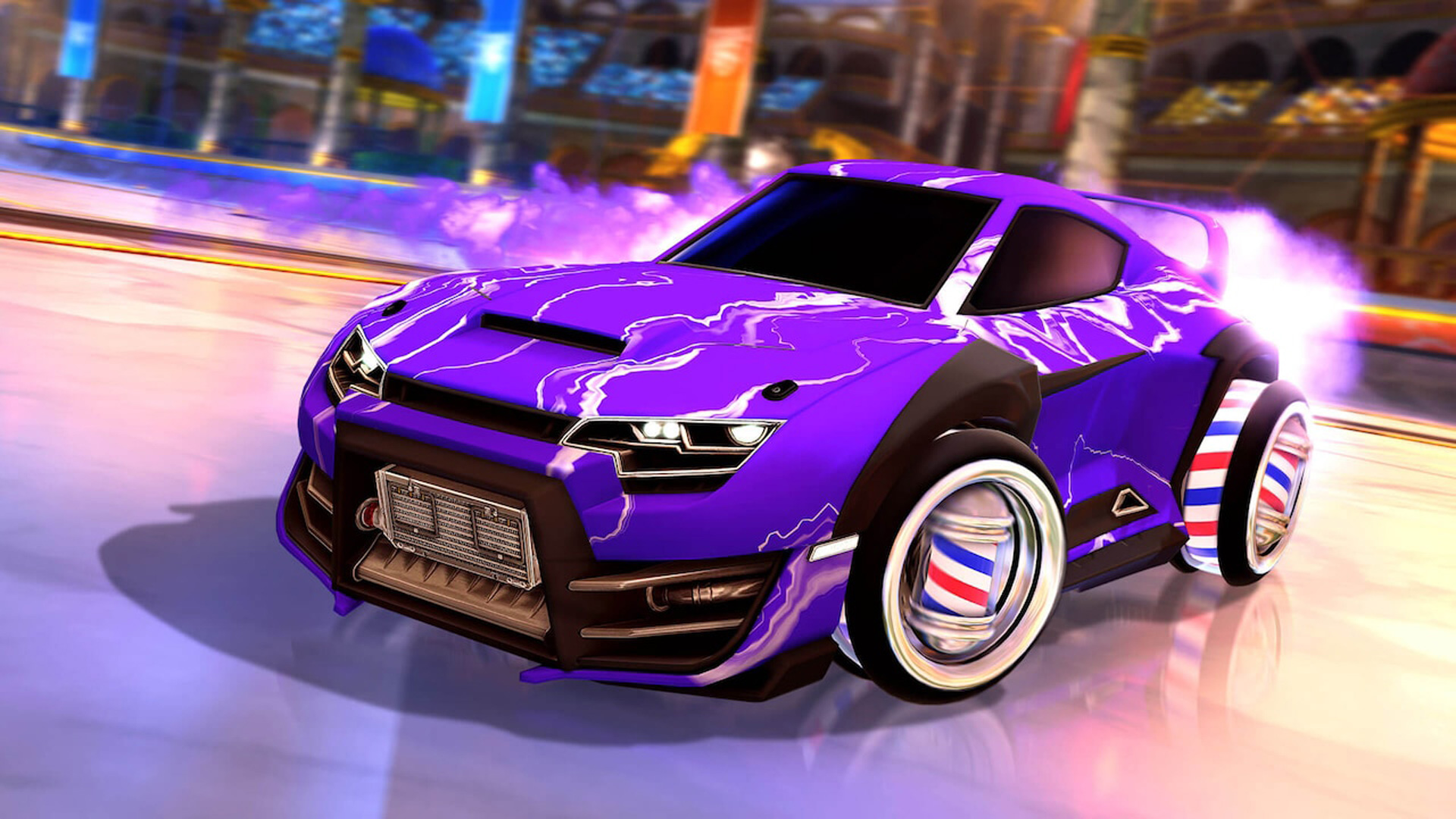
How to get credits for free?
Thankfully, there are other methods in the game besides purchasing credits every time you need them. Players must purchase a Rocket Pass, but only once per season, to gain credits without buying them. To do it, follow these steps:
Navigate to Rocket Pass on the game’s main menu.
- Then select Get Premium.
- Upgrade for 1000 Credits ($10) by clicking on it.
- The payment page will be displayed to players.
- Choose a method of payment, then finish the transaction.
- After purchasing the Rocket Pass, they can begin accumulating credits.
- Players will receive credits for each game they play, plus more credits for each level up and victory.
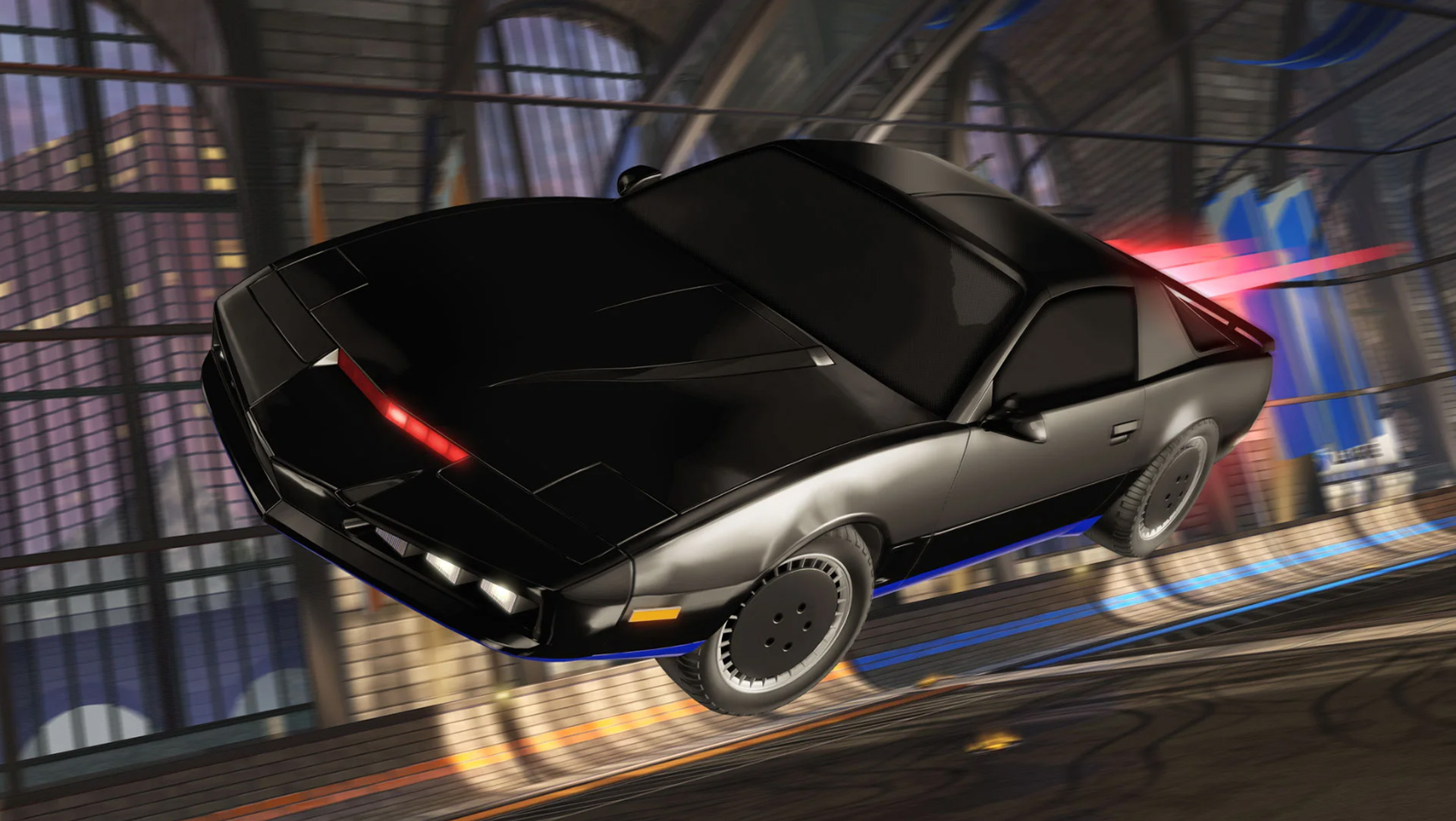
How to get Black Market drops in Rocket League?
The priciest Rocket League items are all black market goods, including the priciest Rocket League Goal Explosions and Rocket League Decals. The certification or paint scheme can cause black market prices to rise. Only the newest underground marketplaces may be depicted in paintings. We can buy them from the in-game store with real money or exchange them with other players.
We’ll look at black market drops in this part and how to get them in Rocket League. Due to their rarity and difficulty in obtaining, Launcher League Black Market decals are among the most popular Rocket League goods. Black Market decals, formerly known as mystery decals, are recognizable and can be applied on any vehicle, in contrast to standard decals.
It was possible to fit these underground markets into a few boxes up until December 2019. Special items such as bodies, decals, goals explosions, boosters, trails, and wheels were included in the crates. The Blueprints system replaced the Crate system in the December 2019 patch version 1.70. At the conclusion of online games, a random blueprint is acquired.
We can utilize the blueprint to create the item by spending credits, swapping it with another player, or holding onto it.
Goal Explosions and Decals are the two main product categories in the Rocket League underground market. This excludes, for instance, commodities from the game’s black market like clothing and vehicles.
Twenty goal explosions and sixteen decals are available in Rocket League. Even if each black market may be verified, there are only a few that can be depicted. The Black Market Drops feature 13 works of art in addition to 16 more certifications.
Rates Fall Exotic Black Market Products make about 12% and 4% of imported items. With a 1% chance, 25% of the character is painted. Psyonix, the company that made Rocket League, wants us to be aware of the possibility that we might find a product for our automobile on the black market right soon.
For detailed information on how to get Black Market drops in Rocket League, check out our guide.


