
TechBriefly
  • Tech
  • Business
  • Crypto
  • Science
  • Geek
  • How to
  • About
    • About TechBriefly
    • Terms and Conditions
    • Privacy Policy
    • Contact Us
    • Languages
      • 中文 (Chinese)
      • Dansk
      • Deutsch
      • Español
      • English
      • Français
      • Nederlands
      • Italiano
      • 日本语 (Japanese)
      • 한국인 (Korean)
      • Norsk
      • Polski
      • Português
      • Pусский (Russian)
      • Suomalainen
      • Svenska
No Result
View All Result
TechBriefly
Home How to
How to create Breaking Bad wallpaper in iOS 16 with depth effect?

How to create Breaking Bad wallpaper in iOS 16 with depth effect?

If you want to learn how to create Breaking Bad wallpaper in iOS 16, you're in luck!

Eray EliaçıkbyEray Eliaçık
16 September 2022
in How to
Reading Time: 3 mins read
Share on FacebookShare on Twitter

This article will cover how to create Breaking Bad wallpaper in iOS 16, so you can get amazing wallpaper with the popular series.

Yes, the new mobile operating system of Apple is now out. Check out iOS 16 supported devices list to see if your iPhone can receive the new update. Apple brought some interesting tools with this update, discover iOS 16 top features here! You might be asking yourself like: “Should I update to iOS 16 now or wait?” Well, we need to tell you that there are 9 hidden iOS 16 features you shouldn’t miss.
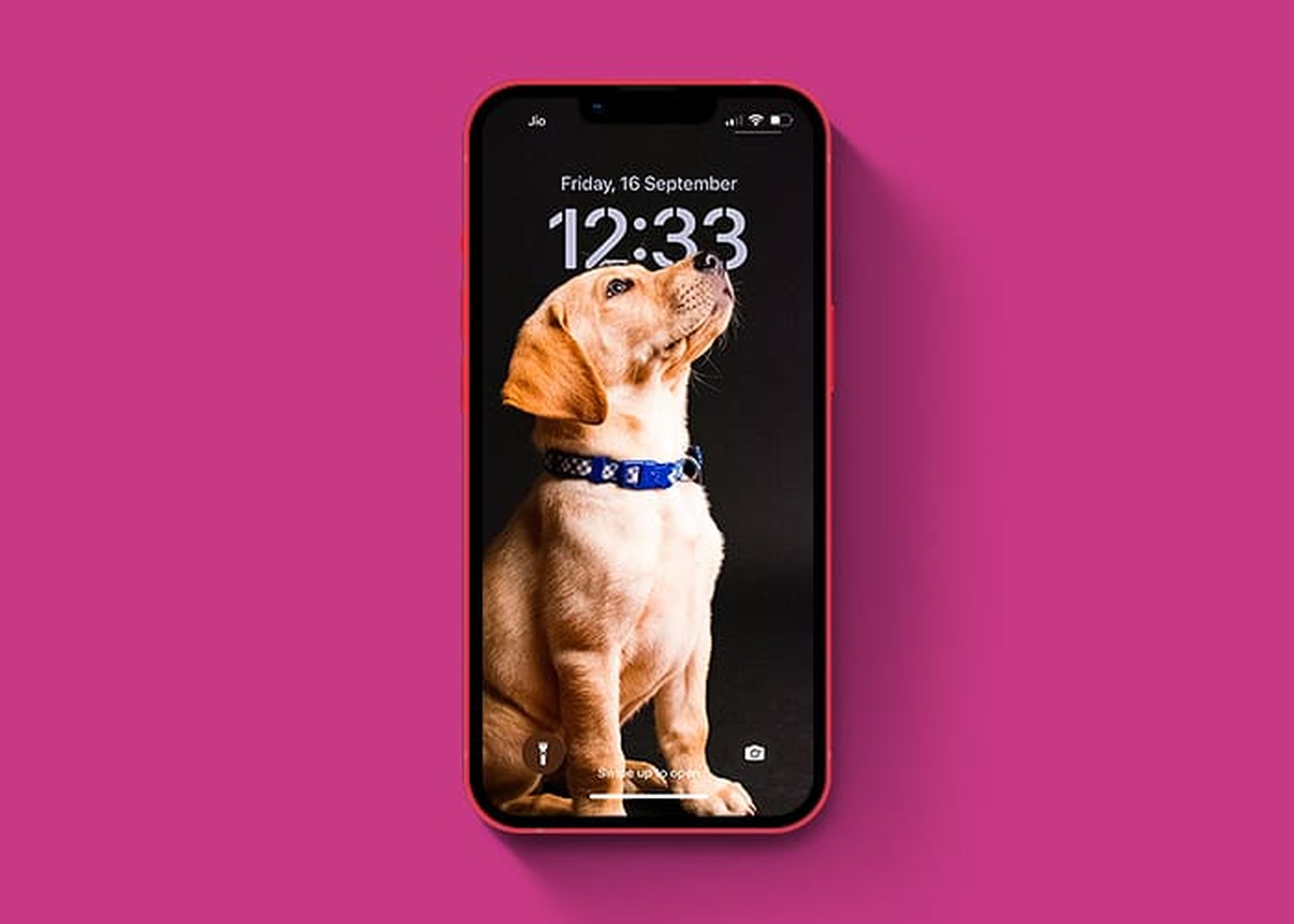
How to create Breaking Bad wallpaper in iOS 16? with depth effect?

You can also learn how to add widgets to the lock screen. Check out the best iOS 16 lock sceen widgets by visiting our guides. This way you will learn how to customize lock screen on iOS 16. If you don’t like the search button, find out how to remove home screen search button in iOS 16.

It’s just been a few days since we loaded iOS 16. Since then, we’ve spent far too much money on the lock screen personalization option. We tested pricing, astronomy, shuffle, emoji, and every possible wallpaper on the iPhone’s lock and home screens. Along with the normal wallpapers, we designed a few bespoke lock and home screens. Breaking Bad-themed lock and home screen wallpapers for iOS 16-powered iPhones captured our hearts.

You can get results like these:

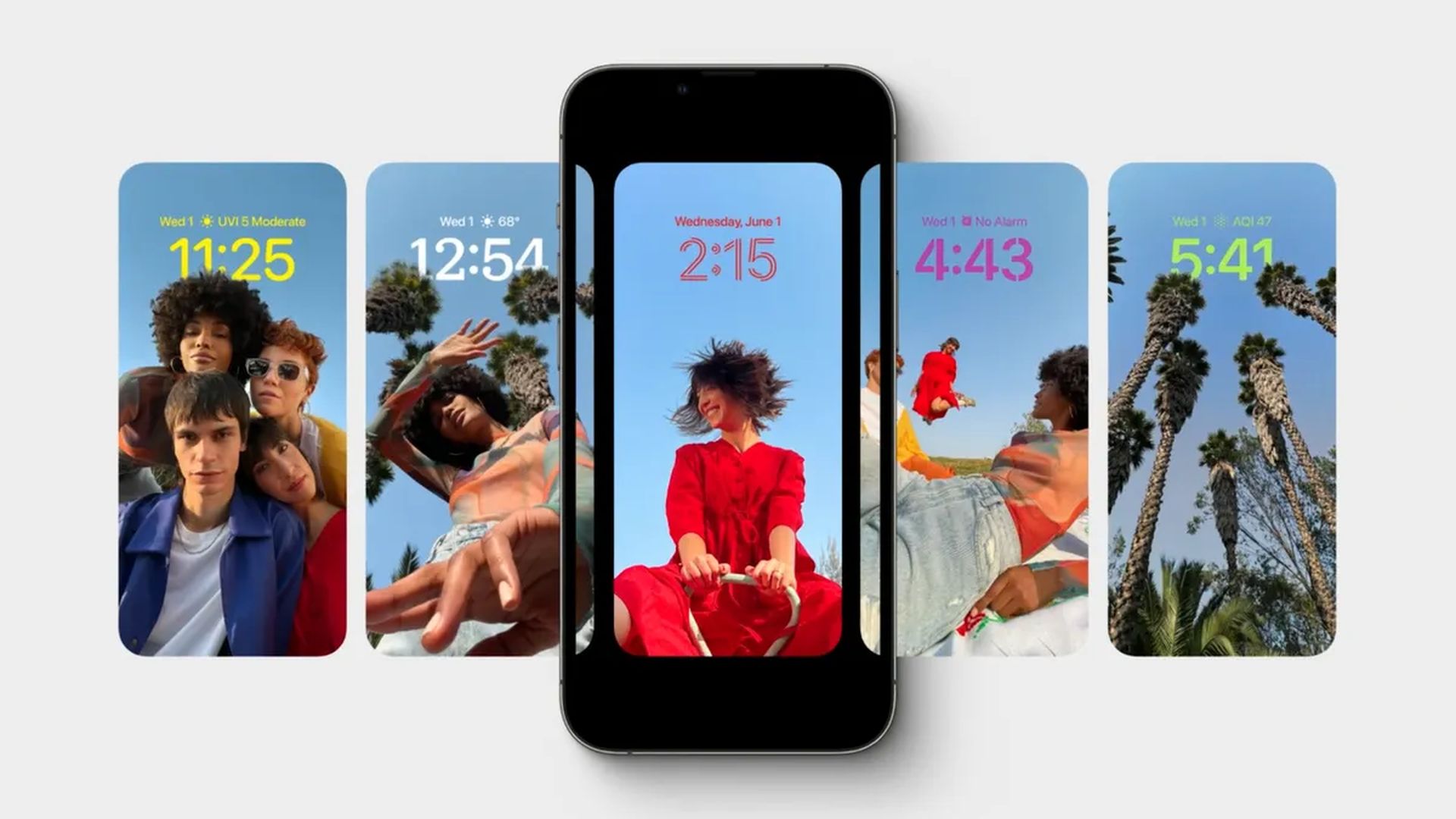
How to create Breaking Bad wallpaper in iOS 16? with depth effect?

How to create Breaking Bad wallpaper in iOS 16?

  1. First, Bad wallpapers that you wish.
  2. To unlock the smartphone, press and hold the lock screen.
  3. Select the Plus symbol.
  4. Select Photos.
  5. Choose the first Breaking Bad picture.
  6. Crop and adjust by pinching.
  7. Select Add.
  8. Select Customize Home Screen.
  9. From the bottom, select Photos.
  10. Choose a seceond Breaking Bad picture.
  11. Select Done.
  12. Again, press the Done button.
  13. Now, tap on the brand-new Breaking Bad lock screen.
  14. That’s all there is to it.

Following the instructions above, you will have the new Breaking Bad lock and home screen on your iOS 16-running iPhone.

Should I update to iOS 16?

Although iOS 16 has some great new features, you’re better off waiting for iOS 16.1, iPadOS 16.1, and possibly macOS Ventura, all of which will be out in October. New features are offered, as well as a more stable experience. Even if you want to upgrade to iOS 16 immediately, waiting until after the first release is frequently a wise choice. You may at least give Apple one or two weeks until the iOS 16.0.1 bug-fix update is made available. If you want to learn more, make sure to check out should I update to iOS 16 now or wait.
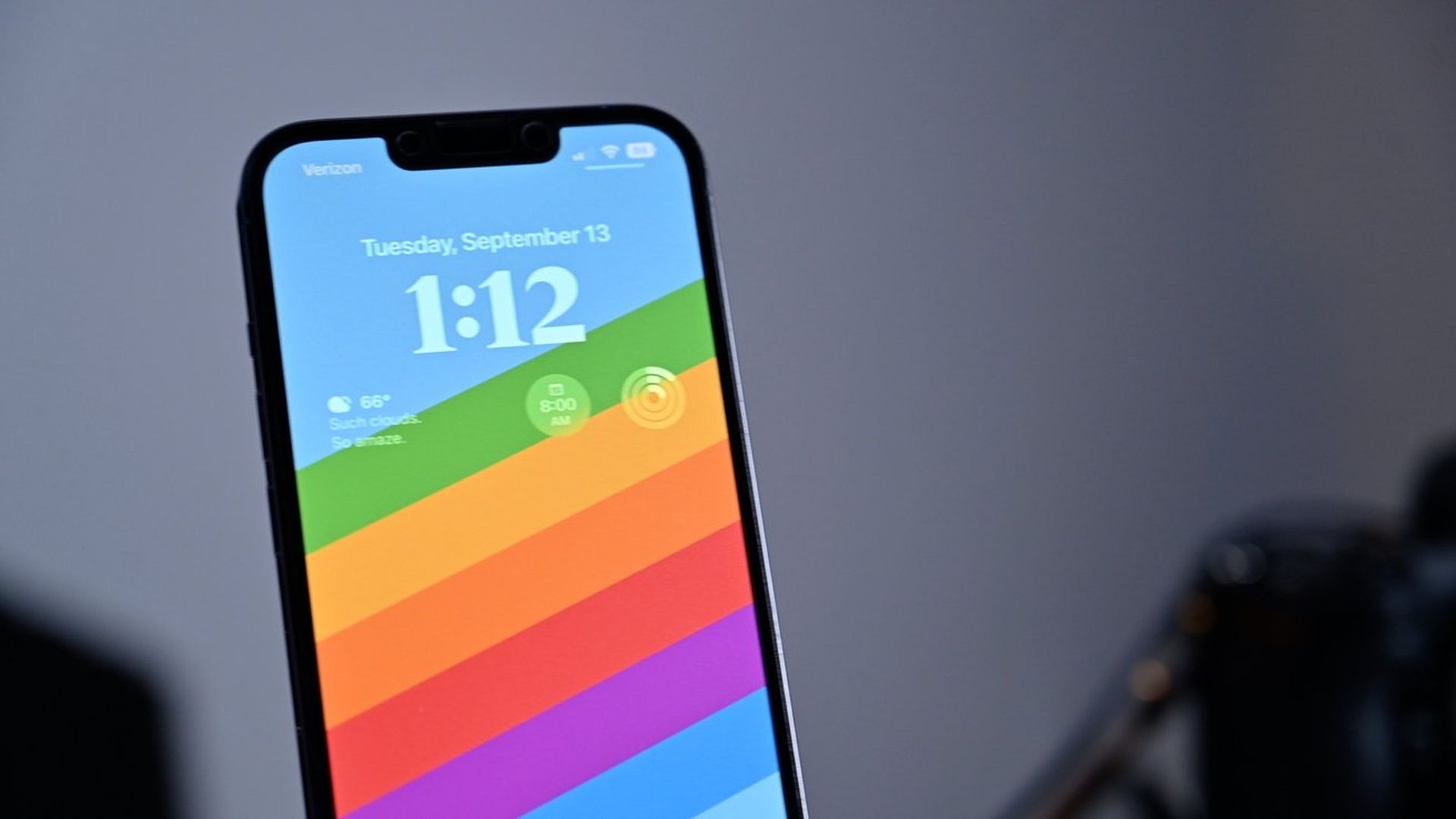
How to create Breaking Bad wallpaper in iOS 16? with depth effect?
How to create Stranger Things wallpaper in iOS 16?

We hope that you enjoyed this article on how to create Stranger Things wallpaper in iOS 16. If you did, we are sure that you will also enjoy reading some of our other articles, such as new iOS 16.1 features and changes, iOS 16 wallpaper ideas: Cool depth effect wallpapers and more, or iPhone microphone not working (iOS 16): How to fix it.

Tags: depth effectiOS 16iPhonelock screenwallpaper
ShareTweet
Eray Eliaçık

Eray Eliaçık

Meet Eray, a tech enthusiast passionate about AI, crypto, gaming, and more. Eray is always looking into new developments, exploring unique topics, and keeping up with the latest trends in the industry.

Related Posts

How to download free ringtones from Zedge

How to download free ringtones from Zedge

13 January 2026
How to force stop apps and services on Android

How to force stop apps and services on Android

13 January 2026
Simple steps to install the latest Android patches

Simple steps to install the latest Android patches

13 January 2026
Simple ways to install and remove programs on Ubuntu

Simple ways to install and remove programs on Ubuntu

12 January 2026

LATEST

How to download free ringtones from Zedge

How to force stop apps and services on Android

Simple steps to install the latest Android patches

Paramount sues Warner Bros. over Netflix deal disclosures

Apple chose Google Gemini for Siri

Apple paid developers $550B since App Store launch

Amazon reveals 97% of shipped devices support Alexa+

Xiaomi to launch fully self-developed smartphone in 2026

New WhatsApp parental controls will block strangers

Galaxy Unpacked 2026: S26 Ultra arrives just before MWC

TechBriefly

© 2021 TechBriefly is a Linkmedya brand.

  • Tech
  • Business
  • Science
  • Geek
  • How to
  • About
  • Privacy
  • Terms
  • Contact
  • | Network Sites |
  • Digital Report
  • LeaderGamer

Follow Us

No Result
View All Result
  • Tech
  • Business
  • Crypto
  • Science
  • Geek
  • How to
  • About
    • About TechBriefly
    • Terms and Conditions
    • Privacy Policy
    • Contact Us
    • Languages
      • 中文 (Chinese)
      • Dansk
      • Deutsch
      • Español
      • English
      • Français
      • Nederlands
      • Italiano
      • 日本语 (Japanese)
      • 한국인 (Korean)
      • Norsk
      • Polski
      • Português
      • Pусский (Russian)
      • Suomalainen
      • Svenska