
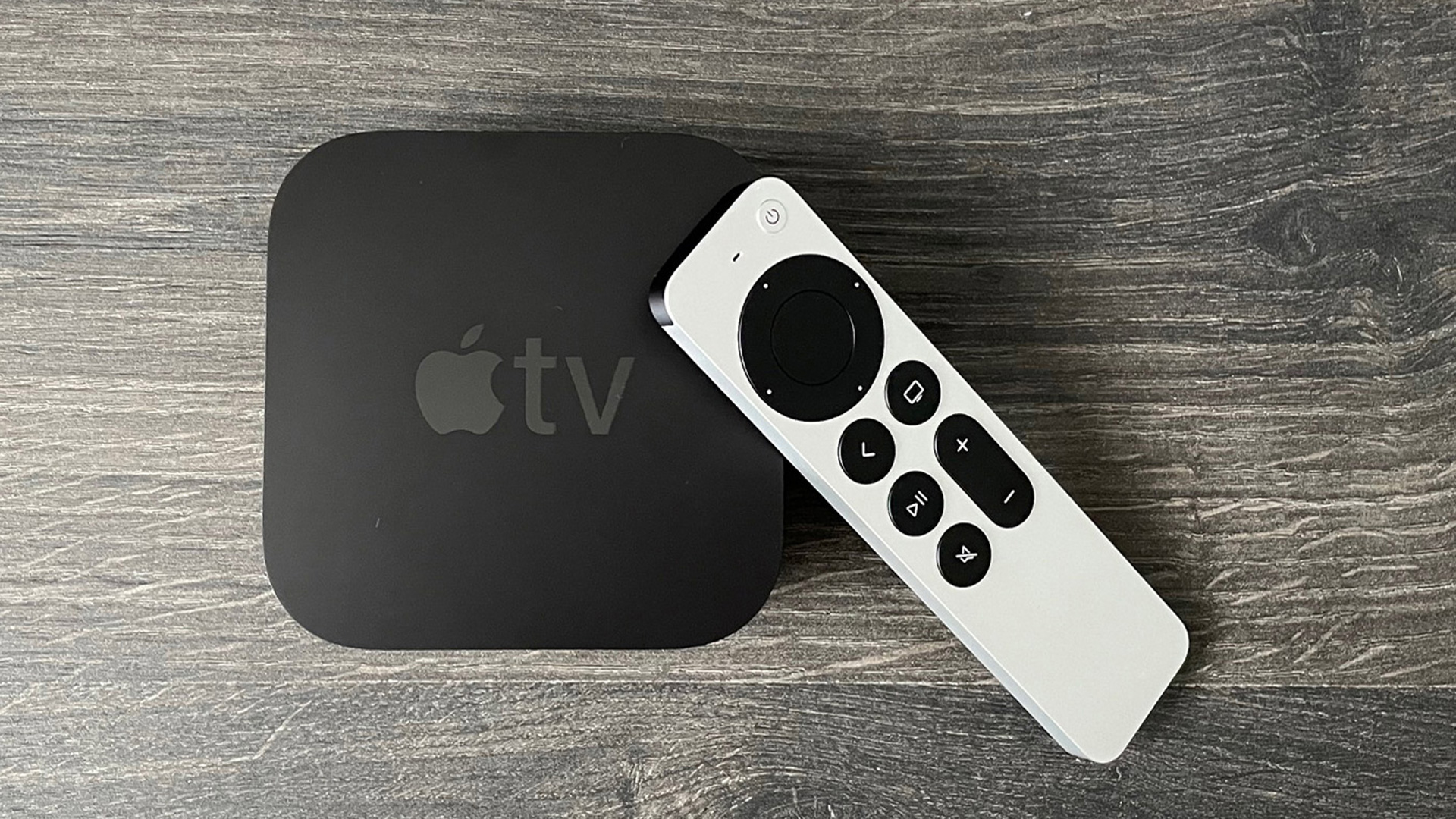

Today we explain new tvOS 16 features. The beta version of tvOS 16 has been in use for three months and is now open to all users. With that, owners of Apple TV and HomePod can benefit from new features, albeit they are, to be fair, a little lackluster in comparison to the other operating systems.
New tvOS 16 features
The current build is 2A932. Similar to tvOS 15, Apple gave little information about tvOS 16. It appears the corporation doesn’t think Apple TV needs much improvement as it focuses on other operating systems. Don’t forget to check out the new watchOS 9 features.
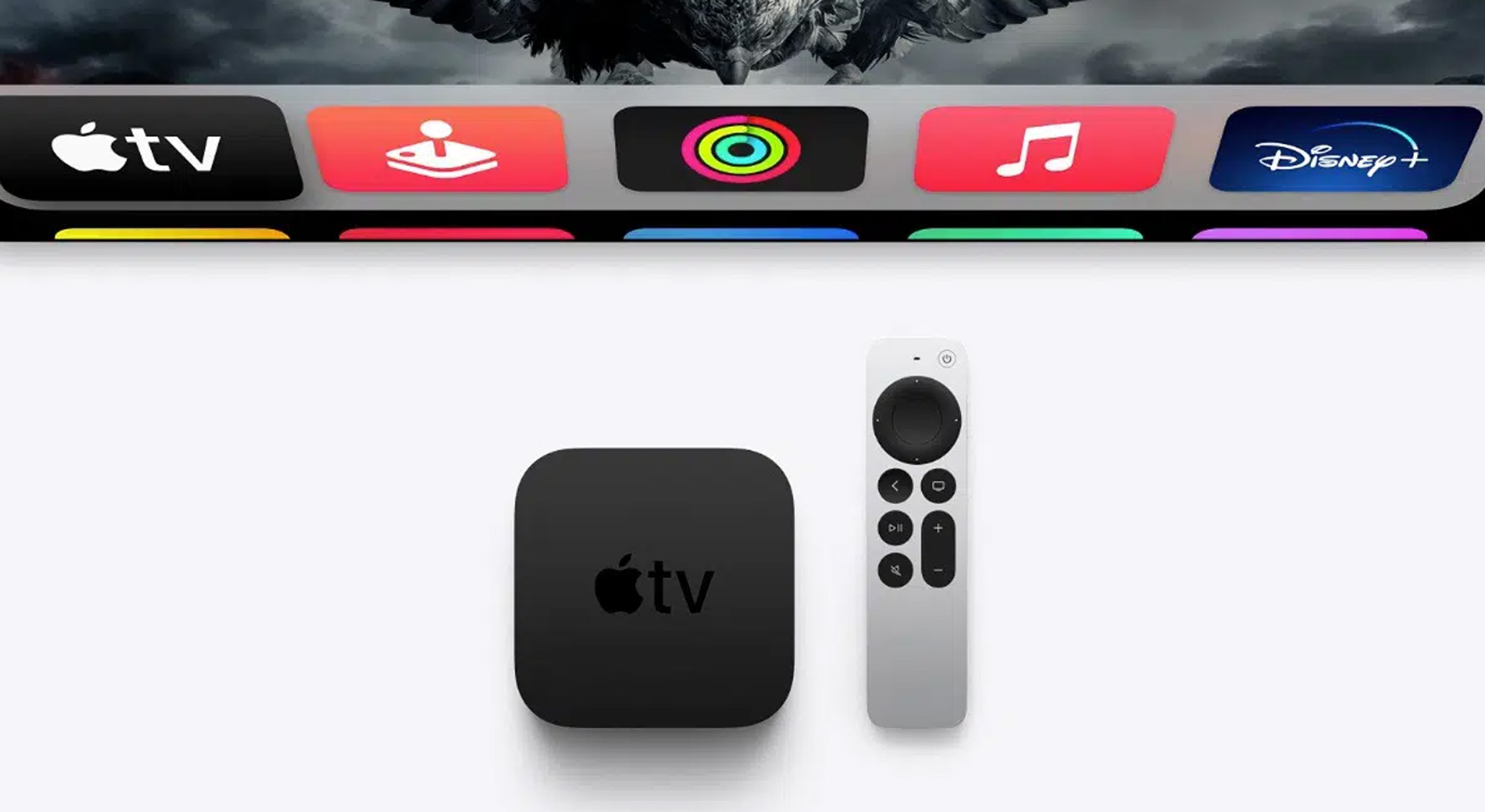
How to download tvOS 16?
Do you know what to do to update your Apple TV to the new operating system? We show you how to upgrade to tvOS 16 in 5 simple steps.
- Go to the main screen, and then choose Settings.
- In Settings, choose System.
- Enter “Software Updates.”
- Choose “Update Software.”
- Select “Download and Install”
What’s new in the tvOS 16?
The new tvOS 16 takes Apple TVs to the next level. But this level is not far ahead of the current one. Because the new tvOS 16 features show that Apple TVs have not received major updates.
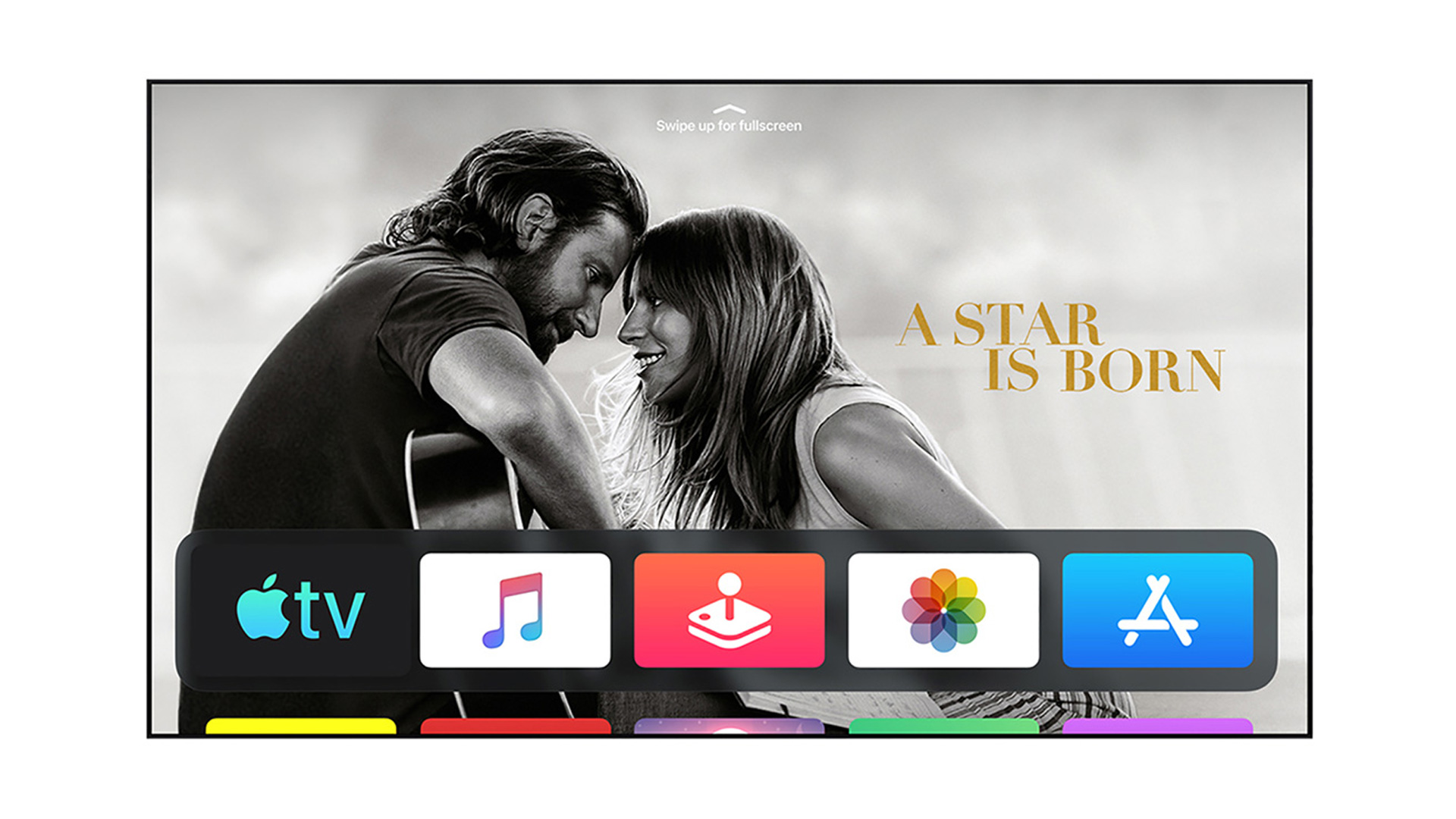
- Apple Fitness+: Intensity Metrics are shouted out and displayed on the screen for inspiration at critical points in the workout with tvOS 16. Easy, Moderate, Hard, and All Out are the available intensities.
- Support for HDR10+: In the Apple TV app on tvOS 16, the most recent iteration of high dynamic range technology will be supported.
- Rich video previews at the top of the Apple TV+ tab’s video-forward section help customers choose their next favorite Apple Original.
- Compatibility with Nintendo Switch controllers: tvOS 16 will finally support the Joy-Cons and Pro Controller for the Nintendo Switch. According to Apple, the Gaming Controller will support “a large number of additional Bluetooth and USB game controllers beginning with tvOS 16.”
To summarize, we can list the new tvOS 16 features as Apple Fitness+, HDR10+, Apple TV+ setting and compatibility with Nintendo Switch controller. Truth be told, if you don’t own a Nintendo Switch, the update isn’t a big deal.
Increased multiuser support
- Enhancements that make it easier to add profiles for every member of your Family Sharing group, so each person gets their own Up Next watchlist and personalized TV, movies, music, and app recommendations.
- To add members, press and hold the TV button to open Control Center. Then select a person onscreen.
Spatial audio for AirPods
- Personalized Spatial Audio uses a personal profile for Spatial Audio created on your iPhone to deliver a more precise and immersive listening experience on Apple TV 4K with AirPods (3rd generation), AirPods Pro (1st and 2nd generation), and AirPods Max.
- To start, set up a personal profile for Spatial Audio on iPhone using the same Apple ID as the primary user on your Apple TV 4K. Additional profiles are not supported.
Keyboard language switching improved
- Multiple keyboard language support enables switching between languages when using the onscreen keyboard.
- To enable, go to Settings > General > Languages to add more languages. Then select the globe icon to change languages when entering text.
More languages supported in Siri
- Language support for Spanish in Chile, Finnish in Finland, and English in South Africa to help you find shows, music and more using just your voice.
- To enable Siri, go to Settings > General > Siri. Then press the Siri button on your remote to see some examples of what you can ask.
Accessibility improvements
- Hover Text support to see onscreen descriptions more clearly.
- New VoiceOver voice options.
- To turn on an accessibility feature or adjust preferences, go to Settings > Accessibility.
New iOS 16 features and is it worth the update?




