
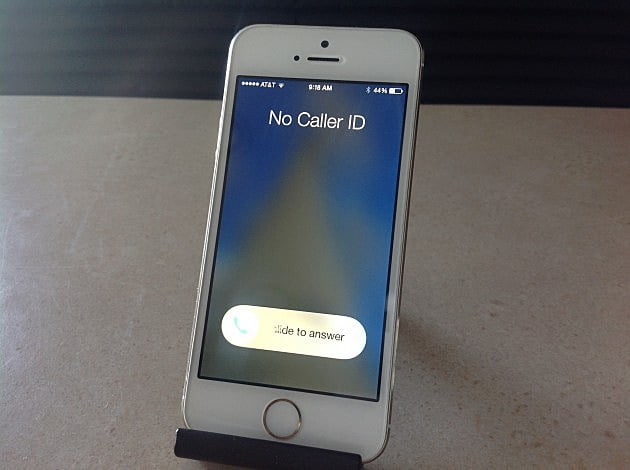

How to hide your number on Android or iPhone? Do you want to make a call without them seeing your number? It is possible to do it today and we are going to show you how to call with a hidden number from Android and iPhone.
Surely sometimes you prefer to keep your number hidden or you don’t want to be called back. The way to do it has changed in recent times, so we are going to explain how to call with a hidden number on Android and iPhone in 2020.
Maybe you want to call someone but you don’t want them to know that you are calling from your mobile. Or it is a company or service that you do not want to keep your number. Or maybe you want to prank a friend.
- How to add song lyrics to your Instagram Stories?
- How to install Fortnite on an Android mobile phone?
- How to add your business to Google Maps?
How to hide your number on Android or iPhone?
Before calling with a hidden number you have to know a series of things to not to get an unpleasant surprise later.
It is important to understand that hiding the number is not the same as making an anonymous call. As the name suggests, all we do is hiding the number from the recipient, but the caller ID is still associated with the number itself. The phone company knows who made that call: if the recipient makes a report, a judge can ask the company to reveal the hidden number.
Calls with hidden number do not work if you call the police or an emergency number (fire department, hospitals, etc.). In those cases the hidden number will be deactivated.
How to hide your number on Android or iPhone temporarily?
For example, if we only want to hide a certain call, or only one recipient. This works whether you call from an Android mobile or an iPhone.
All you have to do is add the prefix #31# to the call. For example, if you want to contact the number 12345678 you should dial: #31#12345678
With some countries or operators it may be *31# instead of #31#. To try, if you have two mobiles, make a call from one to another to try it yourself or call a family member or friend and ask them if they can see the number.
How to hide your number on Android permanently?
The method changes depending on the version of Android you use.
Each mobile number (the SIM card) has a caller ID. What you need to do is hide the caller ID.
We must open the telephone app and on the upper right tap the three dots symbol to access settings.
The next step changes depending on the Android version. You have to try looking for something similar to call settings , and then enter advanced settings. Find the show my caller ID option and disable it, or check the hidden number option, if it exists.
By deactivating the caller ID, all your calls will be hidden. When you want to deactivate this feature, just repeat the previous procedure.
In some cases you won’t be able to change the caller ID. This is because the operator has blocked the hidden call option on the SIM card. What you have to do is call the operator and ask them to let you hide the caller ID.
How to hide your number on iPhone permanently?
If you have an iPhone, the process is similar to Android. The goal is to find the option to hide the caller ID.
All you have to do is go into settings, tap the phone icon, and then you will see a setting called show caller ID. Tap the switch to hide your number.
From now on, your number will not be seen when you call. When you want to deactivate this feature, just repeat the previous procedure.


