


In this article, we are going to be going over how to install Stray mods on a PC, so you can spice up your experience with unique features.
If you haven’t bought the game yet, check out the Stray price from our article. We also explained how to get all Stray badges and how to use the poncho in Stray. Our guides will also lead you to easily find Stray notebook locations, music sheet locations, and energy drink locations. Do you wonder how to solve the Stray mysterious password, it’s really easy!
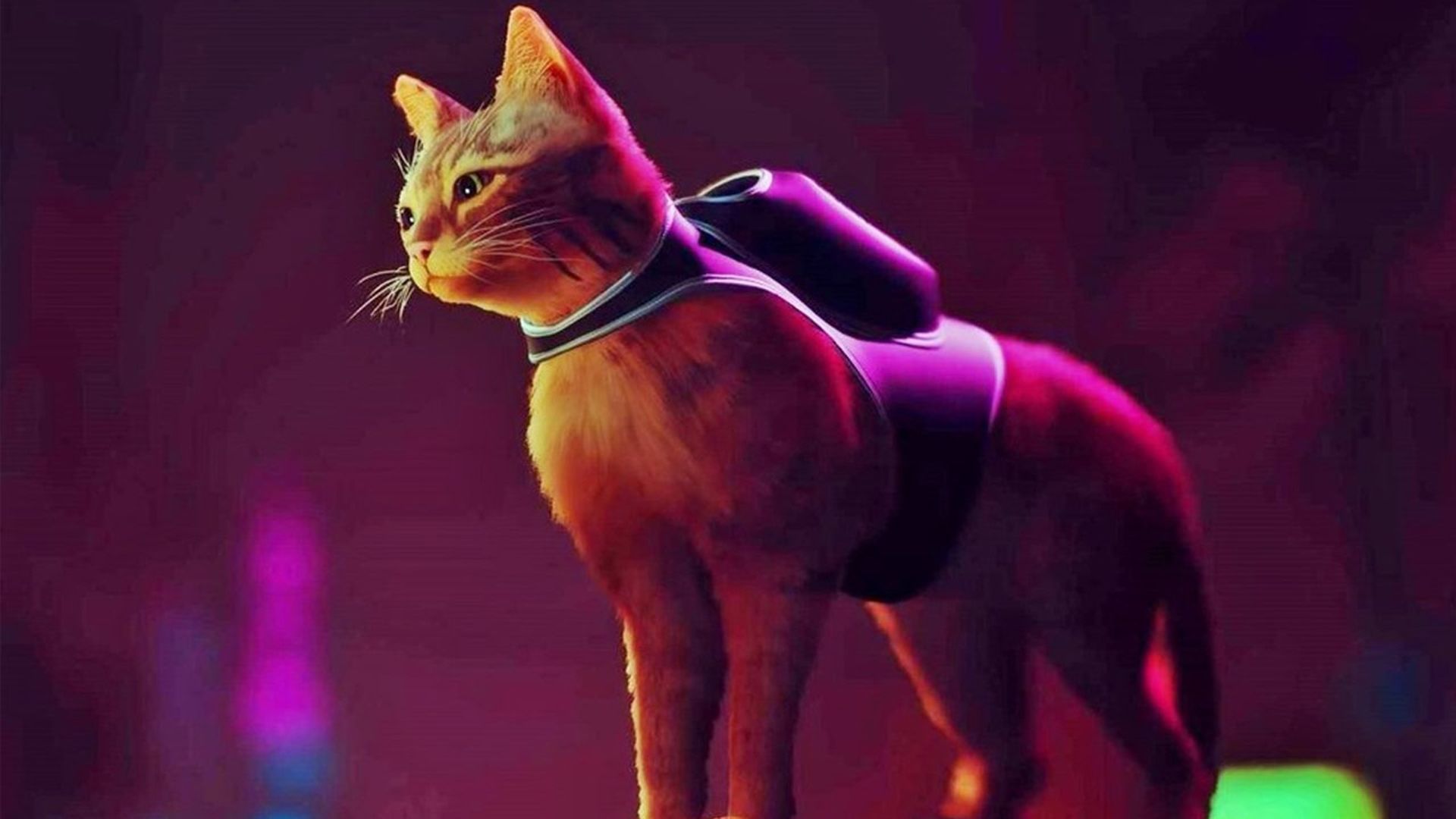
Stray modifications are the ideal way to liven up the detective game in which you play as a cat in a backpack investigating mysteries in a robot-infested metropolis. Stray, BlueTwelve Studio’s much-loved cyberpunk feline simulator, has been enjoyed by everyone from cat fanatics to meme enthusiasts. The unusual sights have captivated even actual cats. As with every successful game, intrepid modders have already begun to create their own variations on Stray’s premise. Owners of Stray on PC may now install add-ons to make their experience with the game genuinely unique, thanks to the hard work of the modding community.
The majority of these modifications are minor cosmetic tweaks to the feline protagonist. Other modders, on the other hand, have been hard at work on adjustments and additions to the game’s visuals. Language modifications have already begun to arise, bringing Stray to a larger audience through careful translations. If you can believe it, there’s even a split-screen mod.
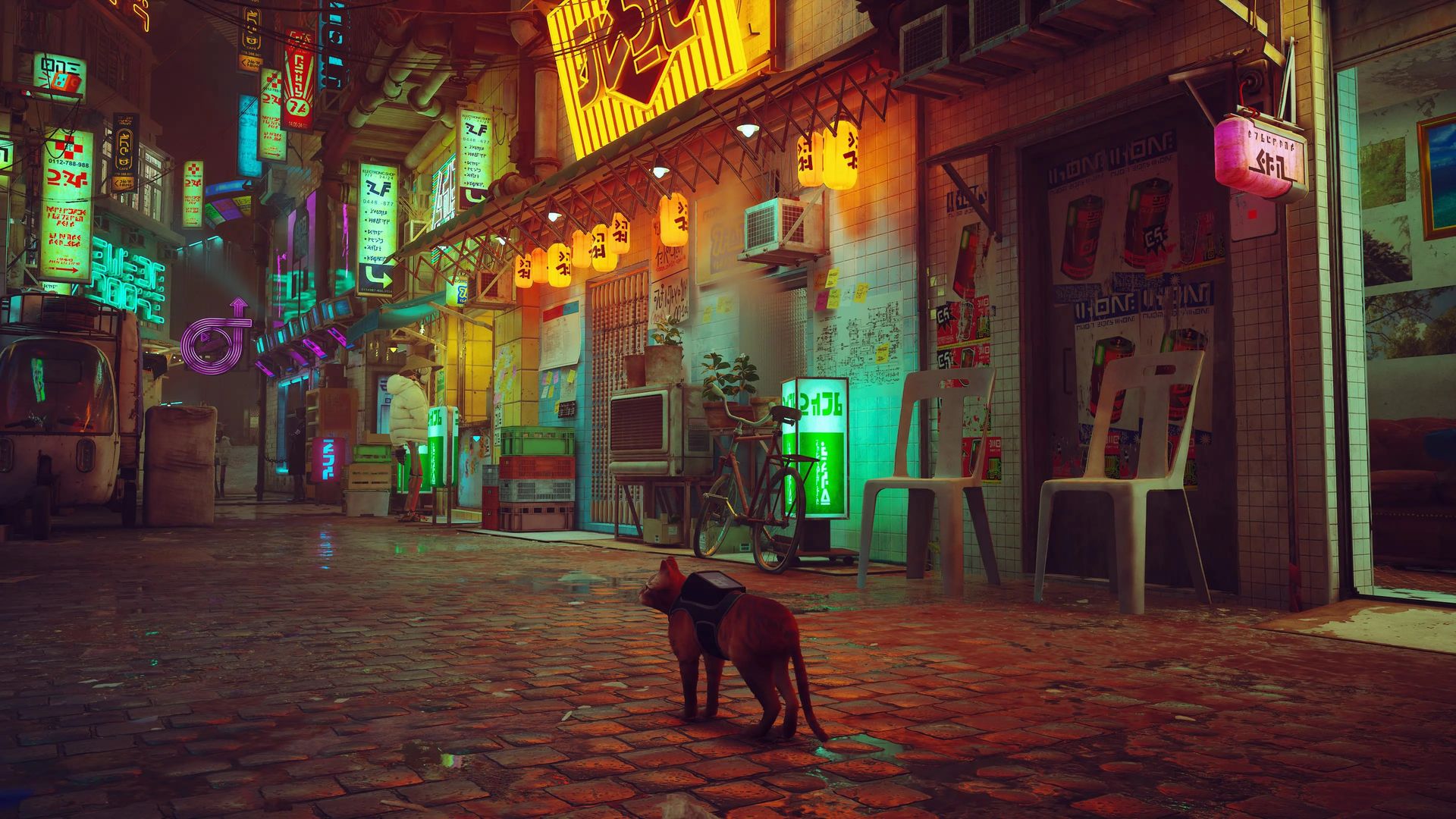
Fortunately for those of us cat lovers, installing Stray modifications is simple. Our article will walk you through how to utilize Nexus Mods and where to place those bothersome files. Though some mods are more complex than others, there are some general guidelines that will assist you to get through the modifying process. You’ll have the personalized cat of your dreams in no time.
How to install Stray mods on PC?
Though it varies depending on the mod, the basic ideas of installing stray modifications are rather straightforward. First and foremost, navigate to the Stray page on Nexus Mods. You’ll be able to see a variety of various add-ons here. Simply choose one, go to the mod’s page, and select the manual download option on the left-hand side of the screen.

In many circumstances, you’ll need to place certain files into your PC’s Stray folder. This folder may be found by right-clicking Stray in your Steam library and selecting ‘Browse Local Files.’ Return to the add-Nexus on’s Mod page for instructions on where the files you just downloaded should be placed. Some mods need you to destroy current files and replace them with mod files, so carefully read the instructions.
Modding your game is usually as simple as downloading the mod and putting your new files wherever the instructions say. This may need numerous stages at times, but the core premise remains constant.
Tips & tricks
Most cosmetic modifications need you to drag a .pak file into the ‘Paks’ folder. This folder is located under the ‘Content’ folder, which is located within the ‘Hk project’ folder. If you’re unsure, Windows File Explorer has a search option that will help you find the folders if they’re not where you expect them to be.
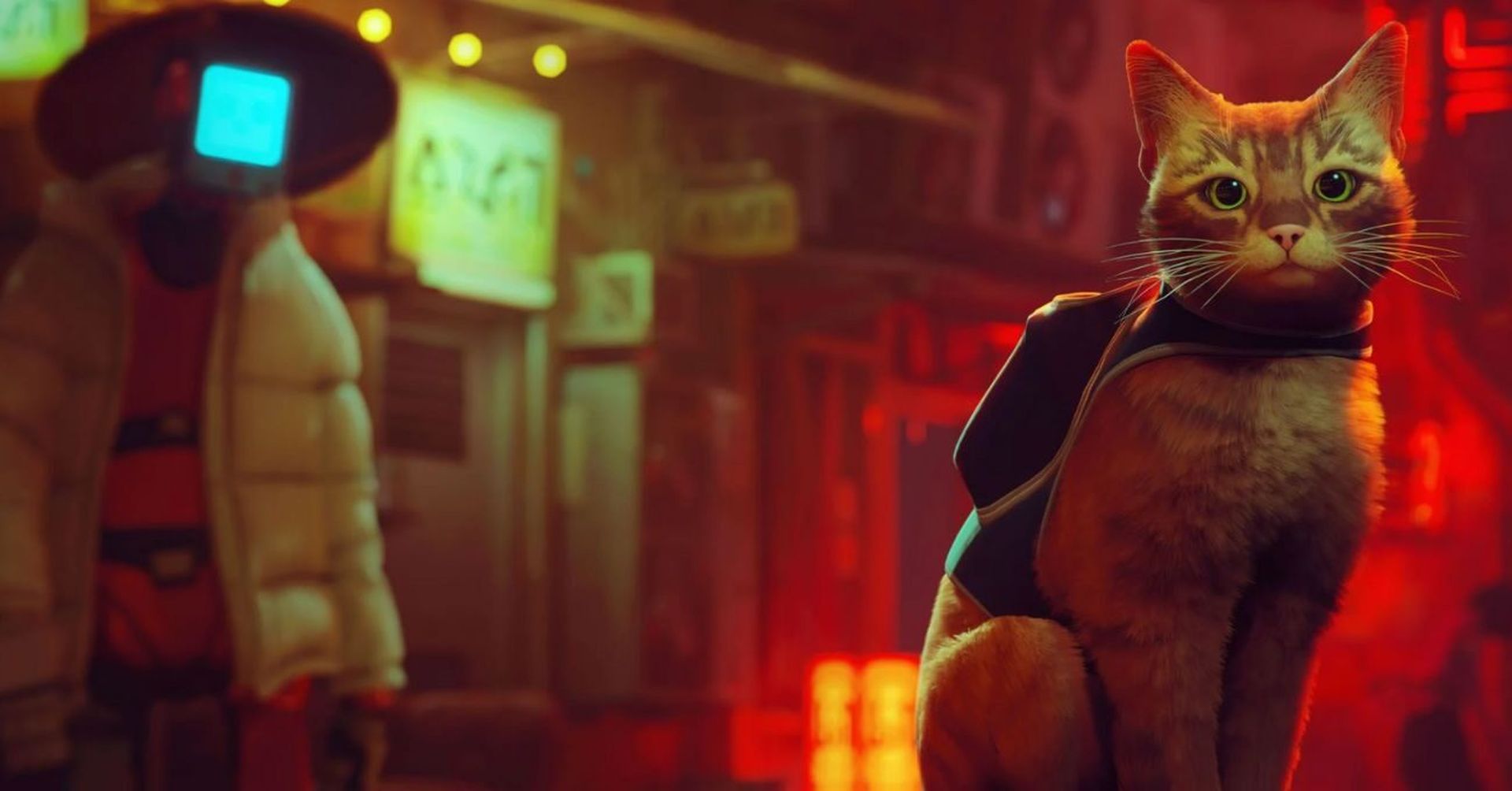
More sophisticated modifications, on the other hand, are likely to include a more complicated set of instructions. For example, the Splitscreen mod needs you to download the UnrealModLoader and use it to begin the game after the mod is installed. Although there is no hard and fast rule for installing these mods, more complex add-ons will necessitate more effort. With these hints and suggestions at your disposal, you’ll be well on your way to having the personalized Stray experience that you deserve.
We hope that you enjoyed this article on how to install Stray mods on PC. If you did, we are sure that you will also enjoy reading our other articles, such as this Stray CJ mod turns the GTA: San Andreas protagonist into a cat: How to download, or all Stray memory locations.


