
TechBriefly
  • Tech
  • Business
  • Crypto
  • Science
  • Geek
  • How to
  • About
    • About TechBriefly
    • Terms and Conditions
    • Privacy Policy
    • Contact Us
    • Languages
      • 中文 (Chinese)
      • Dansk
      • Deutsch
      • Español
      • English
      • Français
      • Nederlands
      • Italiano
      • 日本语 (Japanese)
      • 한국인 (Korean)
      • Norsk
      • Polski
      • Português
      • Pусский (Russian)
      • Suomalainen
      • Svenska
No Result
View All Result
TechBriefly
Home How to
How to delete dating profile on Facebook?

How to delete dating profile on Facebook?

How do you delete your profile on Facebook's dating app, Facebook Dating?

Aykut GökerbyAykut Göker
26 July 2022
in How to
Reading Time: 2 mins read
Share on FacebookShare on Twitter

In this article, we are going to be covering how to delete dating profile on Facebook, so you can remove the profile whenever you want.

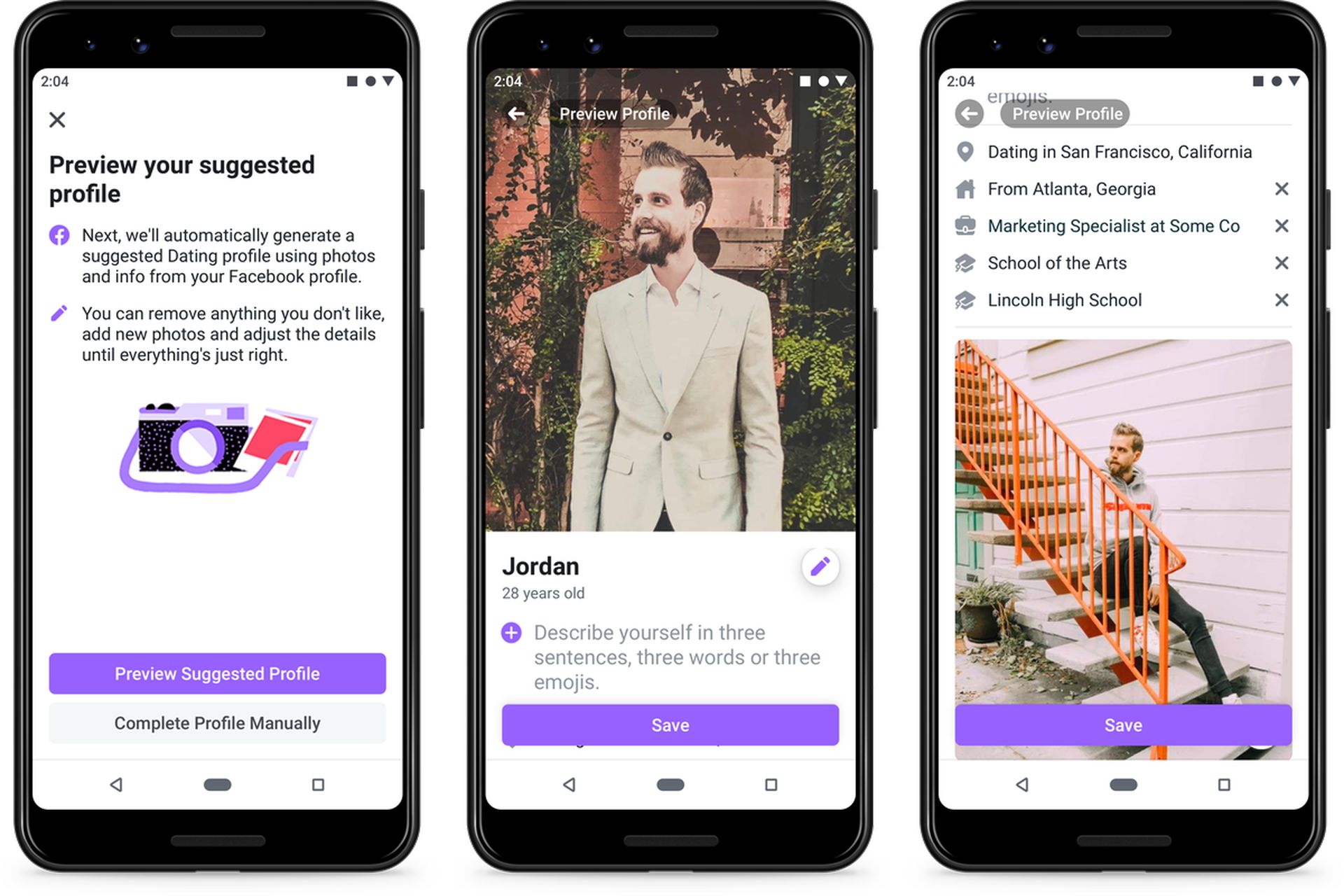
Facebook’s response to location-based dating apps like Tinder and Bumble is Facebook Dating. Your name, age, and the pages and groups you enjoy are carried over when you establish a Facebook Dating profile to help create a distinctive dating profile. You might decide at some point that you want to erase your Facebook Dating profile.
In this article, we are going to be covering how to delete dating profile on Facebook, so you can remove the profile whenever you want.
How to delete dating profile on Facebook?

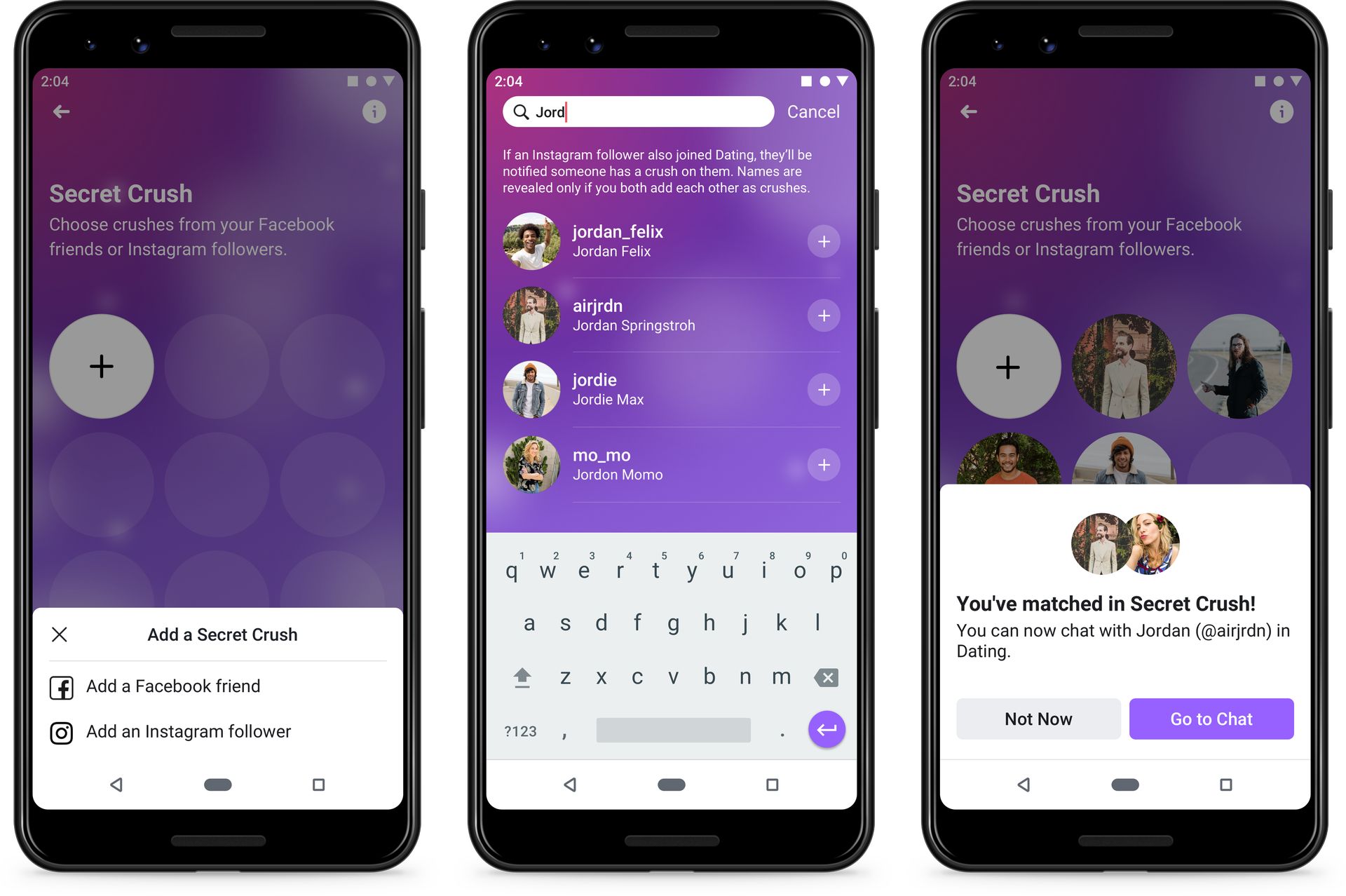
Perhaps you’ve discovered that you prefer another dating app, or perhaps you’ve discovered that dating apps aren’t for you at all. On the other hand, perhaps you’ve found someone you genuinely enjoy and no longer require the app. Whatever the reason, it isn’t too difficult to remove your Facebook Dating profile.

In this article, we are going to be covering how to delete dating profile on Facebook, so you can remove the profile whenever you want.
How to delete dating profile on Facebook?

How to delete dating profile on Facebook?

  1. Launch the Facebook app on your Android or iPhone.
  2. To access a menu, tap the three horizontal bars in the bottom right corner of your screen.
  3. Select “Dating” by swiping down.
  4. To access the Settings menu, tap the gear symbol in the top-right corner.
  5. Tap the “General” item on the right side of the Settings menu’s top.
  6. Click on “Delete Profile” under “Account.”
  7. If necessary, enter a justification for removing your profile before selecting “Next.”
  8. Rather than completely deleting your profile, you will be given the option to “Take a Break.” Your profile won’t be destroyed if you choose “Take a Break,” so you may keep any previous matches and discussions, but it won’t be viewable on the app. At any time, you can disable this option and restore full account functionality.
  9. Choose “Delete Profile” if you’d prefer to entirely delete your profile and any associated data.
  10. Verify your want to delete your profile.
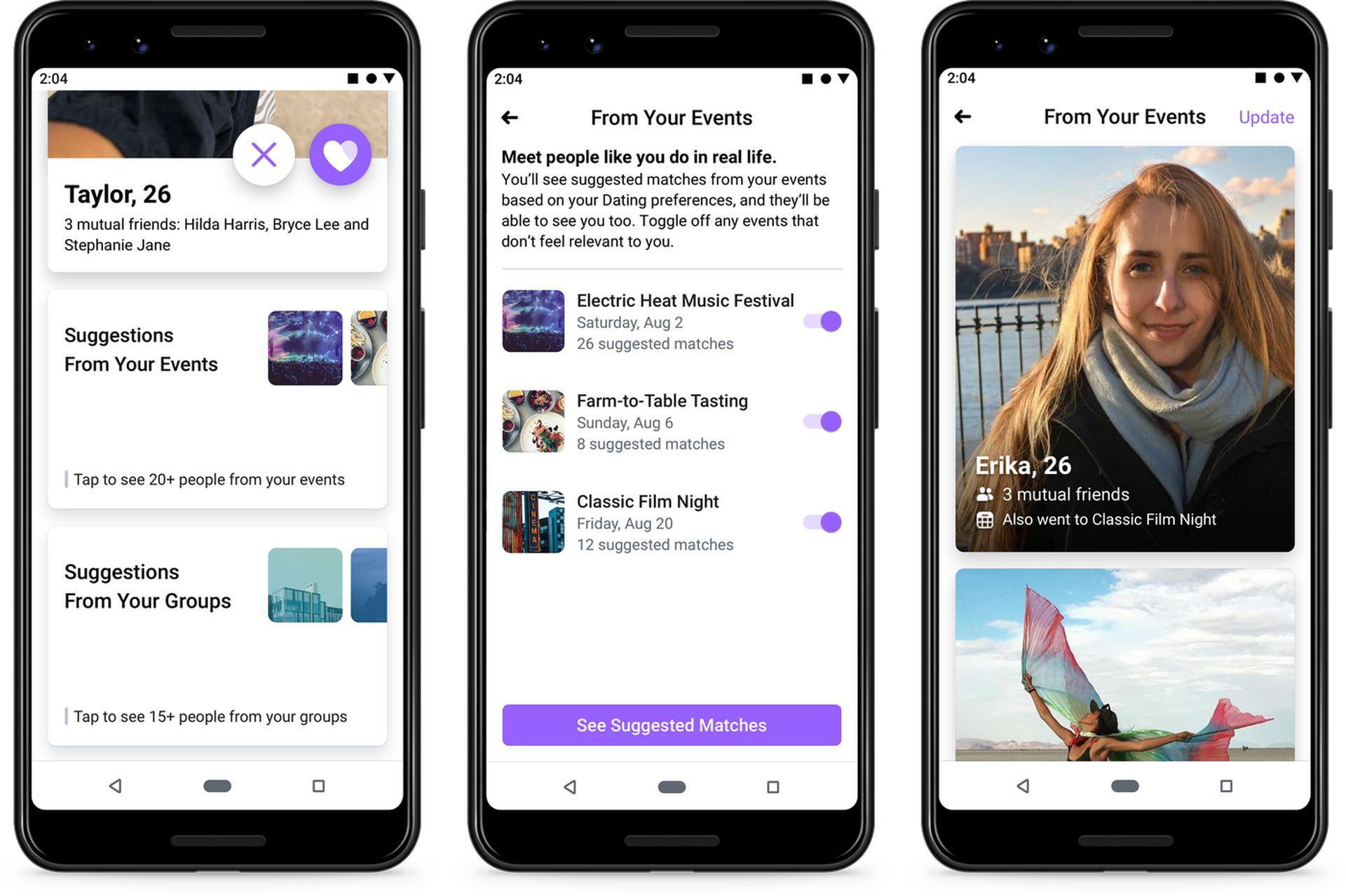
In this article, we are going to be covering how to delete dating profile on Facebook, so you can remove the profile whenever you want.
How to delete dating profile on Facebook?

We hope that you enjoyed this article on how to delete dating profile on Facebook. If you did, you might also like to check out our other articles, such as Music Revenue Sharing: Facebook creators can make money on videos with licensed music, or Facebook phishing scam: Messenger chatbots put users at risk.

Tags: FacebookFacebook Datingguidehow tometa
ShareTweet
Aykut Göker

Aykut Göker

Related Posts

How to gain full control by jailbreaking iPhone and rooting Android

How to gain full control by jailbreaking iPhone and rooting Android

19 January 2026
How to create folders and add widgets on Android

How to create folders and add widgets on Android

19 January 2026
How to tell if your iPhone or Android phone is carrier unlocked

How to tell if your iPhone or Android phone is carrier unlocked

16 January 2026
How to apply screen protectors without air bubbles

How to apply screen protectors without air bubbles

16 January 2026

LATEST

Anthropic equips 100,000 educators with Claude AI tools

Signal co-founder launches Confer ensuring zero-knowledge conversation processing

Netflix accelerates Warner Bros acquisition with simplified cash proposal

Adobe updates Premiere and After Effects with localized AI tools

Riot Games hires former World of Warcraft producer for Runeterra MMO

Sony transfers majority control of Bravia TV business to China’s TCL

Meta Oversight Board reviews permanent account disablement

OpenAI targets practical AI adoption in 2026

Tesla restarts Dojo3 development as AI5 stabilizes

ASUS Chairman signals potential exit from smartphone market

TechBriefly

© 2021 TechBriefly is a Linkmedya brand.

  • Tech
  • Business
  • Science
  • Geek
  • How to
  • About
  • Privacy
  • Terms
  • Contact
  • | Network Sites |
  • Digital Report
  • LeaderGamer

Follow Us

No Result
View All Result
  • Tech
  • Business
  • Crypto
  • Science
  • Geek
  • How to
  • About
    • About TechBriefly
    • Terms and Conditions
    • Privacy Policy
    • Contact Us
    • Languages
      • 中文 (Chinese)
      • Dansk
      • Deutsch
      • Español
      • English
      • Français
      • Nederlands
      • Italiano
      • 日本语 (Japanese)
      • 한국인 (Korean)
      • Norsk
      • Polski
      • Português
      • Pусский (Russian)
      • Suomalainen
      • Svenska