

Today we are going to compare TeamViewer vs Remote Desktop, if you don’t know which one to use, check out all the common features and differences below. It’s frequently necessary to have access to a remote machine, whether you want to use its apps, check on its performance, or move files across devices. These connections are made possible by remote desktop software programs like TeamViewer and Microsoft’s Remote Desktop Protocol, allowing users and network administrators to completely operate and maintain machines from a distance.
What is TeamViewer?
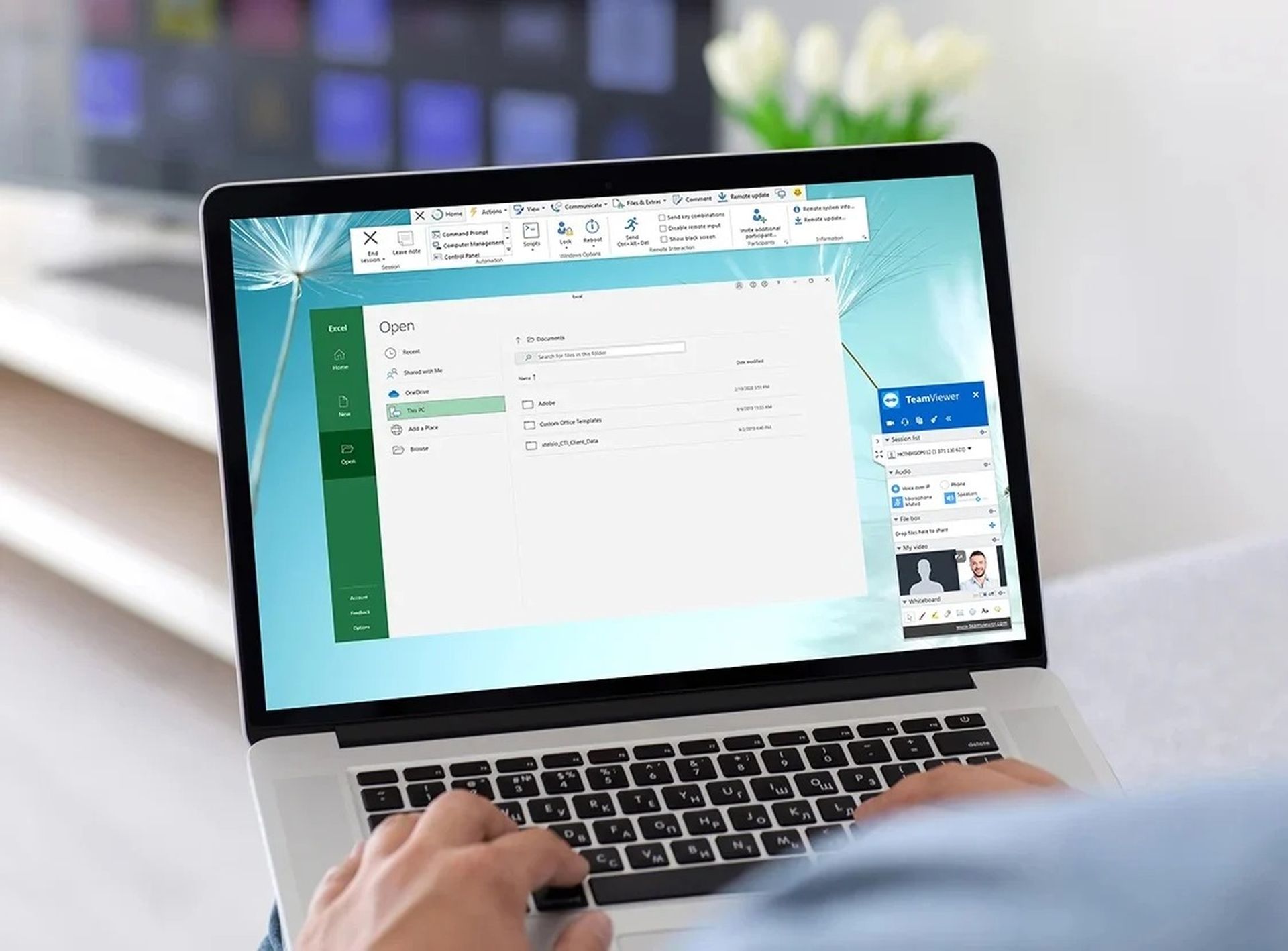
Users can access PCs and mobile devices for remote administration and maintenance using TeamViewer, a software solution for remote device access and control. Most device systems, including macOS, Android, iOS, and Windows, are compatible with it. TeamViewer is used by many people to collaborate, solve IT issues, digitize workflows, access devices remotely, and gain the advantages of centralized IT management.
What is Remote Desktop?
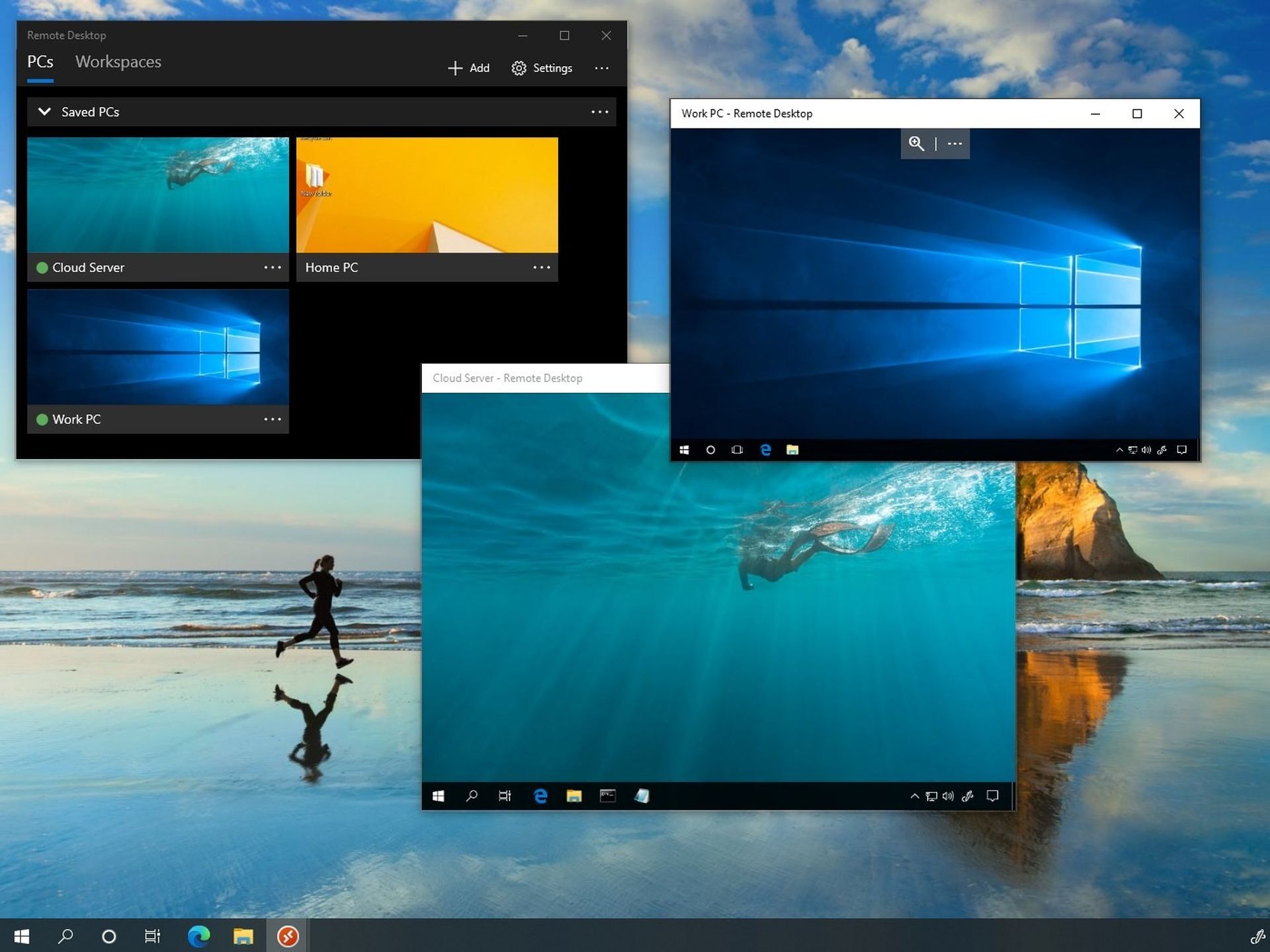
Microsoft’s proprietary Remote Desktop Protocol is a safe network connection method for remote devices. Users can utilize and manage a remote PC or virtual application by connecting to Windows devices via a network connection thanks to the solution. Common applications for the Remote Desktop Protocol include accessing tools and software on distant systems, transferring data across devices, and troubleshooting problems.
Comparison: TeamViewer vs Remote Desktop
| TeamViewer vs Remote Desktop | TeamViewer | Remote Desktop |
| Session recording | ✓ | X |
| Remote computer connections | ✓ | ✓ |
| Device monitoring and control | ✓ | ✓ |
| Free mode option | X | ✓ |
| Remote file access | ✓ | ✓ |
| Non-Windows use | ✓ | X |
TeamViewer vs Remote Desktop: Common features
When comparing TeamViewer vs Remote Desktop, it is also important to know what both programs have in common. Below you will find all the details.
Remote computer connection capability
TeamViewer offers remote device capability and access for file transfers, IT problem-solving, and remote access to critical information. TeamViewer users have access to their VPN substitute, which promotes quick and secure remote connections. If the TeamViewer client is installed, connections to devices can be made even if they are protected by firewalls.
TeamViewer offers cross-platform access for communication between any two devices that support Windows, Linux, macOS, Chrome OS, iOS, or Android, in contrast to Remote Desktop Protocol. Additionally, even while unattended, their TeamViewer Host solution enables remote access to computers, servers, and Android smartphones. Other useful features include the ability to wake up remote machines in sleep mode, a black screen capability for safe remote desktop access, and remote screen sharing capabilities for iPhone and iPad connections.
For secure network connections, Microsoft’s Remote Desktop Protocol links devices to distant Windows workstations. Because the software can theoretically support up to 64,000 different channels and the protocol offers access over a dedicated network channel, this is made possible. Strong physical security is provided via encrypted data transmission sessions and distant data storage.
The remote user can access programs and files on the linked device thanks to the protocol’s graphical user interface. Additionally, Remote Desktop Protocol allows users to execute single applications remotely and gives them access to their local printers while they are in a session. It also transports image data from the distant device and transmits sound from the remote device to the local desktop. Unfortunately, Microsoft’s Remote Desktop Connection program can only be used to access Windows PCs from a distance.
Device monitoring and control features
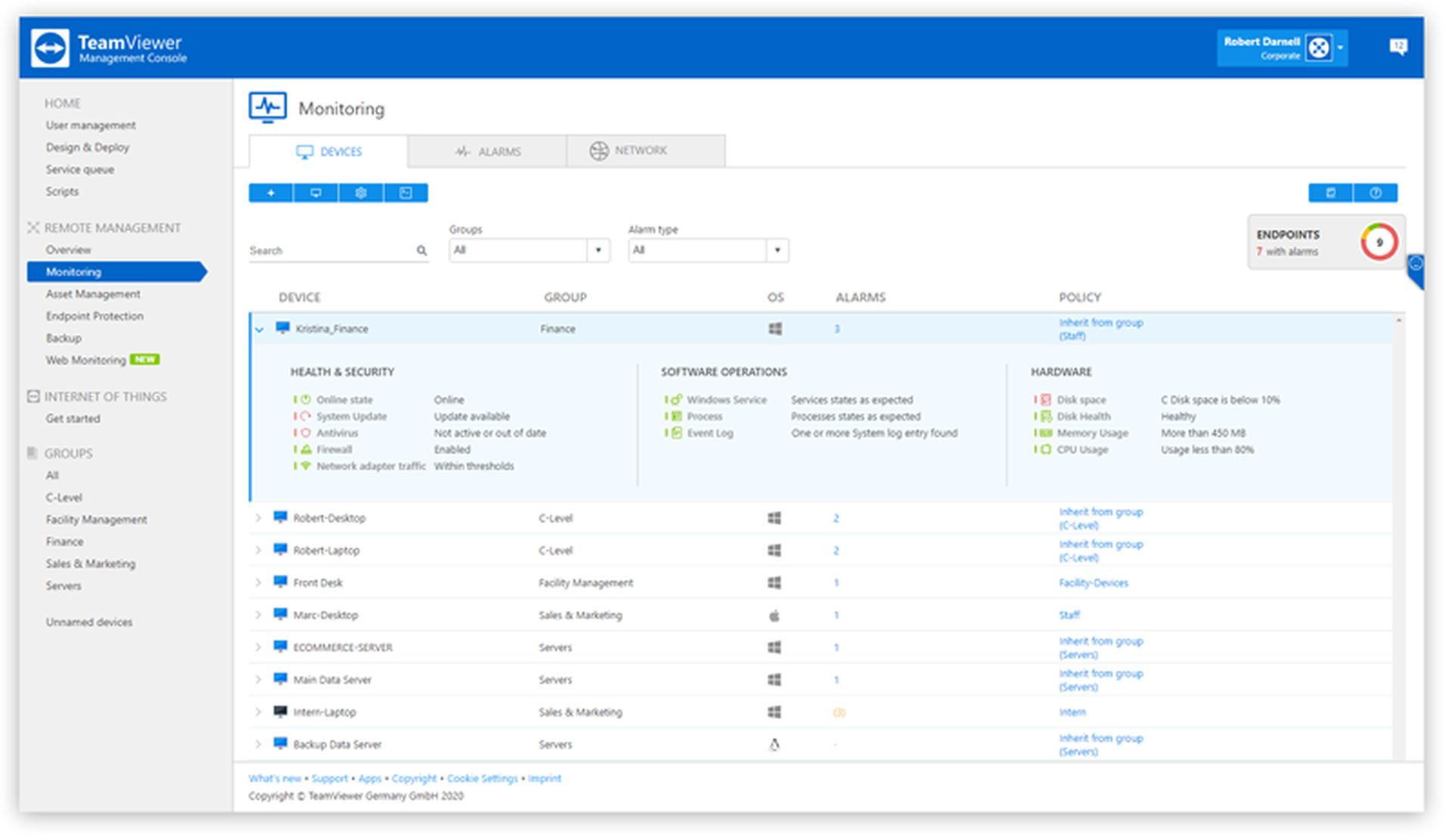
There are a number of significant features offered by TeamViewer for remote device monitoring and control. The TeamViewer Management Console can be used to deploy and integrate their Remote Management capability. It has the ability to remotely monitor both software and hardware, including CPU utilization, memory consumption, disk space usage, disk health, anti-virus software status, and more.
Users can access detailed real-time reports on all of their monitored devices, export those reports, and view historical data on each of their monitored devices. Users can also modify their system settings to enable email notifications or real-time alerts within the TeamViewer client. Users can receive notifications from these alerts when their monitoring thresholds are exceeded so that they are always informed of the state of their distant equipment.

The Remote Session Monitoring and Control Protocol allow users of Microsoft’s Remote Desktop Protocol to monitor and manage Windows sessions on a protocol server. A server can be operated by numerous clients simultaneously thanks to the technology, which enables multiple clients to run on the same system.
It is appropriate for circumstances in which users must keep an eye on or control Remote Desktop Protocol sessions running on the server. Unless the system has been set up so that the server computer sends event notifications to the client’s device, the client device begins communication with the server machine. The protocol allows for the remote management and monitoring of Windows sessions across a network using SOAP, HTTP, and HTTPS protocols.
Remote file access and sharing options
TeamViewer offers adaptable alternatives for file sharing and transferring confidential information across devices. Users can transfer files and data from one device to the shared clipboard in the software, then paste it into another device. Users can also use various file transfer techniques, such as dragging and dropping files between computers or attaching files to cloud storage.
End-to-end encryption is used to safeguard shared data from illegal access. Team members can share information and communicate through text chatting, remote session recording, phone and video conferencing, and streamlined data transferring thanks to TeamViewer’s file sharing facilities.
Clients on server machines can access and download files from connected distant devices using the Remote Desktop Protocol. The Microsoft Remote Desktop Connection, which uses the Remote Desktop Protocol system to give users access to do a remote desktop connection file transfer, is one way the system can accomplish this. The technology allows users to adjust their file settings to their optimum preferences before connecting and sharing. Users can print documents from distant devices when they have access to certain files. However, there is a drawback to this file transfer method: utilizing Remote Desktop Protocol does have a 2 GB file size restriction.
Which one to choose: TeamViewer vs Remote Desktop
Both the software programs TeamViewer and Remote Desktop Protocol offer tools for connecting to remote devices. Although it’s clear that each product’s use cases are highly diverse based on the features and capabilities it offers. For instance, TeamViewer is a system for online collaboration that has useful features to facilitate remote connections between a variety of device configurations.
However, it also offers a number of tools for teamwork and other capabilities including in-depth reporting and archived data. All of this can be wonderful for businesses seeking for a product with many features that not only enables remote device accessibility but also supports team collaboration and aid in device security monitoring.

However, price points should be taken into account while comparing TeamViewer vs Remote Desktop. The cost of the TeamViewer software ranges from $83.40 per year for one user to access three selected machines to $298.80 per year for one licensed user to access its more advanced features, despite the fact that it has many fantastic features. In contrast, Microsoft’s Remote Desktop Protocol offers a free, entry-level version of its software with Microsoft Office Online.
If your company utilizes Microsoft Office and all you need is safe access, file sharing, and monitoring functions, it can be worth your consideration even if it lacks many of the other features and capabilities offered by TeamViewer. Naturally, if that’s the case, make sure you just require remote connections to Windows-based devices as it’s the only platform that Microsoft’s Remote Desktop Protocol supports.
Conclusion
In this article we compared TeamViewer vs Remote Desktop by simply looking at some criteria. In summary:
- What is TeamViewer? Users can access PCs and mobile devices for remote administration and maintenance using TeamViewer.
- What is Remote Desktop? Remote Desktop Protocol is a safe network connection method for remote devices.
- TeamViewer vs Remote Desktop, differences:
- Session recording
- Free mode option
- Non-Windows use
- TeamViewer vs Remote Desktop, common features:
- Remote computer connection capability
- Device monitoring and control features
- Remote file access and sharing options
If you liked this article, you can also check out our guide explaining what is an IDO: IDO vs ICO vs IEO or you can also look out for our iOS 16 vs Android 13 comparison.




