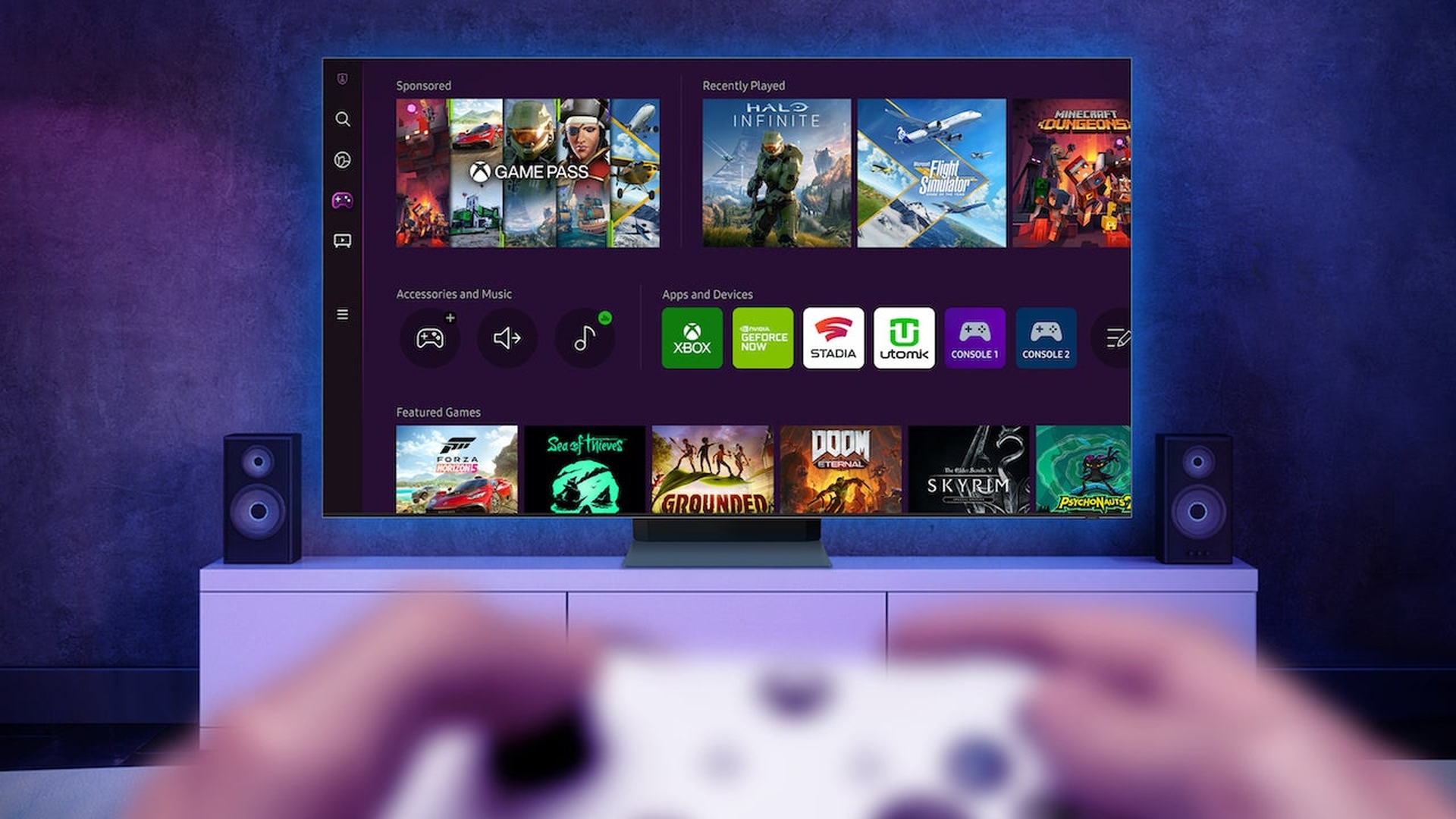

Samsung Gaming Hub is almost here, and it will feature Xbox Cloud Gaming as a way to enjoy games without a console on 2022 Samsung Smart TVs.
Xbox Game Pass and its no-console counterpart Xbox Cloud Gaming were announced to be launching as a part of the Samsung Gaming Hub. This will give gamers a chance to enjoy their favorite games on their Samsung Smart TV without a need for a console.
Samsung Gaming Hub is adding Xbox Cloud Gaming
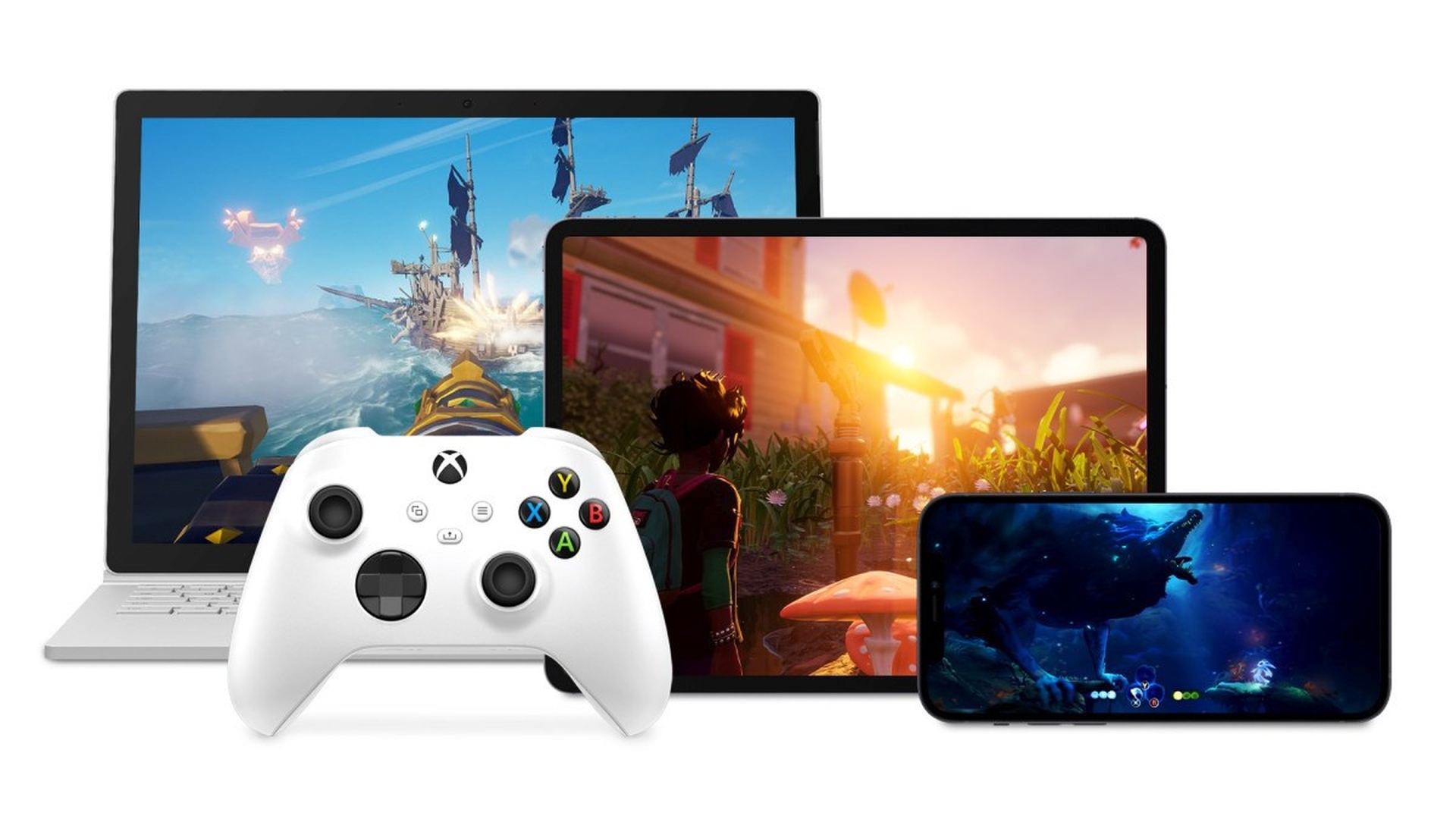
Samsung and Xbox previously collaborated to launch cloud gaming on Galaxy phones. This is part of Samsung’s efforts to make cloud gaming accessible on as many devices as possible. The process of playing games on a 2022 Samsung Smart TV, according to Xbox, is straightforward; connect your controller with Bluetooth and start playing using the Samsung Xbox app with your existing account. Even PlayStation 5 DualSense controllers will work with the app, according to Microsoft.
Samsung Electronics President and Head of the Service Business Team, Won-Jin Lee, made the following statement in a press release:
“Xbox has been an integral partner for Samsung and shares in our vision and dedication to bring the ultimate game streaming experience to everywhere in the home.
We are excited to deepen our partnership with Xbox by adding the Xbox app to Samsung Gaming Hub, which now gives Samsung Smart TV users access to hundreds of Xbox Game Pass games. With the same ease that our customers watch live sports and stream movies on Samsung Neo QLEDs and QLEDs, they can now play their favorite games.”
Also, Phil Spencer, head of Microsoft Gaming, stated the following:
“We’re on a quest to bring the joy and community of gaming to everyone on the planet, and bringing the Xbox app to smart TVs is another step in making our vision a reality. That’s why we’re excited to partner with Samsung, a global leader in TVs, on bringing Xbox to more players. Working with Samsung has helped us provide more access to gaming and enabled us to welcome new players into our thriving community.”
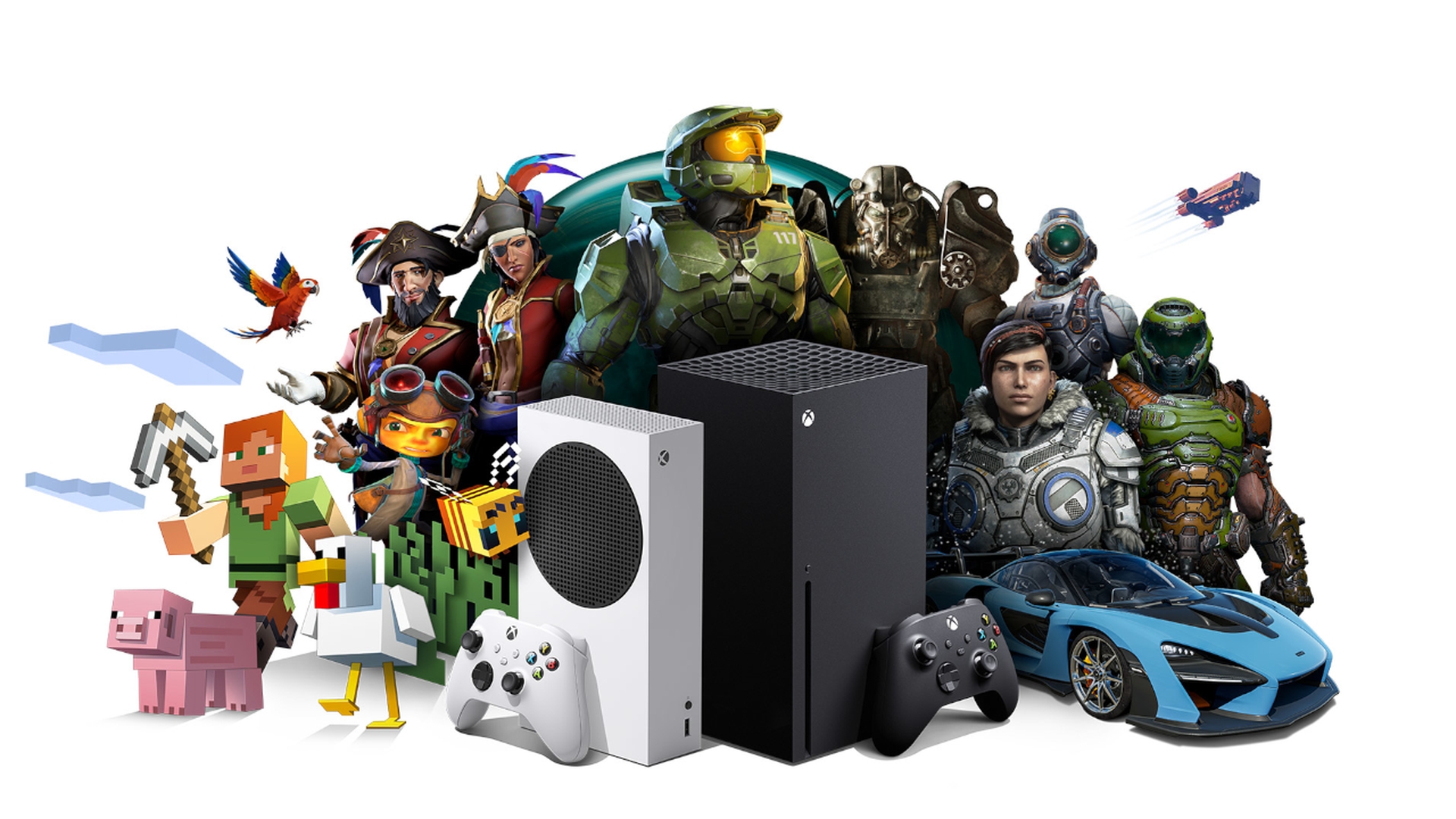
On June 30, Samsung Smart TVs will get access to the Xbox cloud gaming service as part of the Samsung Gaming Hub in 27 countries. On the Samsung Xbox app, there will be over 100 games available at launch, including Fortnite.
Samsung Gaming Hub FAQ
Before we finish this article, let us answer some of the questions that most people are wondering about this new service and its functionality. Read on to learn all you need about this latest partnership between Samsung and Microsoft.
What is Samsung Gaming Hub?
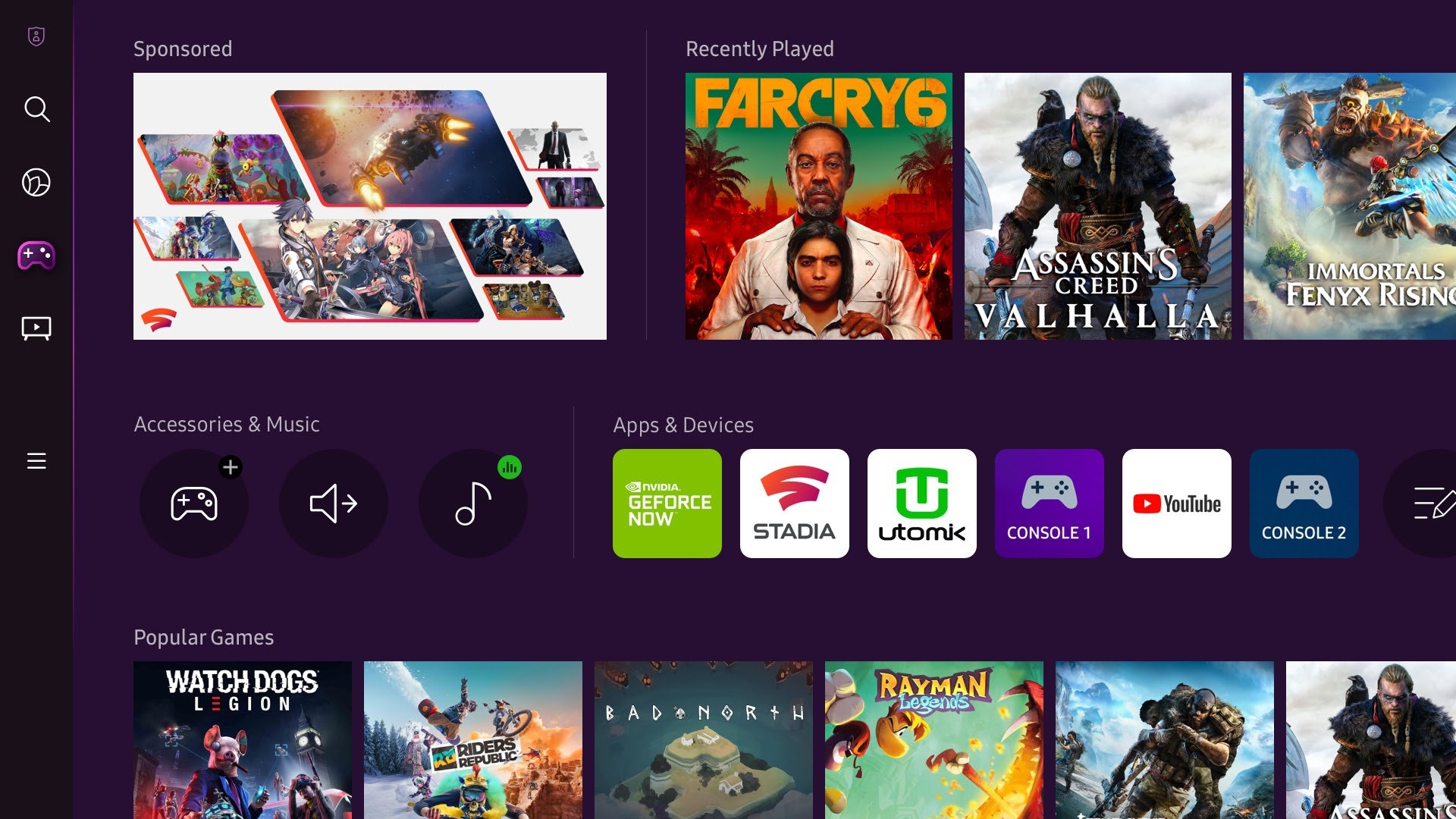
The Samsung Gaming Hub seamlessly combines your favorite games and streaming services into one location. Simply enter your favorite games and play with cutting-edge Samsung technology.
Is Samsung Smart Hub free?
The Samsung Hub is completely free to browse, and it includes some free material. However, you must pay for most of the content. You’ll need a Samsung account and a debit or credit card to buy things on the Samsung Hub.
Can I play games on my Samsung Smart TV?
Dozens of games may be played straight on your Samsung Smart TV. Many of these games are free and can be enjoyed using a conventional television remote control. Here’s how to get access to Samsung Smart TV game applications. Open Samsung Smart Hub by pressing the Smart Hub button on your TV’s remote. Also, with the latest partnership between Microsoft and Samsung, you can enjoy your favorite Xbox Game Pass games without a need for a console.
Does Samsung have a gaming mode?
When you connect your console game devices to your Samsung TV, the Game Mode is activated. The connected gaming consoles, such as the Xbox and PlayStation, are identified by a Samsung TV, which changes to Game Mode automatically without any additional settings being necessary.
What games can you play on Samsung TV?
Over 100 games will be available at launch for the Samsung Xbox app, including Fortnite.
Is GeForce Now on Samsung Smart TV?
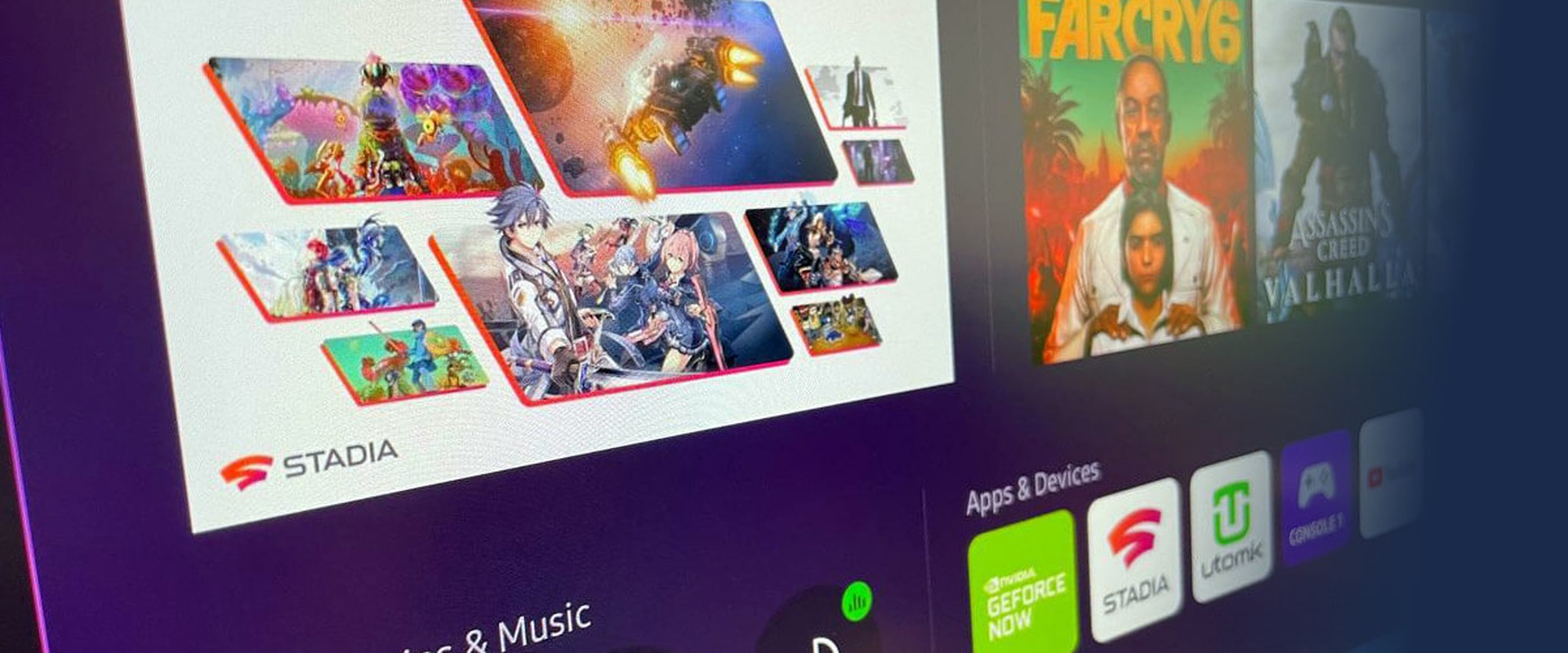
So far, Samsung has revealed a few applications for the Gaming Hub, although more will be added after it goes live. The following is a list of the apps that are currently known to be accessible through the Samsung Gaming Hub:
- Xbox Cloud Gaming
- NVIDIA GeForce Now
- Stadia
- Utomik
- YouTube
What game controllers work with Samsung Smart TV?
Samsung Smart TV and Samsung Gaming Hub seem to support most of the popular controllers such as the PlayStation 5 DualSense controllers, Xbox wireless controllers, and many more. As Samsung themselves stated regarding what controllers are supported:
“Yes, the Gaming Hub supports all of the most popular game controllers.”
We hope that you enjoyed this article on Samsung Gaming Hub is adding Xbox Cloud Gaming. If you did, you might also like to check out Samsung’s 2022 Neo QLED and OLED TVs: Specs, price, and release date, or Hulu gives out Xbox Game Pass for free.