
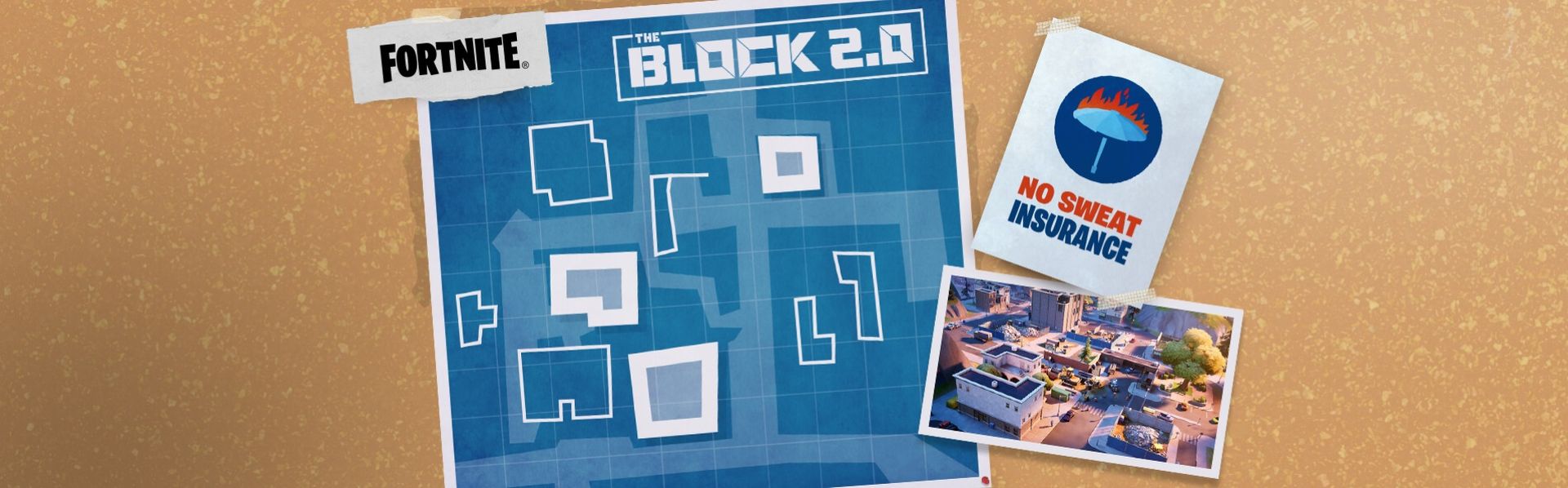

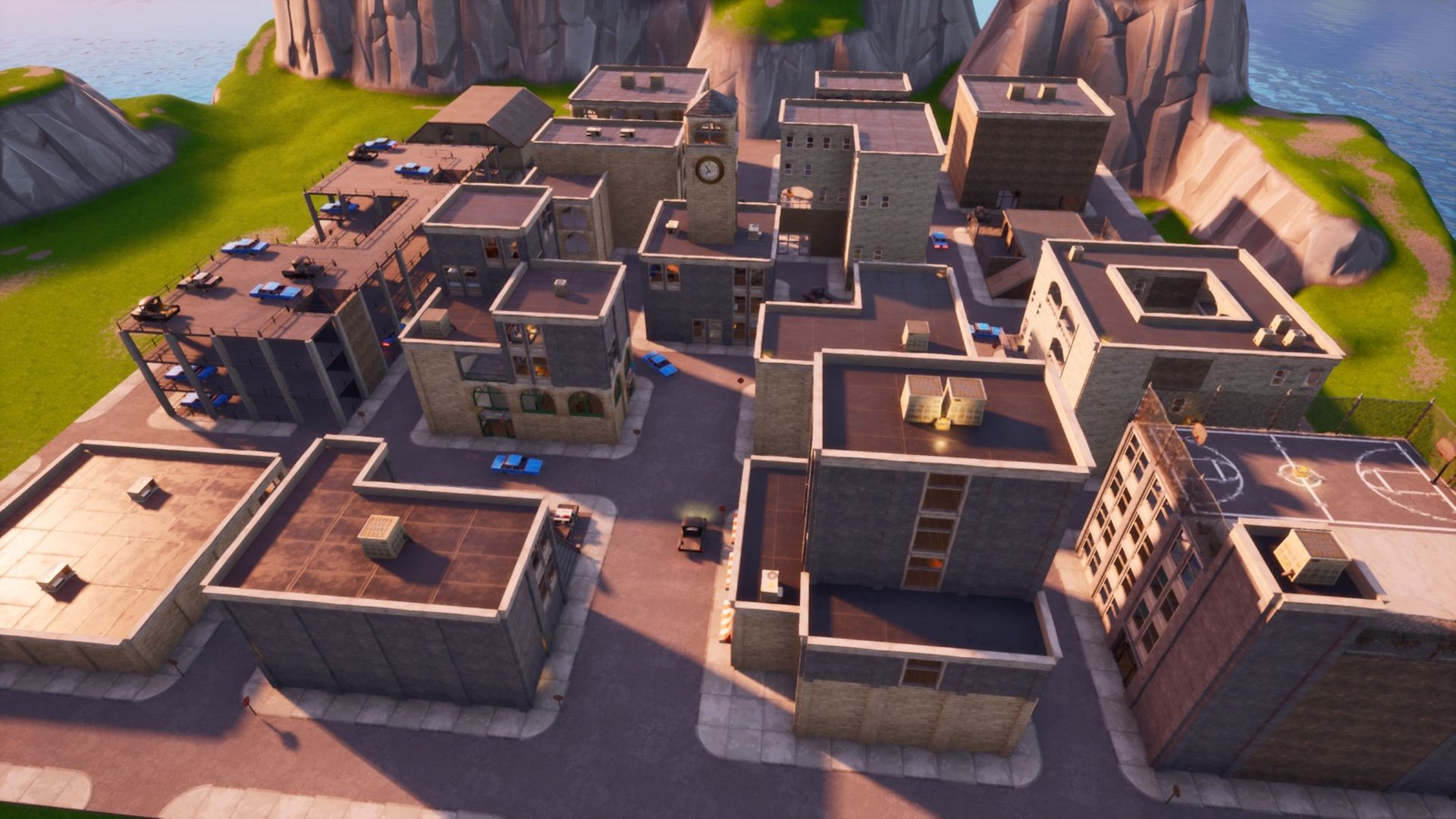
Today we are going to review everything related to the return of the Fortnite Block 2. The Block is scheduled to return in version 2.0 of the game, which will include new features, props, and more. Players will have the ability to assist in the re-building of Tilted Towers this time around.
The previous season of ‘Fortnite’ saw the razing of Tilted Towers, as the battle between the IO and Resistance continued over the island. Fortunately, it was not a full wipe out for the popular drop spot, and players have once again been given the option to contribute their own designs to restore them.
Fortnite Block 2 is here!
It’s been a while since The Block has graced the Fortnite map, but Epic Games has now confirmed its return. The Block 2.0 is back in Fortnite, and this time players will be able to take ownership of Tilted Towers by reinventing it. You’ll discover all there is to know about how to submit below.
According to the Epic Games blog post, Fortnite Block 2 will let players rebuild Tilted Towers with their own designs. Security is really an important factor because you don’t want your designs to go to waste, check out how to enable 2FA on Fortnite.
How to design new Tilted Towers?
The Tilted Towers restoration will be open for public input, with gamers being able to create and submit their own designs. According to Epic Games, a select group of creators may have their ideas incorporated into the game and voted on by the general public. The most popular designers will then have their block creations integrated across Battle Royale and Zero Build:
“Submit your very own designs that could end up on everyone’s favorite block. A select group of creators may find their designs featured in-game to be voted on by the community. Creators with the most votes may find their block creations featured across both Battle Royale and Zero Build!”
How to participate?
So, how can you get involved? The Fortnite Level Designers will assess and make judgments on submissions at their own discretion on a rolling basis.
Each level designer may choose up to three submissions for each building sort (Restaurant, Apartments, Shops) and have them featured in the game for the public to vote on over a twenty-day period. Each building type will have its own voting periods as follows:
- The Restaurant : 7/21 8:00 am ET – 7/27 4:00 pm ET
- The Apartments : 7/27 4:00 pm ET – 8/3 12:00 am ET
- The Shops : 8/3 12:00 am ET – 8/9 8:00 am ET
Players may also keep an eye on the official Fortnite Creative Twitter account in the future for further information.
Time to rebuild Tilted, and this time you are the architect.
Design your own building to be constructed in the new Tilted Towers POI and get ready to submit your design once we open up submissions.
Read more: https://t.co/UhpnpTx40W pic.twitter.com/9qin3GN2JM
— Fortnite (@FortniteGame) June 7, 2022
Fortnite Block 2 submission criteria
Below you will find a list of Fortnite Block 2 submission criteria, provided by Epic Games:
- Only one map per creator will be accepted
- If you submit more than one map, all submissions will be rejected.
- All maps must be original work
- If you use real life references or other external inspirations while creating, please save those references and disclose them to Epic at the time of your submission.
- You must use one of the provided templates as listed below:
- The Block 2.0 Apartments Template
- The Block 2.0 Restaurant Template
- The Block 2.0 Shops Template
- You must design the building on the appropriate template.
- Apartment buildings must be designed on the Apartments Template
- Restaurants must be designed on the Restaurant Template
- Shops must be designed on the Shops Template
- You may only use assets from galleries that appear under The Block 2.0 filter
- There are no restrictions on which galleries you use from The Block 2.0 filter for specific buildings. Any assets within that filter can be used for any building type.
- When you load your desired template, do not customize any of the settings.
- If you change the settings, your building will be automatically disqualified.
- The default height for all templates is set to 5.
- You do not need to build to the maximum height, but you cannot build any higher than 5.
- The width and depth of the devices have been preset for each location/template.
- Do not adjust the size of the device’s volume.
- Submissions must be entirely new work
- Any map considered for featuring must be a brand new creation published during the callout period.
- You must include a static image of your building with your submission.
- No updates will be accepted after you submit your island
- Make sure you’re happy with your creation before you submit as no revision will be allowed.
Conclusion
It’s a really exciting moment for all Fortnite fans, for those who are looking to join the event, remember 3 key factors:
- Tilted Towers is getting a makeover in the Fortnite Block 2. This time, fans may modify Tilted Towers thanks to player submissions.
- You can participate in the event for “The Restaurant” from 7/21 8:00 am ET – 7/27 4:00 pm ET, “The Apartments” from 7/27 4:00 pm ET – 8/3 12:00 am ET, and “The Shops” from 8/3 12:00 am ET at 8/9 8:00 am ET.
- There are some key criteria listed above that you should consider when it comes to building Tilted Towers.
If you are wondering how to link Fortnite accounts easily, check out our article!


