


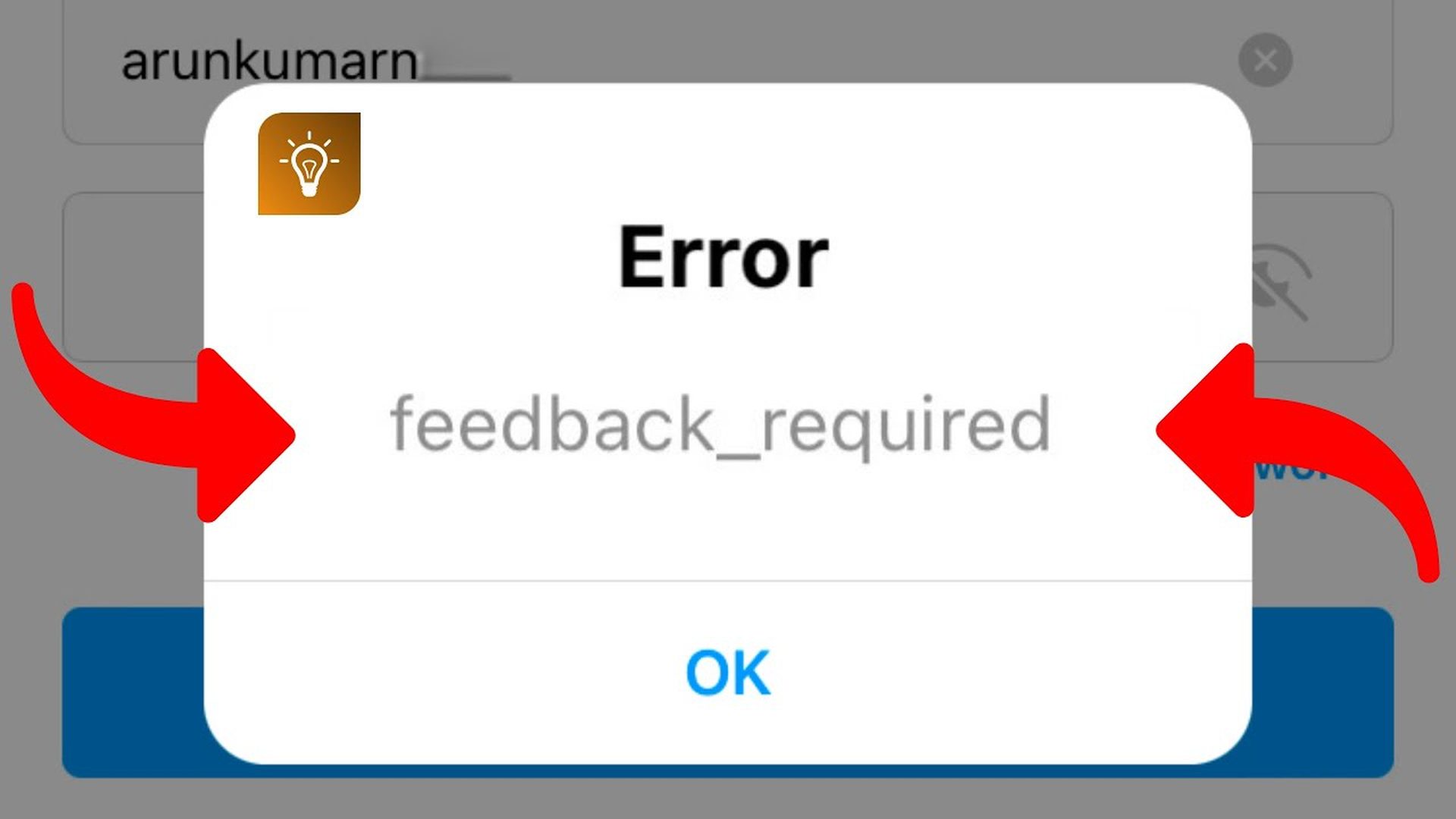
You can learn how to fix feedback required Instagram login with this article. If you’re having trouble signing into your Instagram account, posting on a post, or uploading content, you might be seeing the error “Feedback Required.” Because your account has been identified as a robot, or their server is clogged, this problem is caused by the social media app blocking your IP address.
This issue is only temporary, and it will correct on its own. However, we have prepared this simple tutorial to provide you with solutions that can assist you escape this problem so you can continue interacting with your followers.
Do you know How to hide your followers list on Instagram?
How to fix feedback required Instagram login?
The Instagram ‘Feedback Required’ message is only temporary, and will go away after a few hours, but there are a few things you can do;
Fix 1. Log in via your browser
If you receive an “Account Suspended” error message when attempting to access your profile using the mobile app, we recommend that you utilize your browser to go to your account instead.
Fix 2. Change your network connection
If you’re using your app on a wireless network, moving to your mobile data (or vice versa) will alter your network identity, preventing you from accessing your account via the prohibited IP address.
Before you try to relaunch your app, make sure you’ve fully deleted your Instagram account and that there’s no residual data left.
Fix 3. Check Instagram server
If Instagram’s server becomes overloaded with too many users, the program will become ineffective.
You may check the server’s status to ensure that the error code isn’t due to a problem on your side. If their server is down, you’ll have to be patient until it’s serviceable.
Fix 4. Uninstall and Reinstall the app
If the error code persists, uninstall the app and reinstall it onto your device after a few hours.
Fix 5. Decrease your activity
One of the reasons you’re seeing “Server Error: Feedback Required” on your screen is that you took too many actions in a short period of time.
If you want your Instagram problem to go away on its own, you’ll need to take a break from using the app for a while.
To prevent this problem from recurring, be more aware of how many comments you’re responding to in a specific time period.
Fix 6. Open ‘Access Data’ on Instagram
If you can log in to your account but can’t like or comment on posts from accounts you follow, and if you open ‘Access Data’ from your profile, the error code will be gone.
Step 1. Go onto your ‘Profile’
Step 2. Click on ‘Settings”, then ‘Security.’
Step 3. Select ‘Access Data’ from the drop-down menu under ‘Data and History.’
Step 4. Allow your account information to load and then tap the ‘Reload’ symbol at the top of your screen.
Quit Instagram and delete the application. You may reinstall the program.
How do you fix Instagram feedback on iPhone?
You can also use the steps we explained above to fix Instagram feedback on iPhone. error
Do you know How to hide last seen on Instagram?
Why does Instagram keep saying feedback is required?
Because your IP address has been temporarily restricted, Instagram is displaying the following error message: ‘Feedback_Required’.
Your IP address is how your device is identified on the internet.
This code will appear when you try to log into your account, leave a comment on someone’s post, or add material to your profile.


