

This error and the “Fortnite an error occurred while connecting to Epic Servers” are common issues that can occur on any device, in this article you’ll learn how to fix ESP-Buimet-003 Fortnite error easily. The error can be caused by a number of different factors, such as a corrupted installation, incorrect registry values, or missing files. If you are experiencing this error, there are a few things you can try to fix it.
How to fix ESP-Buimet-003 Fortnite error?
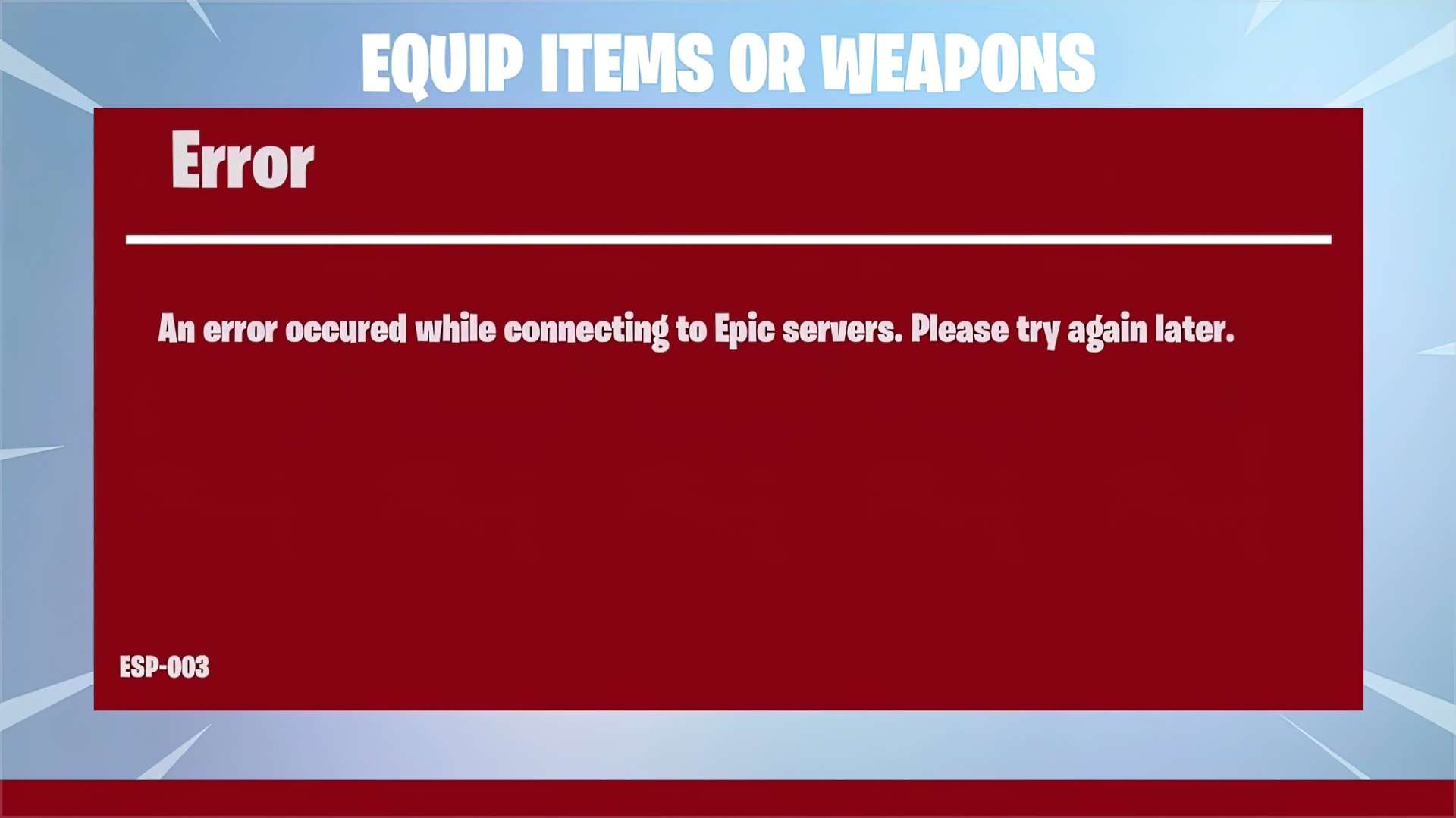
The ESP-Buimet-003 error is a problem in the popular game Fortnite. If you’re encountering this problem, don’t worry; there are several solutions available to you. This article will help you solve the issue by providing you with several methods.
Make sure you have the hardware for it
The first step is to ensure that your device fulfills the minimal system requirements for Fortnite. The game needs at least a 2.4GHz CPU, 4GB of RAM, and a DirectX11-compatible video card to run. If your device does not meet these standards, you’ll need to upgrade in order to play it.
Graphics settings
Another approach you may try is to adjust your game’s graphics settings. Changing the graphics settings of your computer might assist you in resolving the ESP-Buimet-003 problem. To change these, go to the Graphics menu in Fortnite and choose from the drop-down menu. You can also lower the quality or resolution from here.
Update the system and drivers
Finally, you may try to update your graphics drivers and Windows system. Graphics drivers that are out of date might contribute to the ESP-Buimet-003 Fortnite problem. Use your GPU manufacturers official site to download GPU drivers. AMD users can do it from here, and Nvidia users can do it from here. We didn’t forget Intel users either.
Take a look at this table to learn what error codes mean and see you’re not getting any of them:
| Name | Meaning | Solution |
| bad_module_ info has stopped working. | A message appears while playing the game. | -Run the game as administrator. -Verify the game’s file. -Change full-screen options to accept administrator requests again. -Update graphic card drivers. -Verify Windows updates. |
| CE-40852-9. | Error while downloading on PS4. | 1. Settings -> Network -> Set Up Internet connection -> Select your network -> Custom. 2. Verify that IP and MTU are automatic, DHCP name is “Do Not Specify,” Primary DNS on 8.8.8.8 and Secondary on 8.8.4.4. |
| CE-34878-0. | The PS4 crashes. It’s not specific to Fortnite but happens on it too. | 1. Options -> Check for Update. 2. Settings -> System Software Update. 3. Restart your PS4. |
| errors.com.epicgames. common.server_error. | Connection issue | It’s either an issue from your connection or on the end of the servers. |
| DP-6. | Error while downloading on PC. | Run the Epic Games Launcher as administrator. |
| IS-BV04. | Build verification failed. | Solutions are explained by Epic Games. Verify hard drives and perform a memory test. |
| Launcher white screens. | Epic Games launcher has a white screen. | 1. End every Launcher process. 2. Press Windows + E and go to C:\Users\PC-NAME\ AppData\Local\ EpicGamesLauncher\Saved\. 3. Delete webcache file. |
| SU-PQR1603 | “Self Update Failed” message while installing launcher. | 1. Right-click on the launcher and access “Properties”. 2. Add ” -SkipBuildPatchPrereq” at the end of the “Target” tab. |
| 0 | A message asking to restart the client instead of launching a game. | -Run as administrator. -Verify the game’s files in the launcher’s game settings. -Run command prompt as administrator on Windows -> type “sfc/scannow” and Enter. |
| 91 | 1. Disconnection error. 2. Unable to join a party. | 1. Verify the game’s files in the launcher’s game settings. 2. Modify the status of party to Private. |
| 93 | Unable to join a party. | -Change the skin. -Change lobby to public -> join the party without an invite. -Join friends using the Epic Games list. |
| 500 | Unable to launch the game. | There is no solution to this bug, but Epic Games fixes it when it occurs, like back in last January and May. |
| 30005 | Unable to launch the game due to an anti-cheat bug. | -Go to “C:\Program Files (x86)\EasyAntiCheat” and delete the .sys file. -Launch the “EasyAntiCheat_Setup.exe” file and repair. |
Check your system
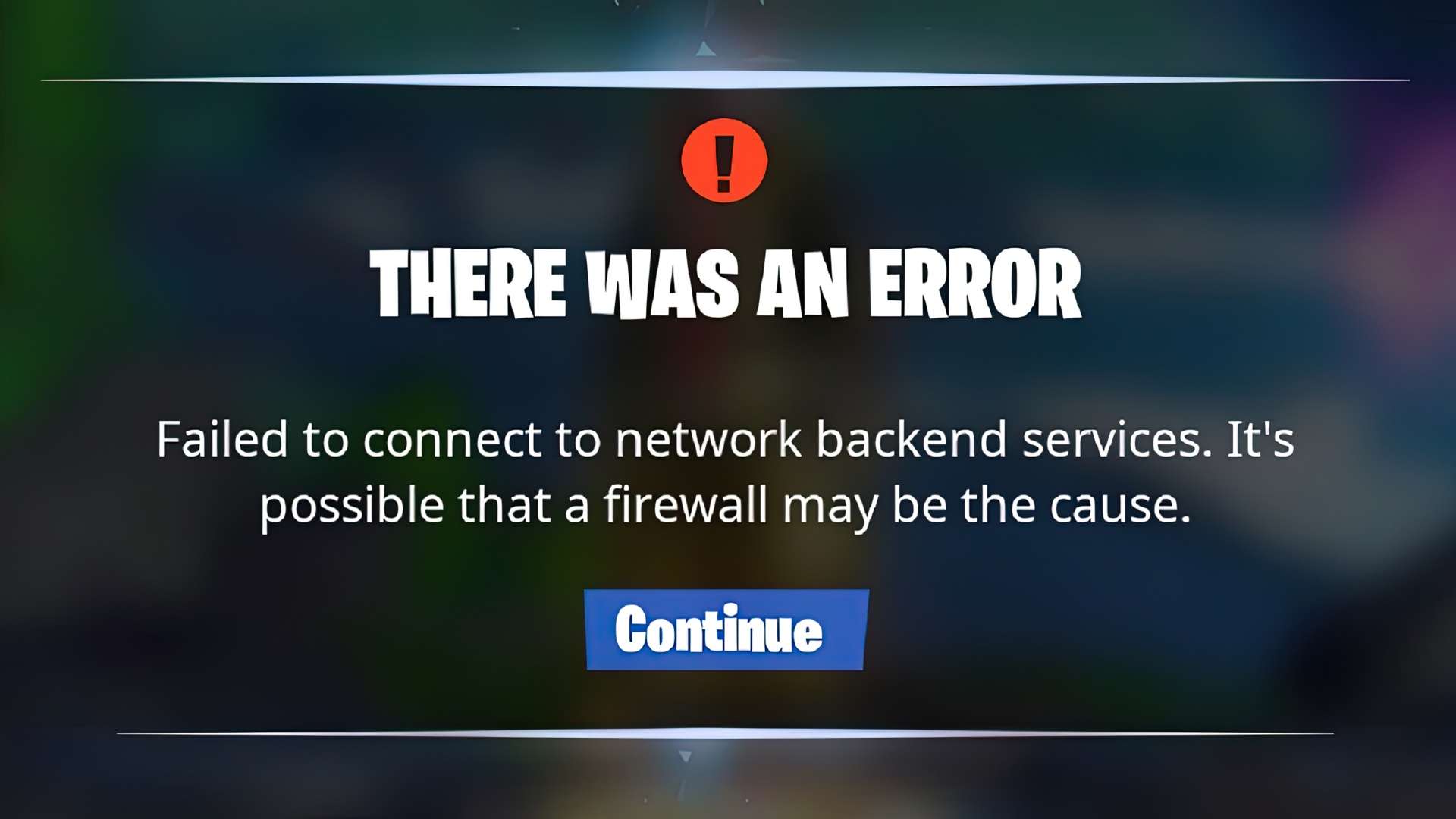
If your device meets the basic system requirements, the next step is to check for damaged files or registry values. You may accomplish this by running a scan with a trustworthy malware removal tool like Malwarebytes or Norton Security. If any corrupt files or registry entries are found, they will be fixed or removed. Another choice is to make sure your firewall and antivirus software aren’t interfering with the game.
Reinstallation
Hopefully these solutions help fix your problem and you are back in the game to enjoy recently introduced Blanka and Sakura. If your device still experiences the ESP-Buimet-003 Fortnite error, the next step is to reinstall the game. This will delete any corrupted files or registry values that are causing the error. Be sure to back up your game files before reinstalling, as they will be deleted during the process. It may appear to be a difficult procedure, but it is one of the most effective ways to address the problem. Before you uninstall, make sure to backup your game data.
If you’re still having issues after all these steps with the ESP-Buimet-003 Fortnite error, contacting Epic Games is your best bet.


