


We’ve prepared a Lost Ark daily checklist, so you won’t miss any of the important tasks. Lost Ark is one of the most entertaining MMO grinds we’ve seen. The aim of your day-to-day activities is to complete Una’s Daily Tasks as well as fine your gear, undertake some daily resets of Islands, Chaos Gates, World Bosses, and more.
There’s a big hype, only 24 hours after its release Lost Ark has become the second most played in Steam history. If you want to play this trending MMORPG you can check system requirements here. Plus, if you want to know which classes are the best in the game right now, we’ve got you covered.
There’s a lot to take in, so we’ve put together an easy-to-use daily checklist to make sure you’re getting everything done.

Lost Ark daily checklist
This is just a simple reminder of the things you should be doing each day to keep your gaming progress on track. You’ll find a below here and this will help you get started.
Una’s Daily Tasks
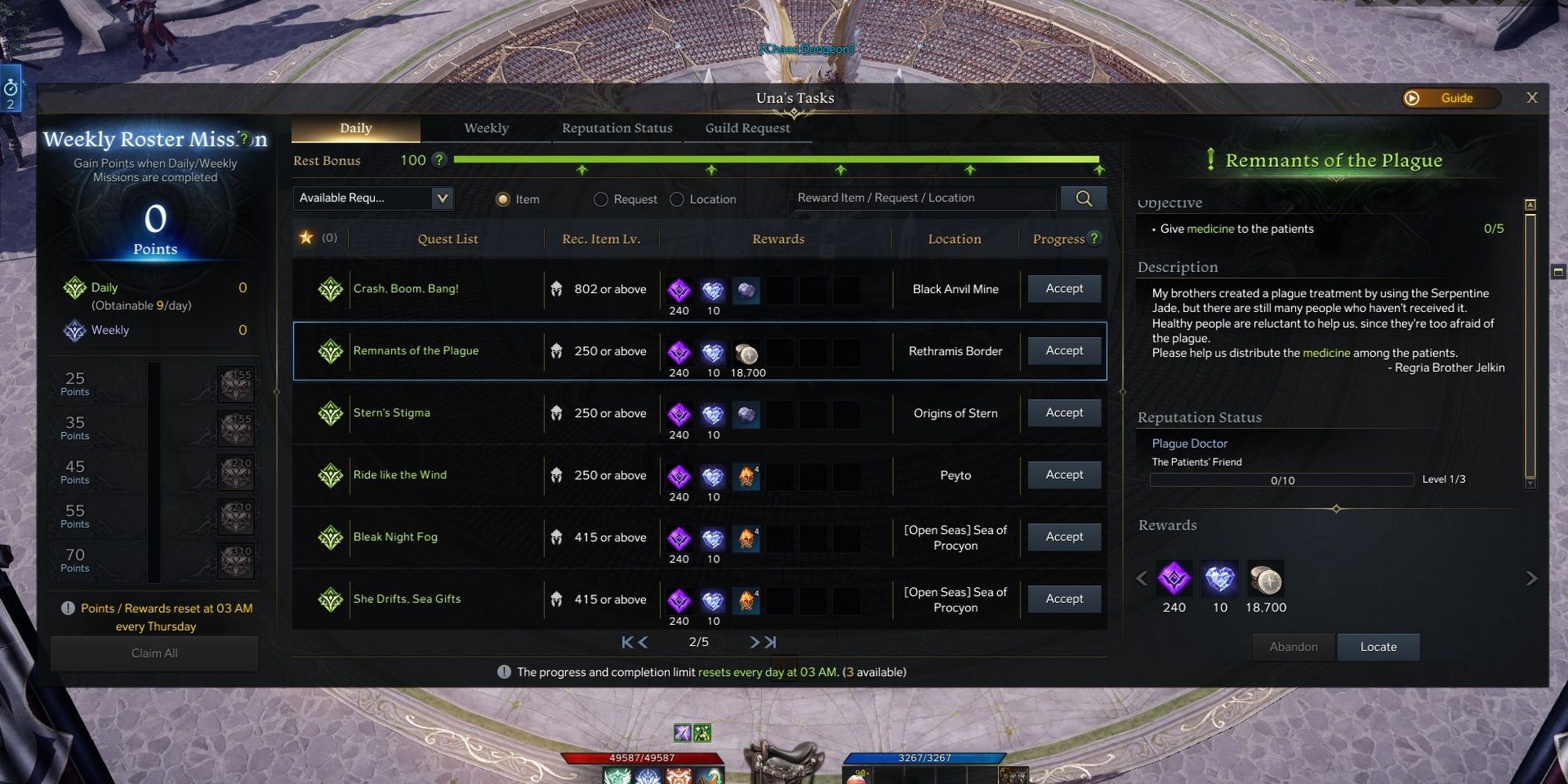
In order to progress in Lost Ark, you’ll need items like Leapstones, Harmony Shards and Guardian Stones. Una’s Daily Tasks will give you items daily. Usually, these are crafting materials that you’re basically looking for in any tasks that pop up.
These quests are:
- Where It Belongs: For this quest you need to go to northern Shushire. But, you need to finish the main campaign in order to activate this quest. Kill robbers and go north, don’t forget to bring a Bifrost.
- Replacement Parts: The area for this outpost is on Golden Wave Island. After completing quests here, you’ll be able to get the Una’s ask in your menu.
This is located on Golden wave Island just off the Arthetine Continent. Complete the quests here, and you’ll be able to access the Una’s Task from your menu. - Ride Like The Wind: This quest is great fun because you have to visit all the islands from Peyto, Turtle Island, Tortoyk, to Revelry Row and make sure you keep track of the newest updates in-game at the top left.
Hourly and daily quests
These are located at the very top left of your screen. When these events are set to go live, you’ll see a little timer there for each one.
- You can challenge and beat multiple World Bosses. If you manage to kill several bosses in one day, then you’ll be able to claim a big reward once in a day. You can take these tasks and tackle them at your own pace. There’s no need to stick to any particular order. If you happen to be in the right region and the boss pops, head over. Check the chat for map locations, players often alerts the others when there’s a World Boss spawn.
- Islands reset periodically and some quests are available at certain hours. Lullaby Island resets every two hours, so you’ll be able to get tier 1 mats if you’re lucky enough.
- While the Chaos Gate can only be run once per day and on specific days, it is well worth your time. If you’re in the area, you’ll be alerted about the quest. You will be able to complete the quest in approximately 15 minutes.
- Co-op Missions can be repeated many times each day. The Gateway keys you earn from missions are used to trade for items later.
Daily Chaos Dungeon and Guardian Raids
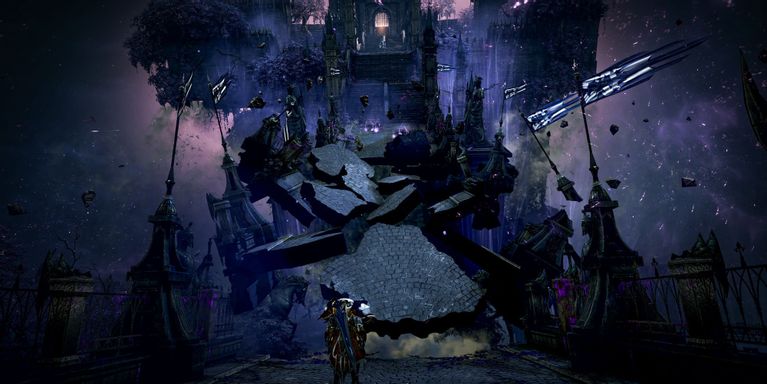
These raids and dungegons are really important when you get close to endgame. It is important to try to complete the highest level of quest available.
- You can run Chaos Dungeons twice every day with the potential for max rewards.
- You can also do a Guardian Raid twice per day if you are up to the challenge, again with maximum rewards. To make for the most efficient use of your time, make sure to only harvest the Guardian Soul from the highest-level Raid available.
Trade skills and rapport
Trade Skills and Rapport both have a daily refresh timer. Trade Skill energy is reset every 24 hours. You can earn a lot of loot by mining ore and chopping down trees. Rapport is also reset every 24 hours. You can use up to five emotes and songs on different characters/zones in the game per day. It’s best to focus on one or two characters, perhaps those you have leveled up the fastest. This way you can complete quests or tasks and get some Bifrost.
Other daily quests
- If you donate 6000 silver to your guilde, you’ll unlock Symael Bloodstones.
- Make sure to upgrade your Stronghold and send sailors on Dispatch quests.
This is the Lost Ark daily checklist, make sure to complete every quest!


