
TechBriefly
  • Tech
  • Business
  • Crypto
  • Science
  • Geek
  • How to
  • About
    • About TechBriefly
    • Terms and Conditions
    • Privacy Policy
    • Contact Us
    • Languages
      • 中文 (Chinese)
      • Dansk
      • Deutsch
      • Español
      • English
      • Français
      • Nederlands
      • Italiano
      • 日本语 (Japanese)
      • 한국인 (Korean)
      • Norsk
      • Polski
      • Português
      • Pусский (Russian)
      • Suomalainen
      • Svenska
No Result
View All Result
TechBriefly
Home How to
How to transfer music playlists between Spotify, Apple Music, and YouTube on iPhone?

How to transfer music playlists between Spotify, Apple Music, and YouTube on iPhone?

SongShift is an app that lets you shift music between Apple Music, Spotify, YouTube Music, Tidal, and more

Barış SelmanbyBarış Selman
24 November 2021
in How to
Reading Time: 3 mins read
Share on FacebookShare on Twitter

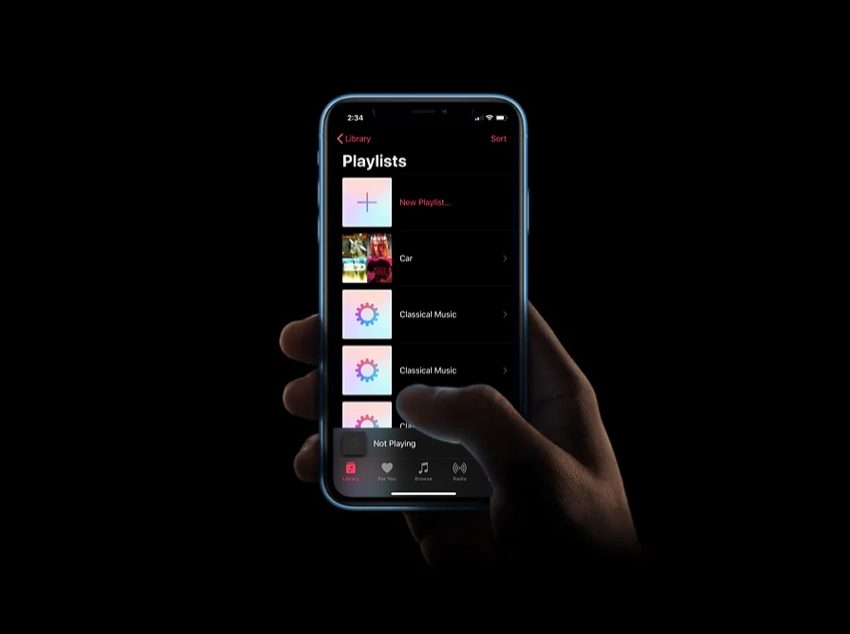
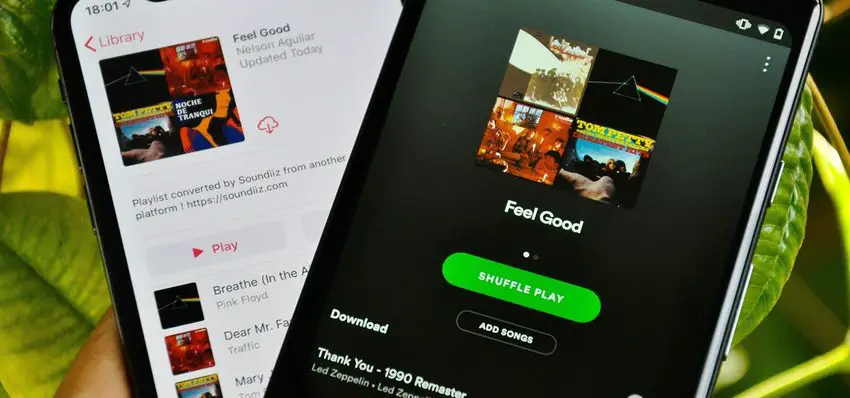
How to transfer music playlists between Spotify, Apple Music, and YouTube on iPhone? Changing music subscription services usually entails a significant issue: transferring your favorite songs from one service to another. Although there are methods to address the problem automatically, simply, and for free if you have an iPhone: try SongShift.

How to transfer music playlists between Spotify, Apple Music, YouTube, and other apps on iPhone?

You may make a playlist of your favorite songs. You’ve probably got various playlists on platforms like Spotify where you keep your personal music. Because it doesn’t matter how many tunes are available on the platform; in the end, you’ll listen to a smaller list more often. And won’t you want to maintain that playlist if you move from one music service to another?
How to transfer music playlists between Spotify, Apple Music and YouTube on iPhone?
How to transfer music playlists between Spotify, Apple Music, and YouTube on iPhone?

The process of moving from one music service to another is similar in many ways to the move between platforms. Finding your favorite songs once again, the ones you listen to most often may be difficult. This platform shift thanks to services like SongShift makes it much less traumatic because it allows you to switch playlists across most music subscriptions.

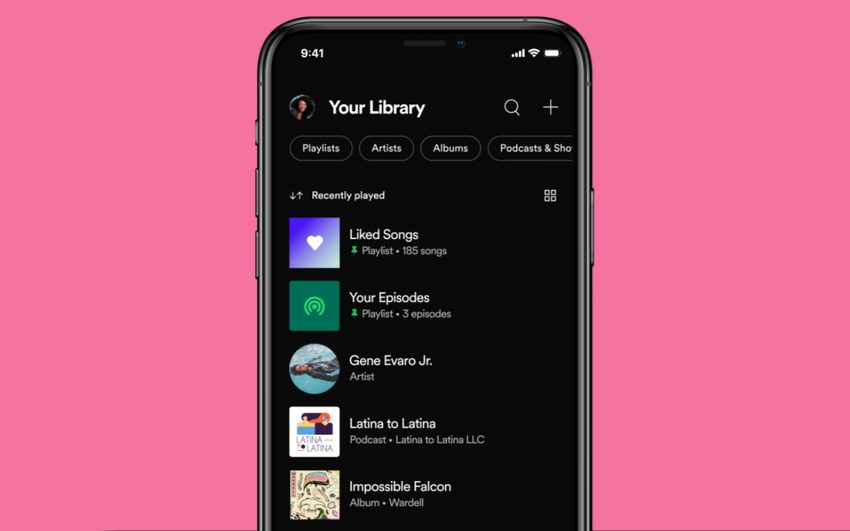
SongShift is a free application for iOS that, as is often the case, includes a subscription service with which to exploit all its possibilities. But it has no cost to perform the transfer list by list: in a few steps you will have your favorite Spotify tracks on Apple Music; or on Deezer, Tidal… The choice is yours, so you can take advantage of all the platforms’ offers.
How to transfer music playlists between Spotify, Apple Music and YouTube on iPhone?
How to transfer music playlists between Spotify, Apple Music, and YouTube on iPhone?

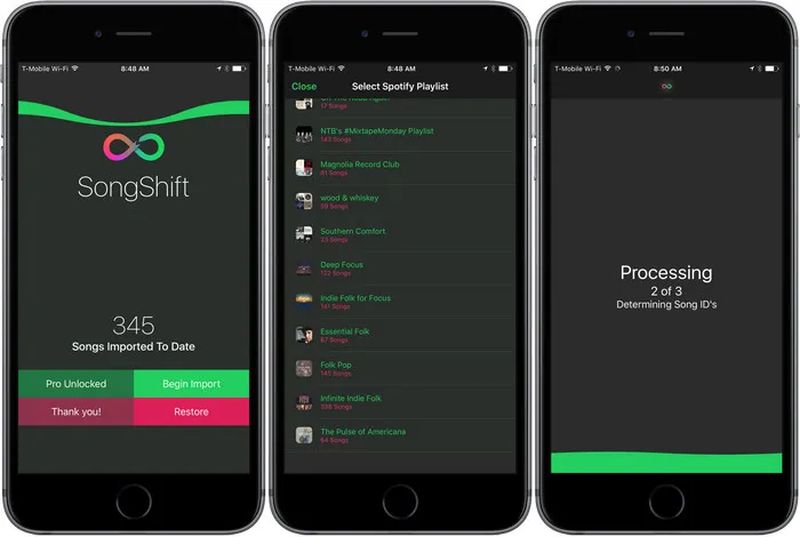
The process for transferring playlists is as follows:

  • The basics: You must install SongShift on your iPhone (it is also valid for iPad). It is free to download and use.
  • You will need to log in to your streaming services for both the source and destination. SongShift will keep the logins so you can make further conversions: you can sign up as soon as you open the app.
  • When you have started the two services between which you will transfer the lists, click “continue”; then “start”.
  • Click on the “+” at the top right to add a “shift”. The application gives this name to each conversion task. With the free account, you can only hold one shift simultaneously.
  • Click on “Set source” and select the platform where you have the original playlists.
  • Choose the playlist you want to transfer. You can also combine several playlists so that SongShift converts them into one when you transfer them. When you are done click “Done”.
  • The app will show you the shift you have created. Click “I’m done” and SongShift will start the moving process.

The program will do a pre-analysis of the process before it begins. After that, click on “shift” to review, ensure that all the songs match in source and destination, and then “confirm pairing.”
How to transfer music playlists between Spotify, Apple Music and YouTube on iPhone?
SEE ALSO
How to take a screenshot on Mac?

The program must analyze each song, find it on the destination platform, and search for it one by one in order to create a new playlist with the same name and criteria as the original. The procedure will take more or less time depending on how many songs there are and how difficult they are to match. It can be temperamental, especially with unfamiliar music and live versions.

SongShift is a fantastic tool for exchanging big lists across most streaming services and has no cost for putting up a conversion task. If you want to shift more playlists, be sure the first one was created correctly, then erase the shift and start from scratch. Continue doing so with each playlist you wish to transfer. Alternatively, you can subscribe: SongShift is an excellent service if you’re used to switching between music platforms regularly.

Tags: AppleApple MusicBetweenhow toiPhonemusicsoftwareSpotifystreamingtechnologytransferYouTubeYouTube Music
ShareTweet
Barış Selman

Barış Selman

A technology and gaming enthusiast by day, Barış is a passionate composer and black/death metal guitarist by night. He keeps his finger on the pulse of the intersection of art and technology whenever he can from his tours worldwide.

Related Posts

How to choose the right reset method for Samsung Galaxy devices

How to choose the right reset method for Samsung Galaxy devices

9 January 2026
What resetting end-to-end encryption does on iPhone, iPad or Mac

What resetting end-to-end encryption does on iPhone, iPad or Mac

9 January 2026
How to easily monitor your AT&T data usage and avoid overages

How to easily monitor your AT&T data usage and avoid overages

9 January 2026
How to reset your Bosch dishwasher when buttons won’t respond

How to reset your Bosch dishwasher when buttons won’t respond

9 January 2026
Please login to join discussion

LATEST

How to choose the right reset method for Samsung Galaxy devices

What resetting end-to-end encryption does on iPhone, iPad or Mac

How to easily monitor your AT&T data usage and avoid overages

How to reset your Bosch dishwasher when buttons won’t respond

Disney+ brings TikTok-style scrolling to its streaming app

Xbox reveals lineup for next Developer Direct: Fable, Forza and more

FIFA and TikTok partner to stream live World Cup clips

YouTube updates search filters to separate Shorts from long videos

Google introduces AI Inbox to organize Gmail tasks and updates

Announcements made by Samsung Display at CES 2026

TechBriefly

© 2021 TechBriefly is a Linkmedya brand.

  • Tech
  • Business
  • Science
  • Geek
  • How to
  • About
  • Privacy
  • Terms
  • Contact
  • | Network Sites |
  • Digital Report
  • LeaderGamer

Follow Us

No Result
View All Result
  • Tech
  • Business
  • Crypto
  • Science
  • Geek
  • How to
  • About
    • About TechBriefly
    • Terms and Conditions
    • Privacy Policy
    • Contact Us
    • Languages
      • 中文 (Chinese)
      • Dansk
      • Deutsch
      • Español
      • English
      • Français
      • Nederlands
      • Italiano
      • 日本语 (Japanese)
      • 한국인 (Korean)
      • Norsk
      • Polski
      • Português
      • Pусский (Russian)
      • Suomalainen
      • Svenska