
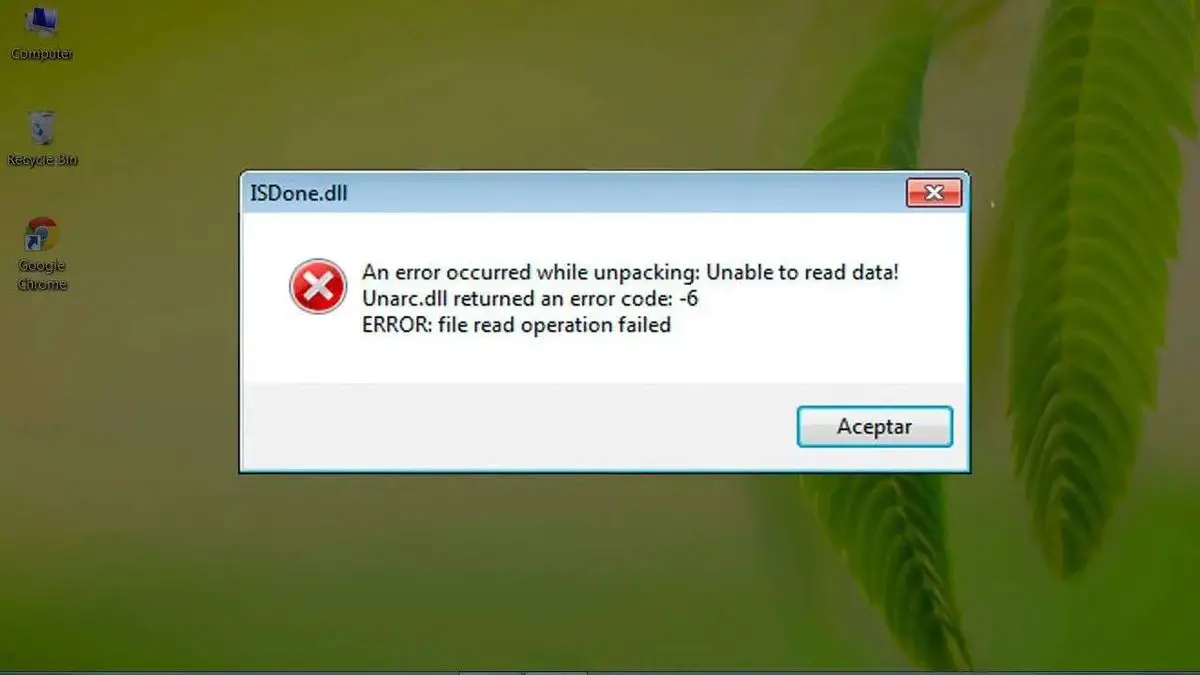

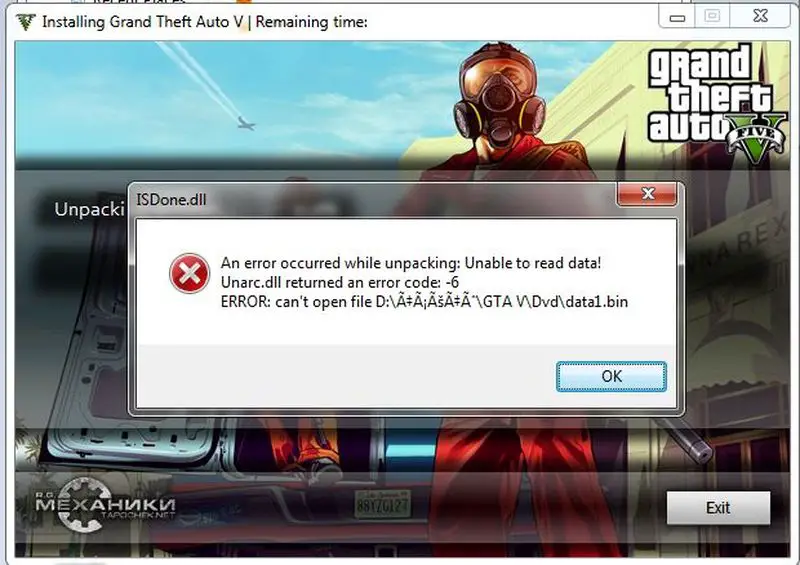
In the following tutorial, we will show you how to fix the isdone.dll error that appears when we want to install a game, program, application, etc. But first of all, let’s start by knowing what causes this error to appear and why it prevents you from installing or running a game.
Why does the isdone.dll error appear?
Generally, the appearance of the isdone.dll error is due to two main causes: corrupted files or the lack of the isdone.dll file. However, they are not the only causes for which it appears so we will have to try each solution. Depending on the cause, we will have to use one solution or another of the ones we will show you below.
How to fix the isdone.dll error?
Now that we know a little bit about why this error happens and that several causes provoke it, it is time to get into it and try the following solutions to fix this problem.
Repairing corrupt files
We will start by fixing the possible corrupted files that are the source of this problem. To do this you must do the following:
- Press the “Windows + R” keys, in the “Run” window type “cmd” and press “Enter”.
- We will enter the command prompt (a black window) where we must type “sfc /scannow” and press “Enter”.
- It will start a process that takes time that varies and that fixes the damaged files.
Updating Windows to fix the isdone.dll error
Another reason that can cause this error to appear is having an outdated operating system. So we will have to update Windows either 7, 8, or 10 in the following way.
Update Windows 7 and 8
- Click on “Start”, write in the search engine “Windows Update” and click on the result that appears.
- Inside the menu, we looked if the button “Install updates” appears to us and in the superior part if pending updates appear to us. If yes, click on the button “Install updates”.
- The process can take quite a while depending on the pending updates so keep this in mind because it can take up to several hours.
- Once the process is completed, test again to see if the problem is solved.
Upgrade Windows 10
- Click on the Windows menu and select “Settings”.
- Then go to “Update and Security” and select “Check for updates”.
- If it finds the updates, install them, reboot, and check if the error has been repaired.
Disable antivirus
Sometimes the problem of isdone.dll being missing is because the antivirus is blocking it because it is thought to be a malicious process. This is due to what is called false positive and whose solution is to disable the antivirus. In this sense we recommend you deactivate the antivirus that you have, execute the program that generates this error and verify that it is solved. If it is not solved we would have to reactivate the antivirus.
Repair the isdone.dll error by reinstalling the game, program, etc
As the last solution, we would have to resort to something drastic, the uninstallation of the game. In this sense, it is not enough with the simple automatic uninstallation but we will have to make manual elimination of the residual files. To do this, do the following:
- Use the uninstaller of the game, program, etc., and uninstall it.
- Then go to where it was installed and delete the residual files.
- After that reinstall the game.
- In applications like Steam, Battle.net, etc. you may want to remove the launcher as well to avoid corrupted files. Although we have tested without doing this and it worked.
Some of the programs, games, and applications that suffer from isdone.dll error
isdone.dll error Arma 3, The Sims 4, Assassin’s Creed 3, Assassin’s Origins, Batman Arkham City, Borderlands, Battlefield 1, Borderlands 2, Dragon Ball Xenoverse 2, Battlefield 4, Call of Duty Black Ops 3, Dying Light, GTA V, GTA San Andreas, Sniper Ghost Warrior 3, Gears of War, F1 2018, Hitman 2, Just Cause 2, Just Cause 3, Mortal Kombat X, Life is Strange, La Noire, Nier Automata, NBA2K18, Naruto Shippuden Ninja Storm 4, Need for Speed, Outlast 2, Nioh, call of Duty WW2, Project Cars 2, PES 2018, Shadow of Mordor, PRototype, Resident Evil 2, Resident Evil 7, Rainbow Six Siege, Tomb Raider 2013, isdone.dll fitgirl repack, The Witcher 3, isdone.dll x64, isdone.dll x32, etc.


